
Studio v0.2.0 · Product manual
Screen atlas
Screen atlas — GalCraft Studio product manual.
Expand a function to find its controls alongside the relevant tutorial.
Studio 0.2.0 workbench
Asset directory, library, preview and properties
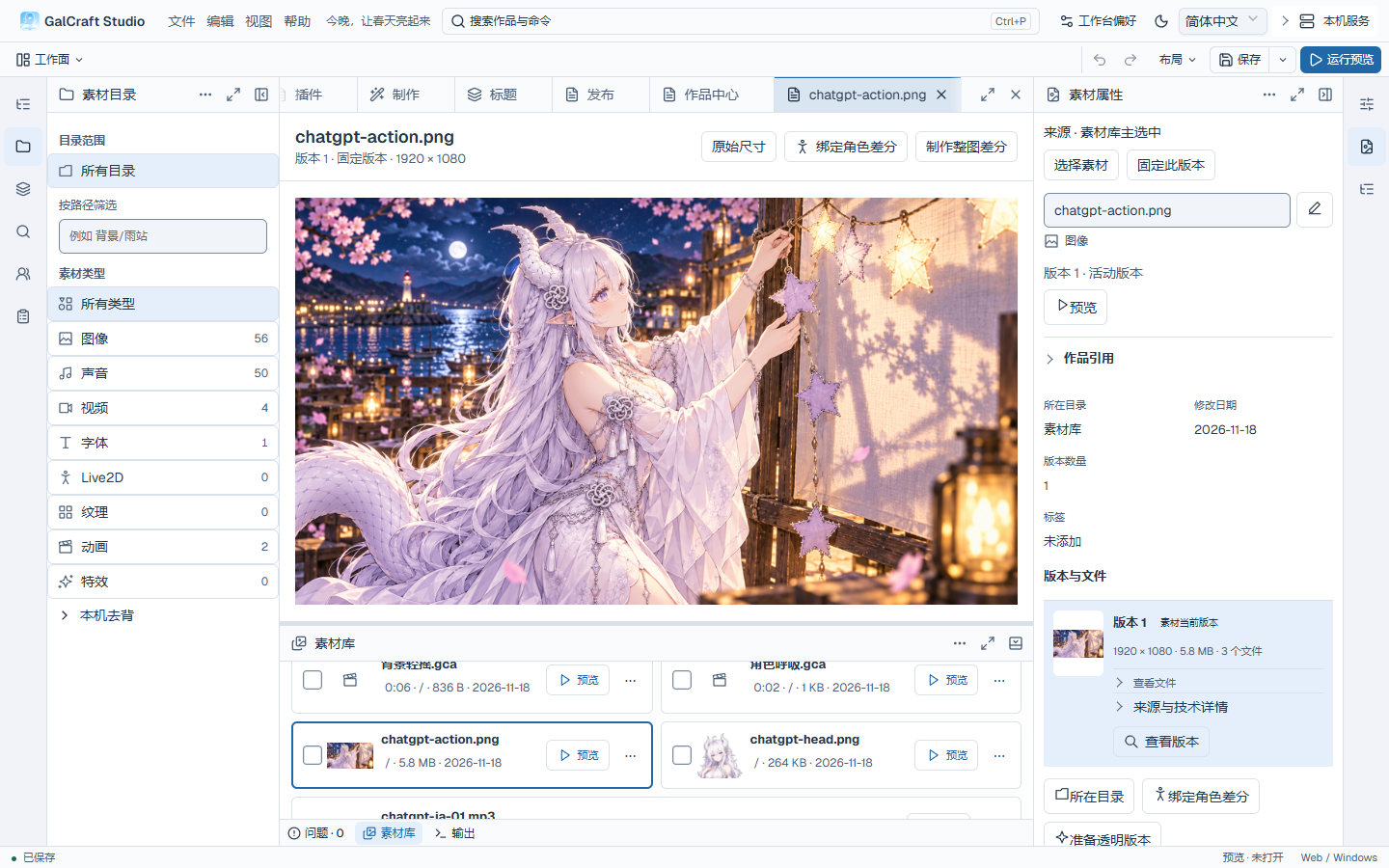
Shared differences in a character document
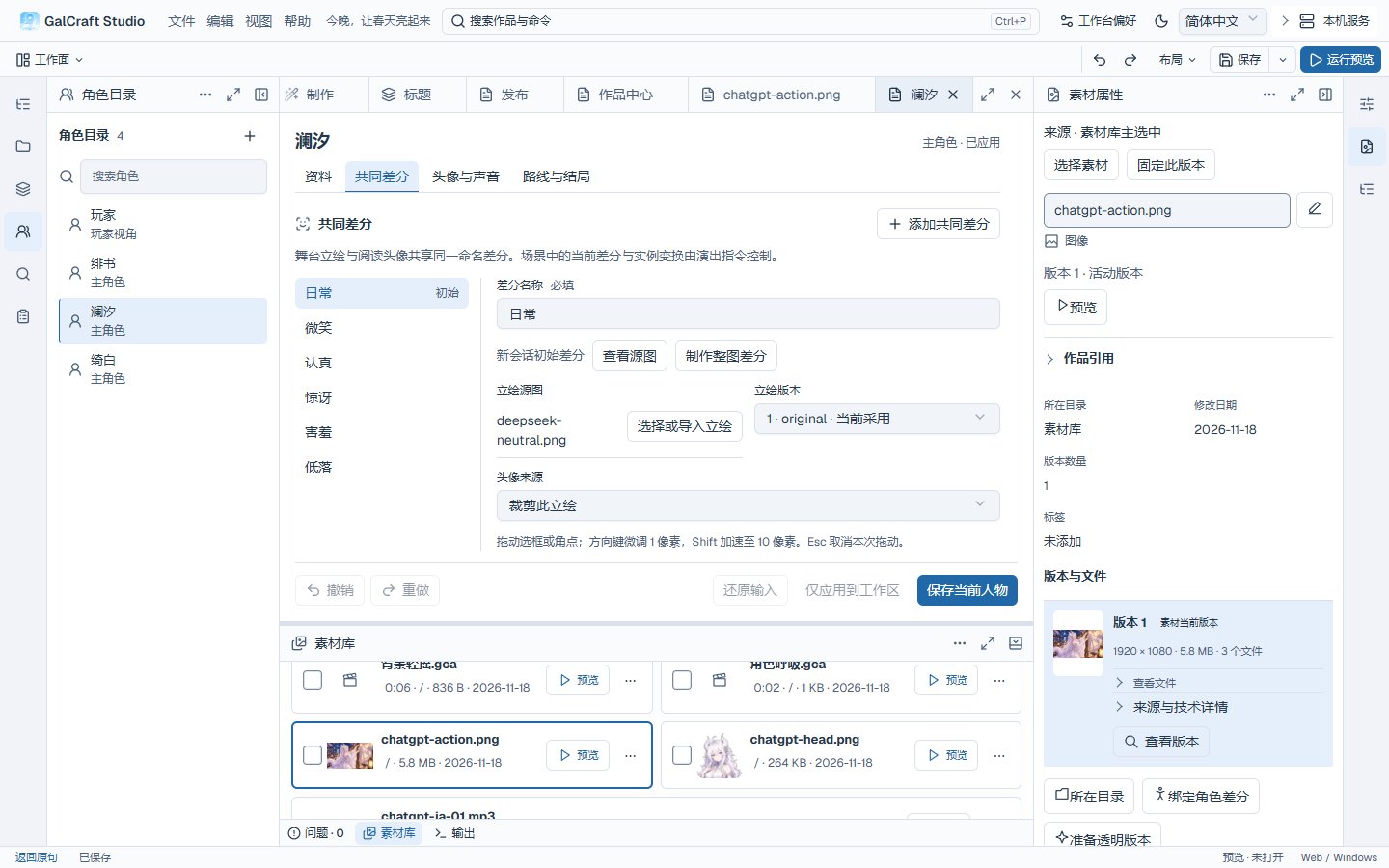
Behavior for a title-page component
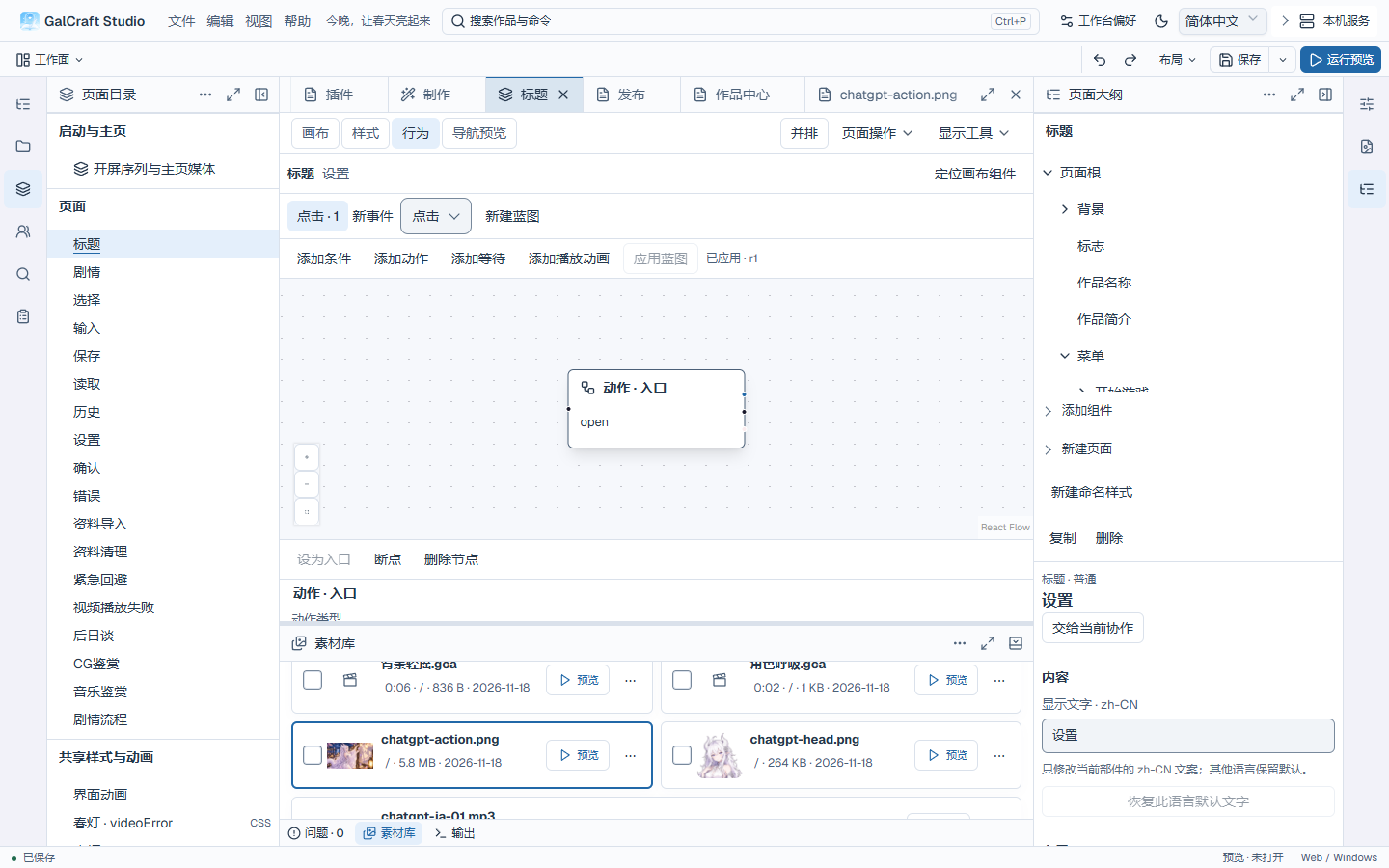
Production workface
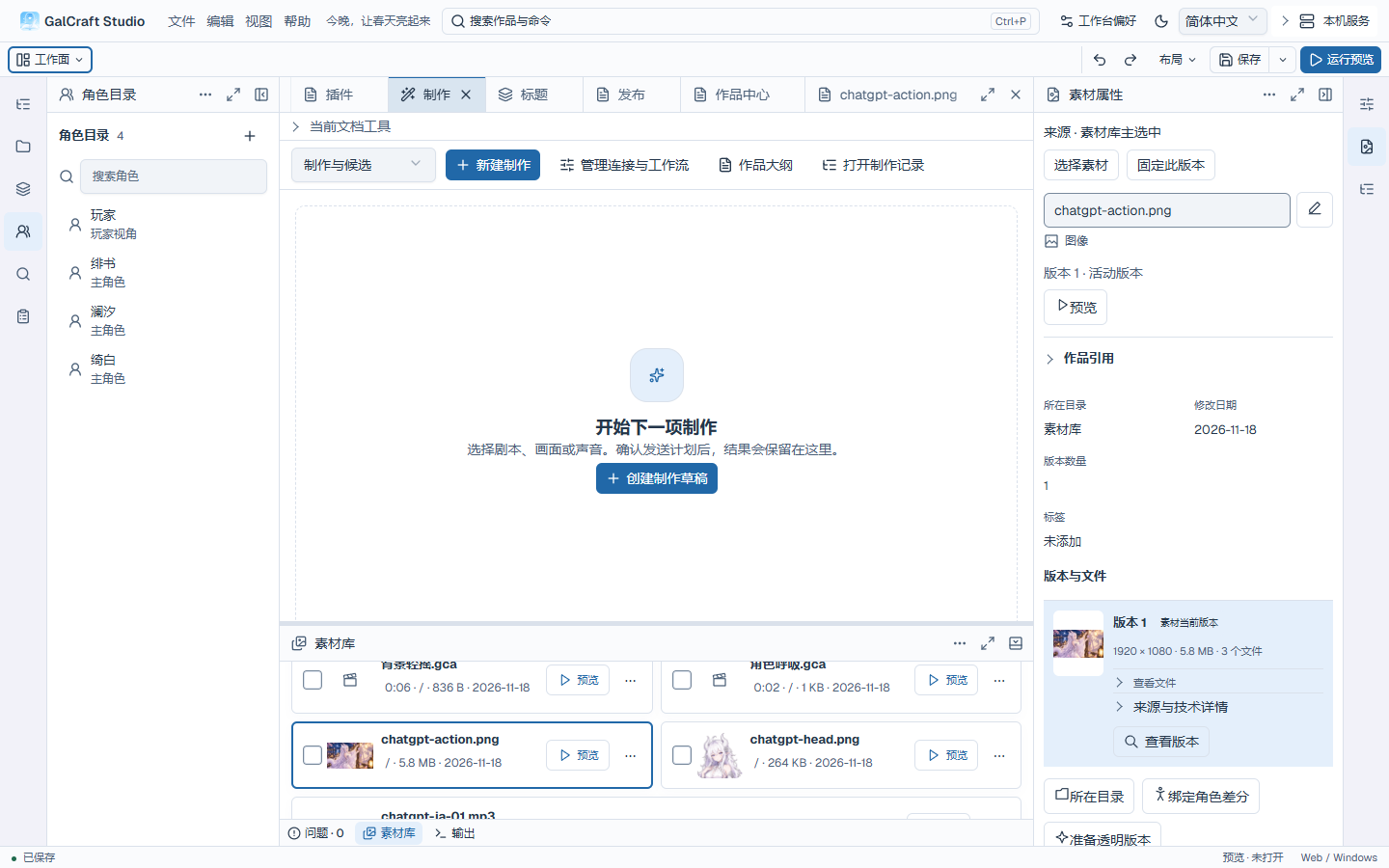
Production and collaboration
Production history in the previous workbench layout
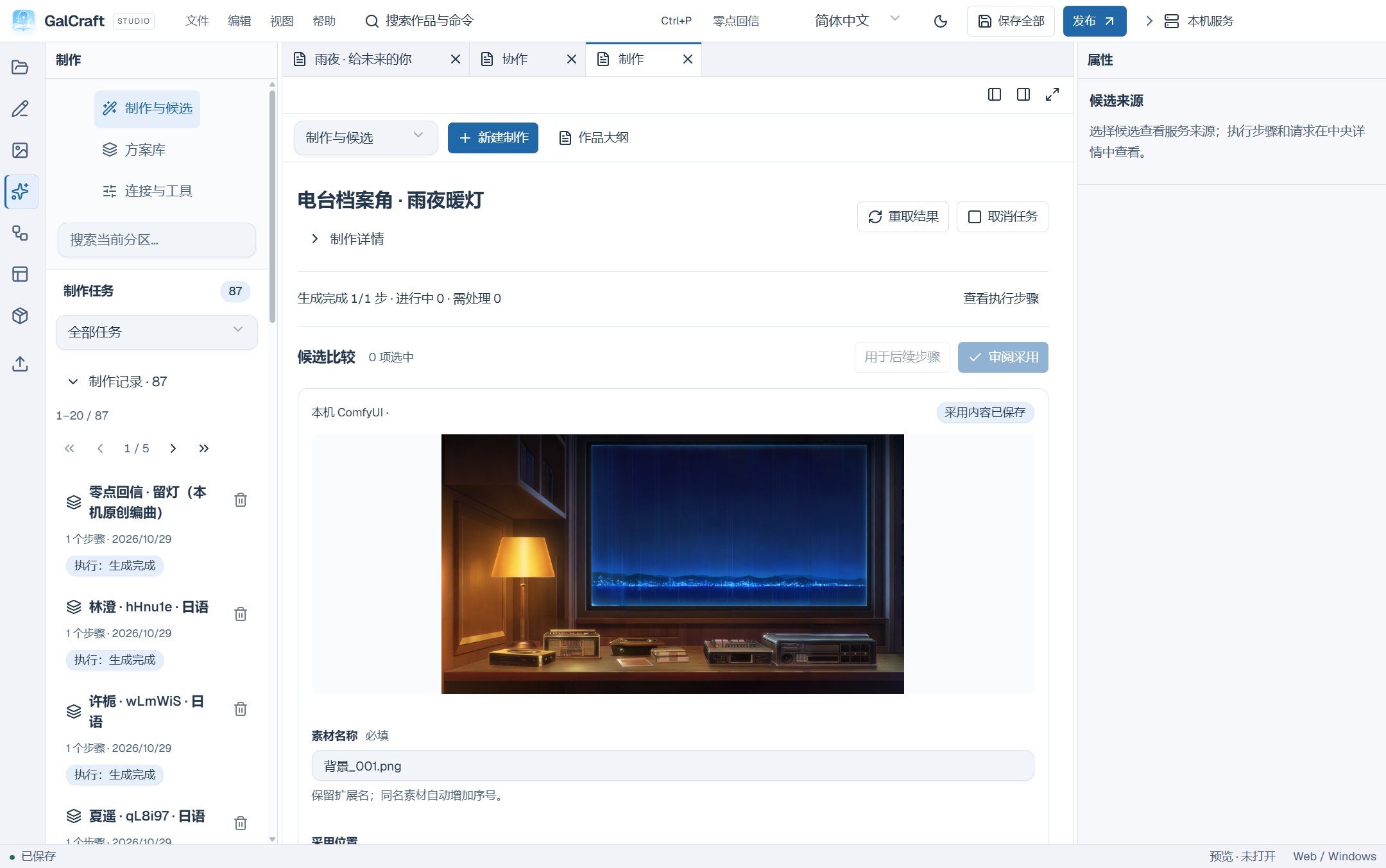
Paged call history and full-call Inspector
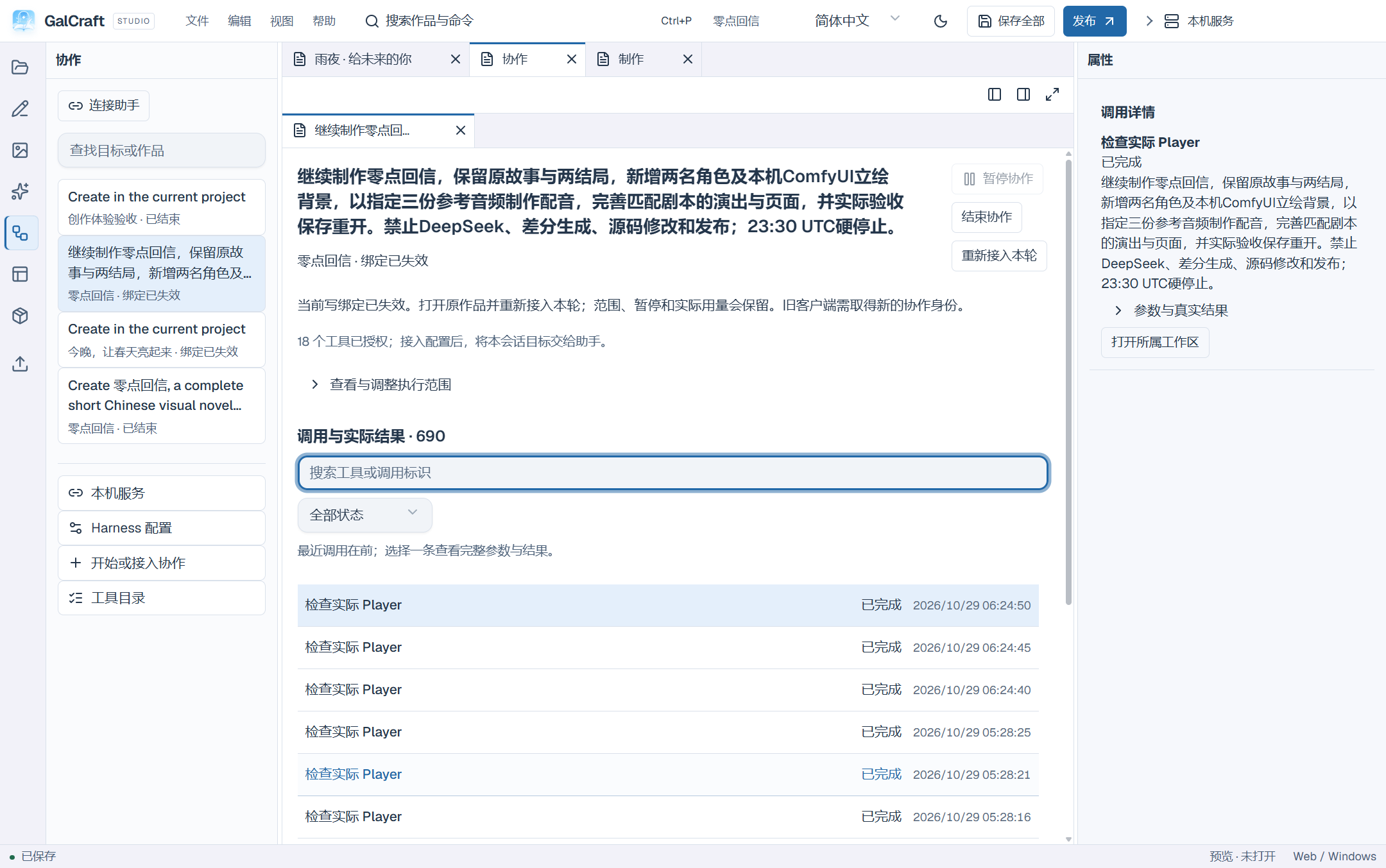
Preserved Skill edits and an update awaiting review
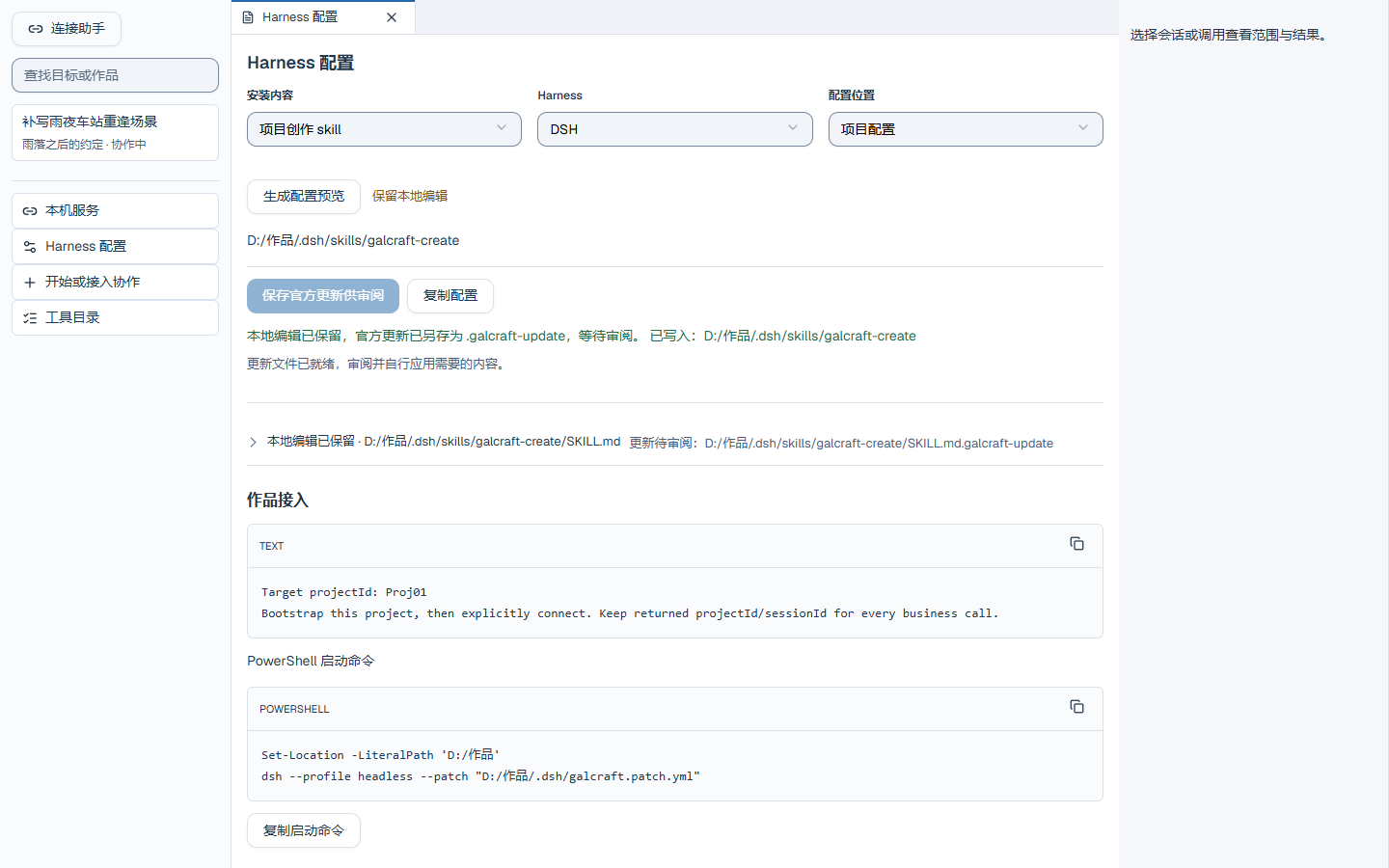
New round from ended collaboration history
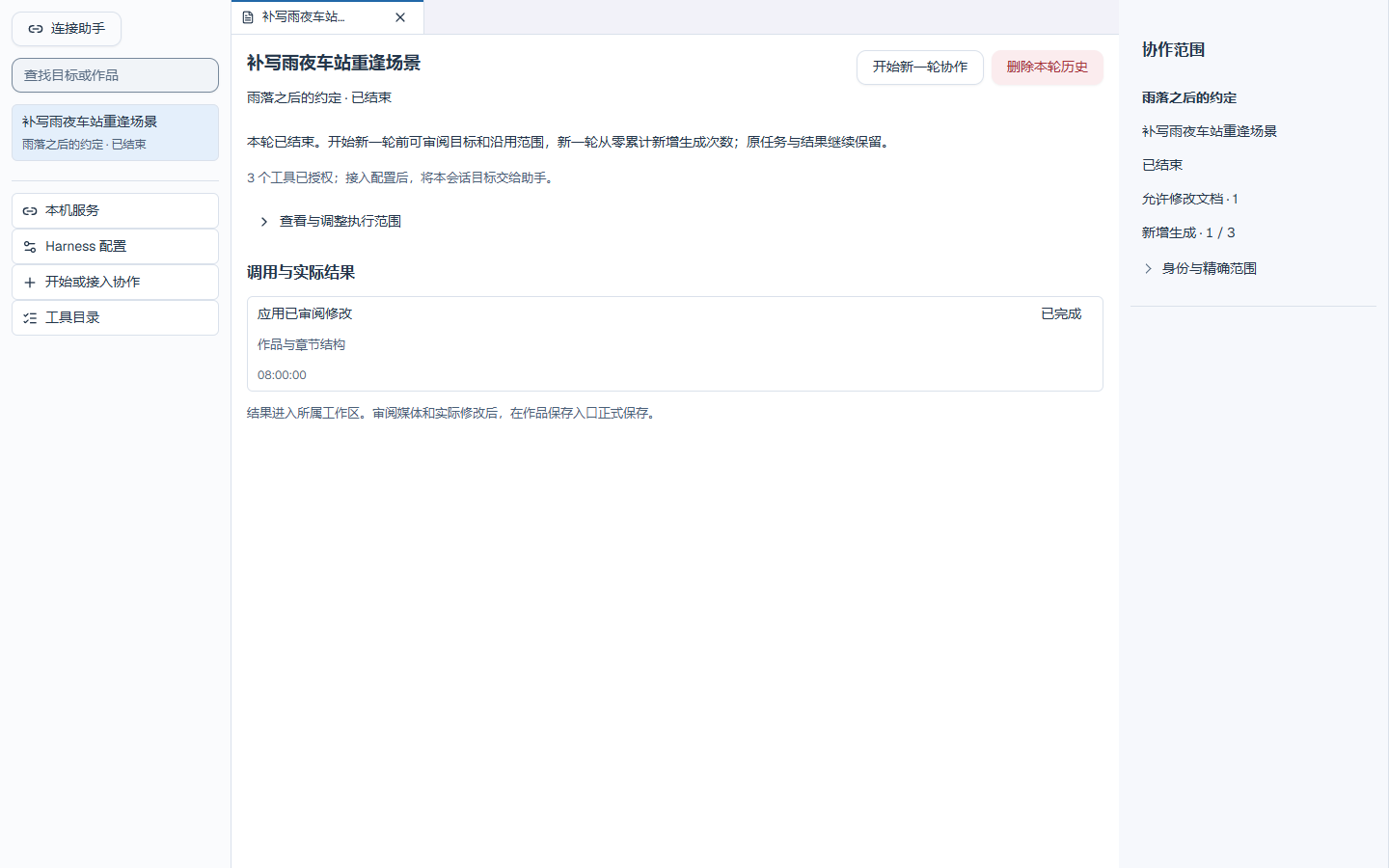
MCP configuration in a parent Codex workspace and an independent work
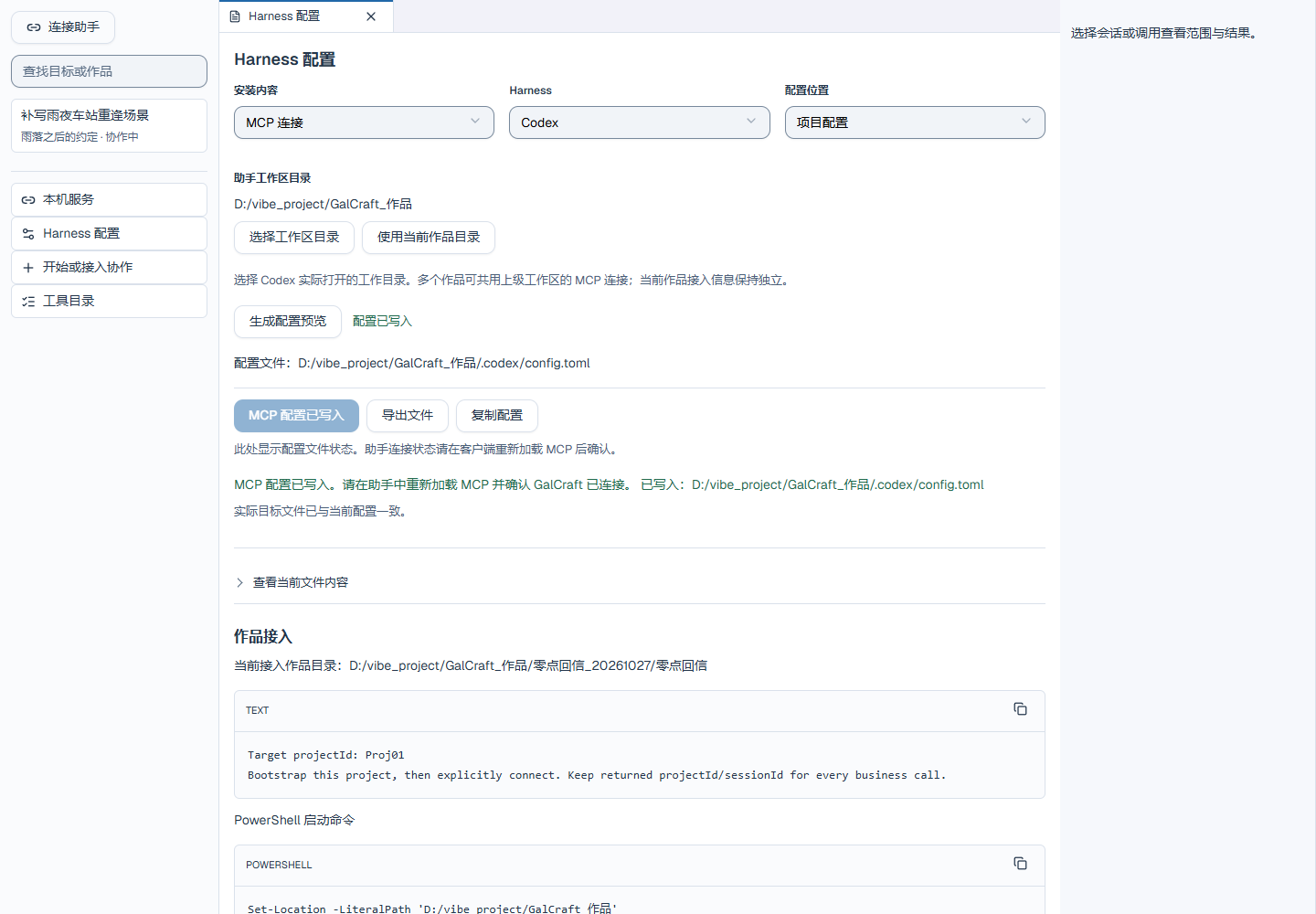
Examples and Player
Spring Lights Web Player home page
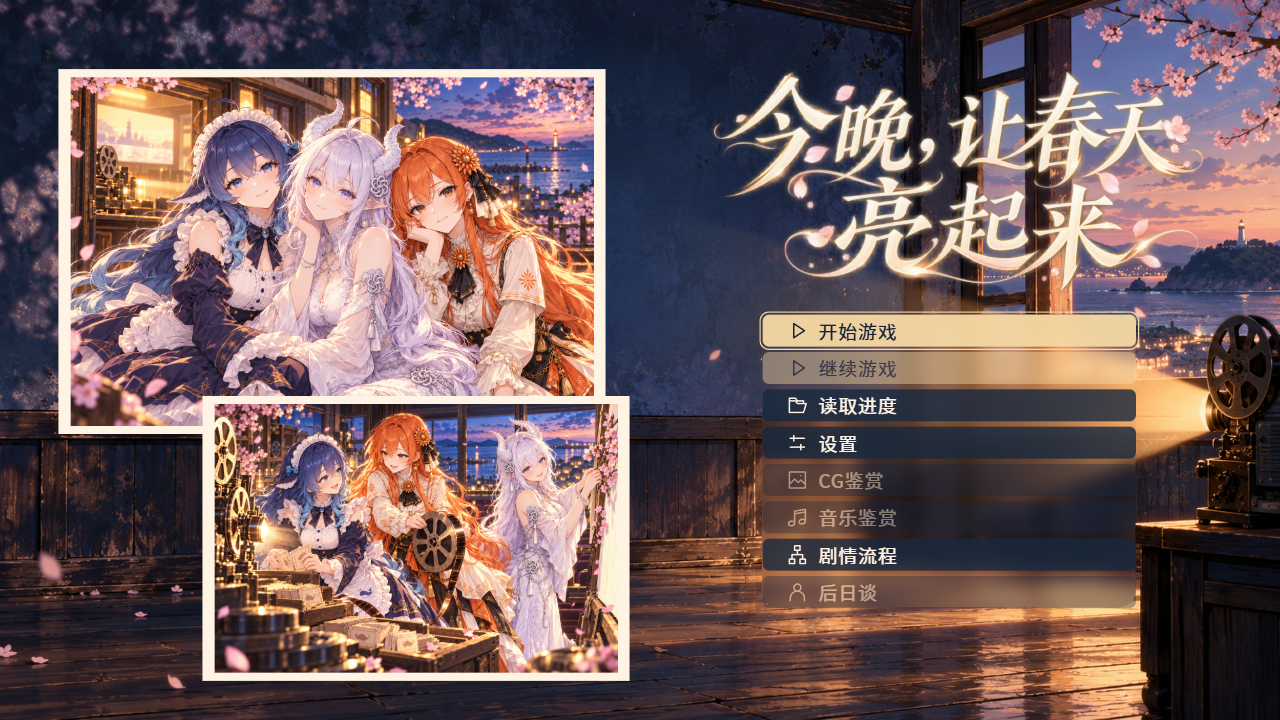
Assets and pages
Variable scope and missing-value text
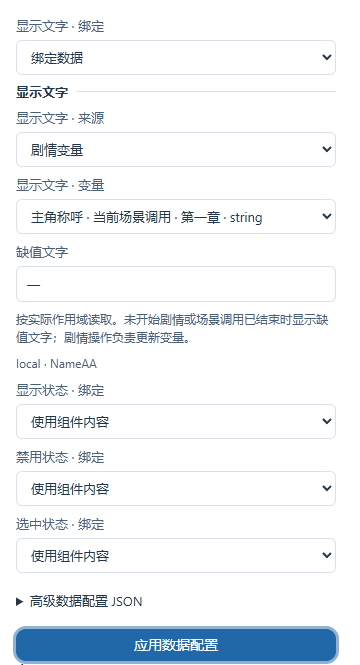
Plugins and publishing
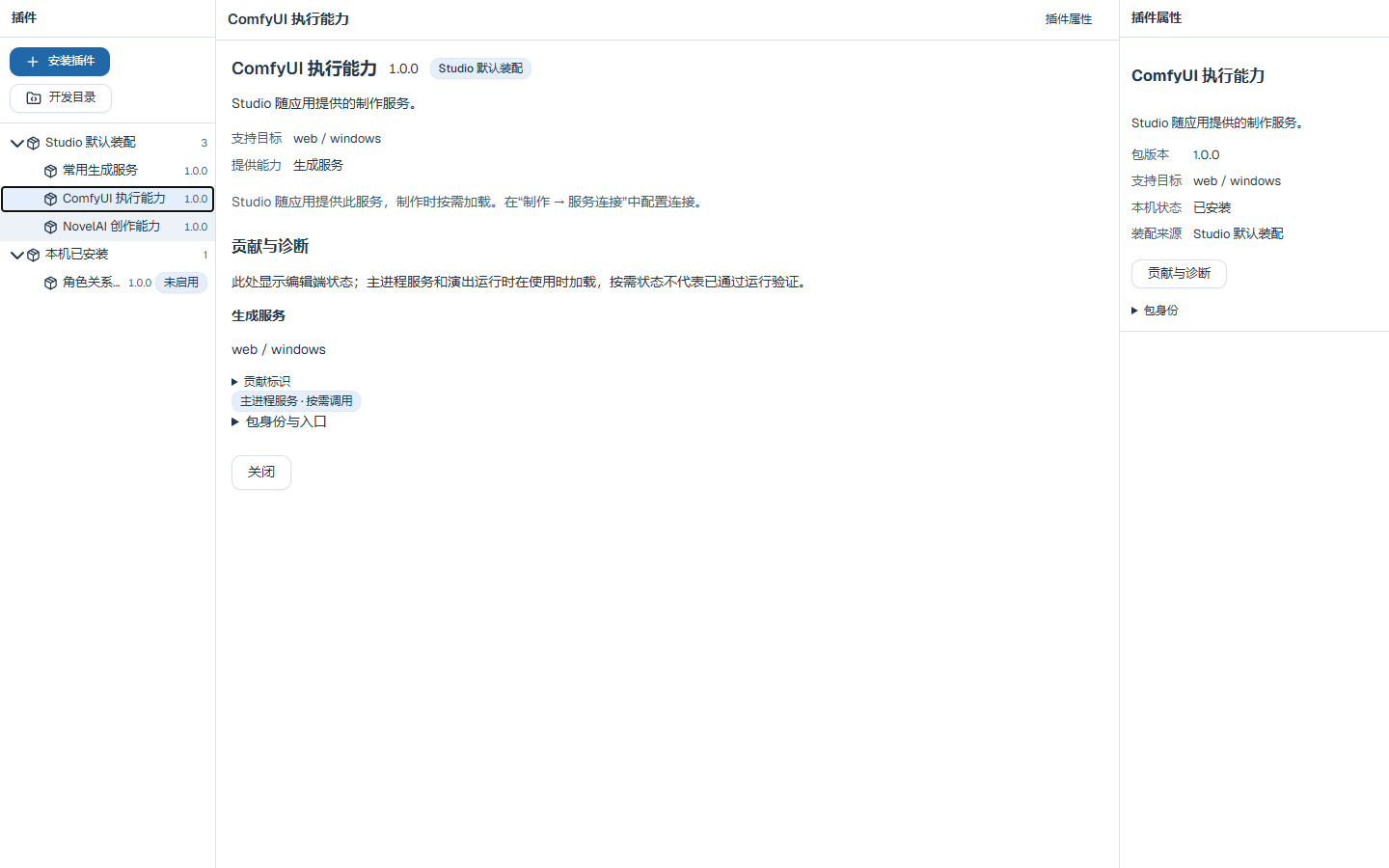
Studio-provided services and project plugin groups; the production page rendered
AI production and services
ComfyUI API graph and mapping
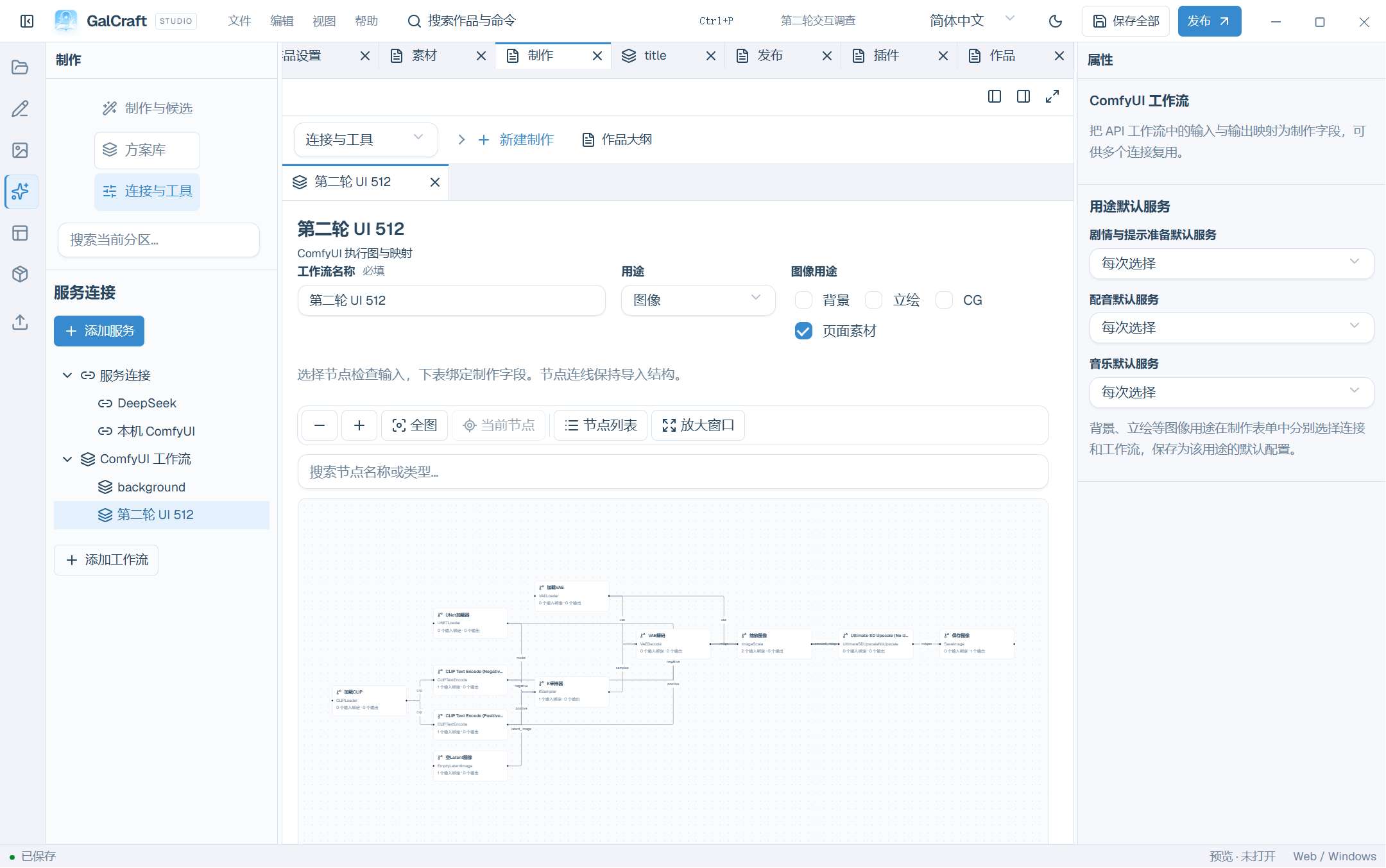
Workflow Edit
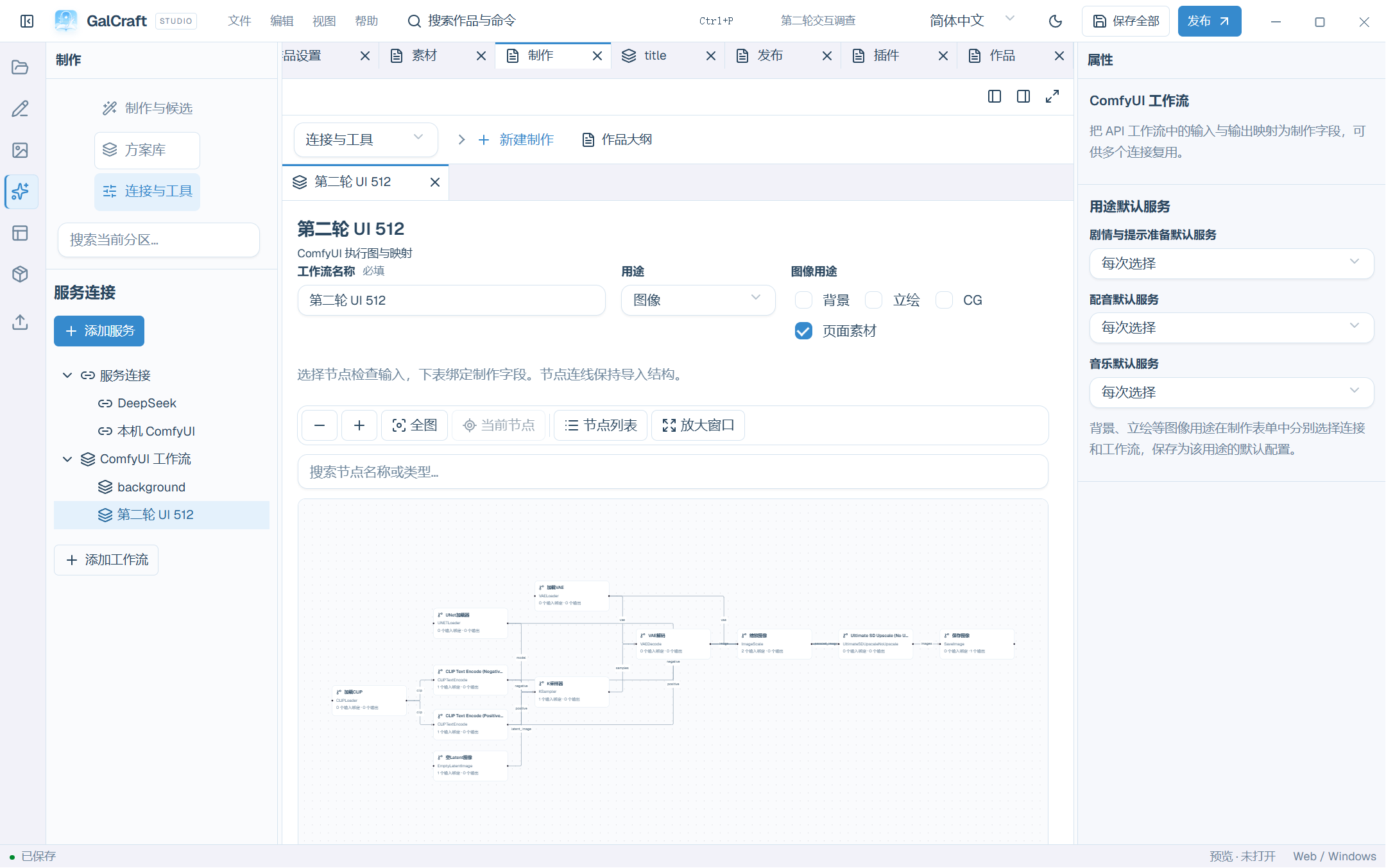
Workflow Mapping
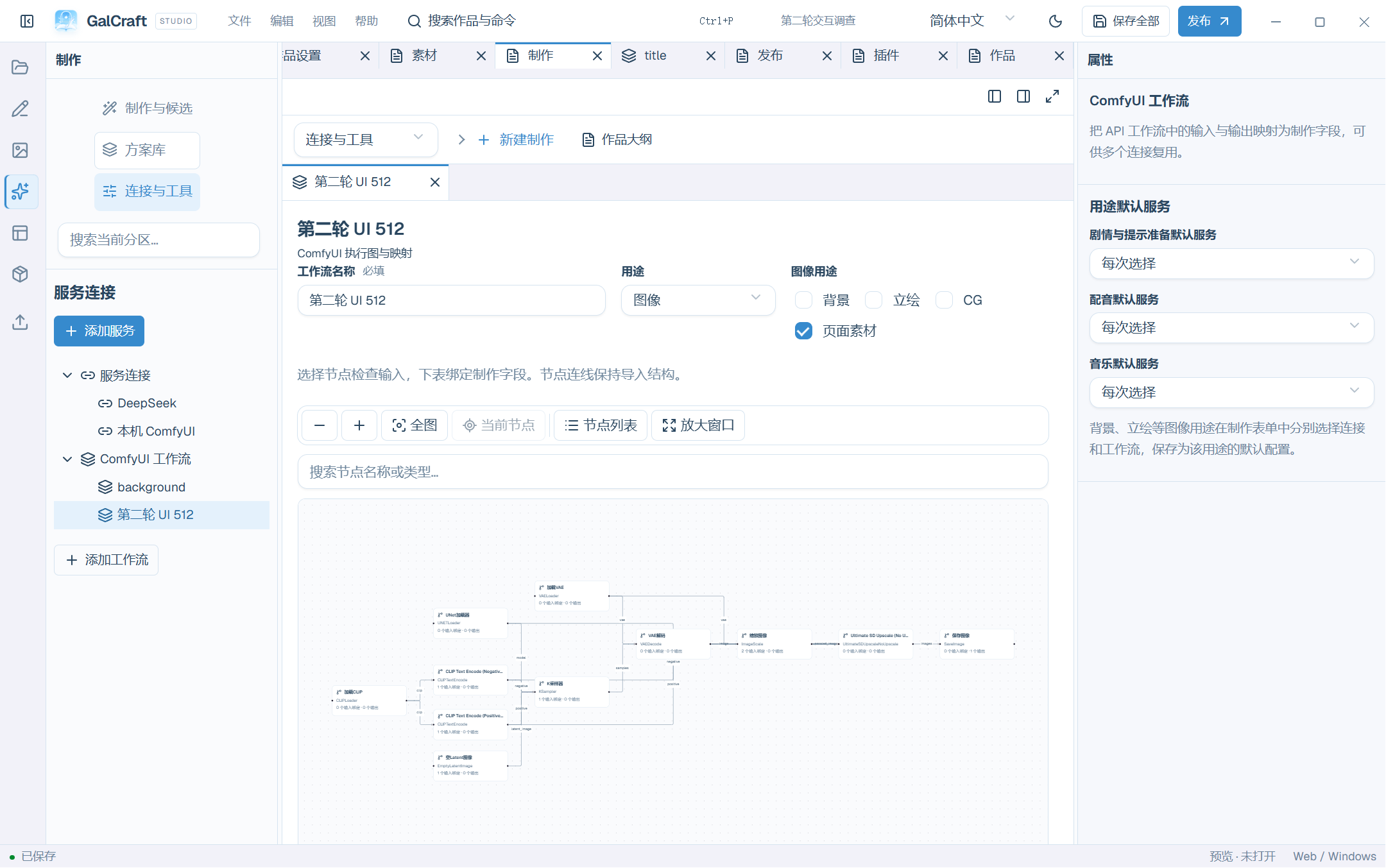
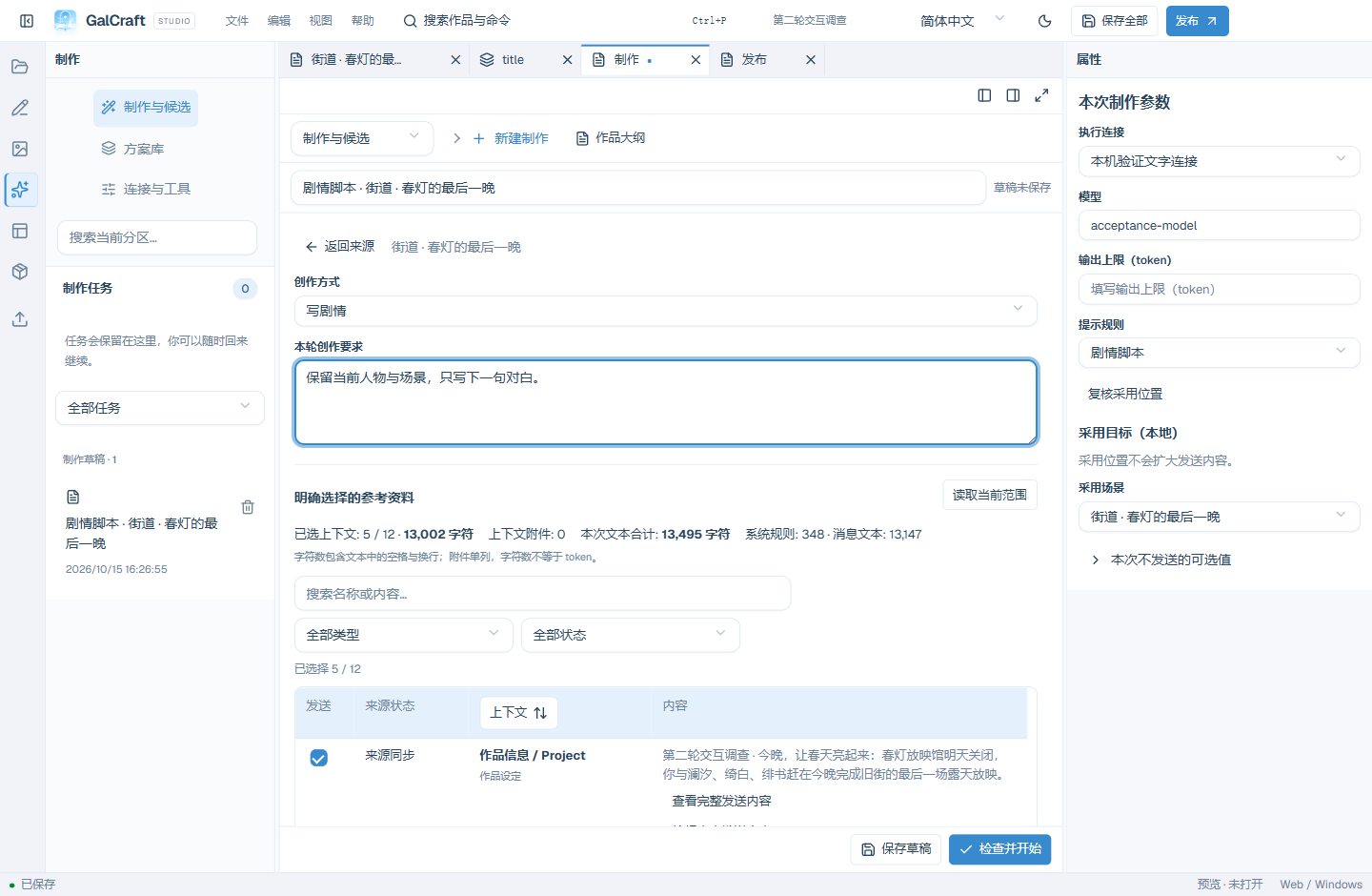
Context Selection
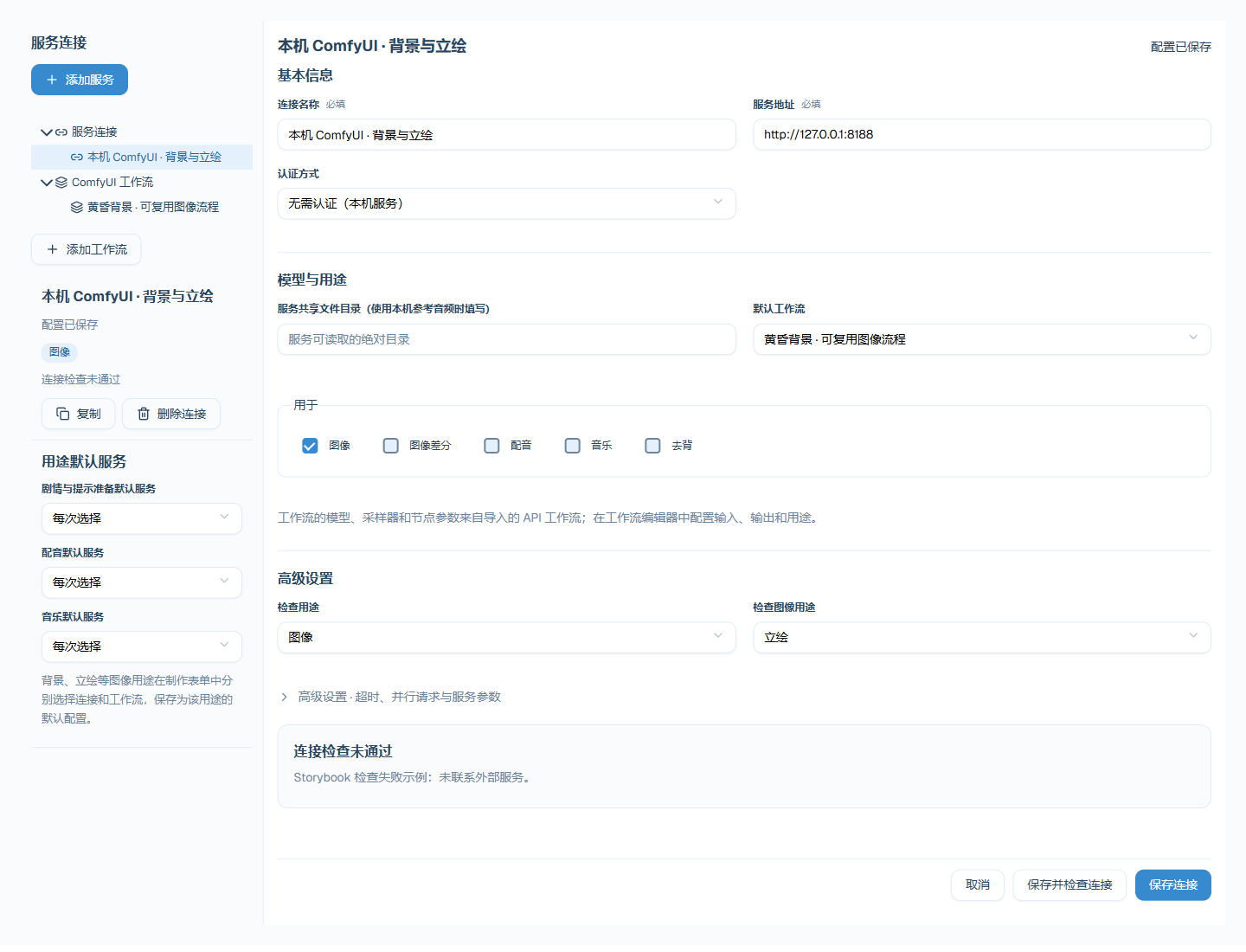
Service Check Dimensions
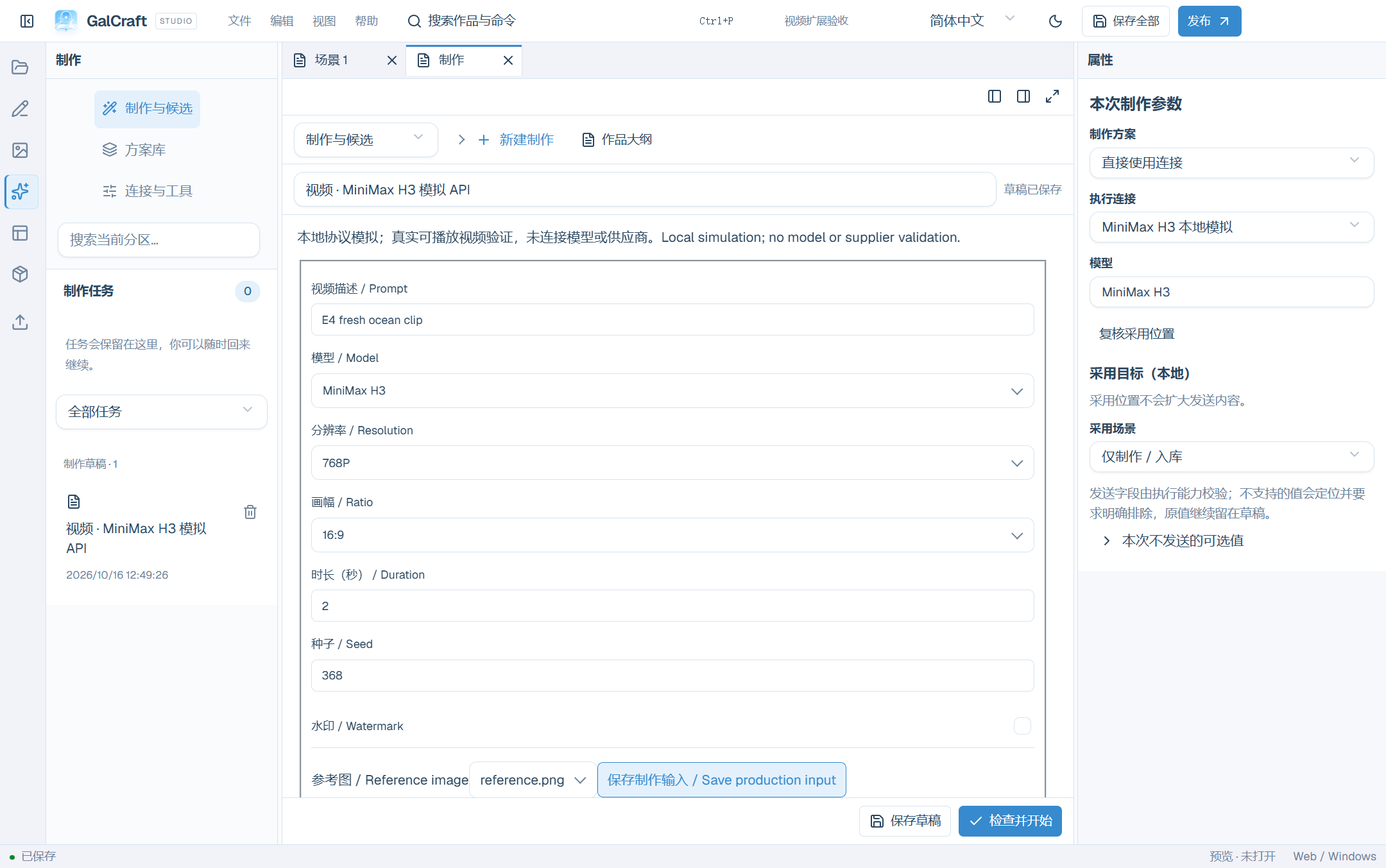
Production Extension Input
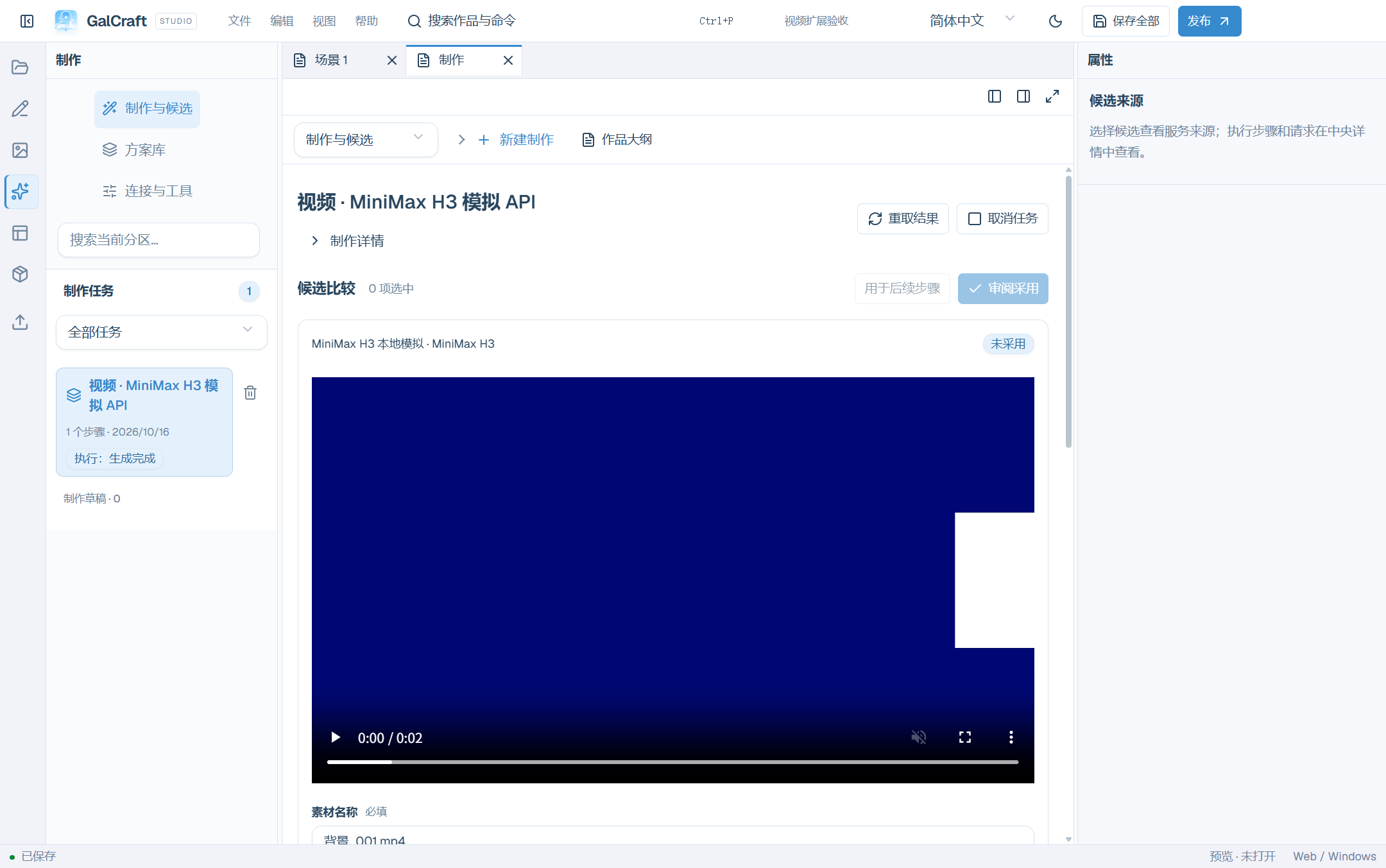
Local simulated API video candidate and adoption
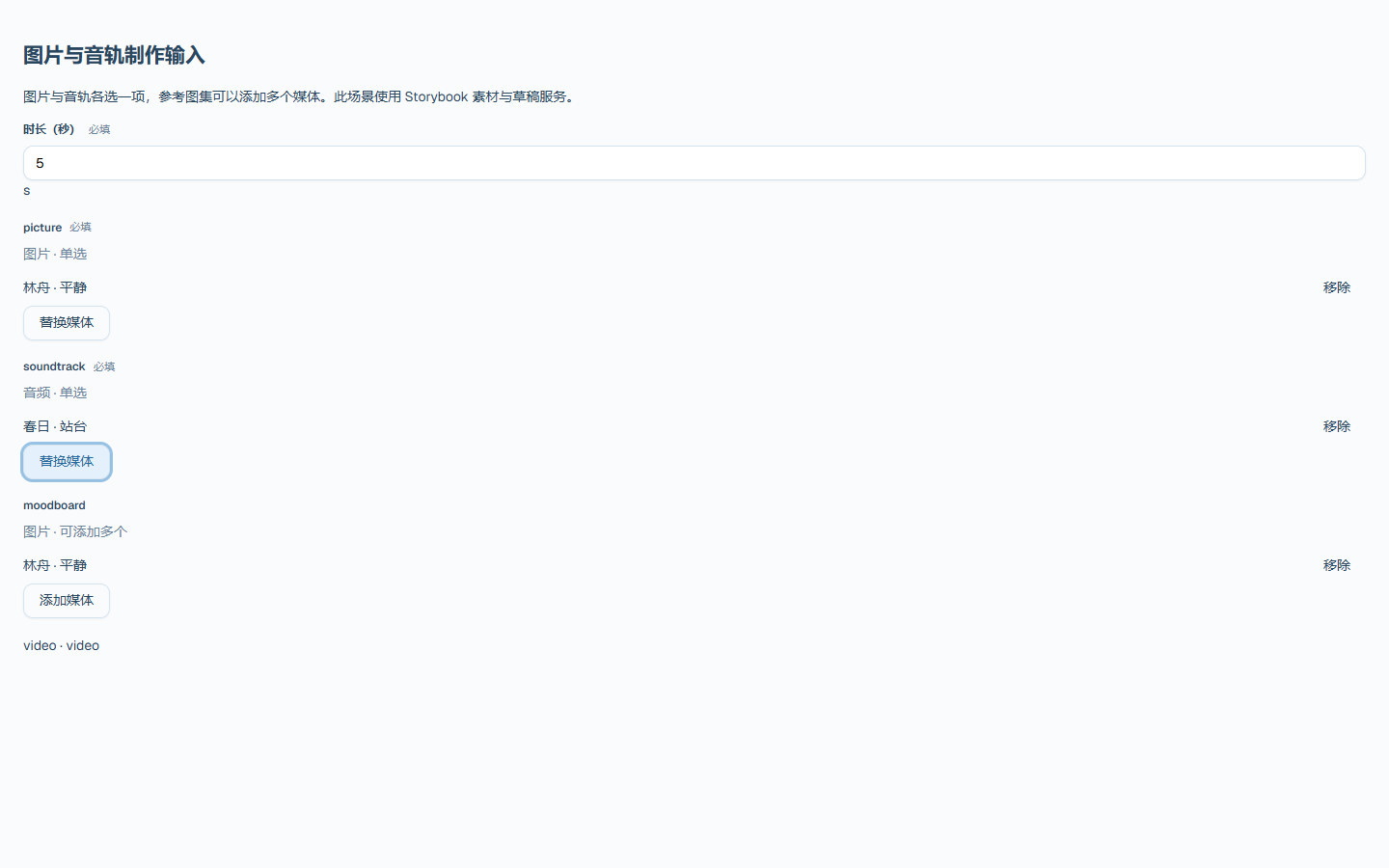
Generic media ports
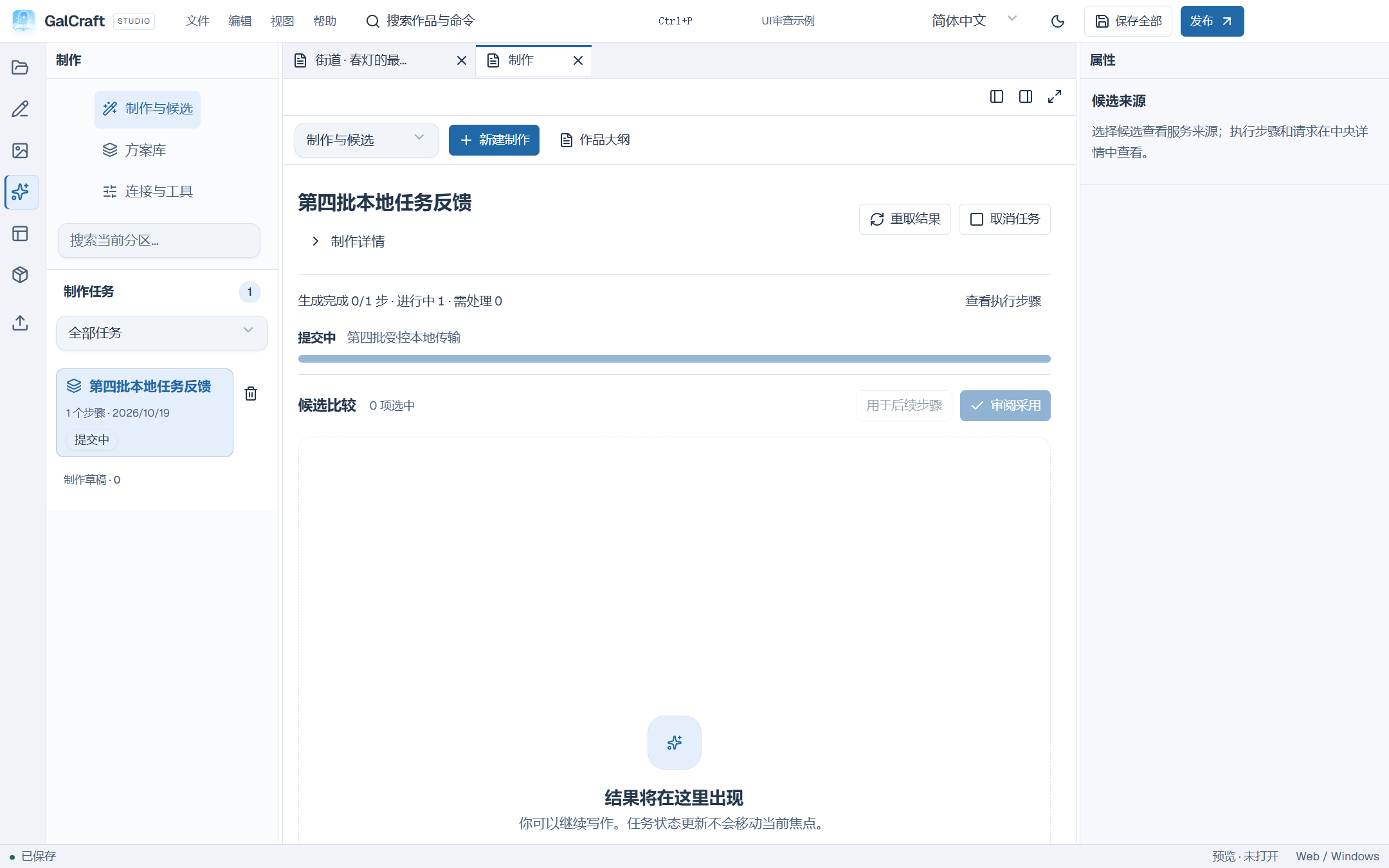
Production task stage feedback
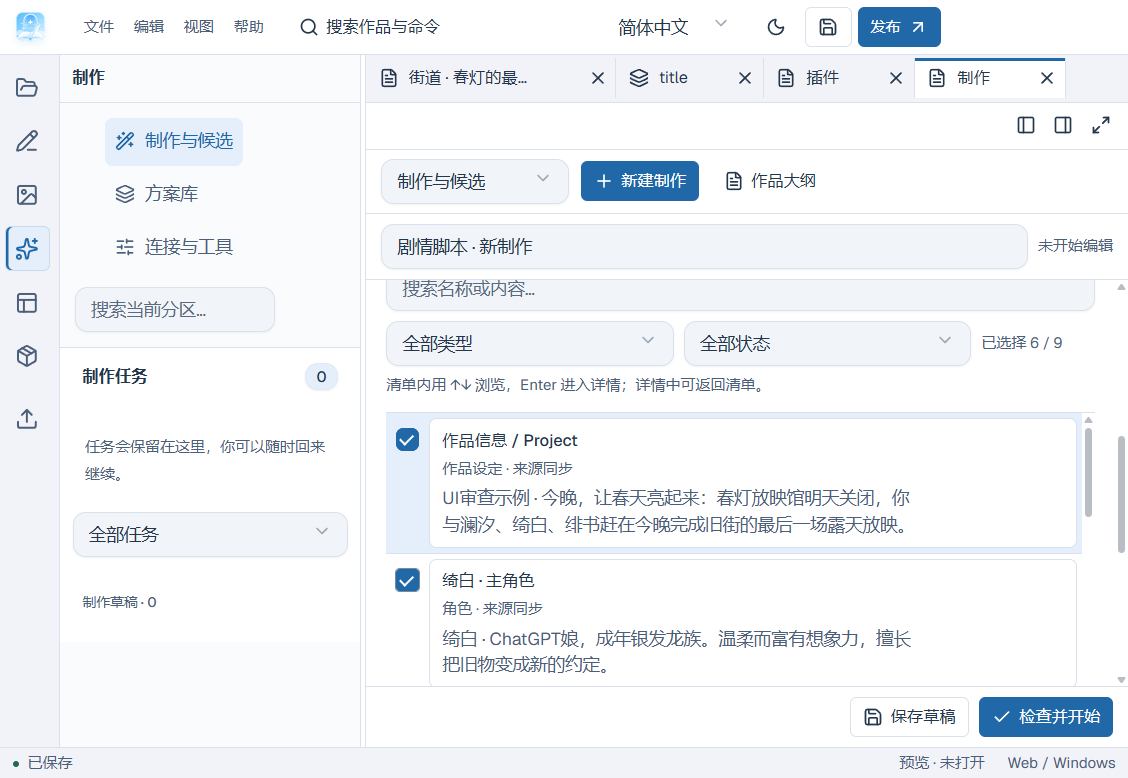
Context list and detail entry
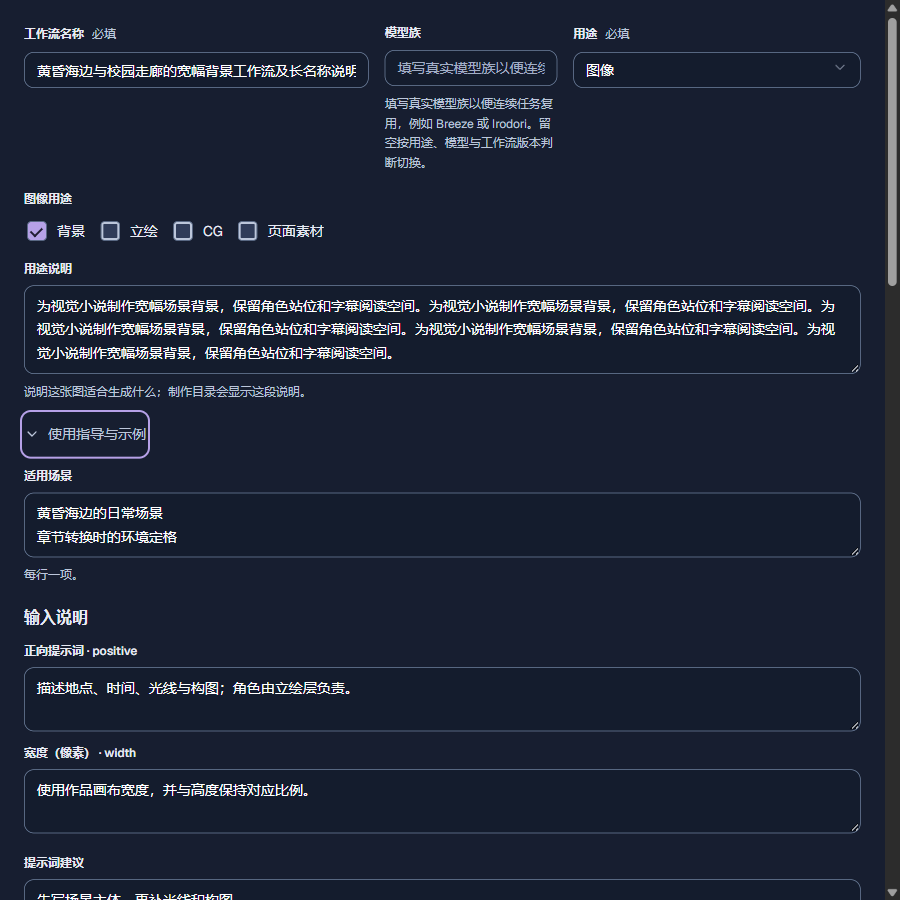
Workflow purposes and usage guidance
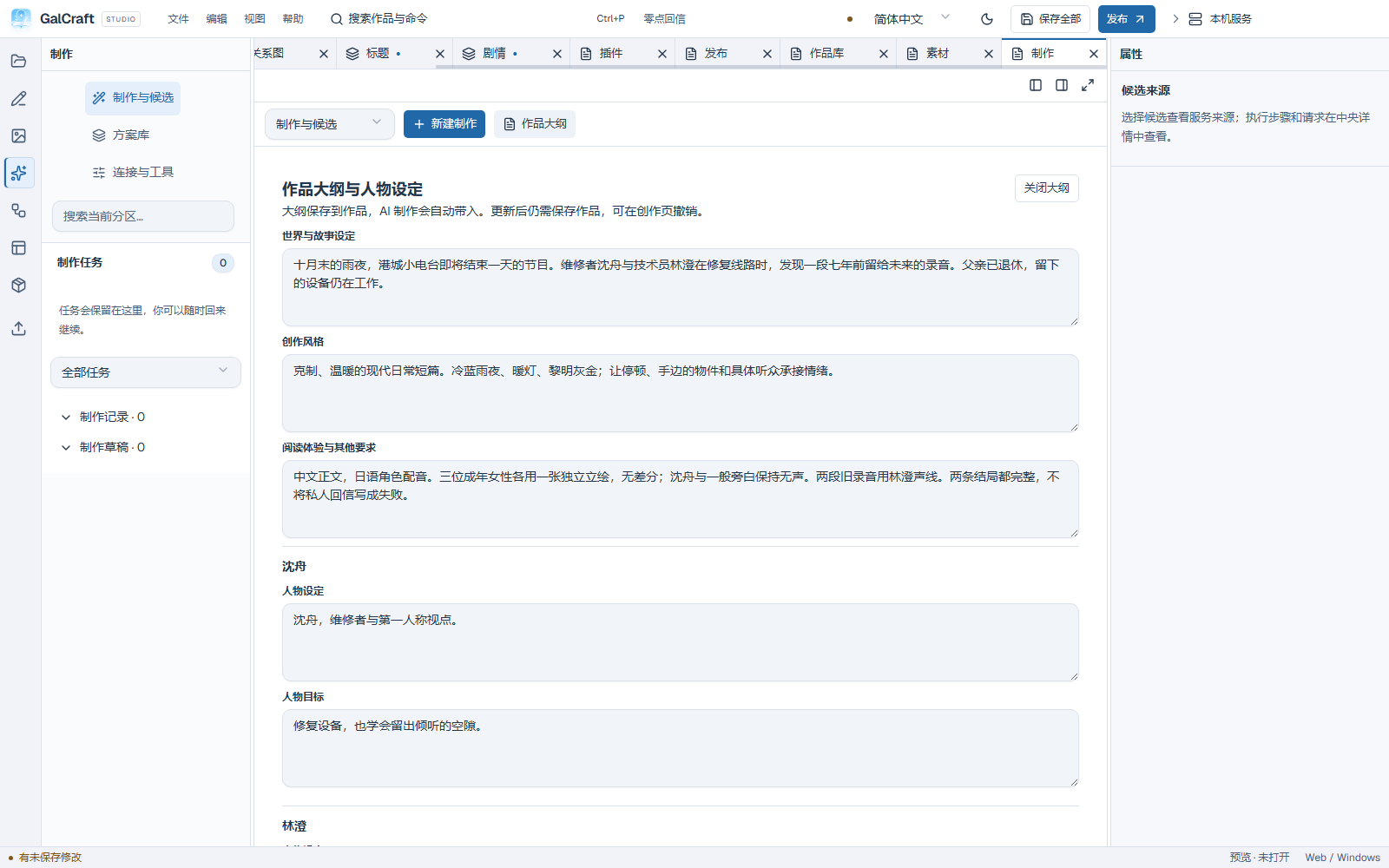
Persistent work outline and character notes
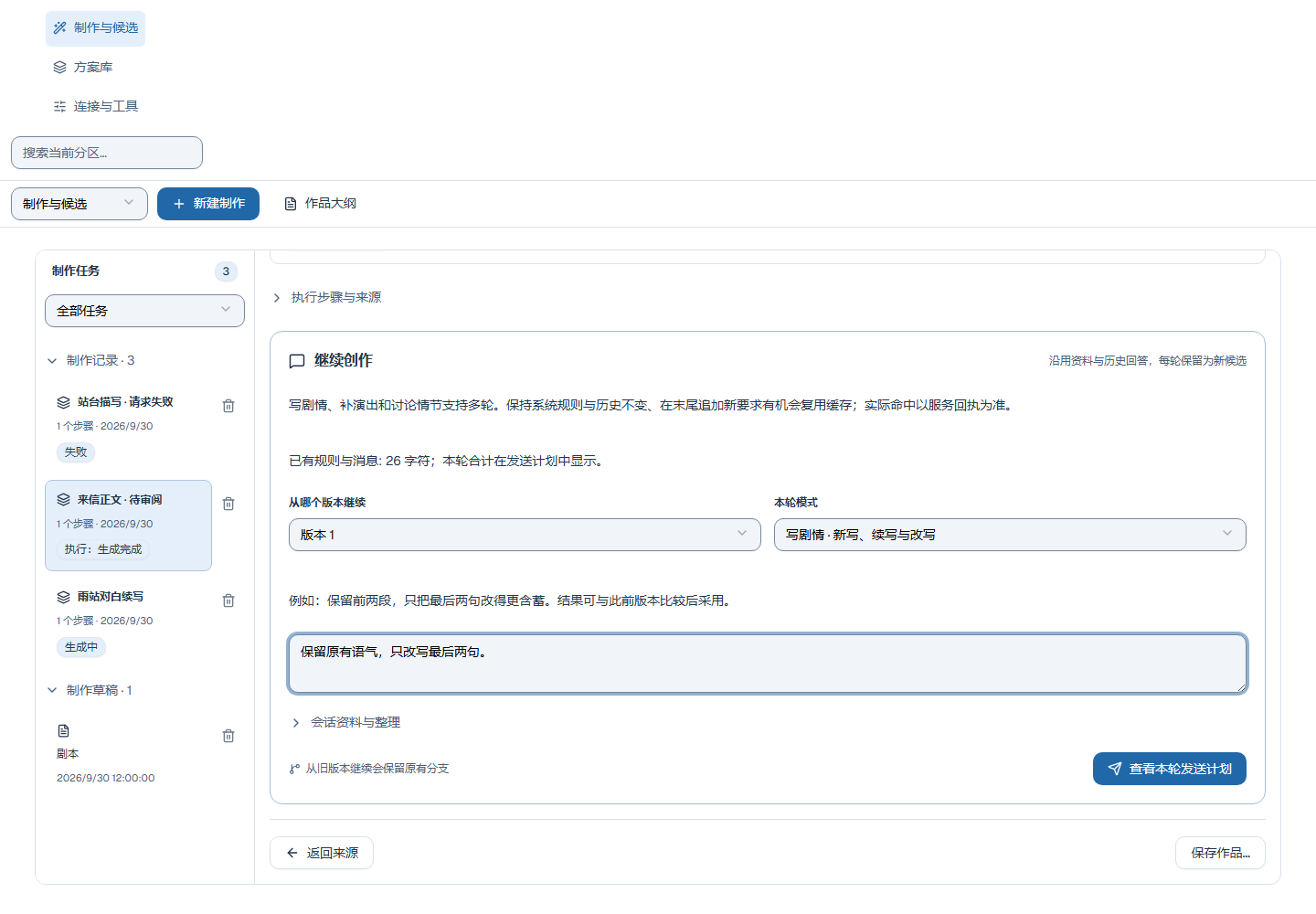
Continuation input and plan entry
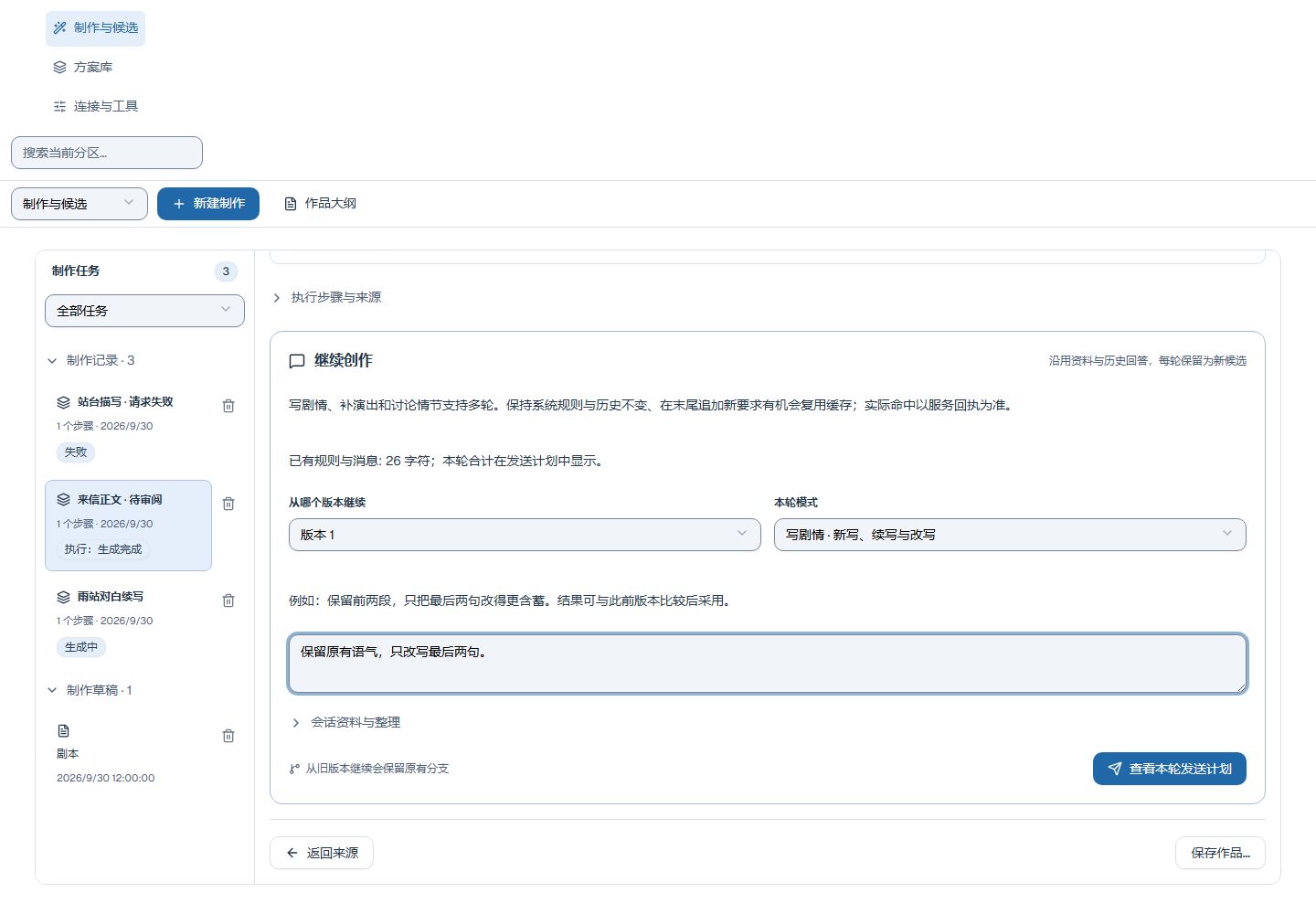
Text candidate, original output and provenance
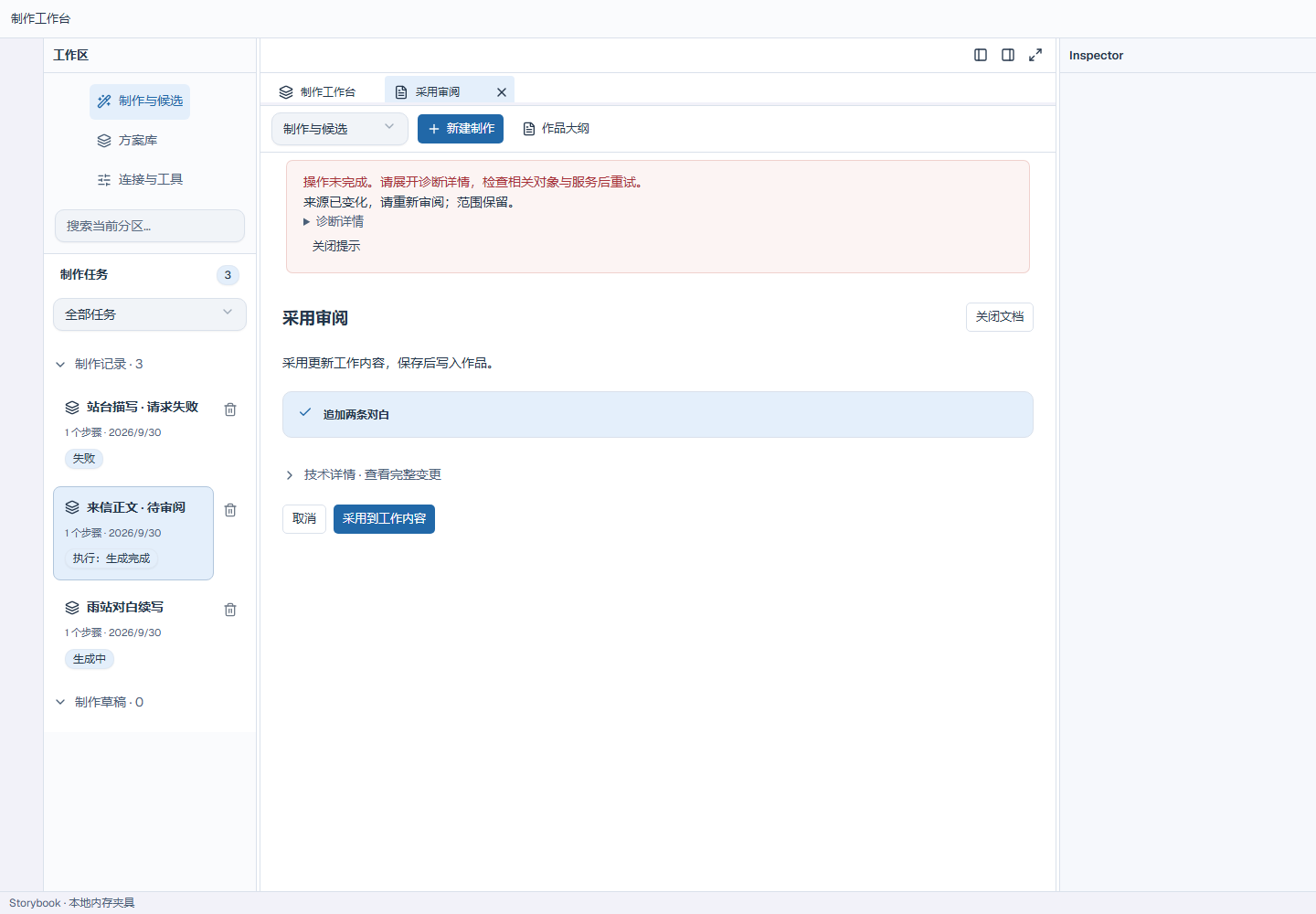
Adoption review retained after a source change
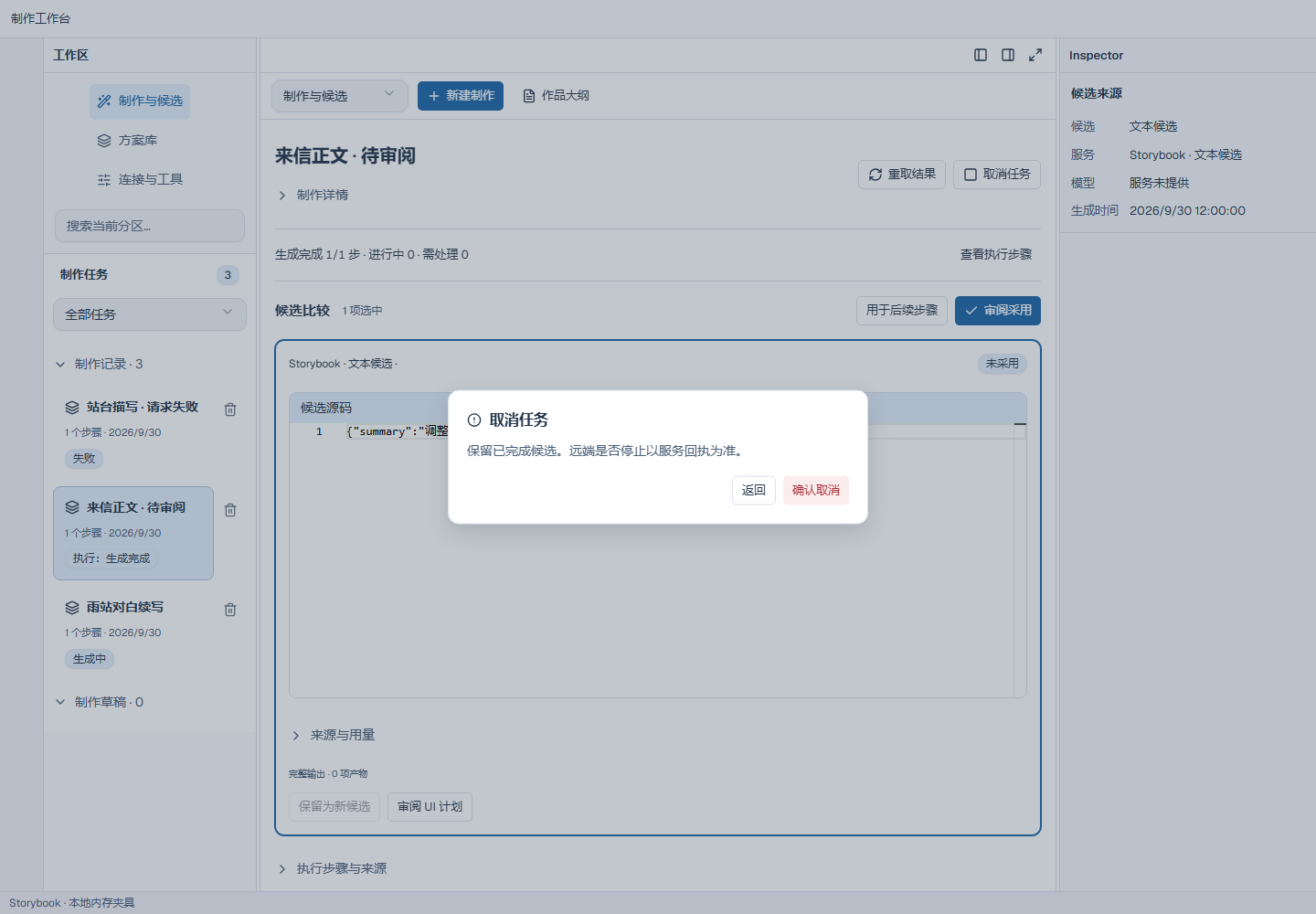
Task cancellation confirmation
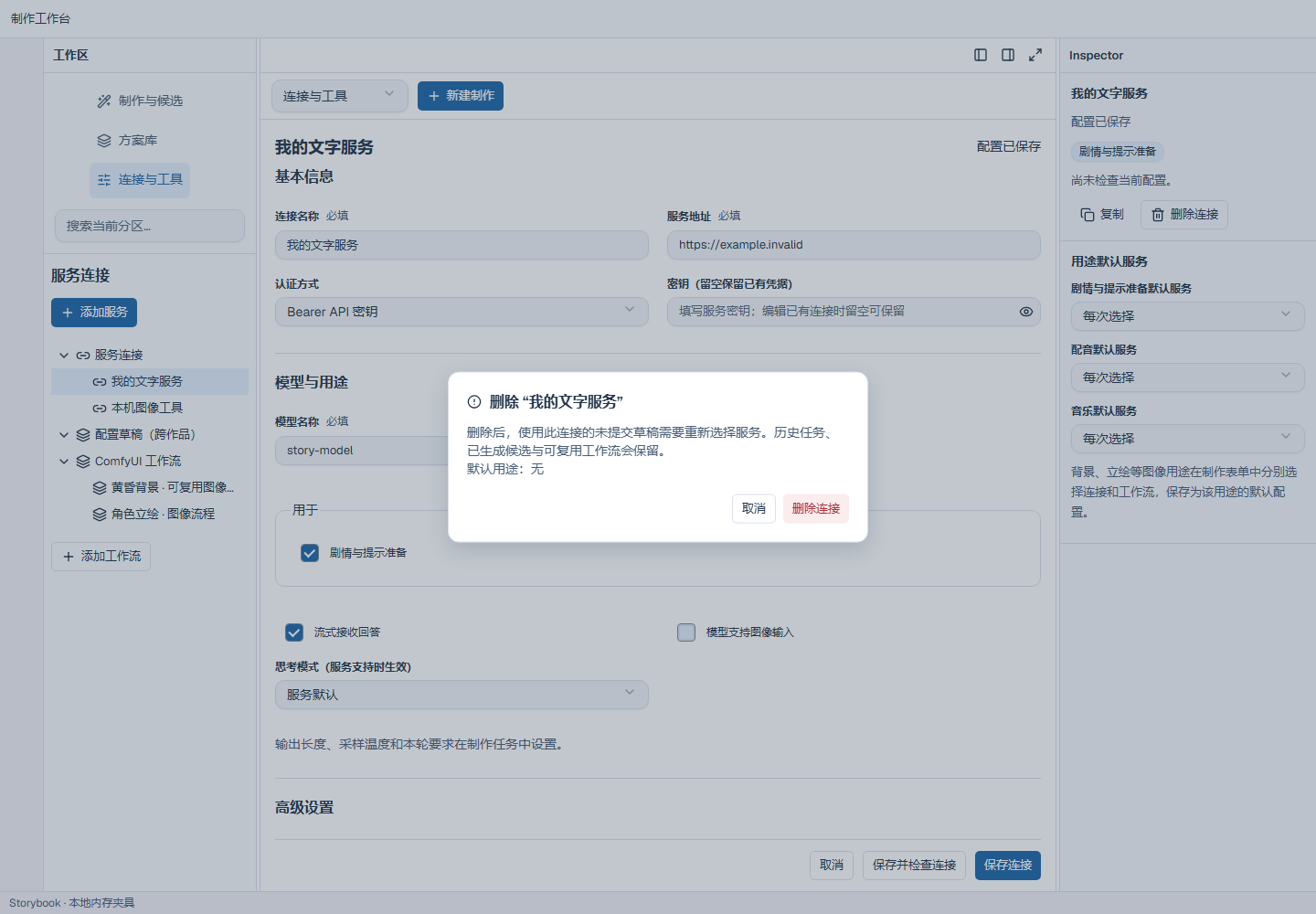
Connection deletion confirmation
More workspaces
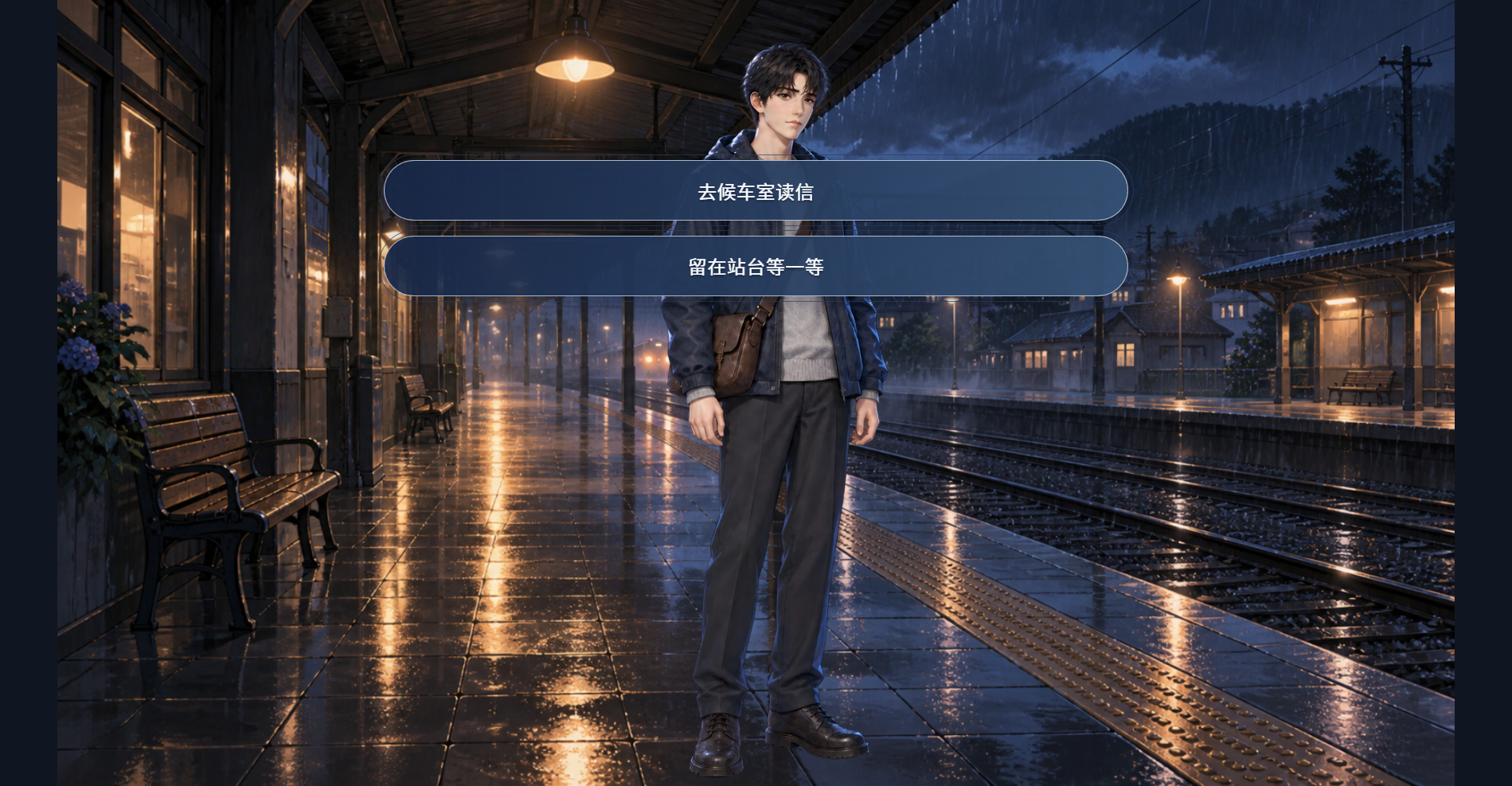
Player Choice
Projects and shared actions
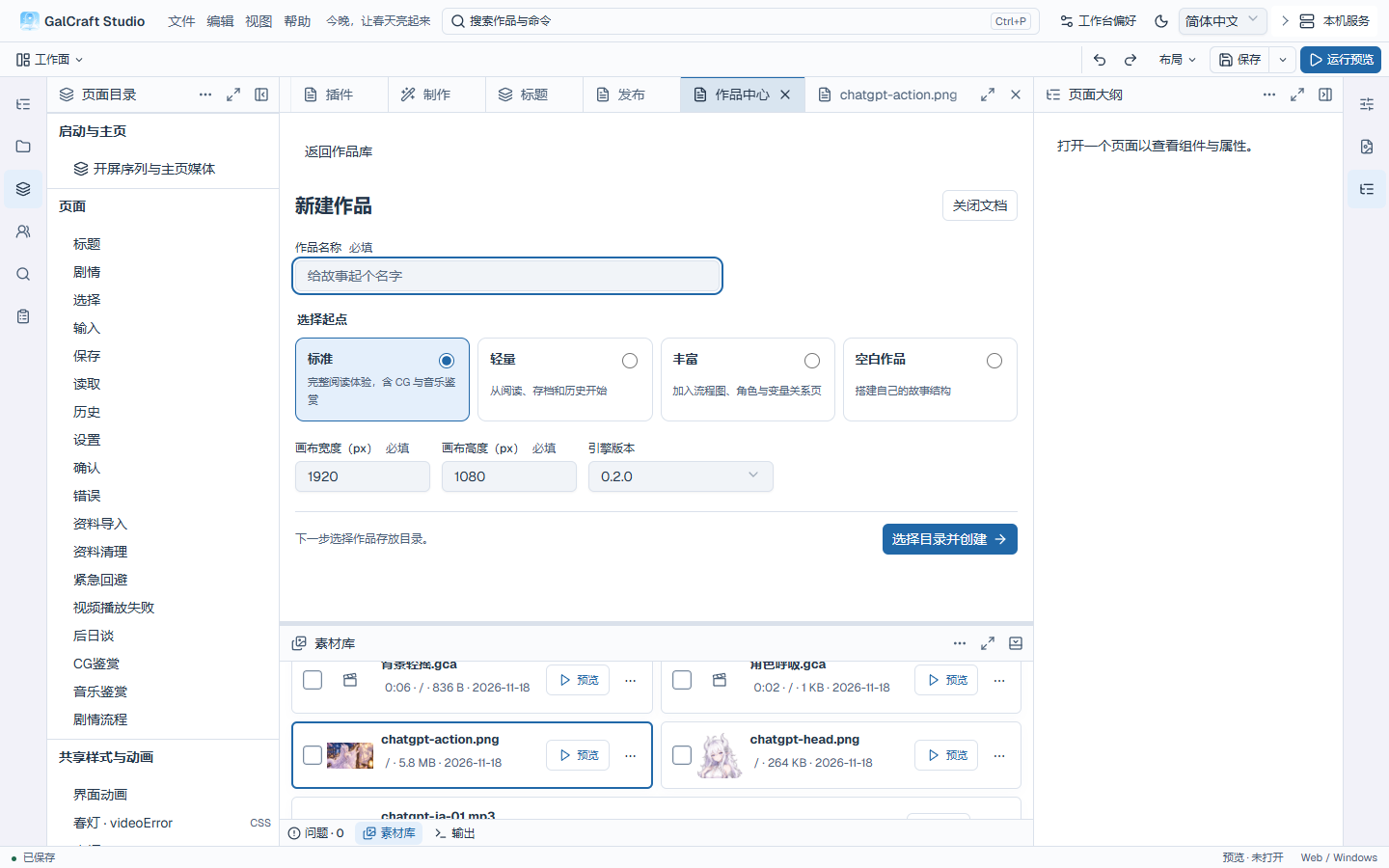
Project New
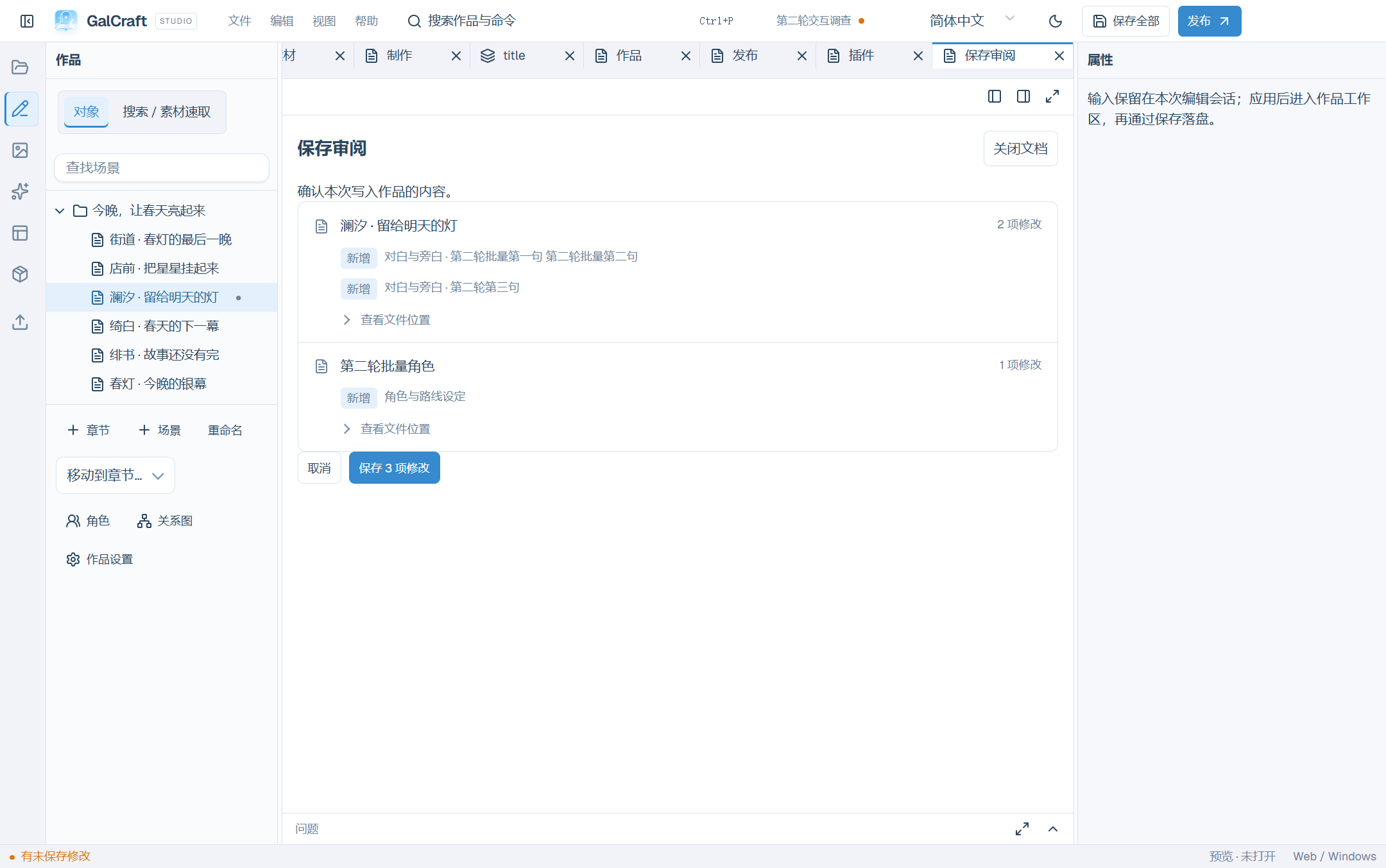
Save Confirm
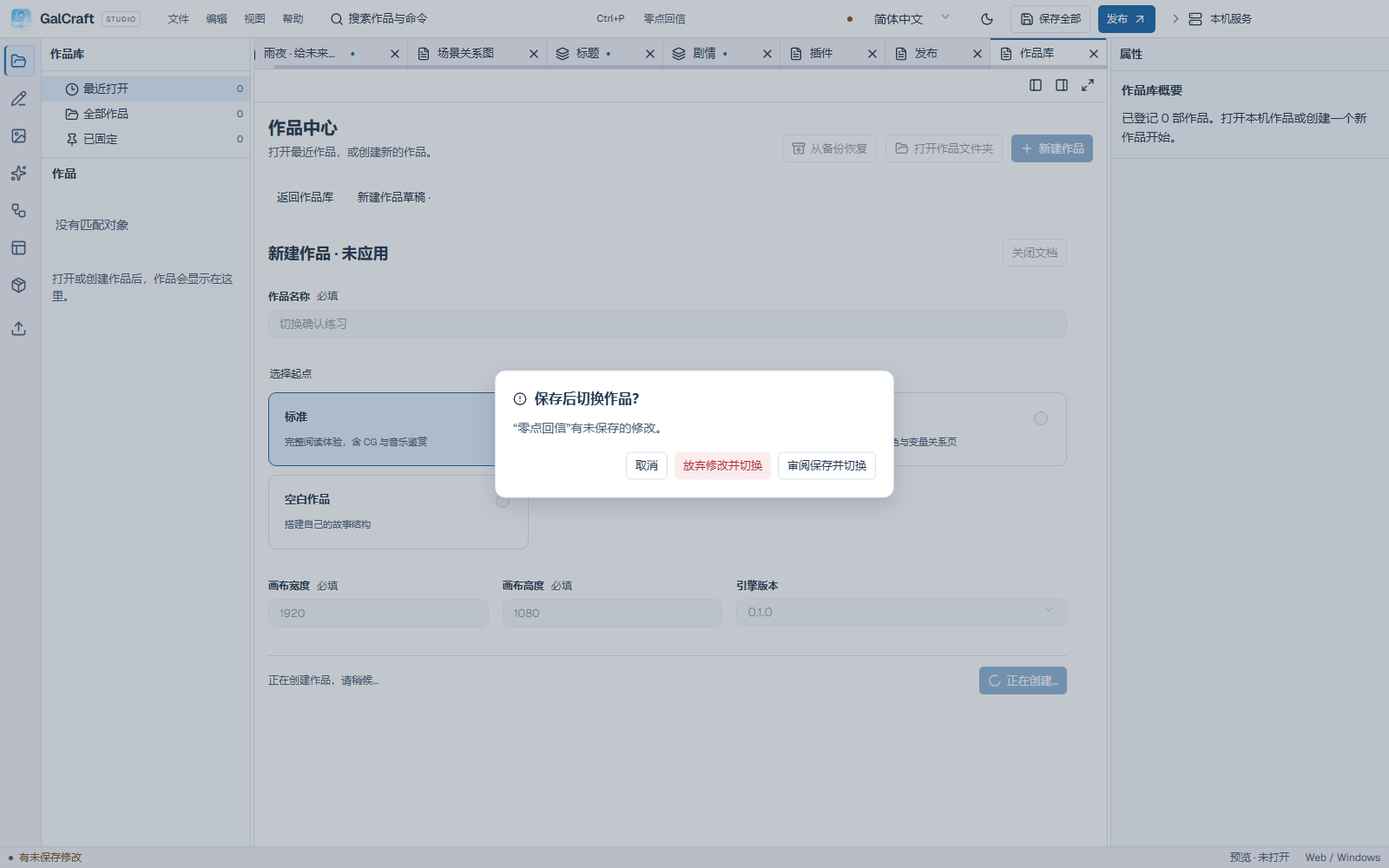
Unsaved-work switch confirmation
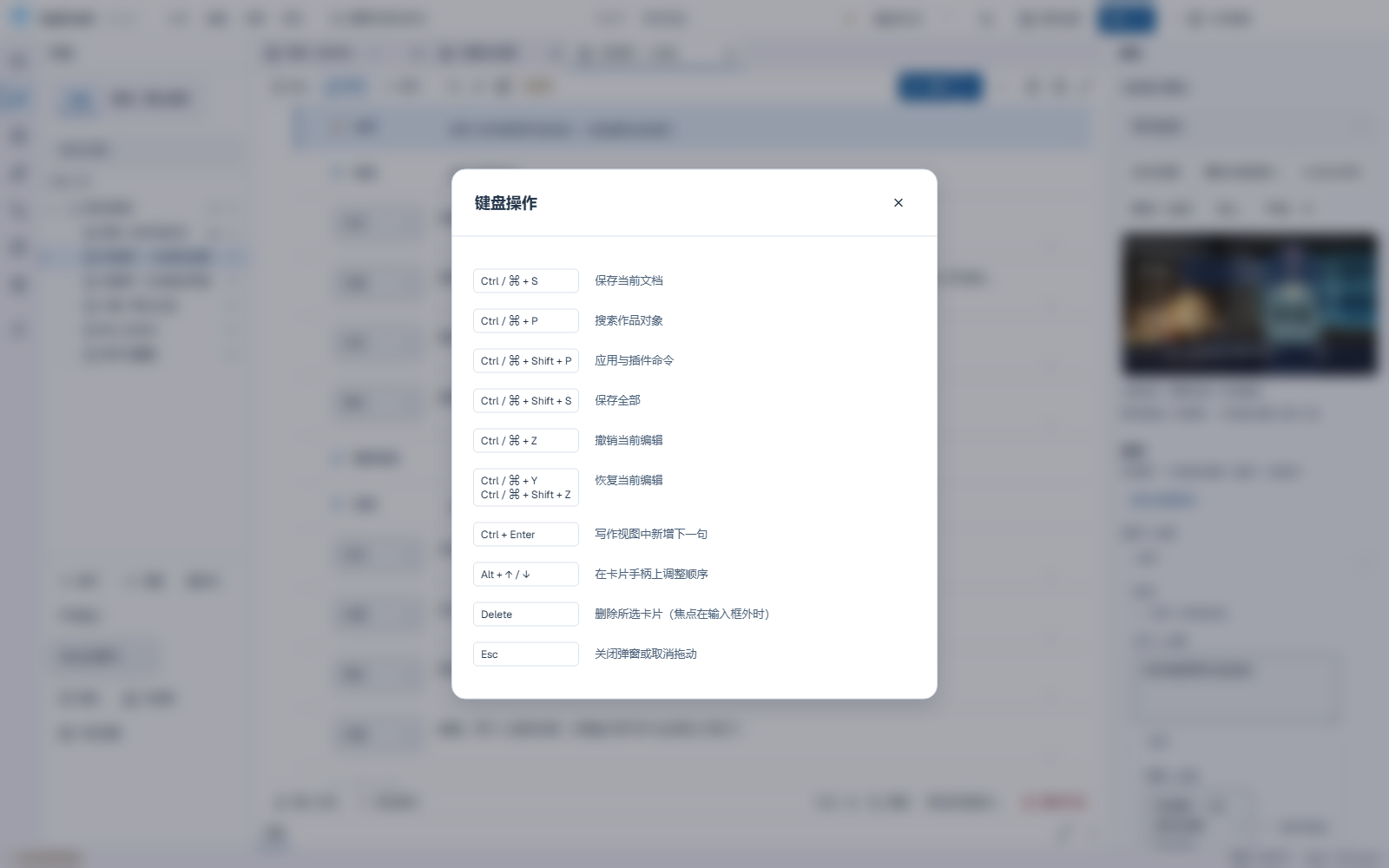
Keyboard operations from the Help menu
Story and characters
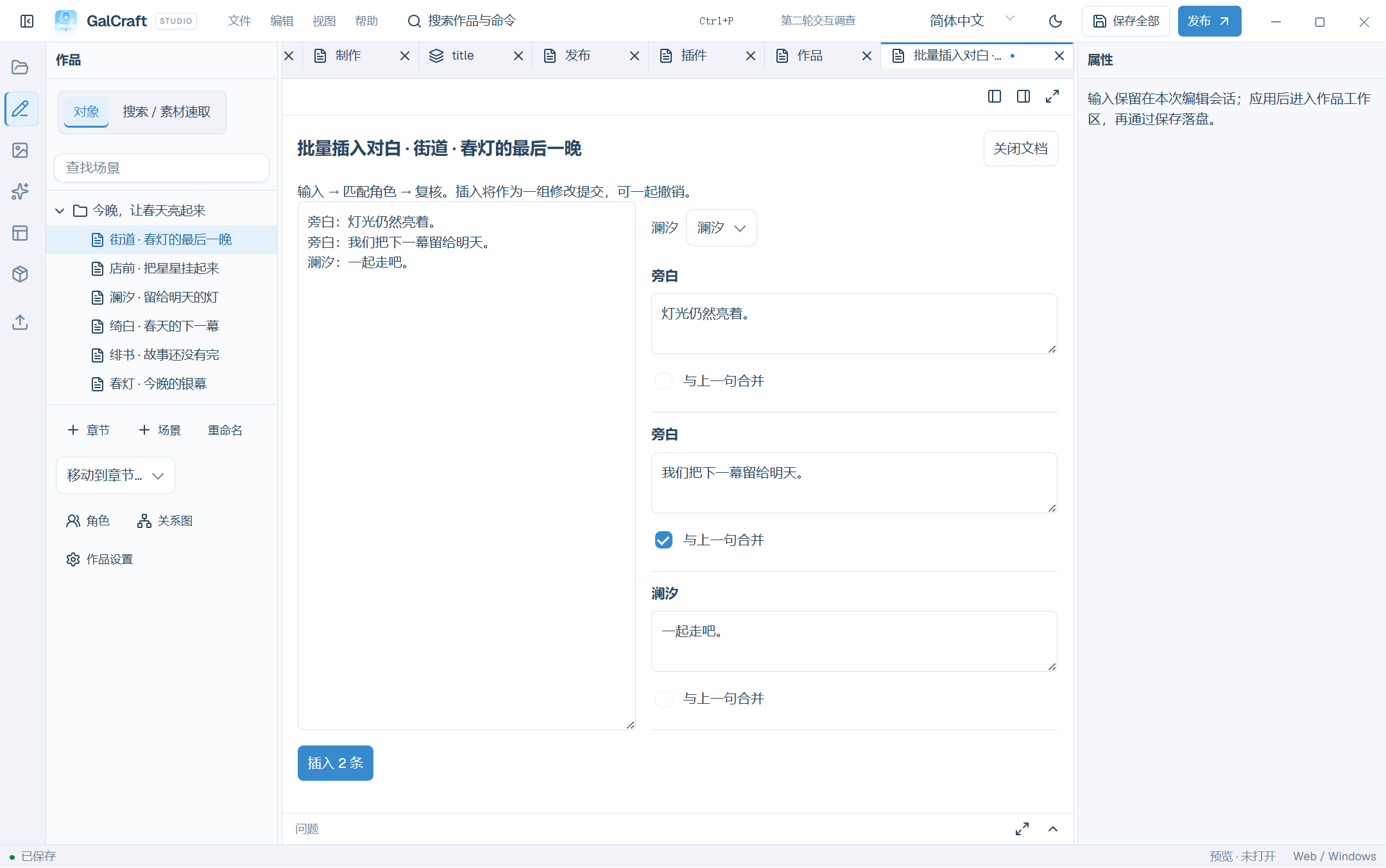
Dialogue Paste
Characters Main Route
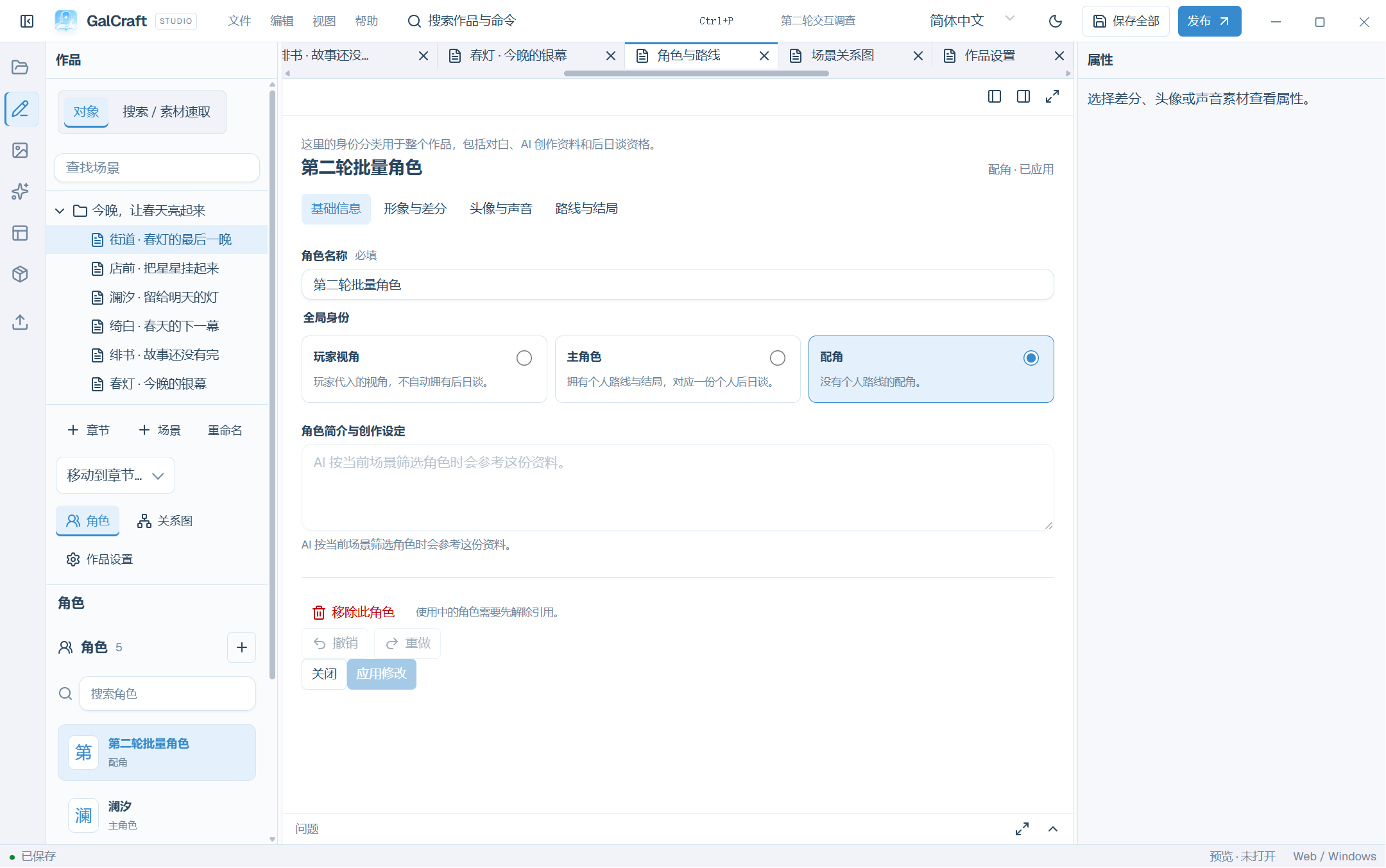
Global Characters
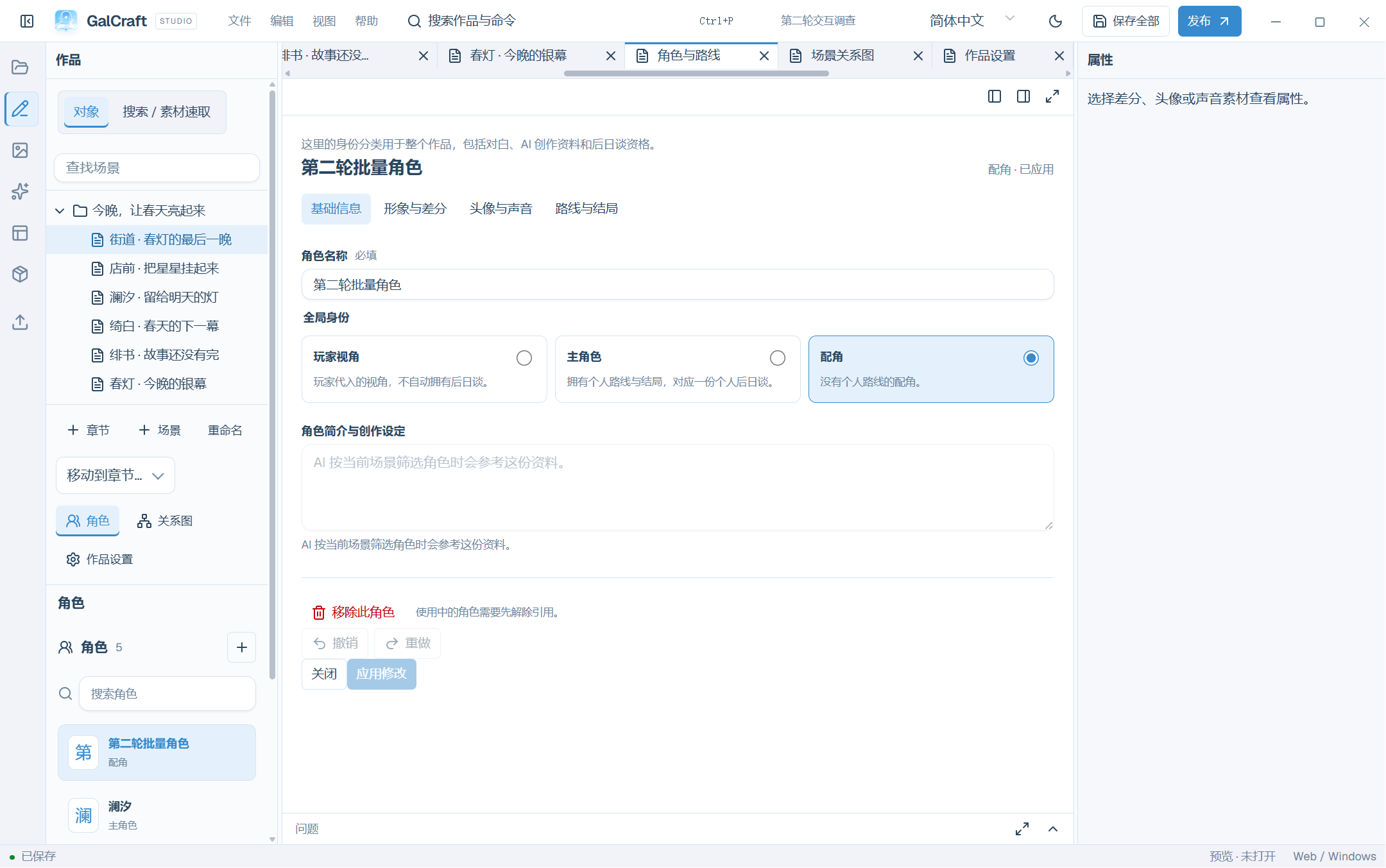
Player Name Settings
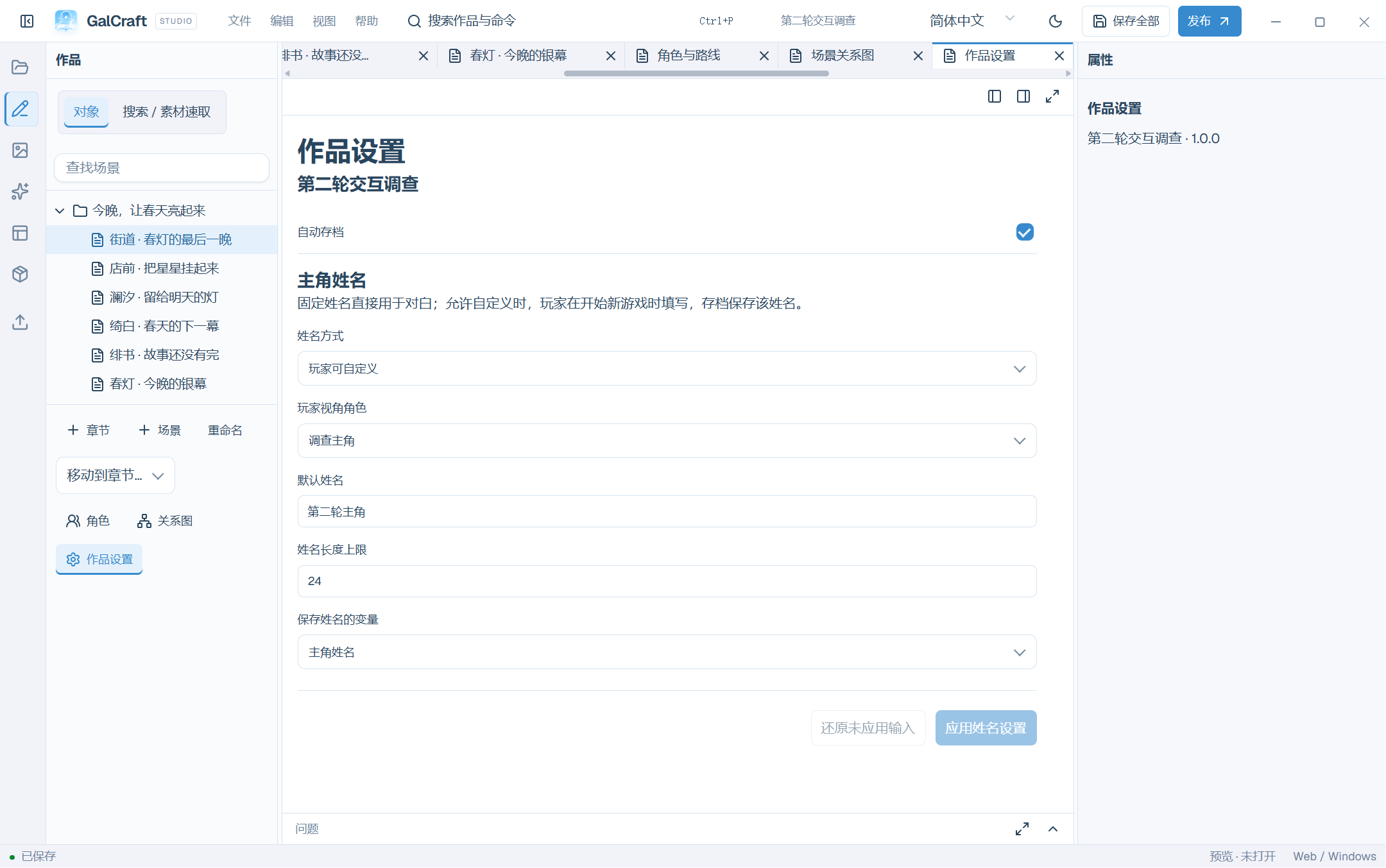
Round3 Reference Hover
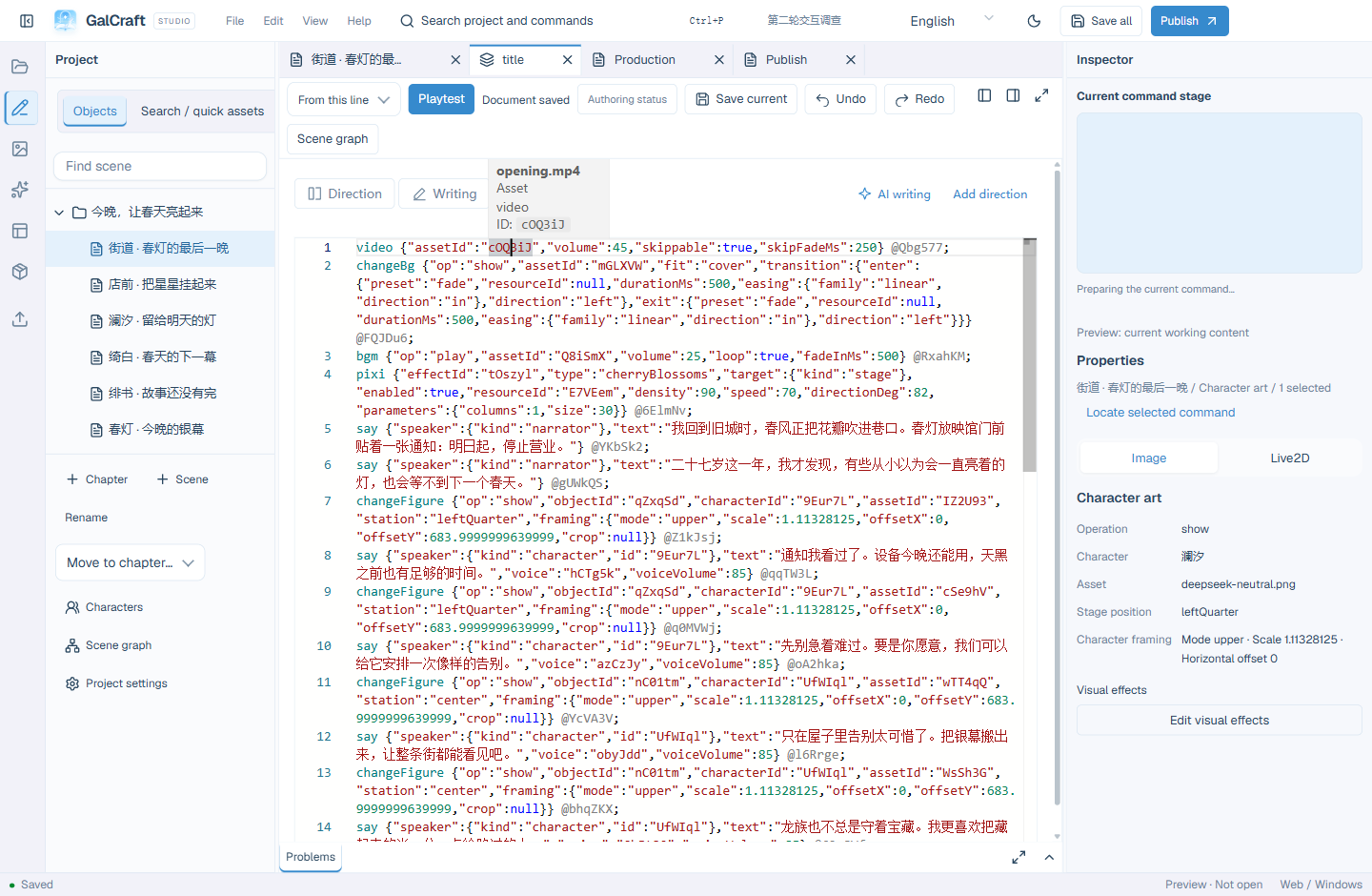
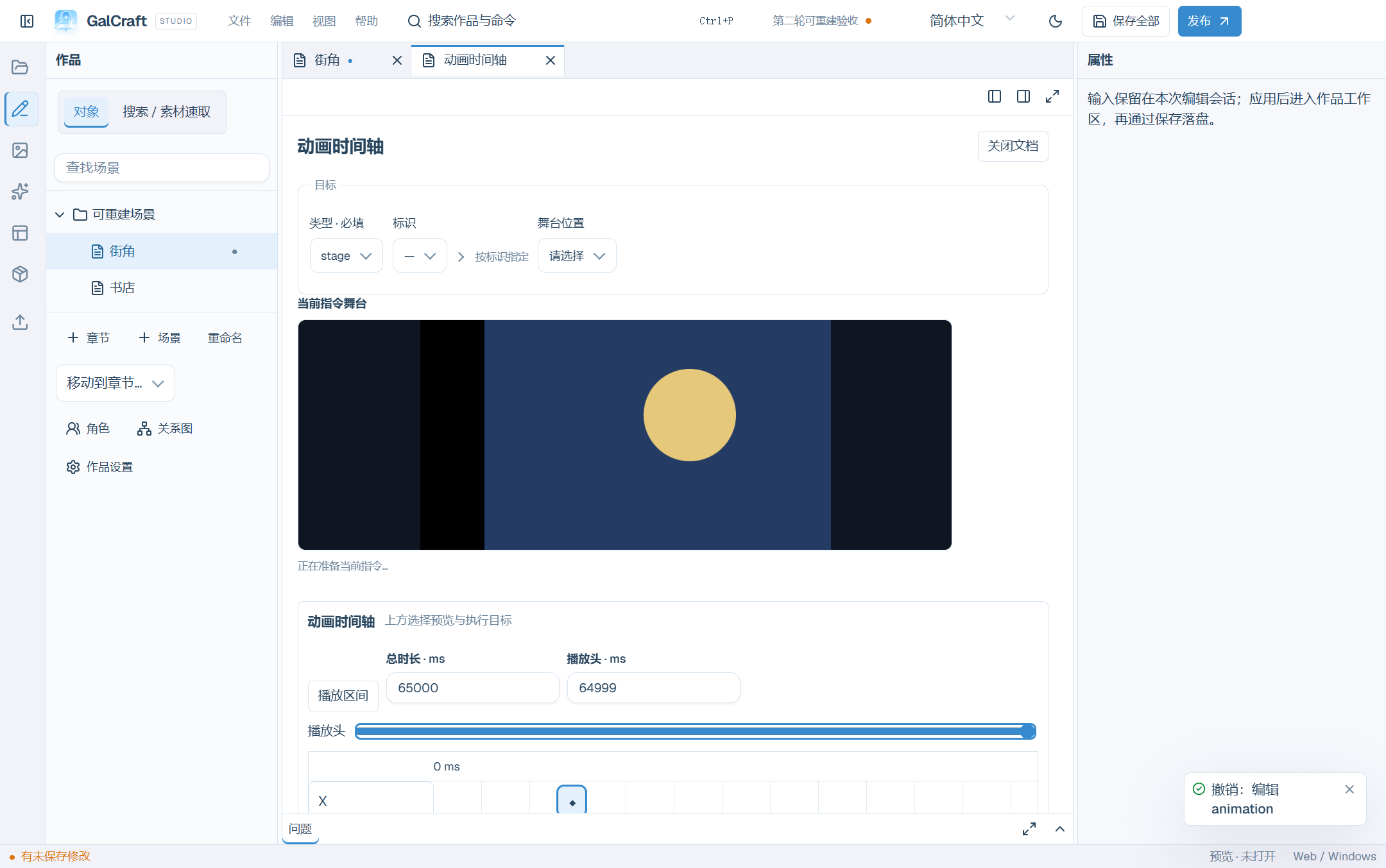
Animation timeline / 动画时间轴
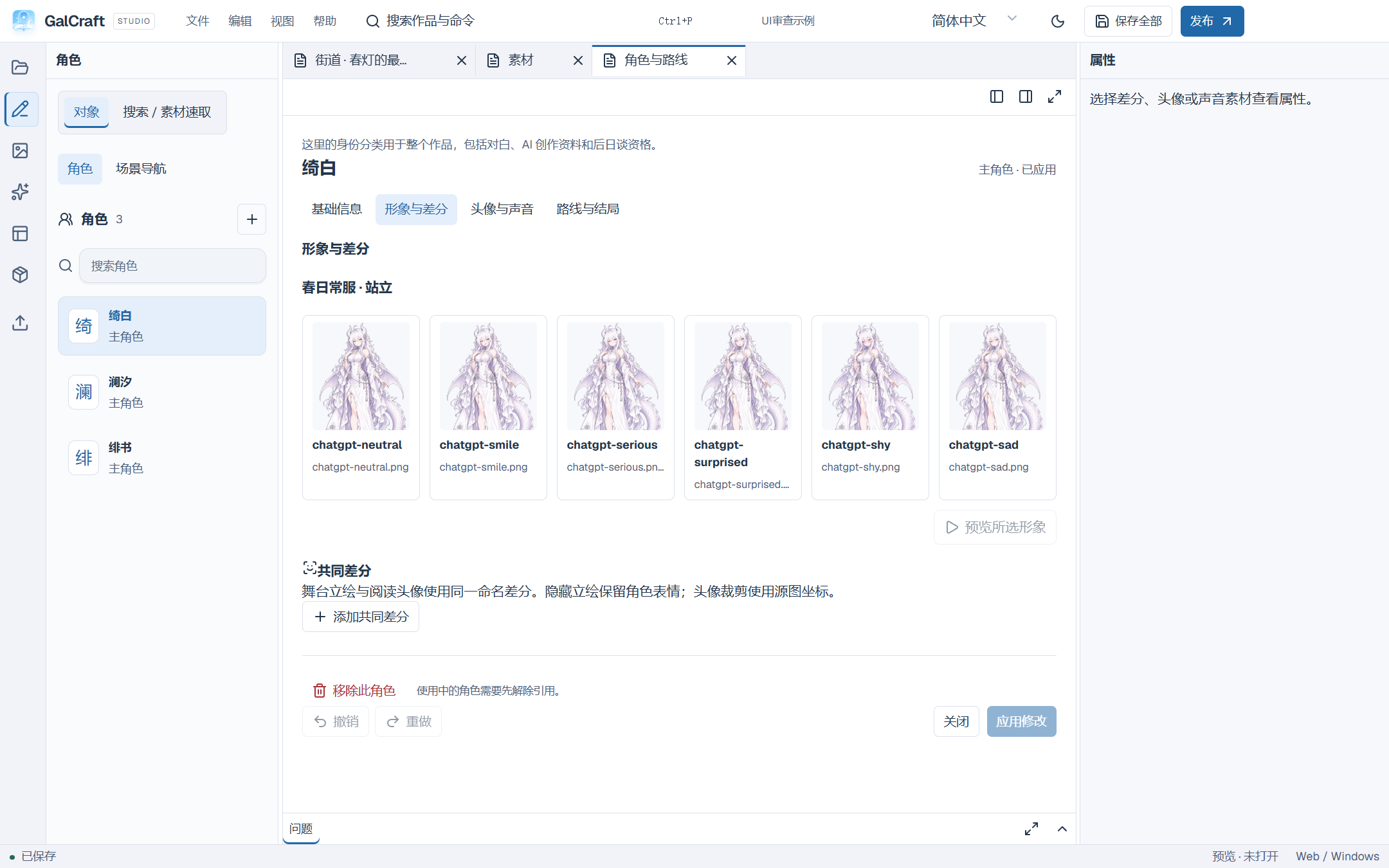
Character Explorer and six-figure comparison
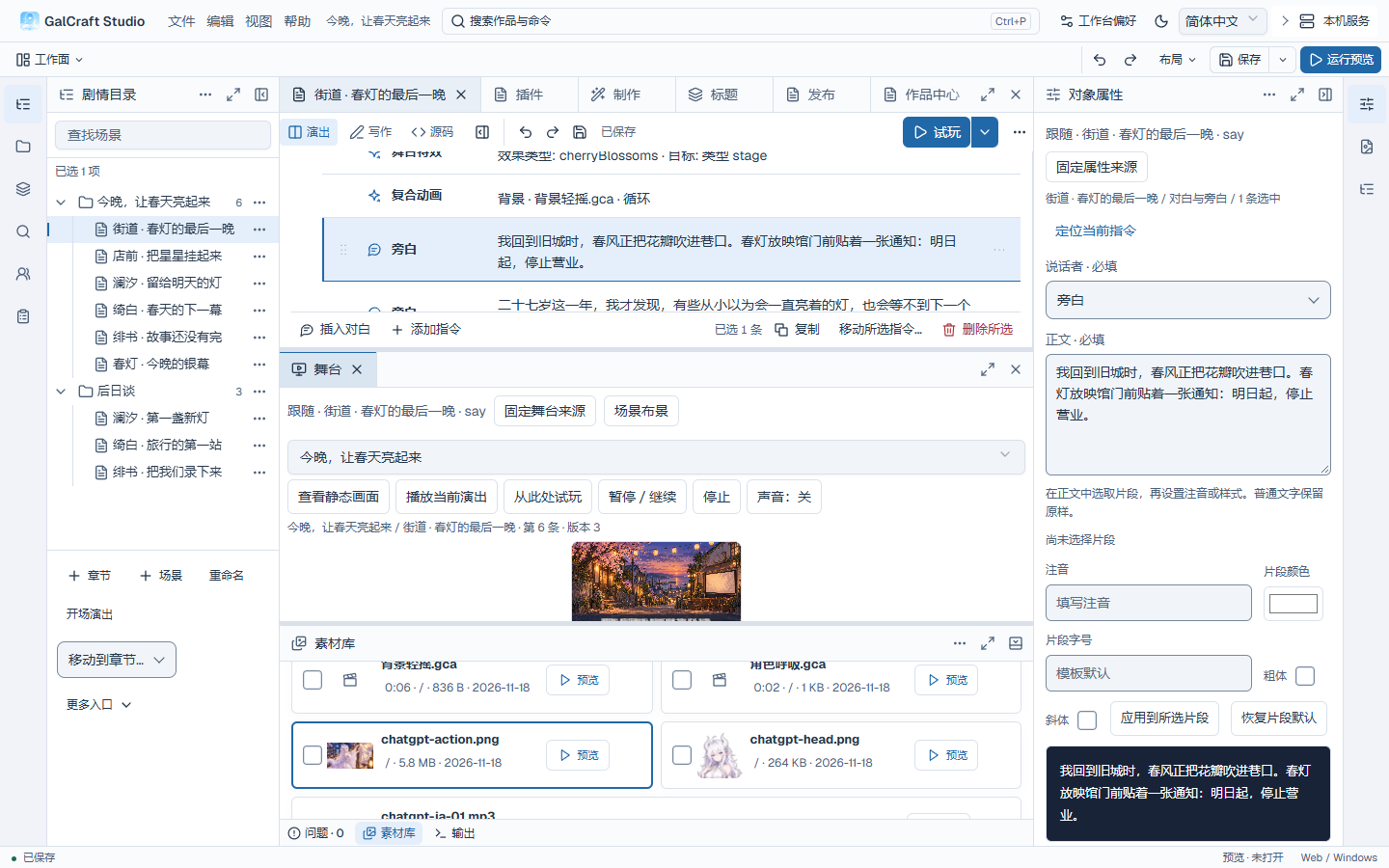
Performance view and the selected line’s muted stage
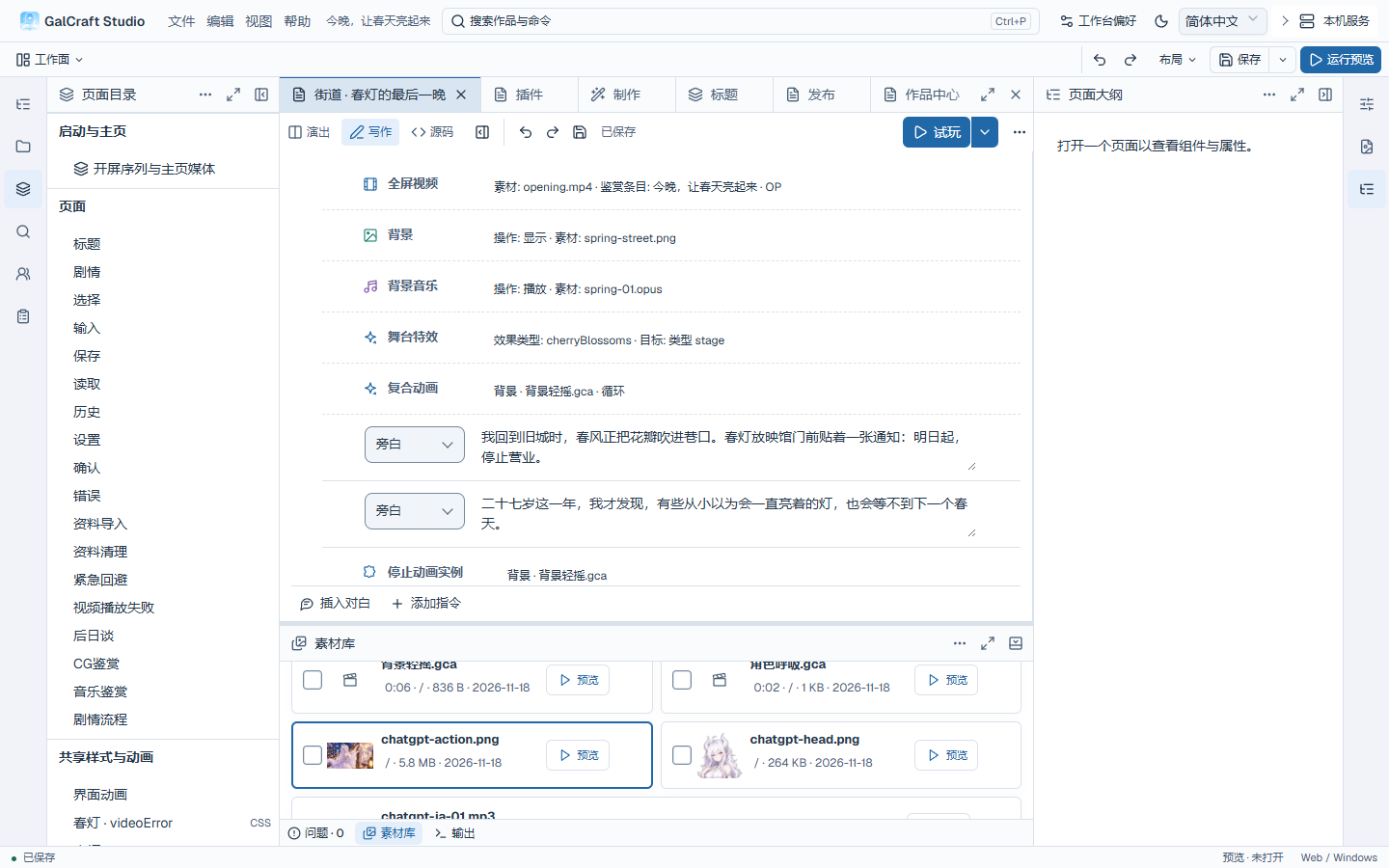
Continuous dialogue input in Writing view
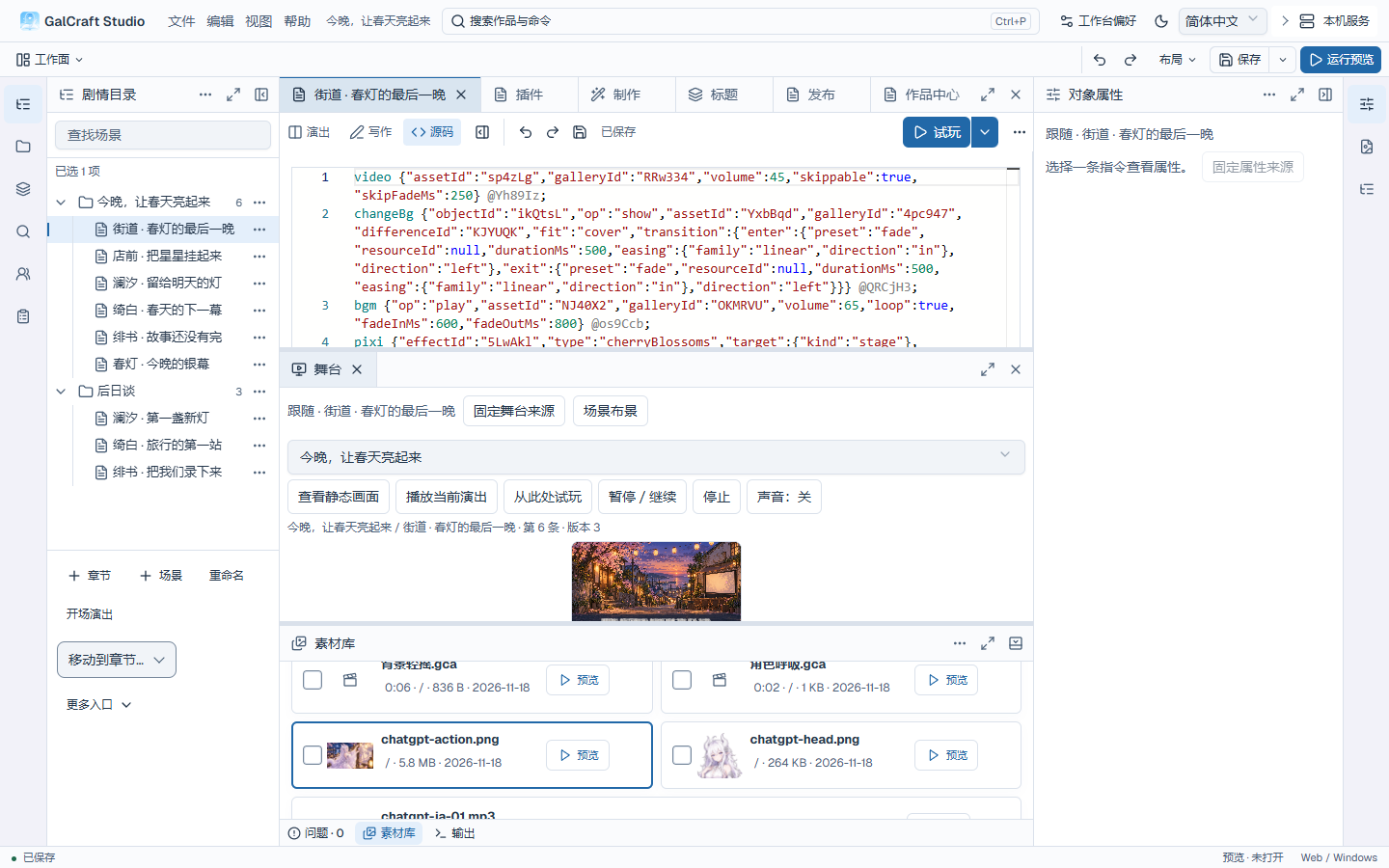
Source view and the current scene statements
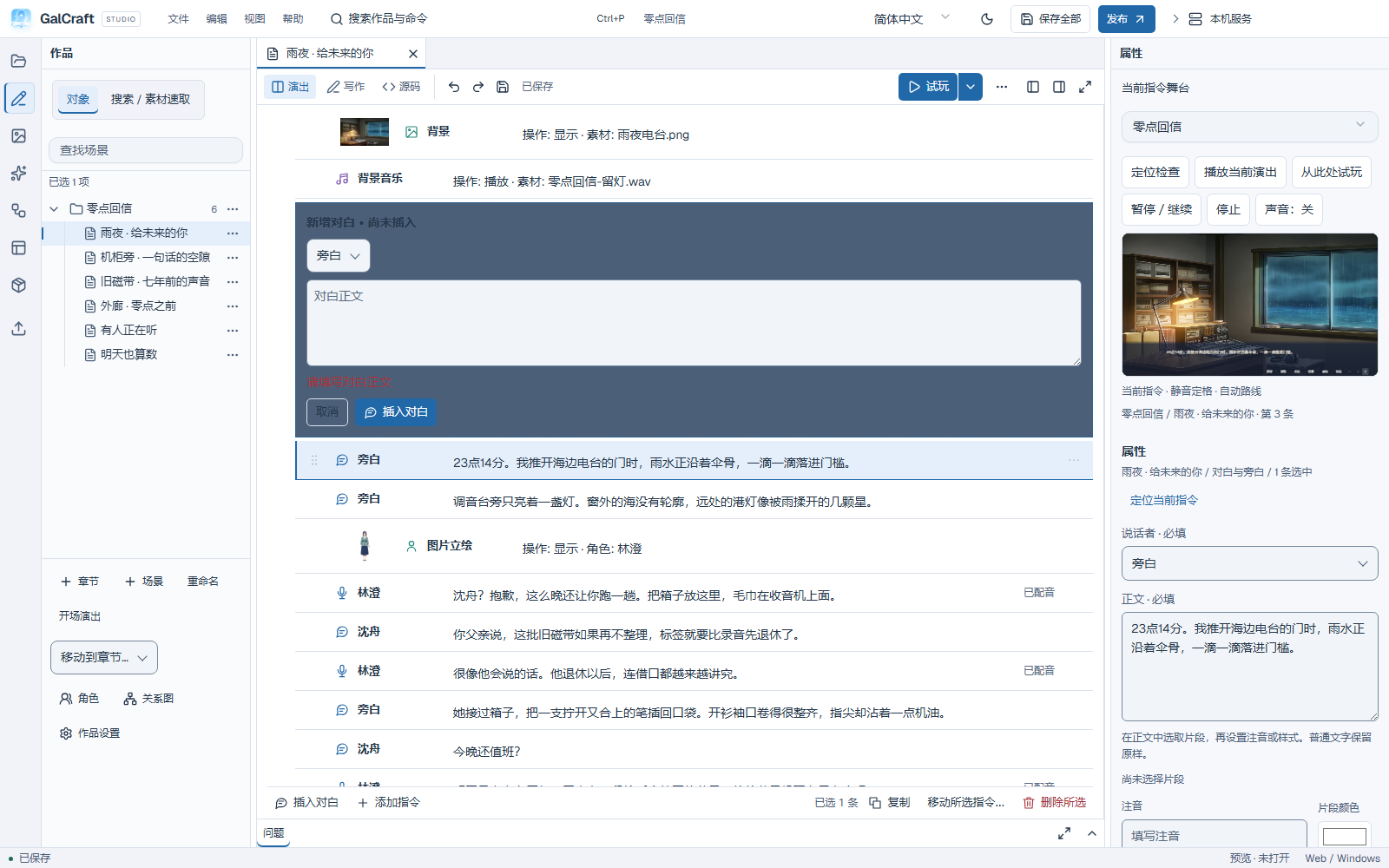
Inline required-text feedback
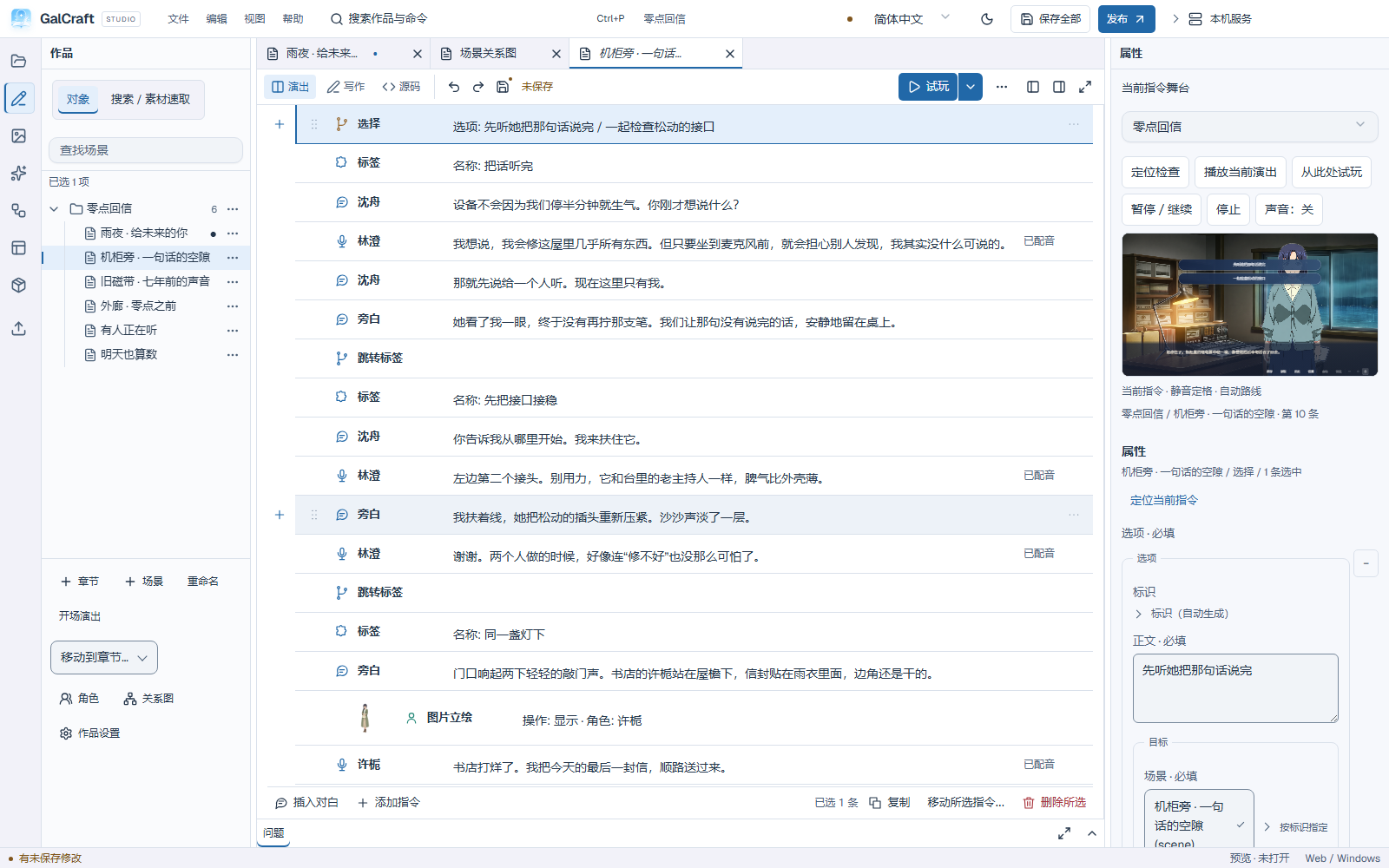
Current branch options and their stage position
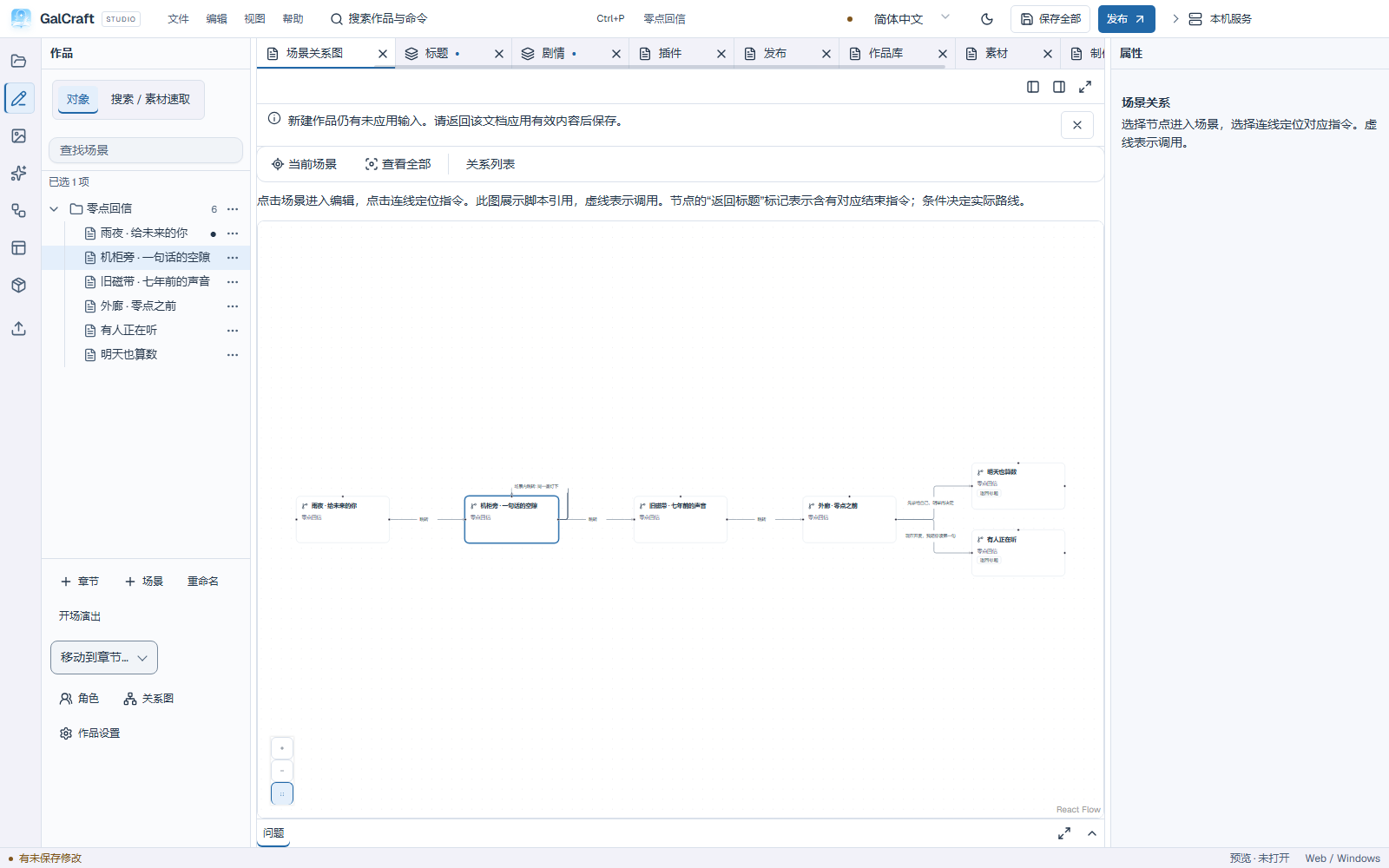
Scene graph and story references
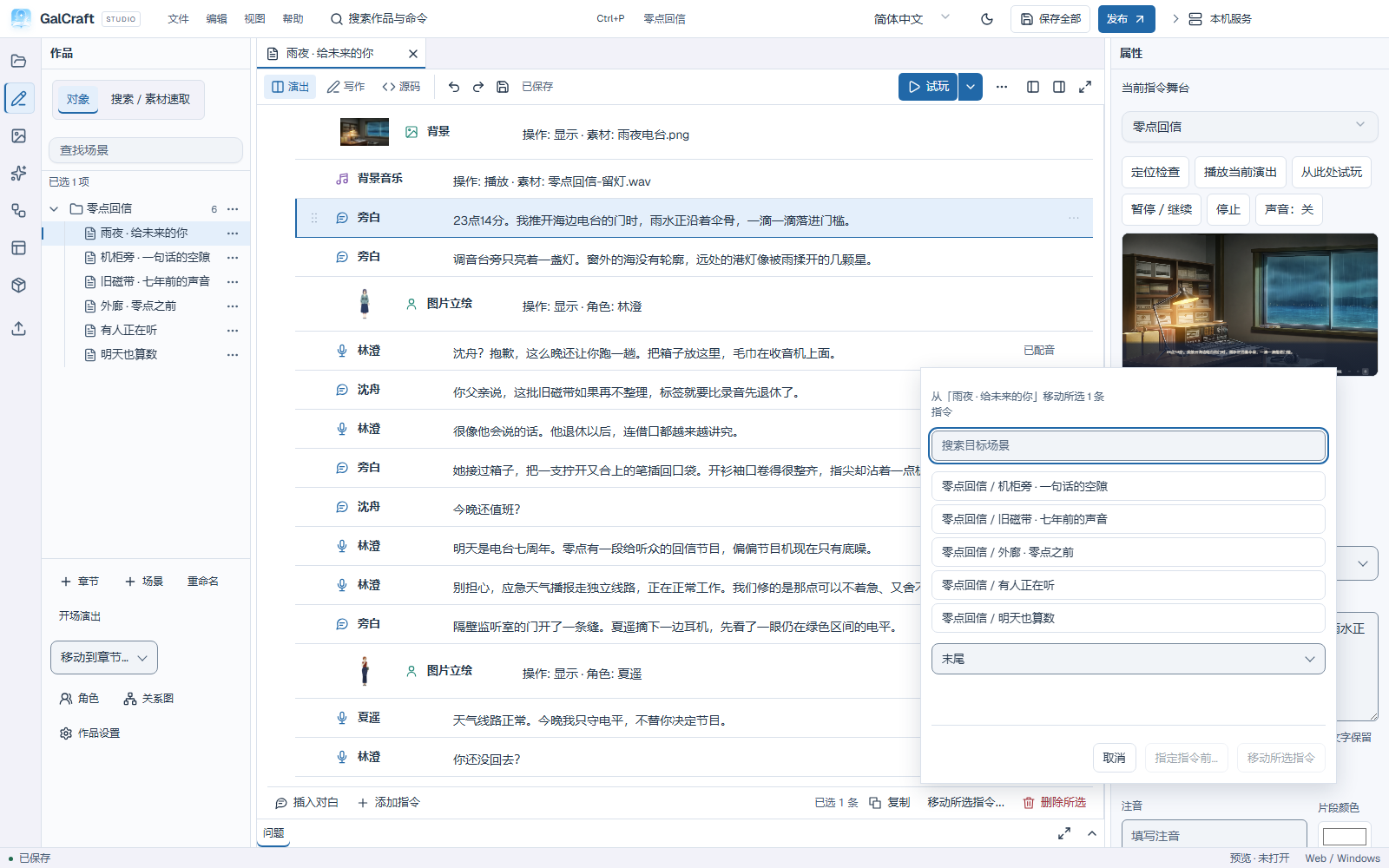
Move source and insertion position
Asset management
Asset library and tools
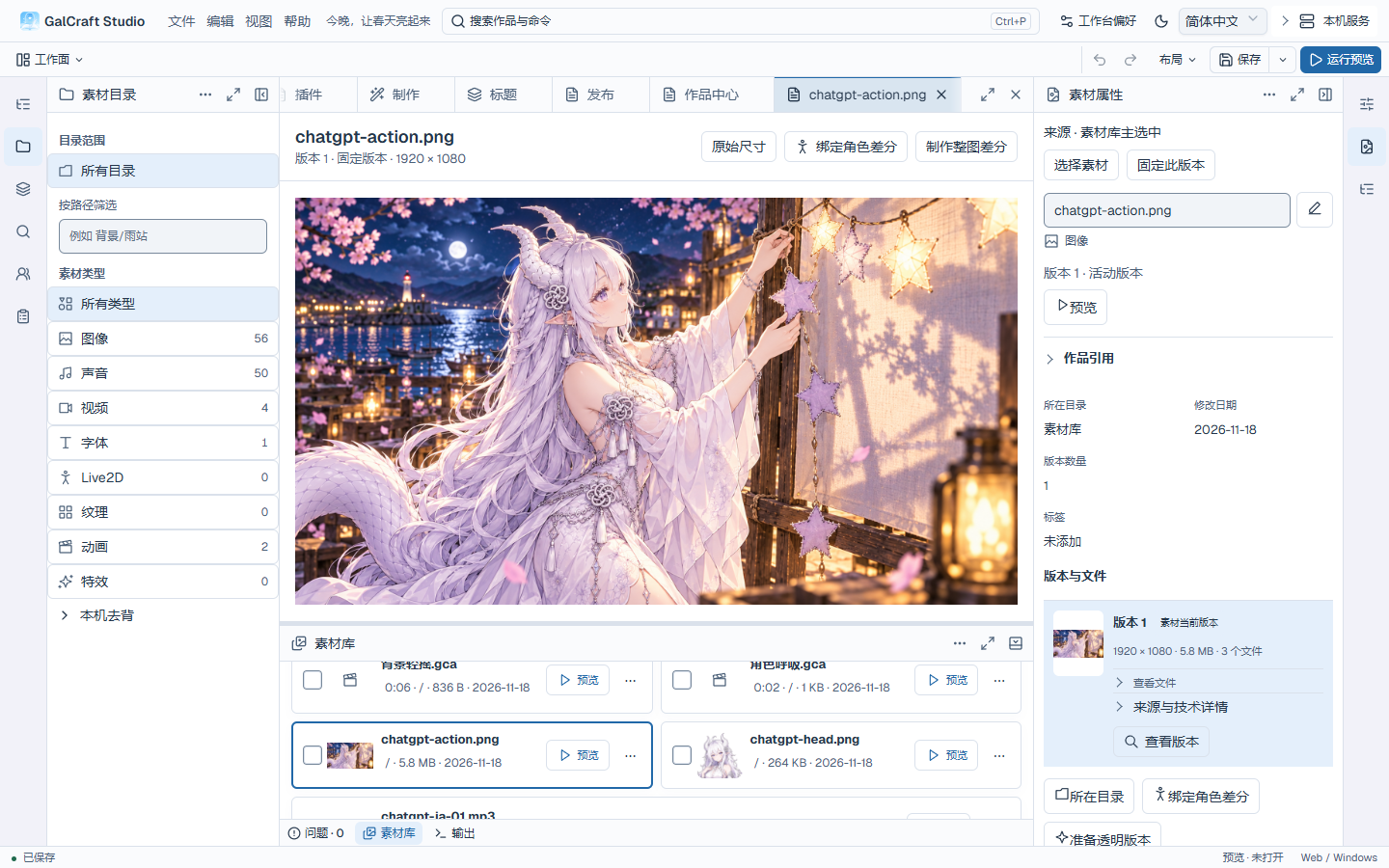
Asset Details Current
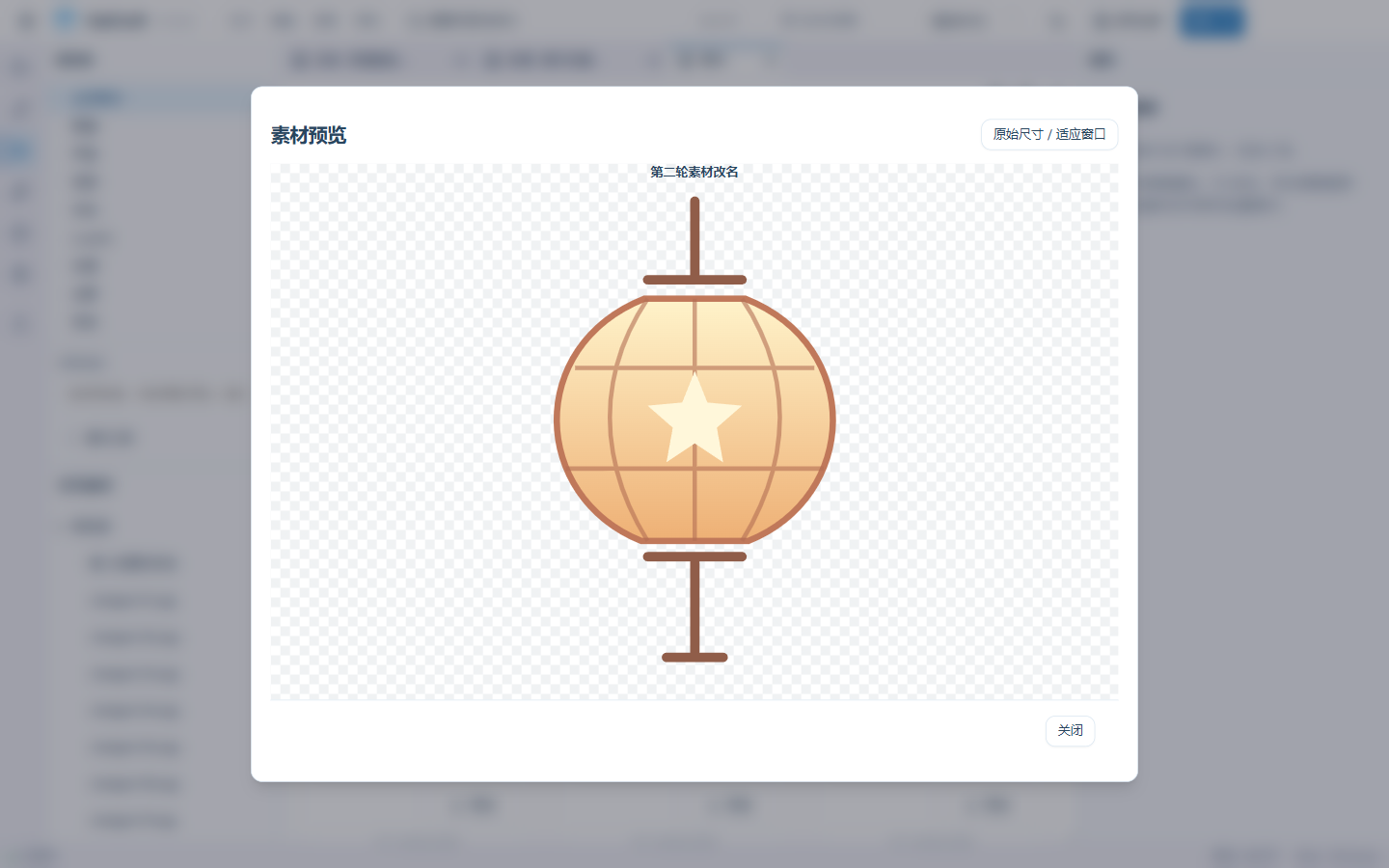
Asset Preview Current
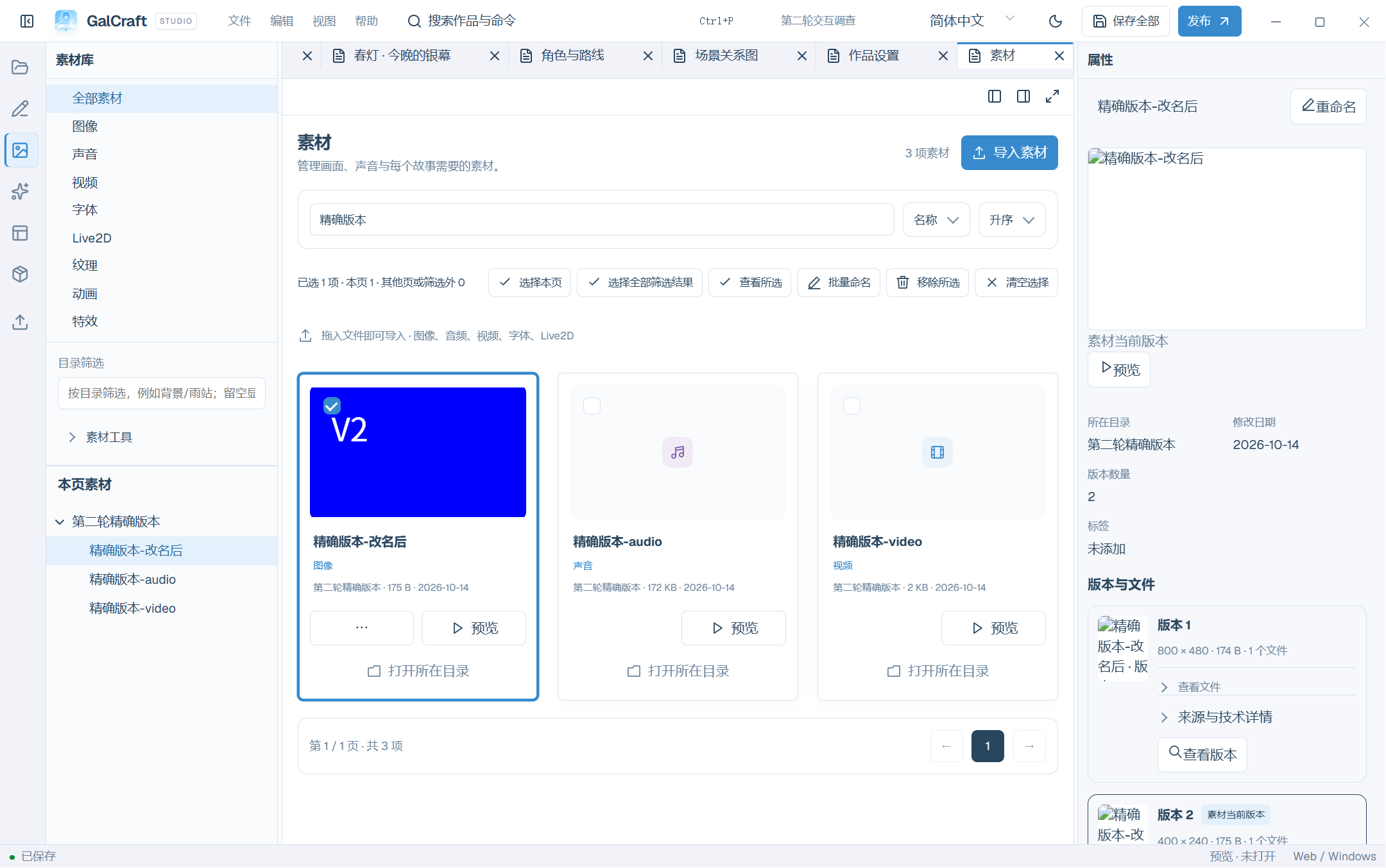
Asset Rename Current
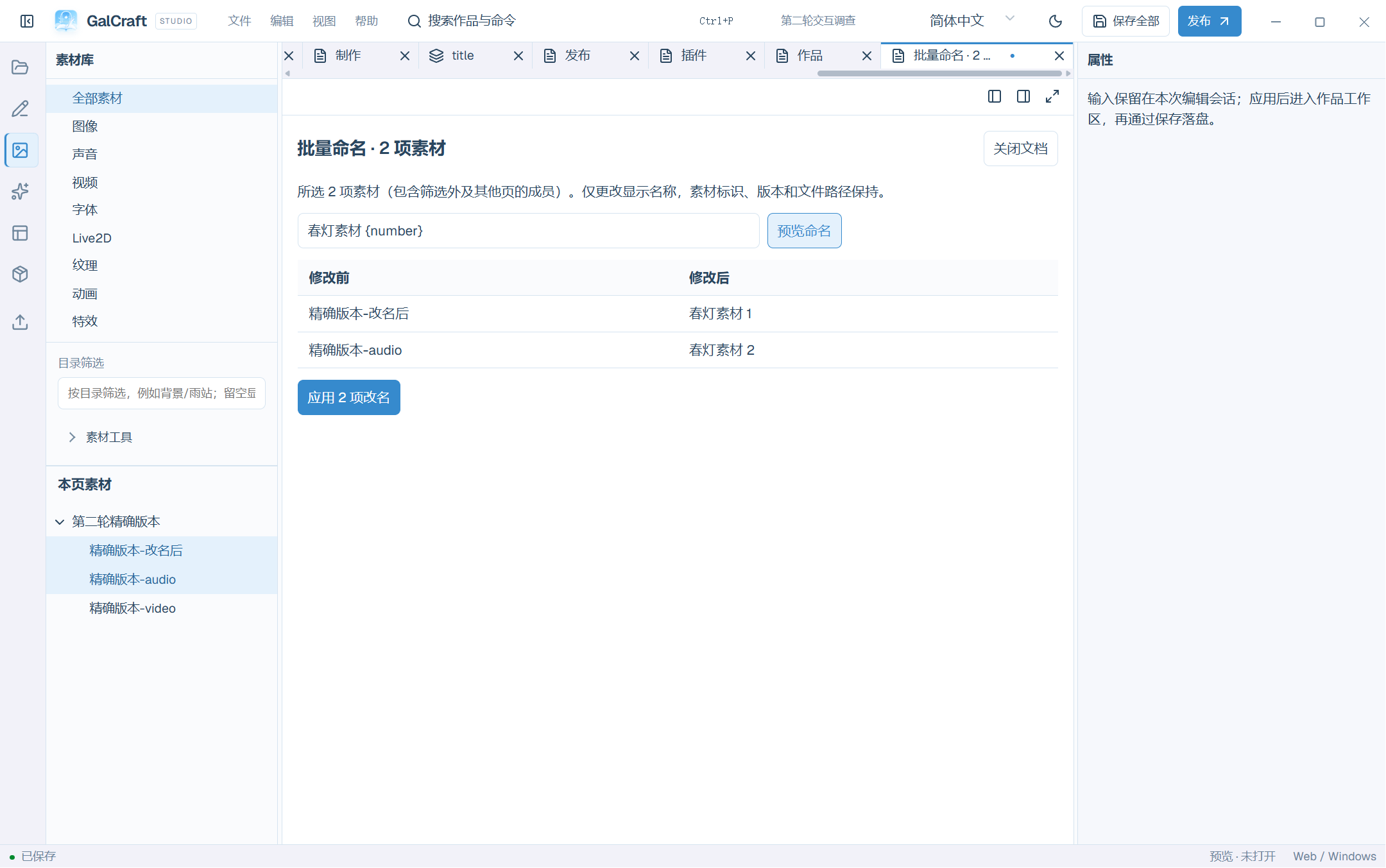
Asset Picker Current
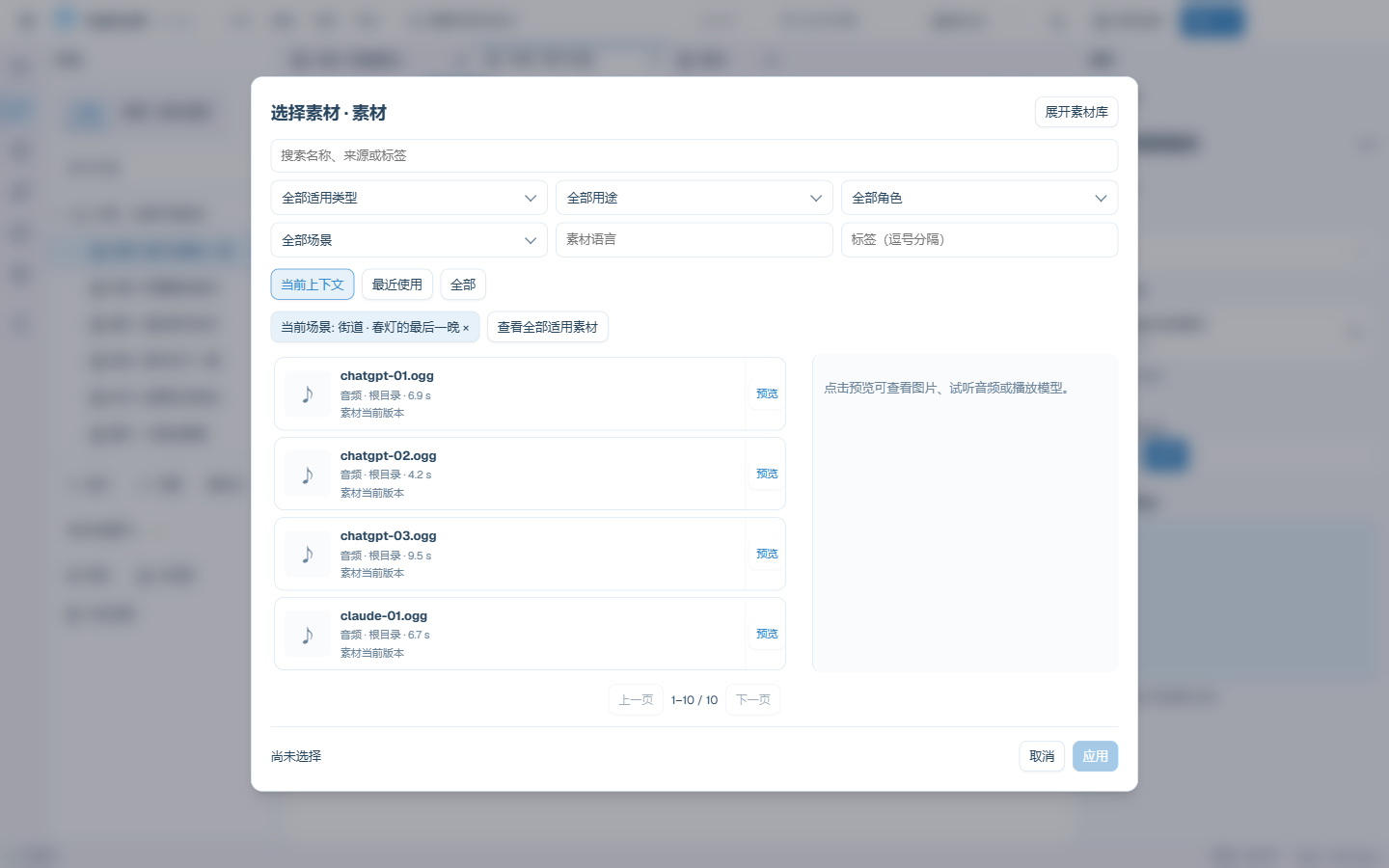
Current asset selection scope and batch actions
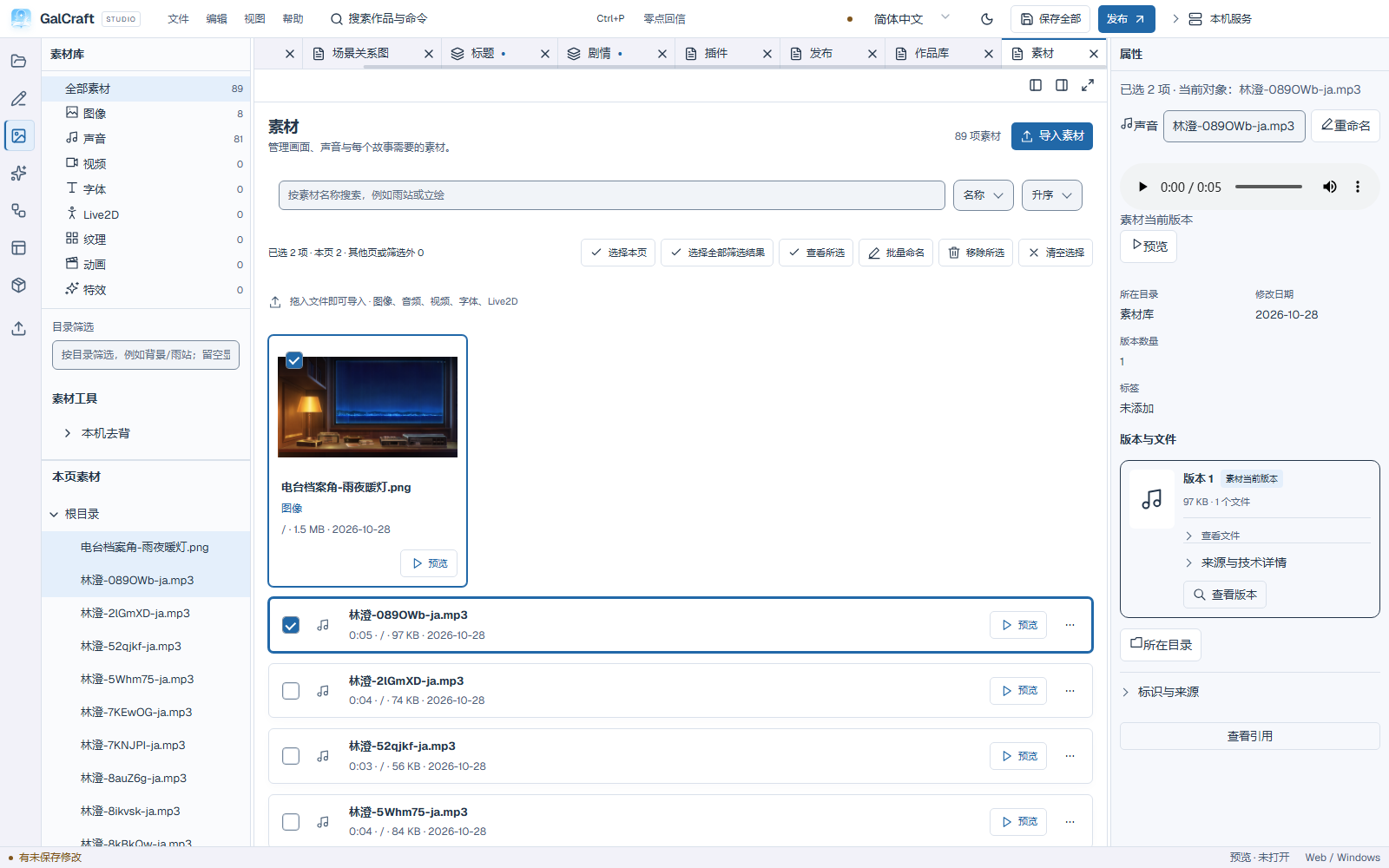
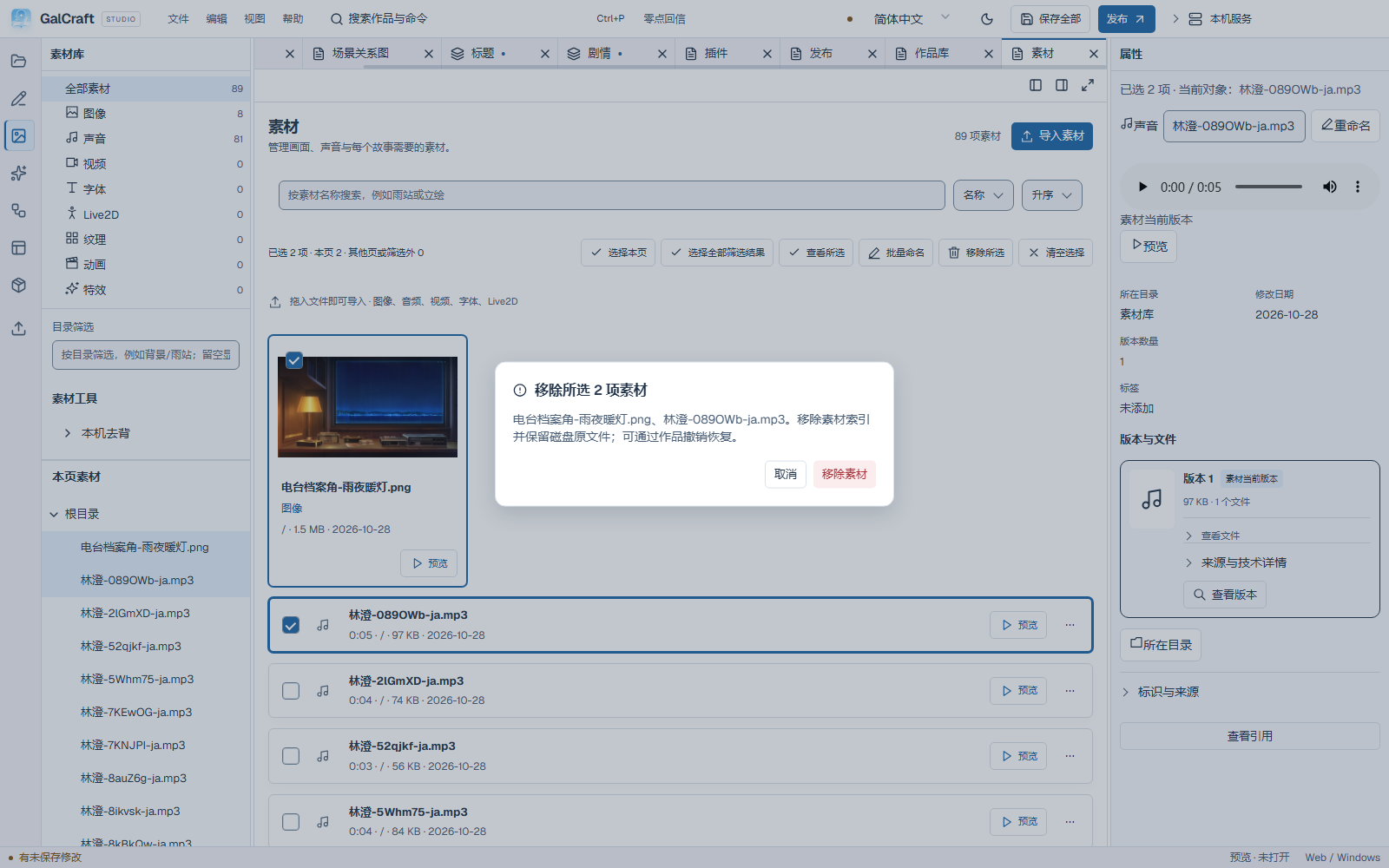
Asset removal confirmation
Page design
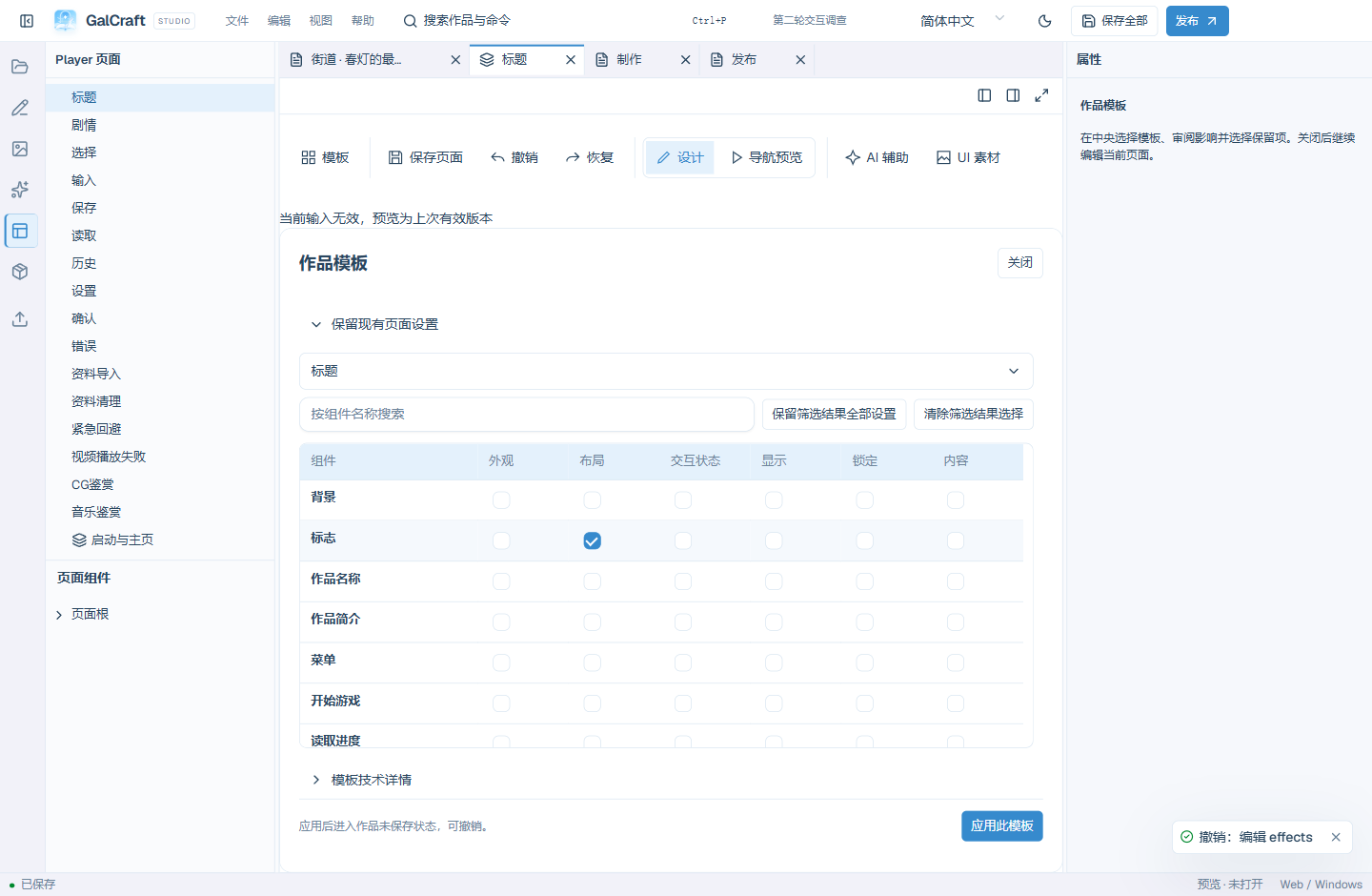
Designer Template Impact
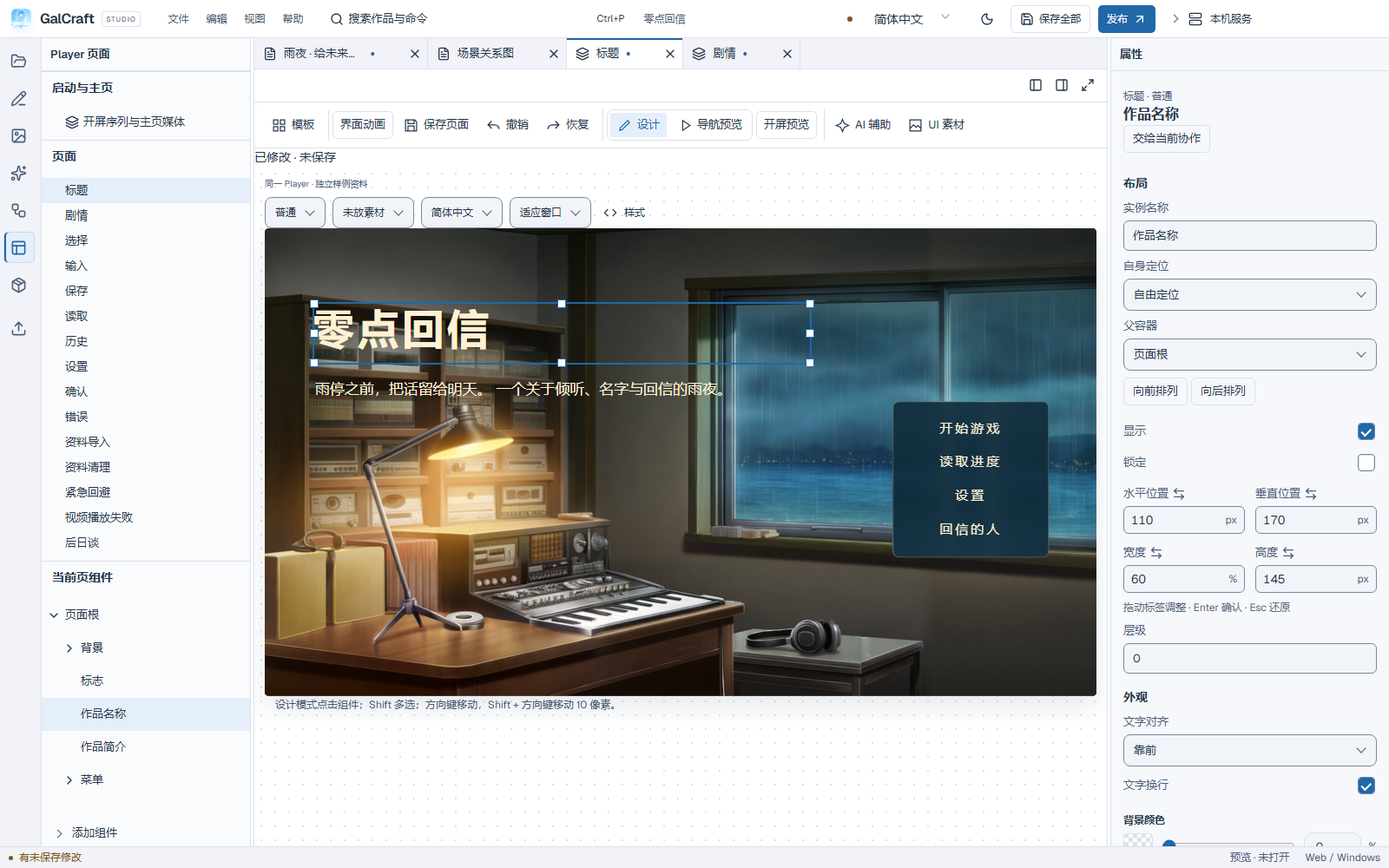
Move the title component in Design mode
Portrait-reading preset and component tree
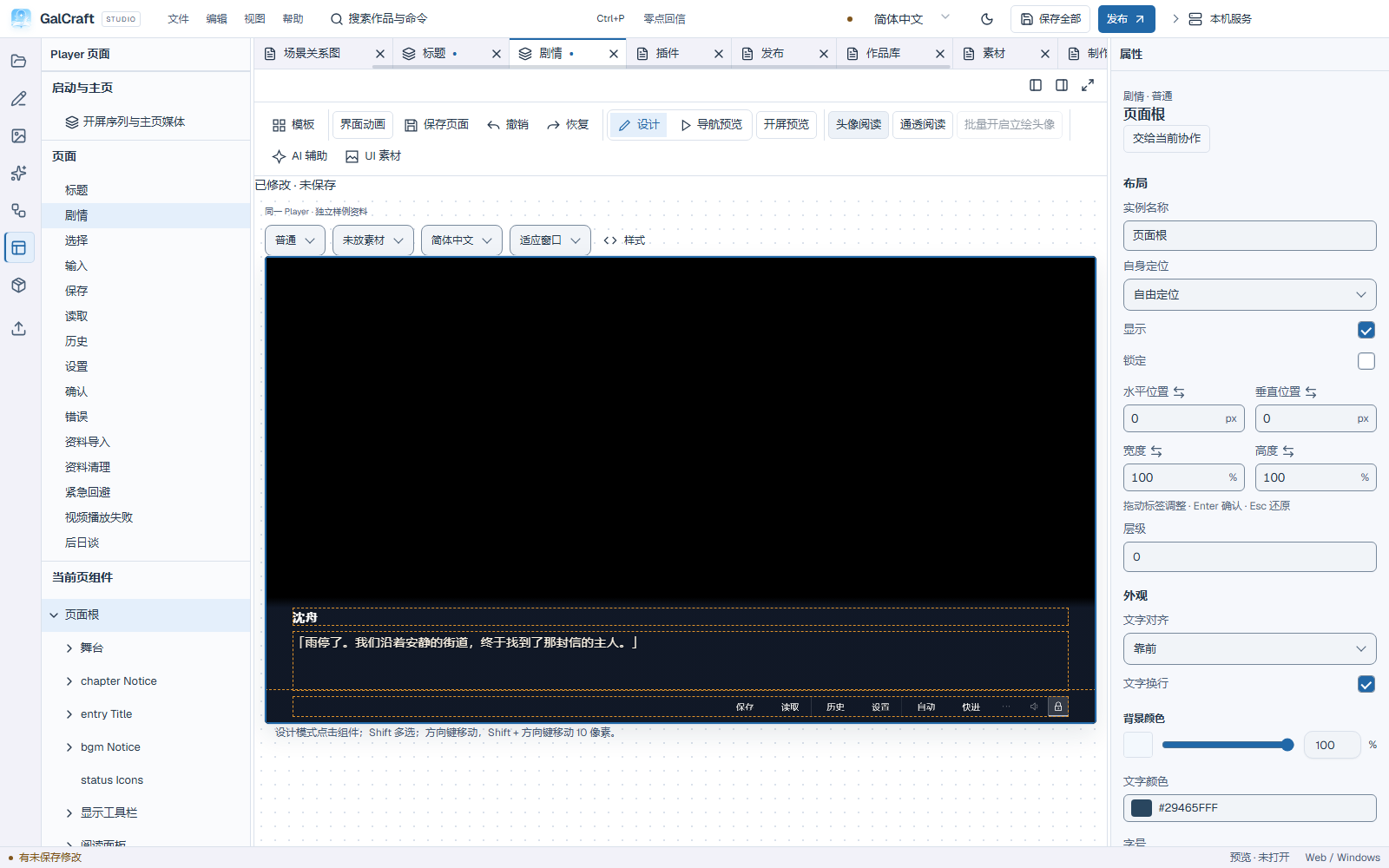
Clear-reading preset
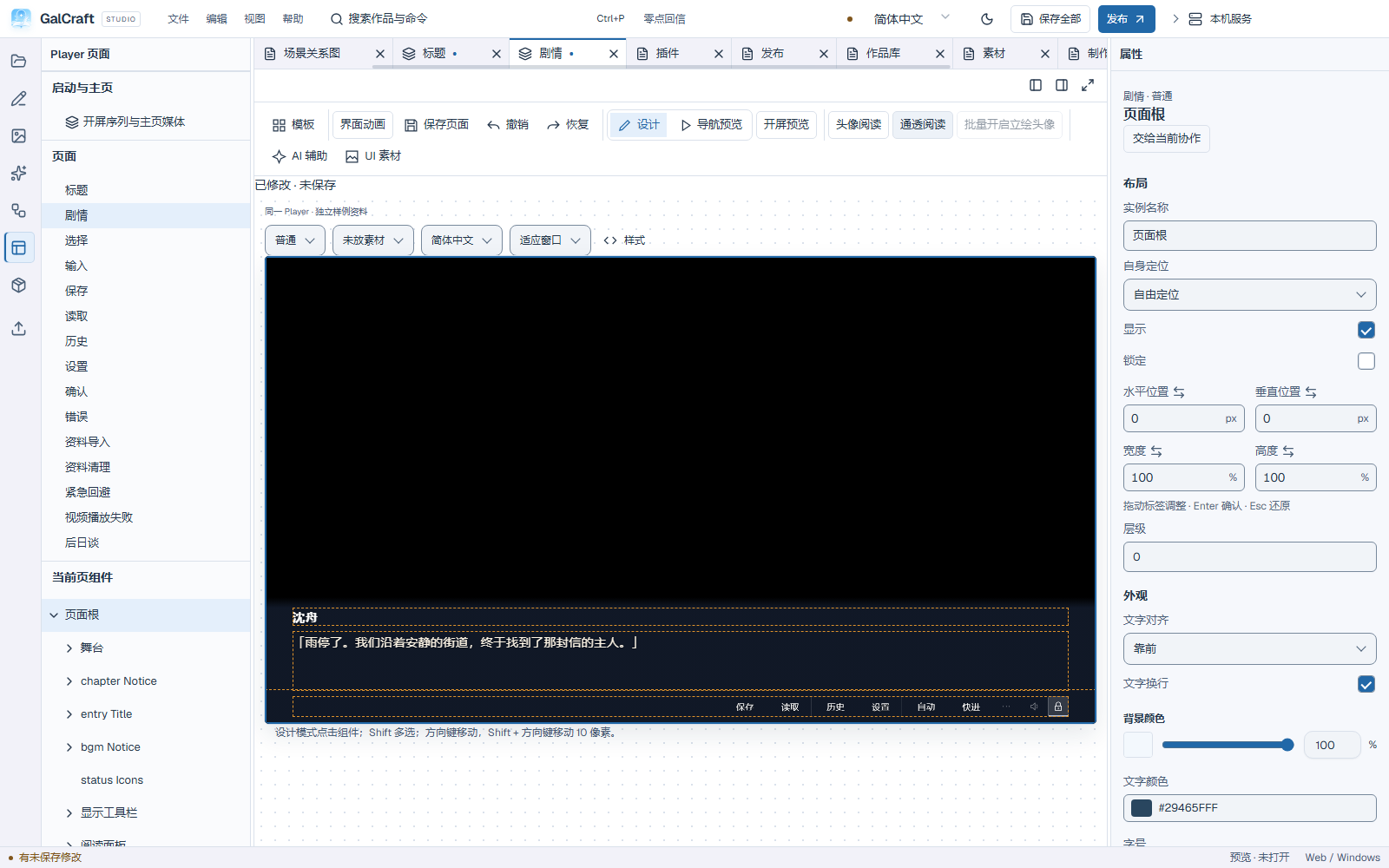
Shared reading background and layout properties
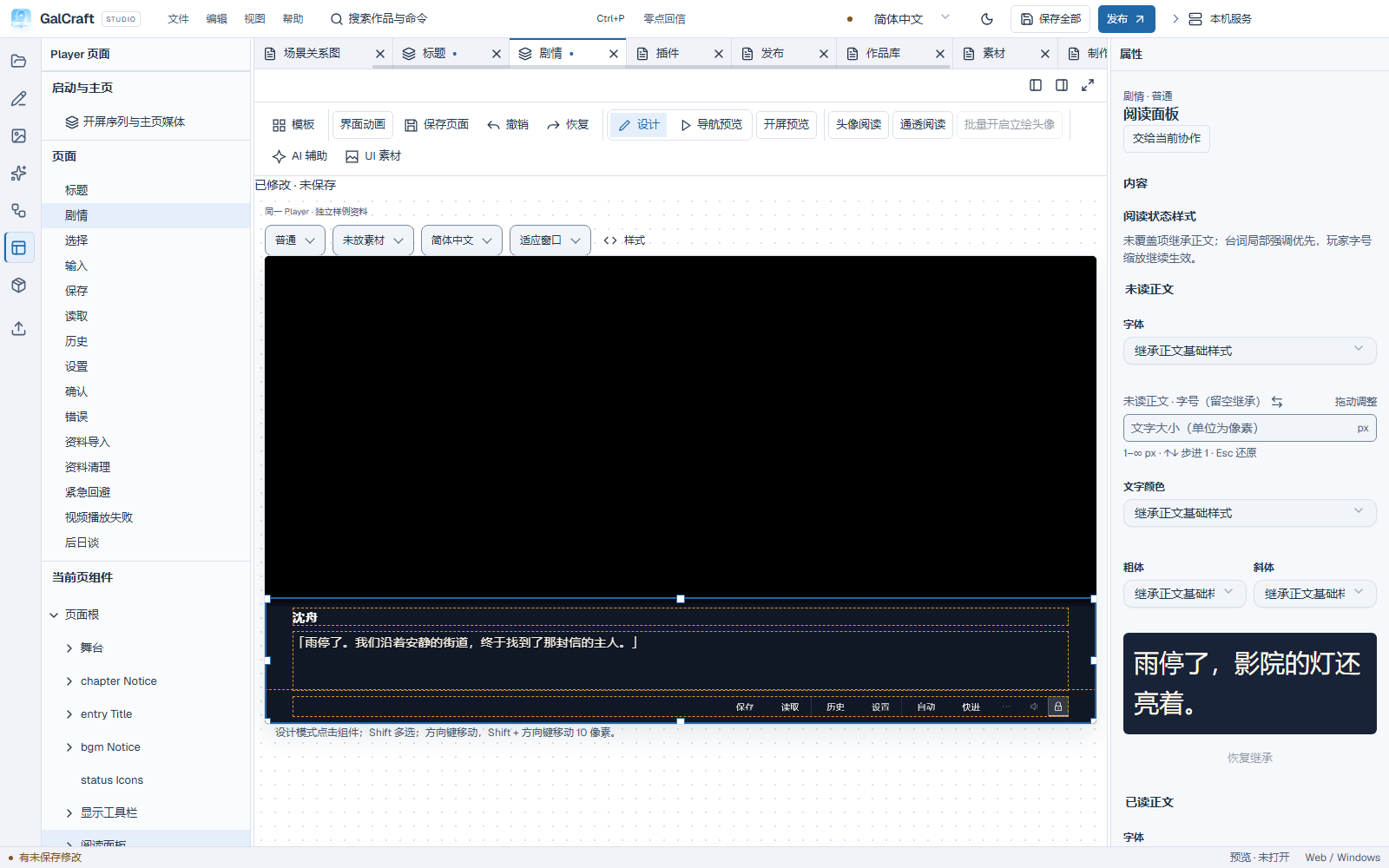
Player pages
Page Title

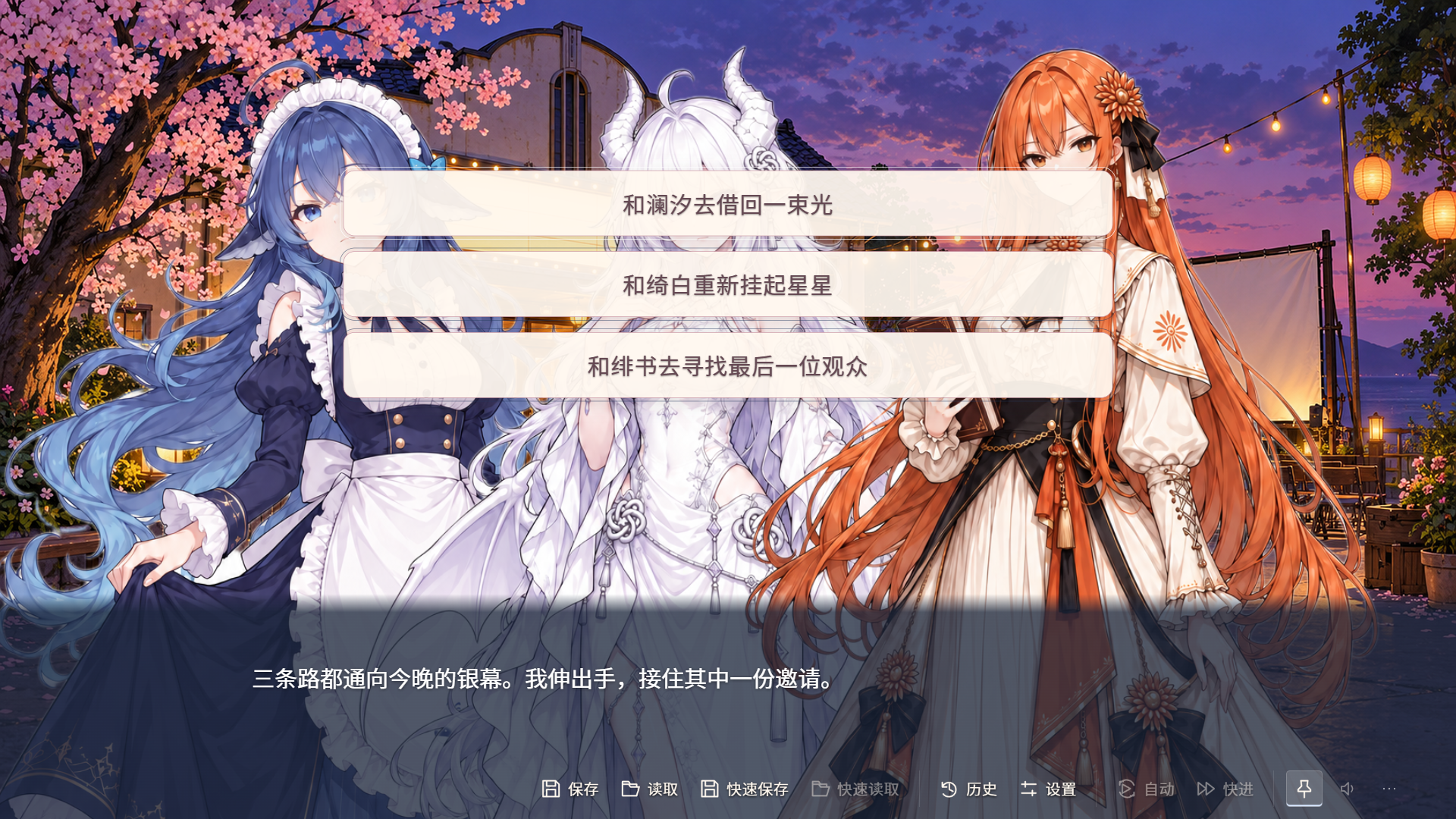
Page Choice
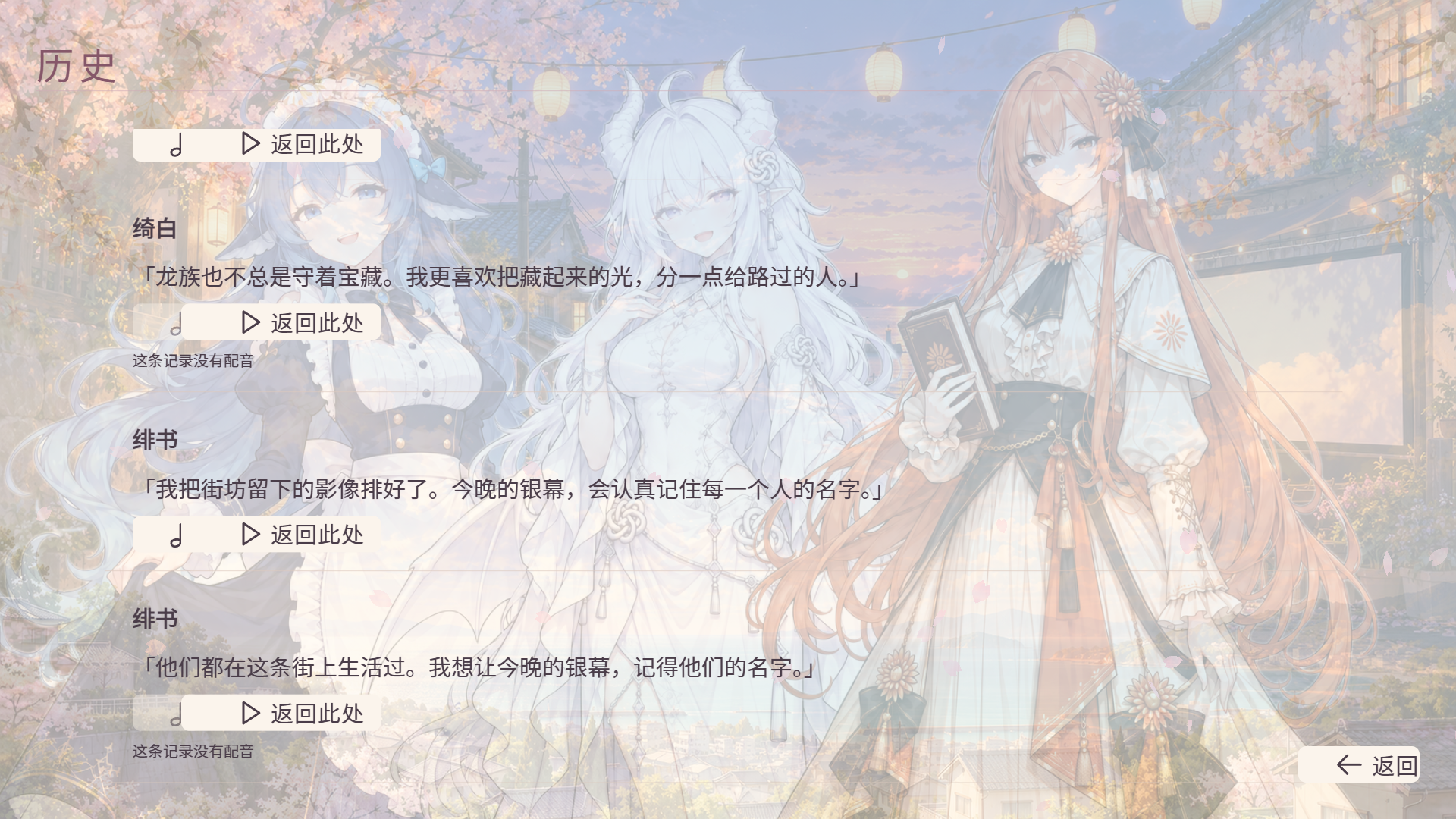
Page History
Page Confirm
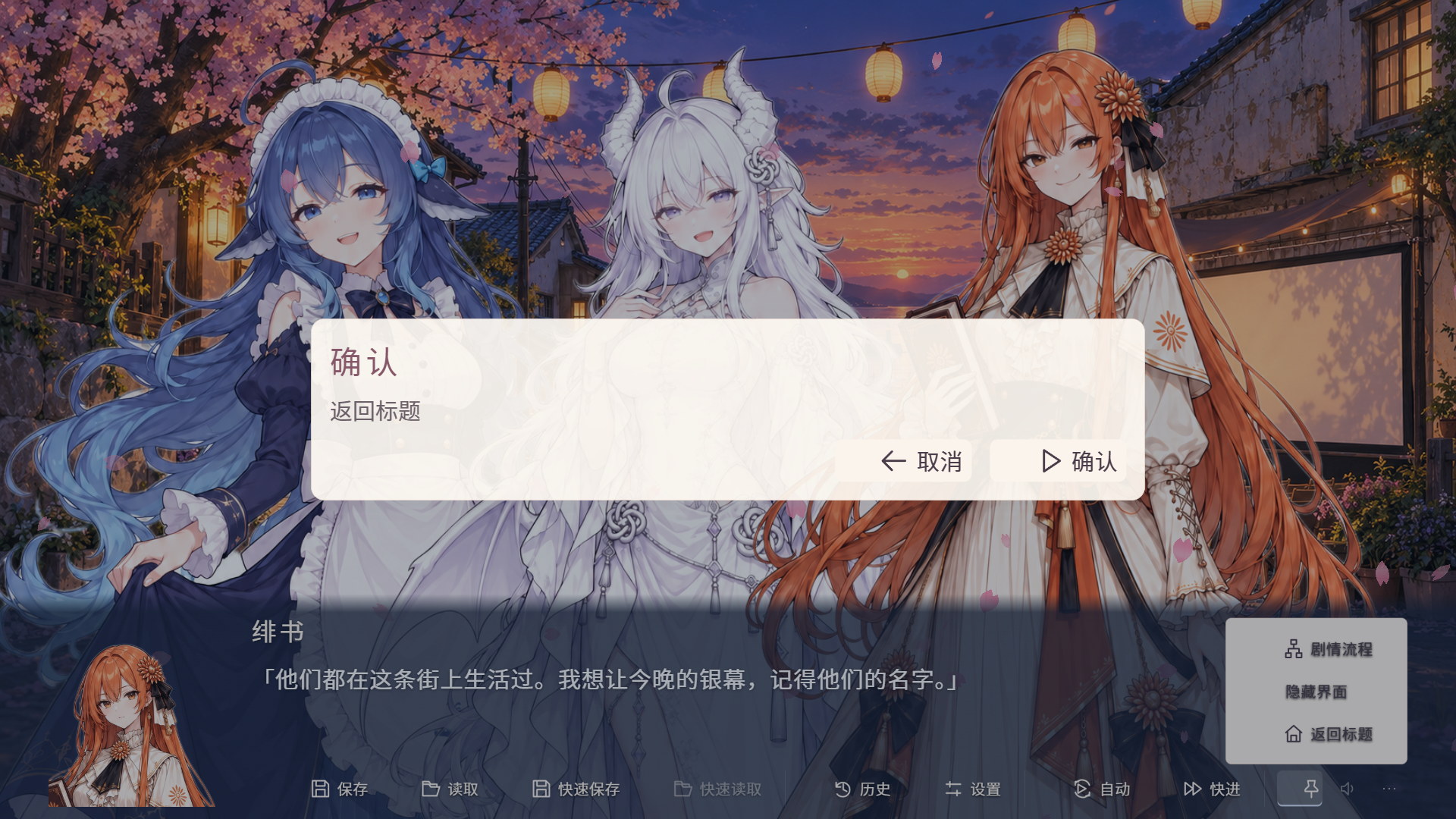
Player page samples
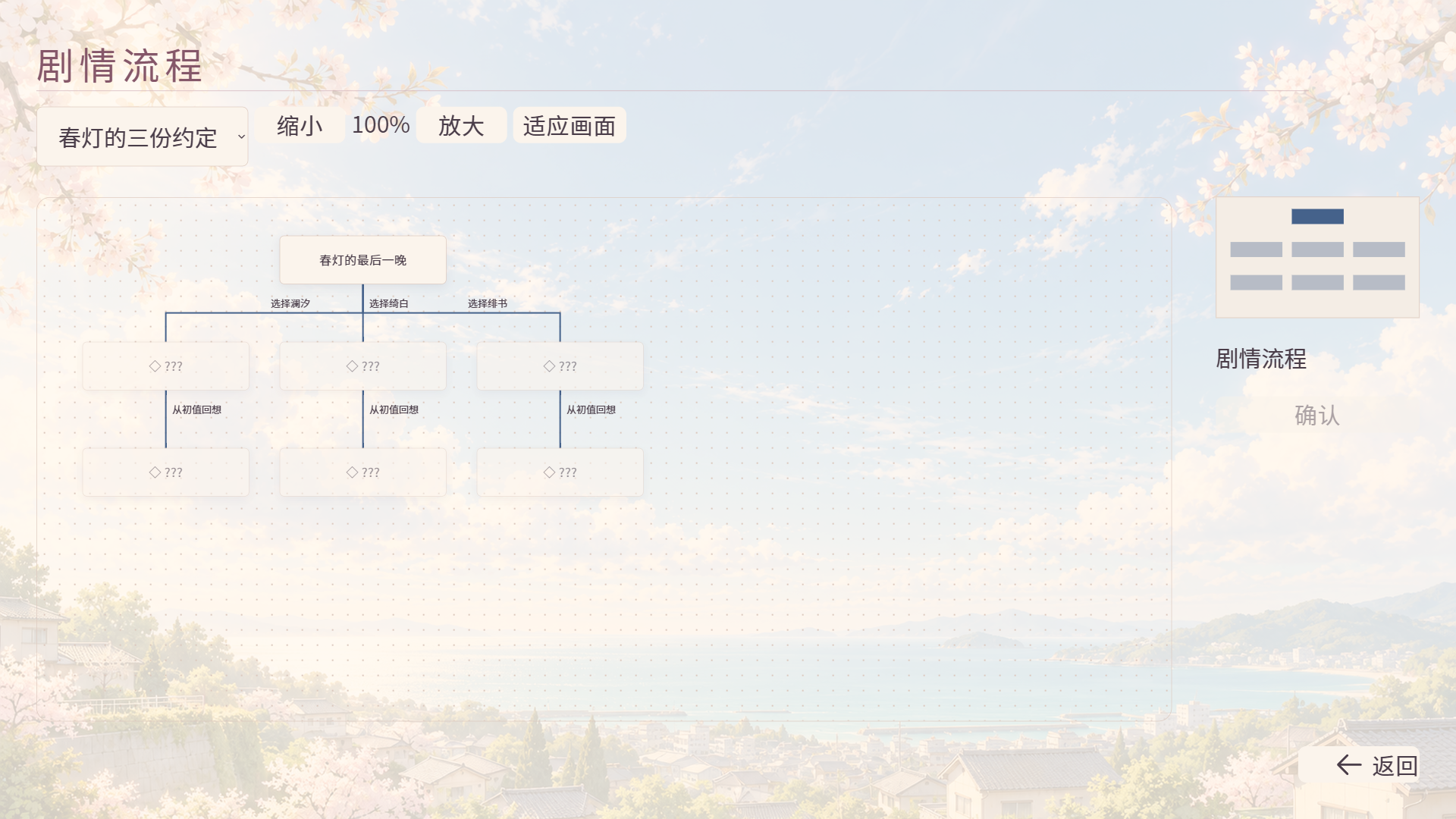
Player Flow
Plugins and publishing
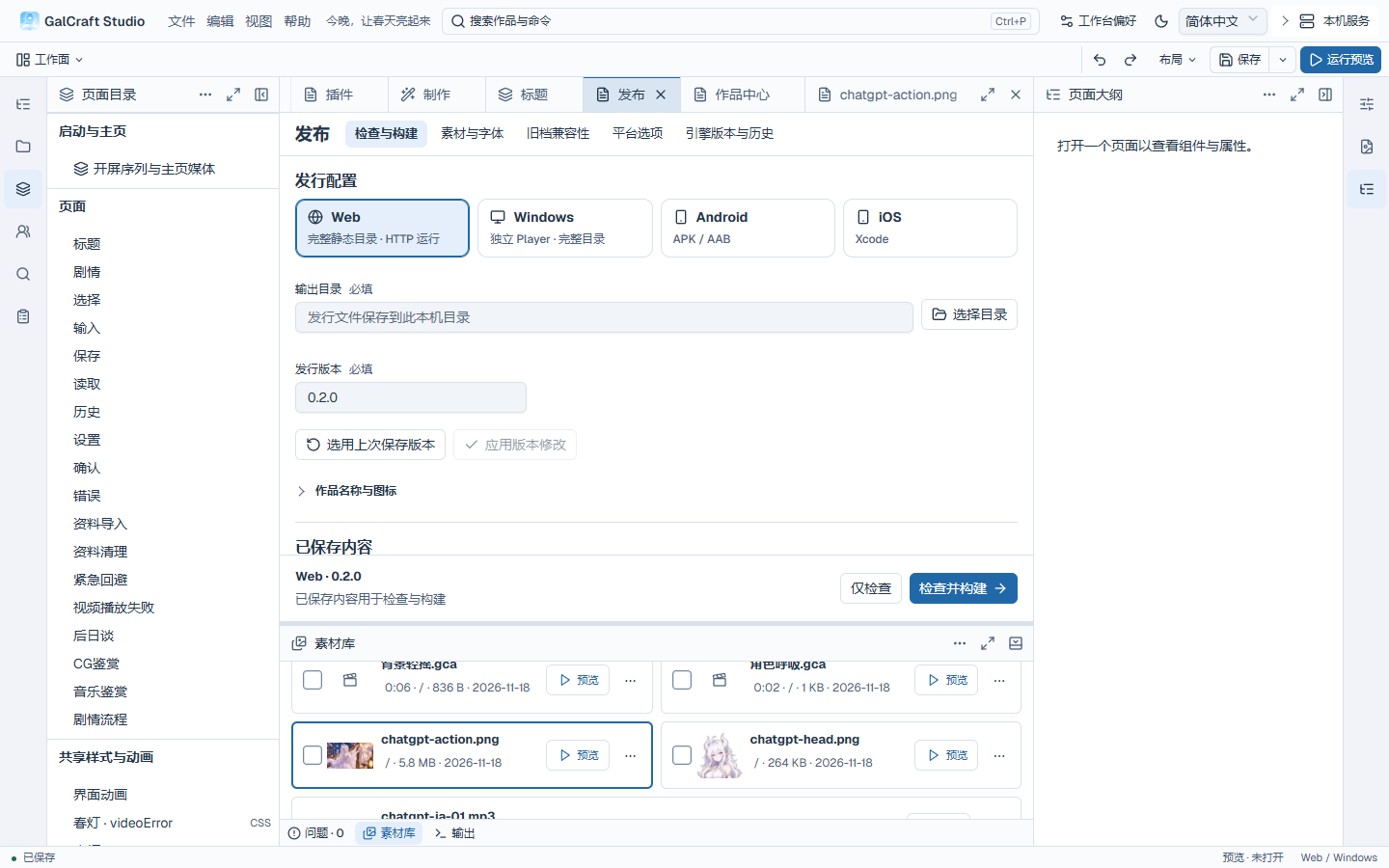
Publish Plan
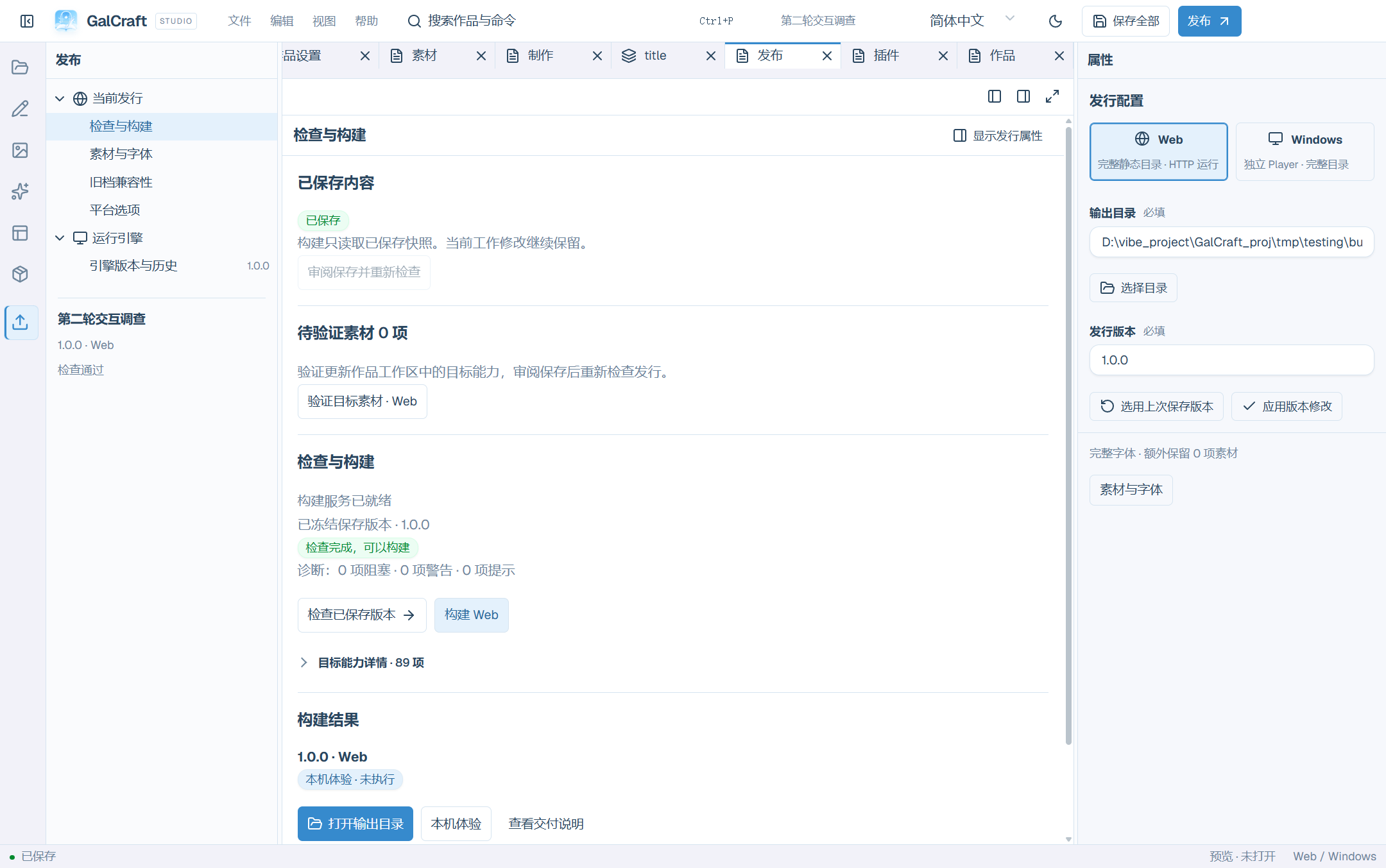
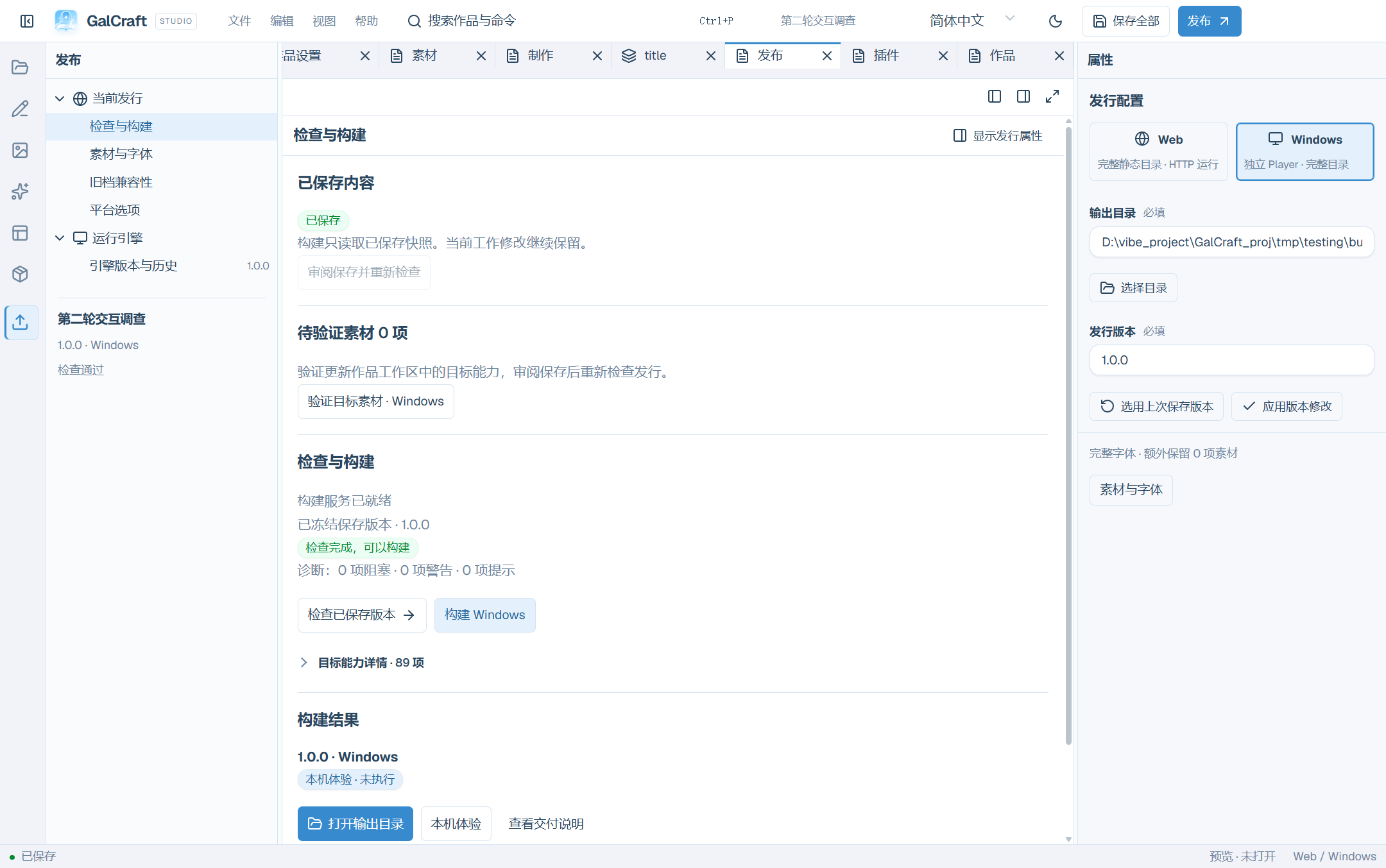
Publish Result
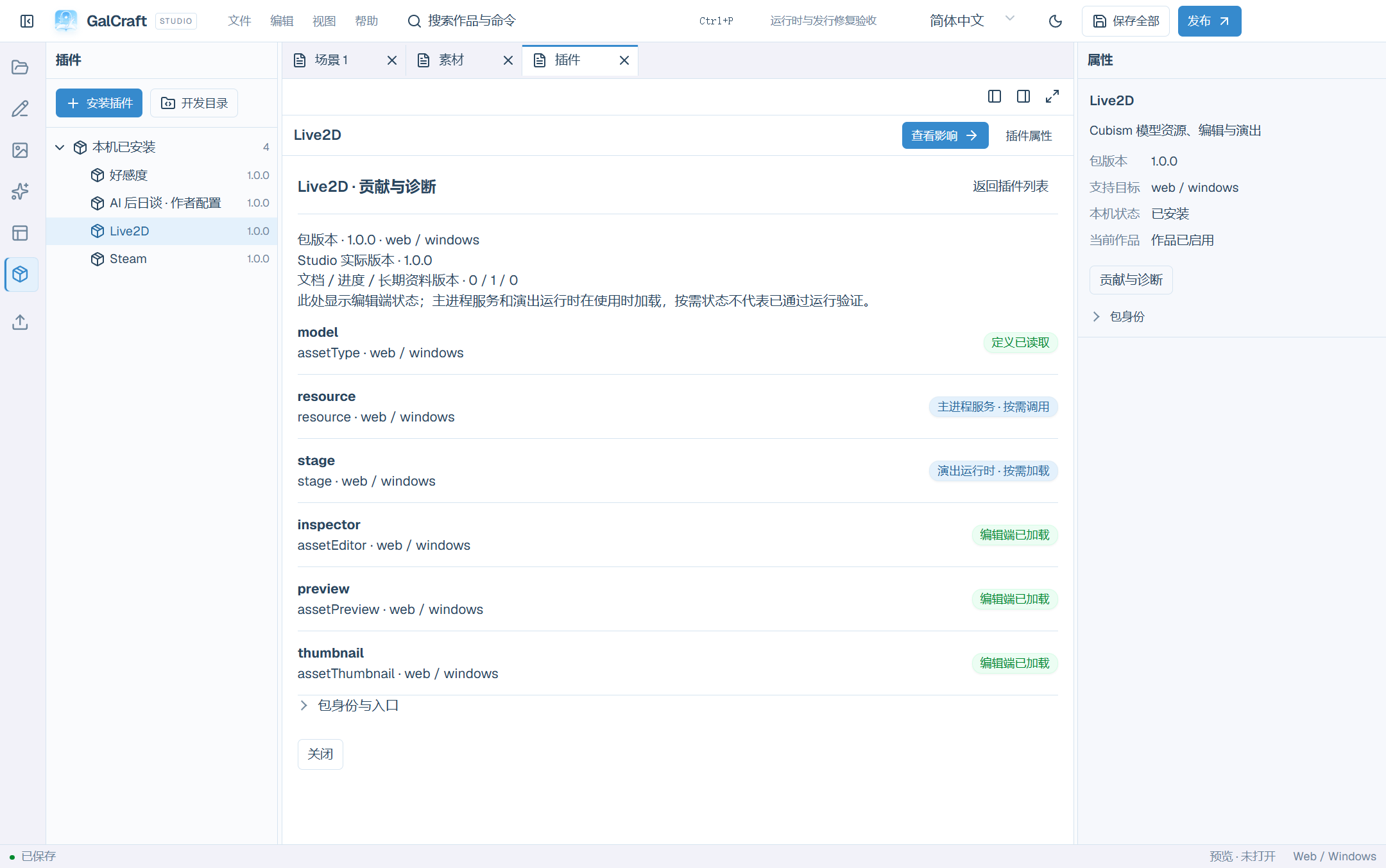
Plugin Contribution Status
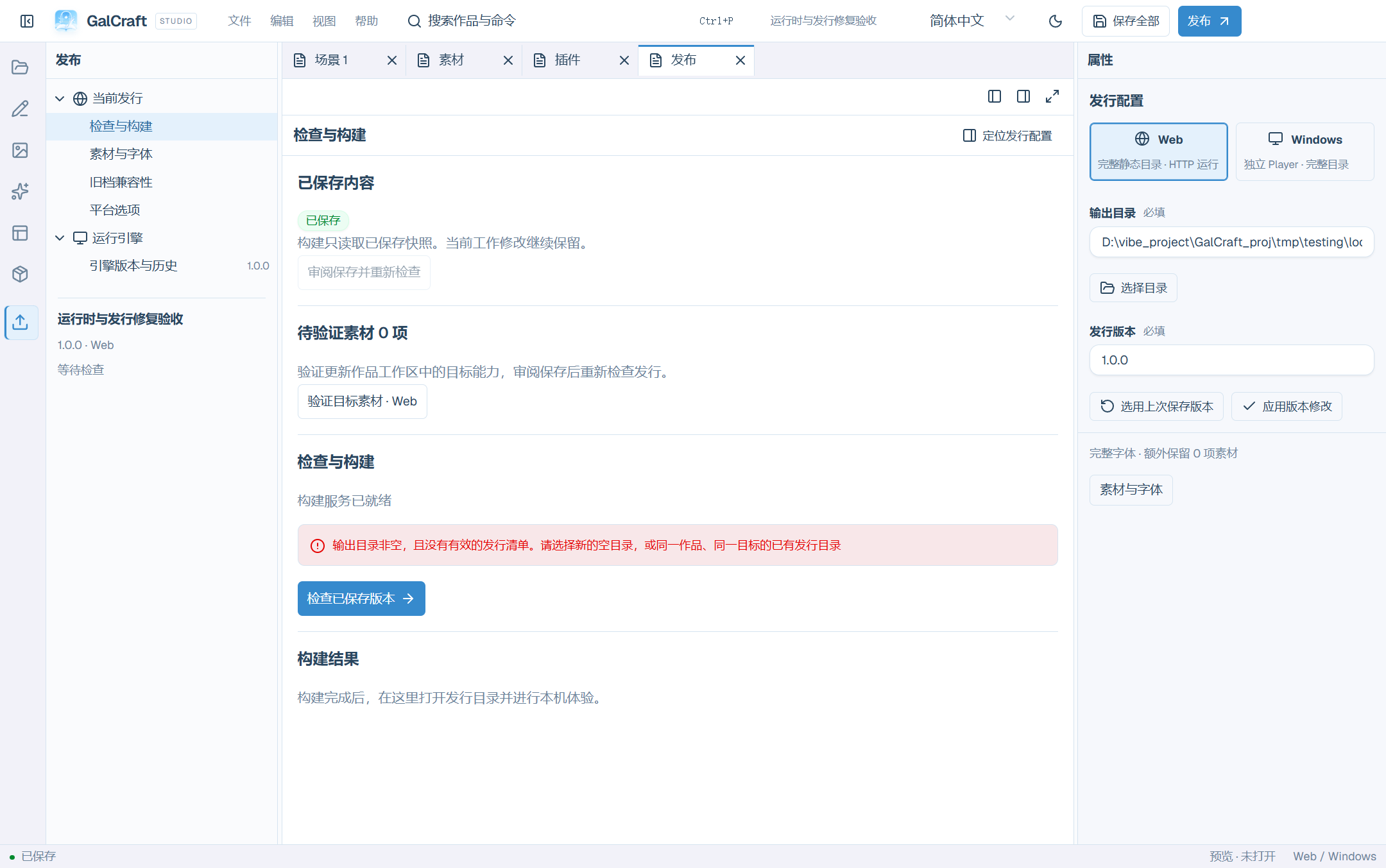
Publish Output Check
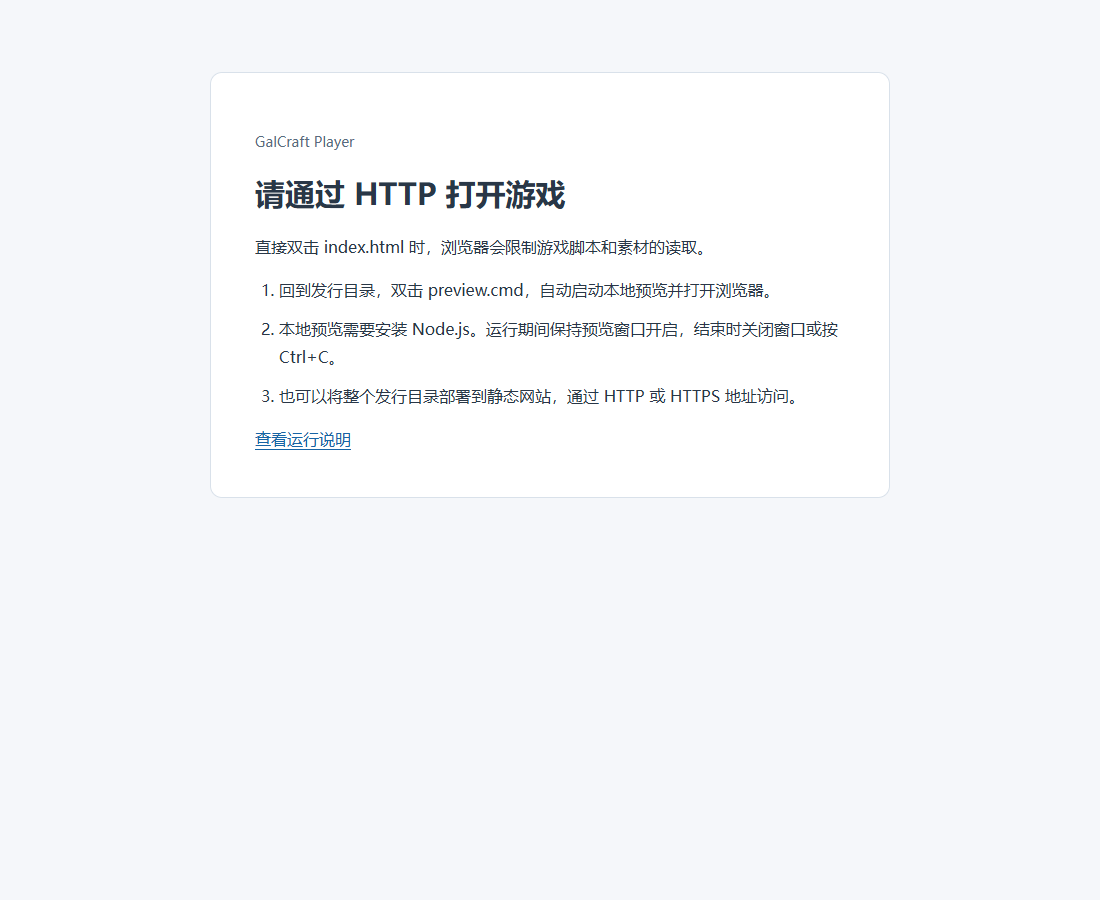
Web File Open Help
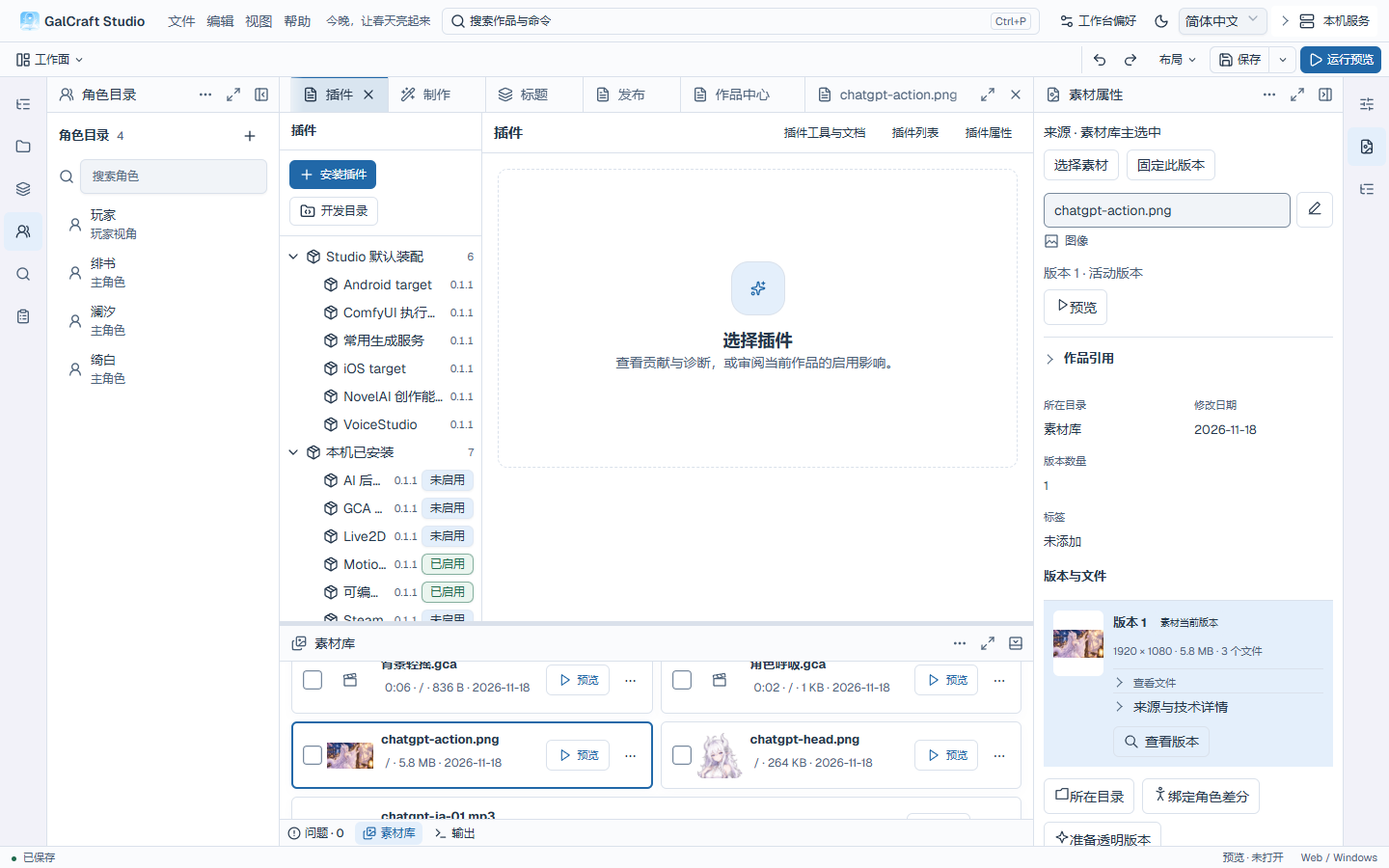
Plugin list and bundled 0.1.1 versions
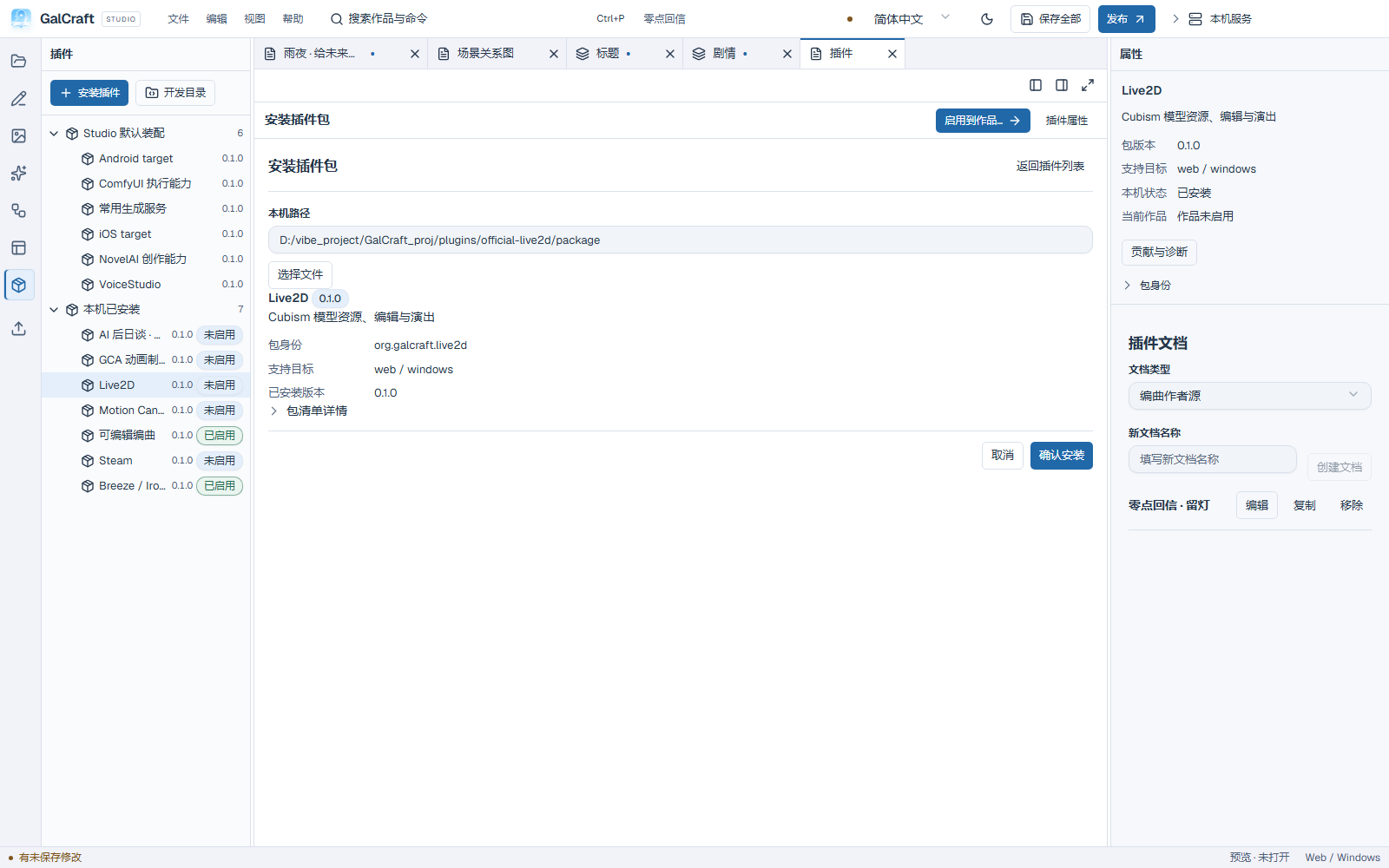
Plugin package installation review
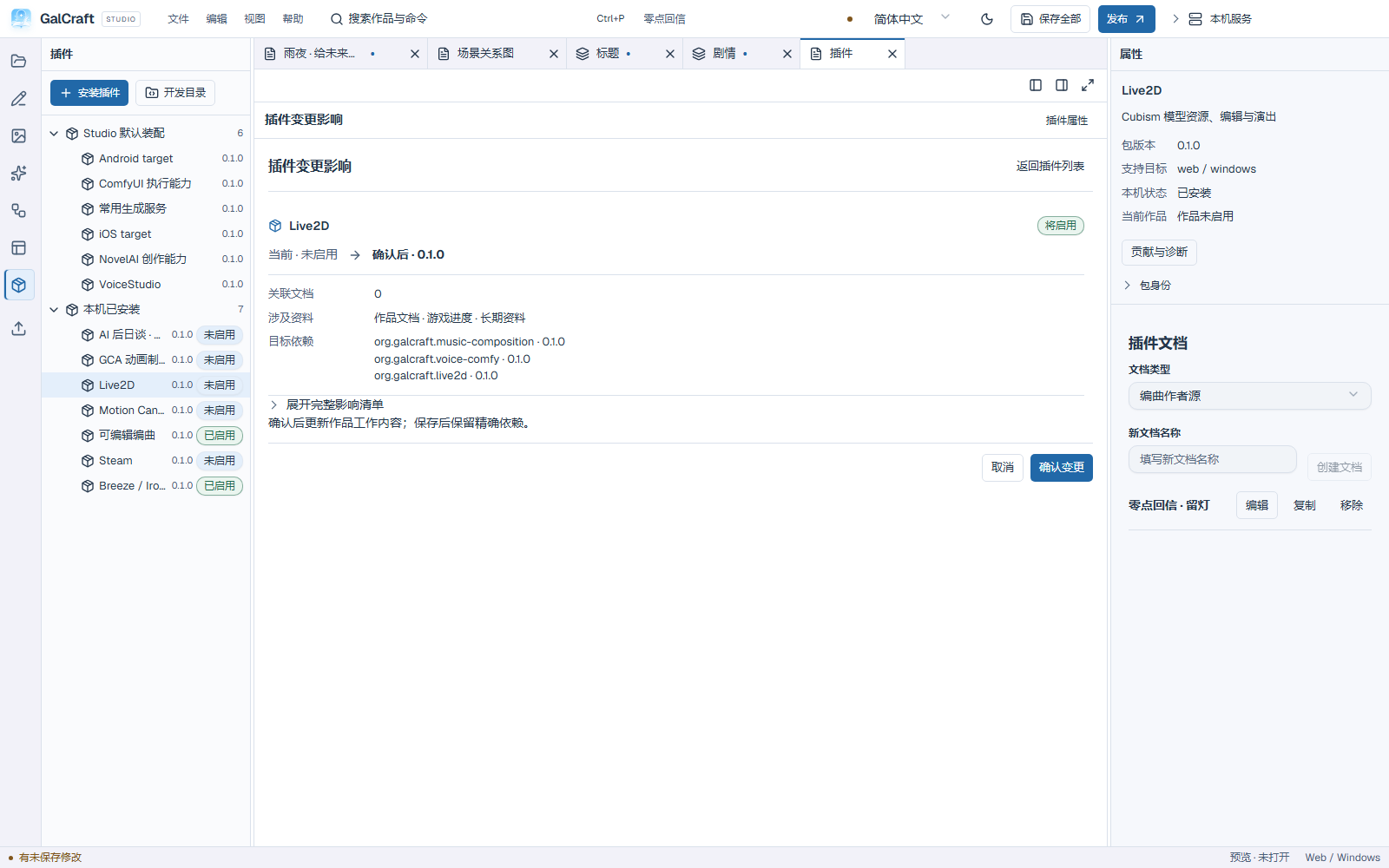
Plugin activation impact review
Publishing checks, targets and work release version
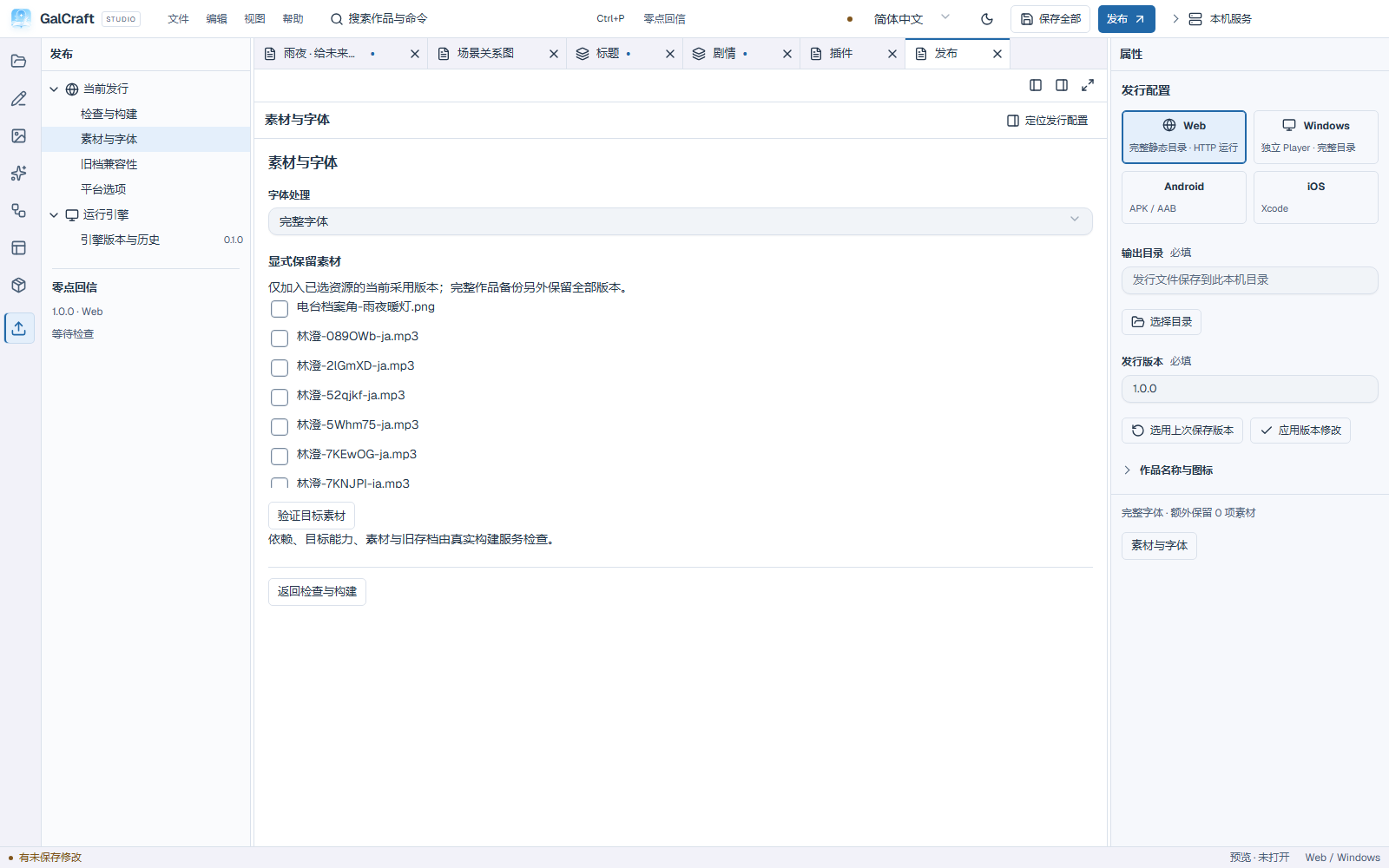
Current publishing asset and font options
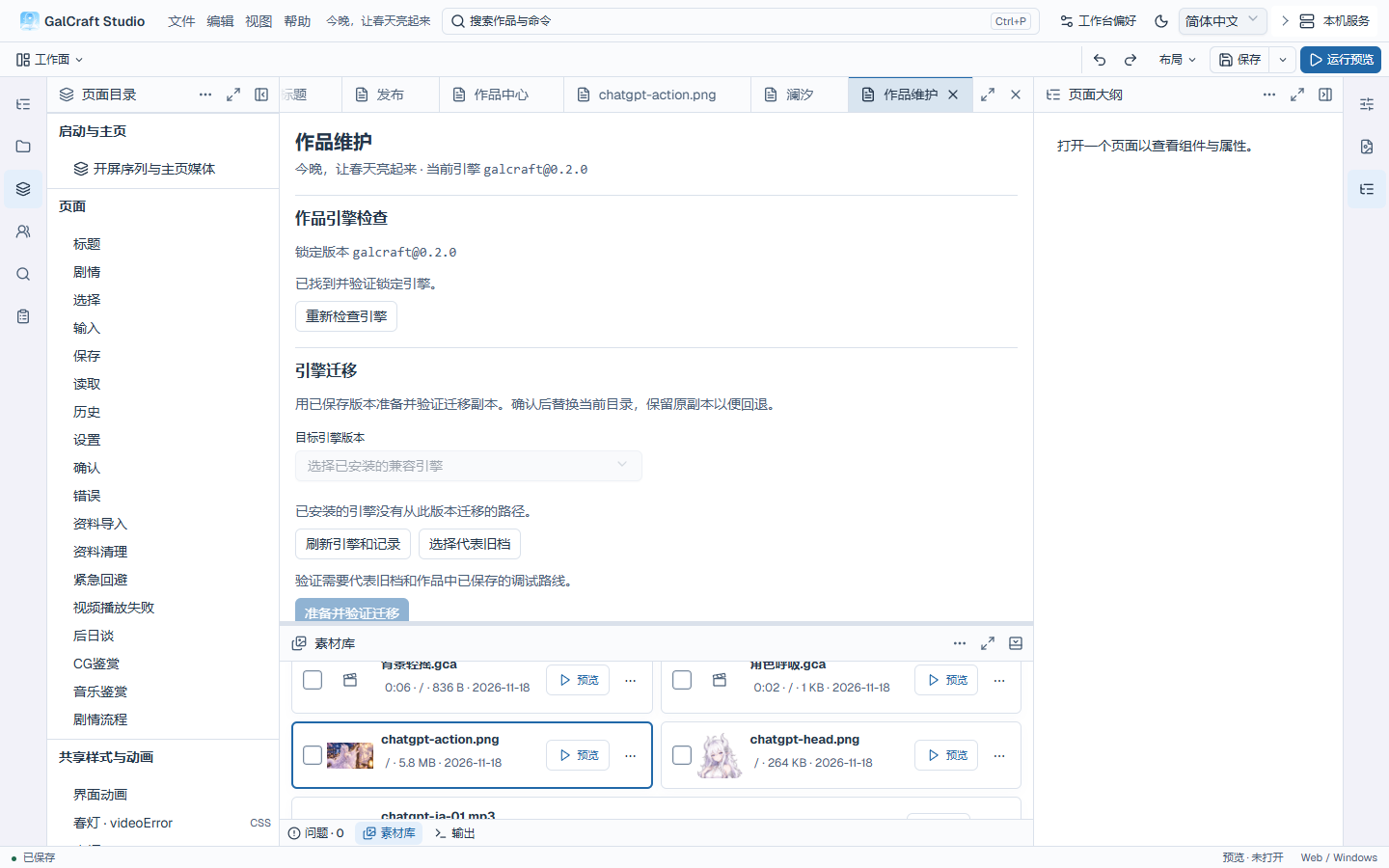
Engine 0.2.0 check in Project maintenance
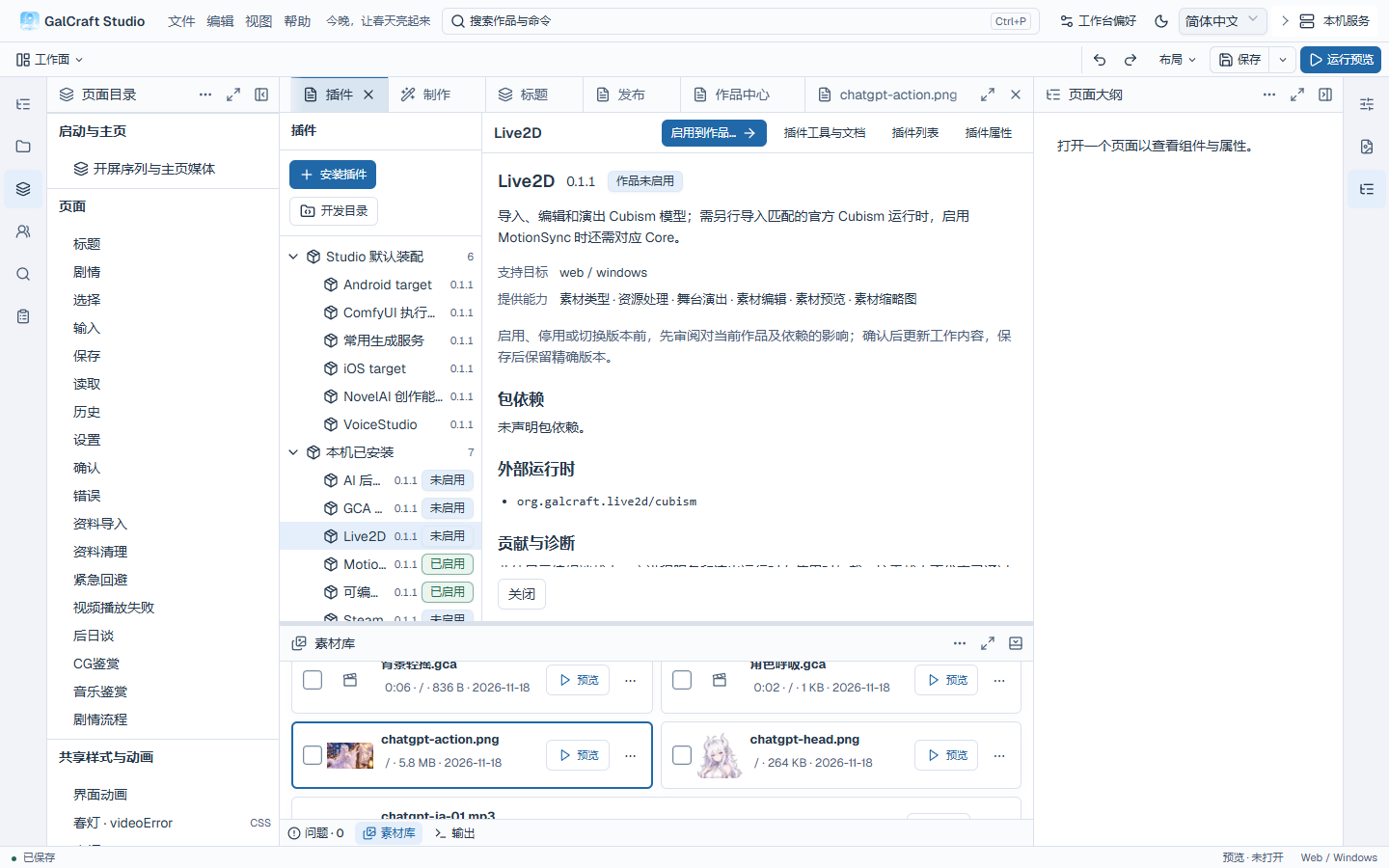
Live2D 0.1.1 package details and external runtime
Conditional dialogs
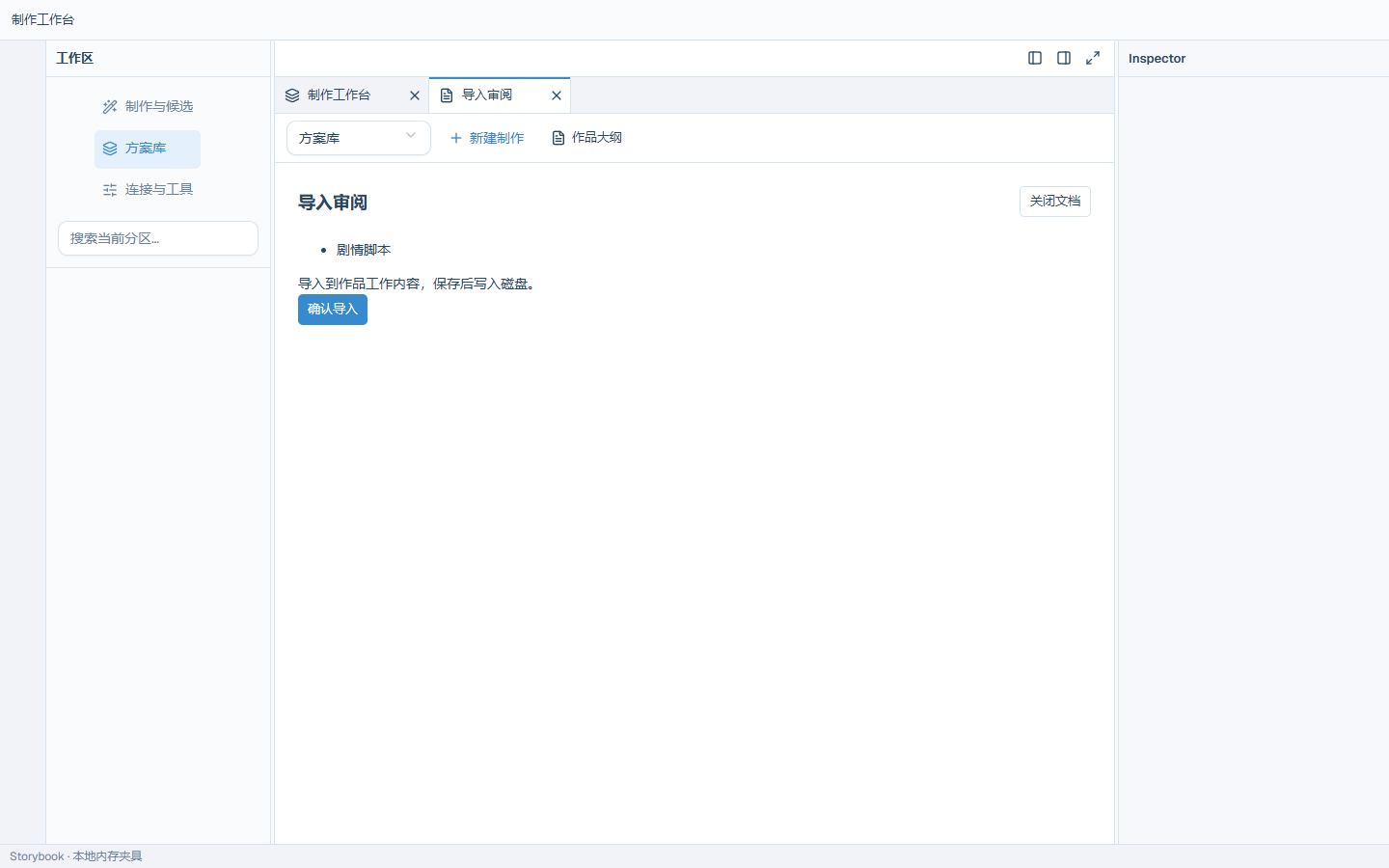
Recipe Import
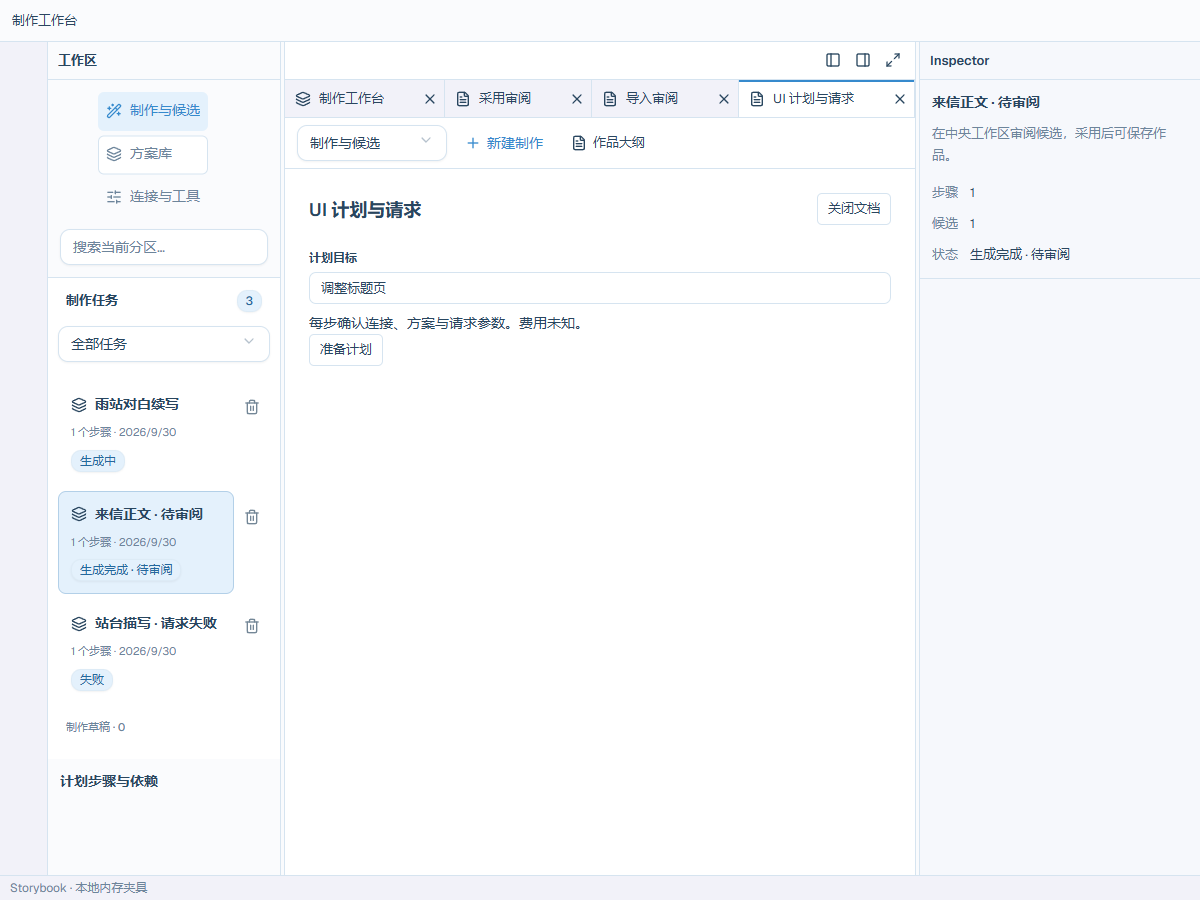
Ui Plan Editor
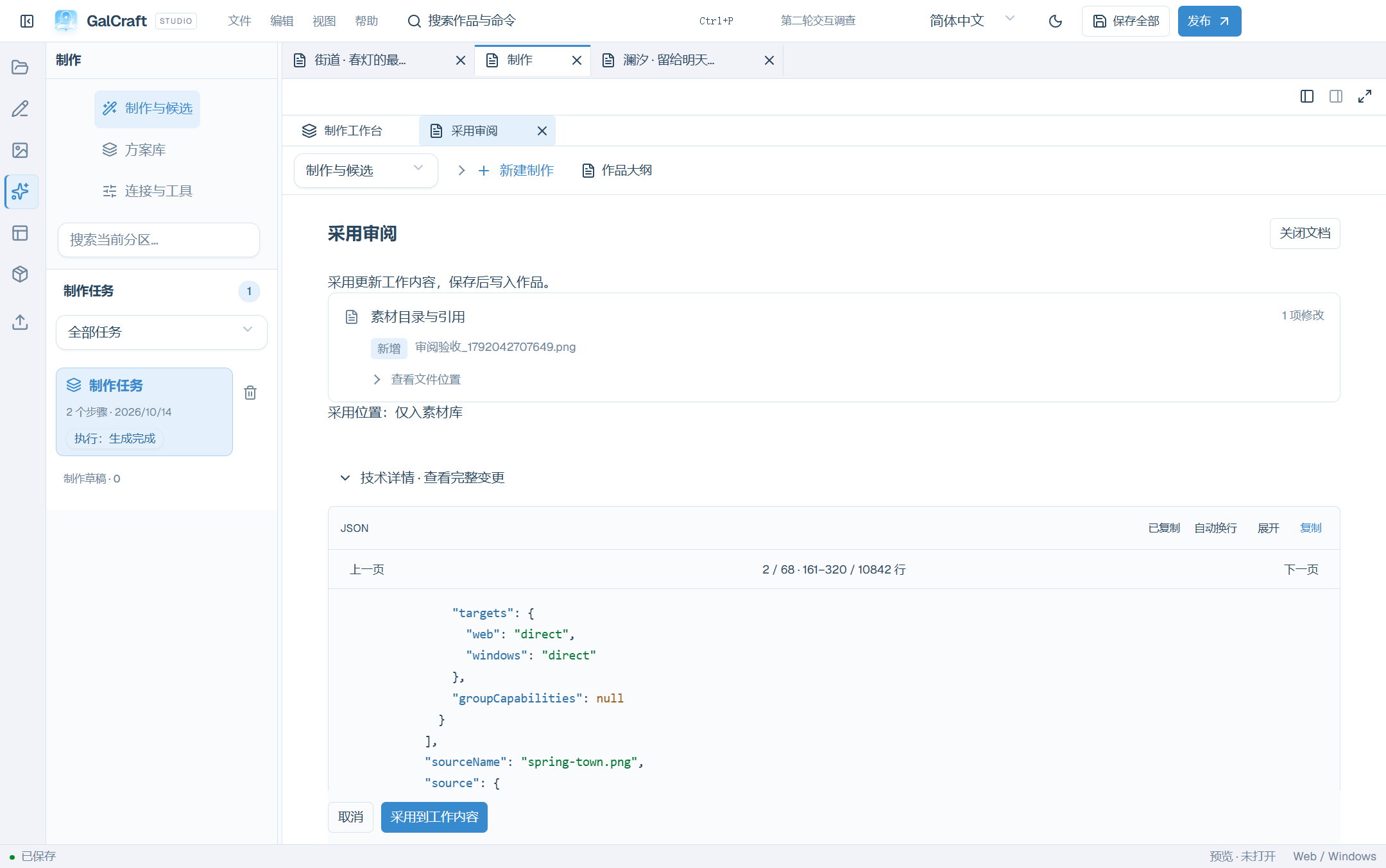
Candidate changes and paginated technical details
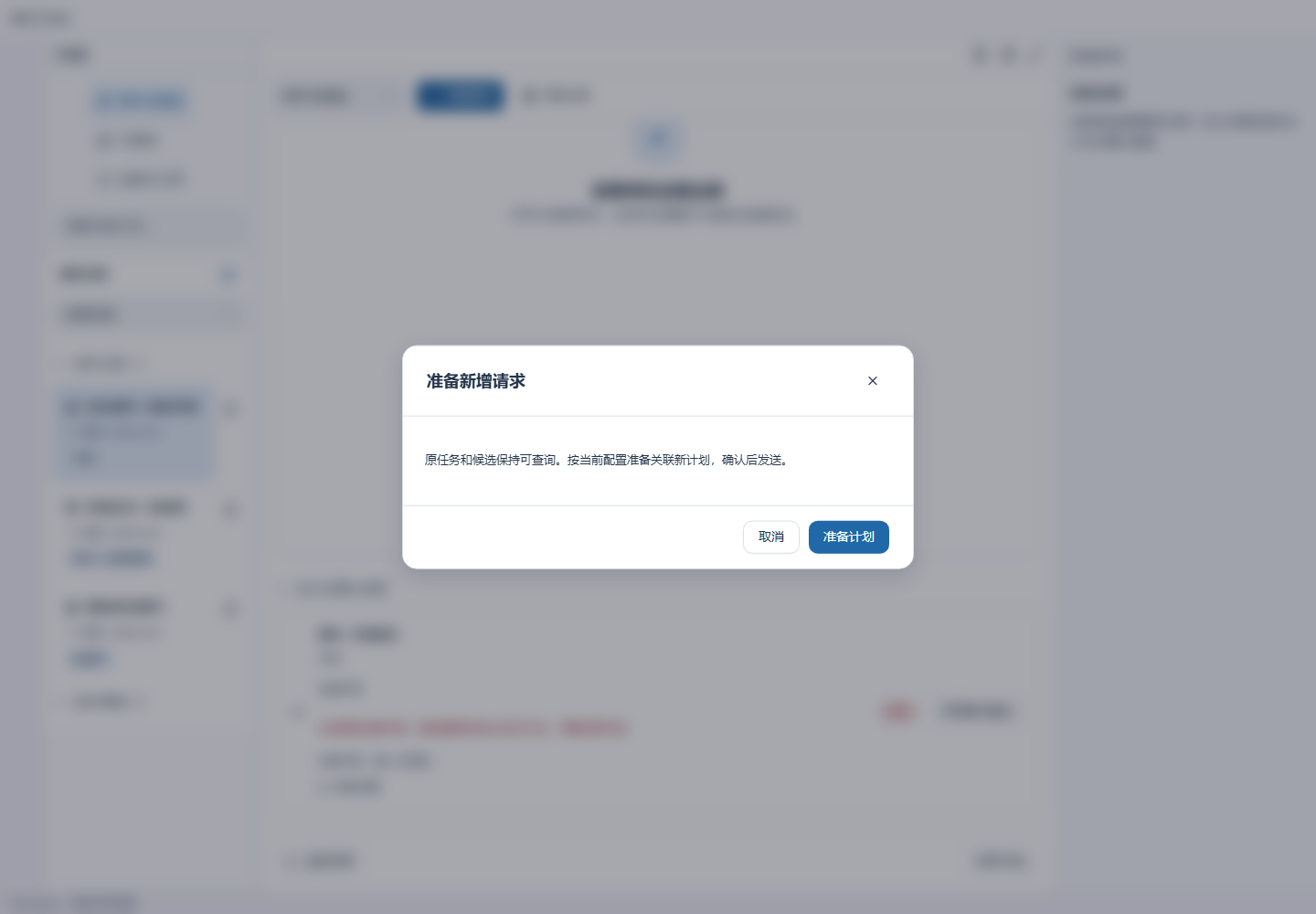
Failed step and new-request preparation
Plugin authoring
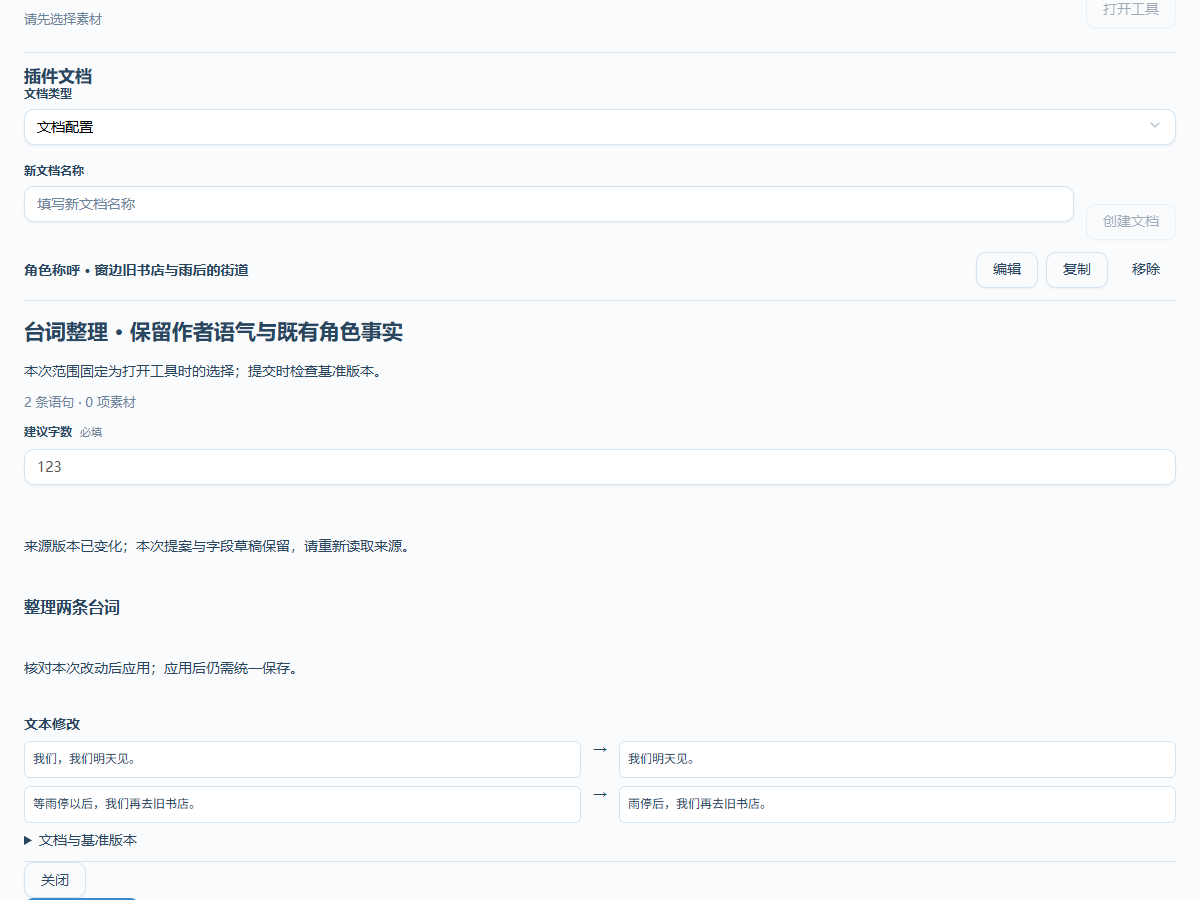
Plugin Documents
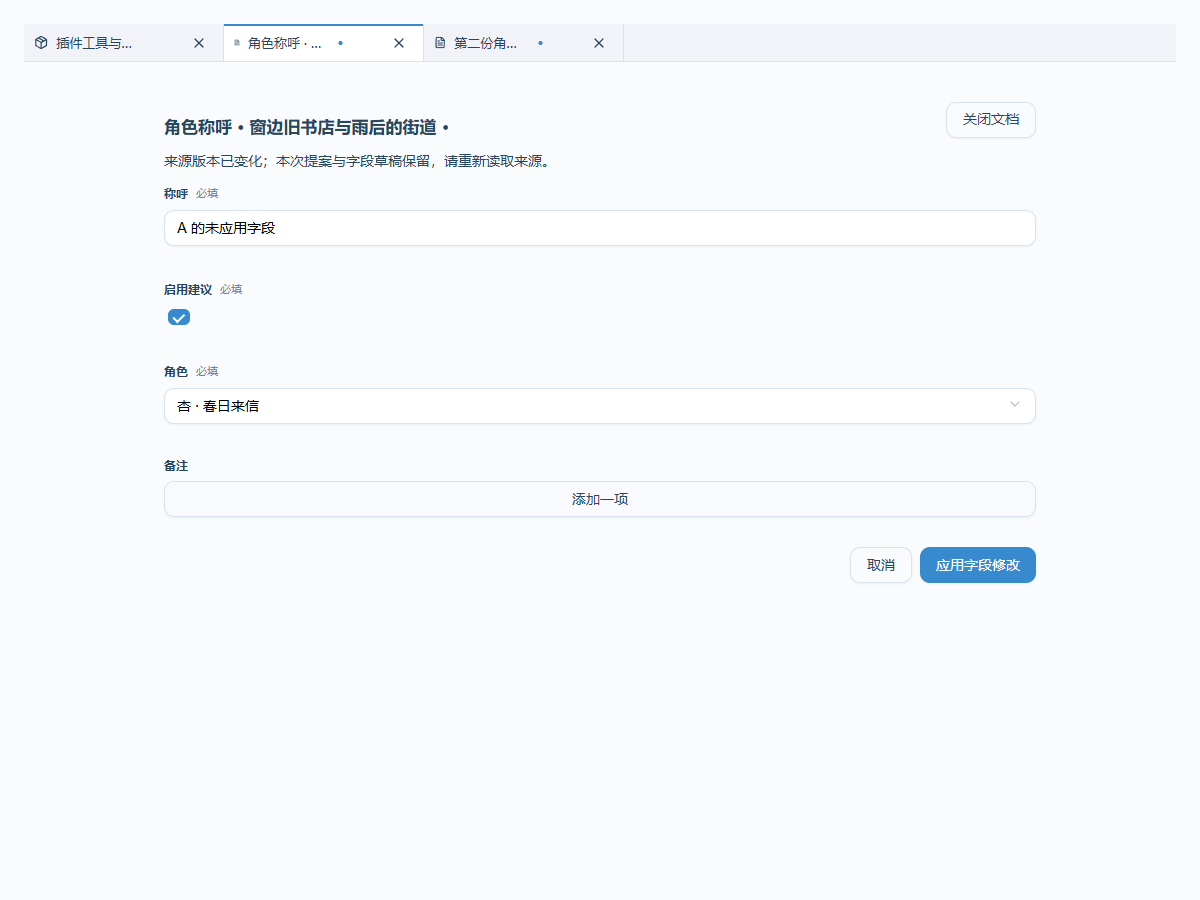
Plugin Tool Proposal
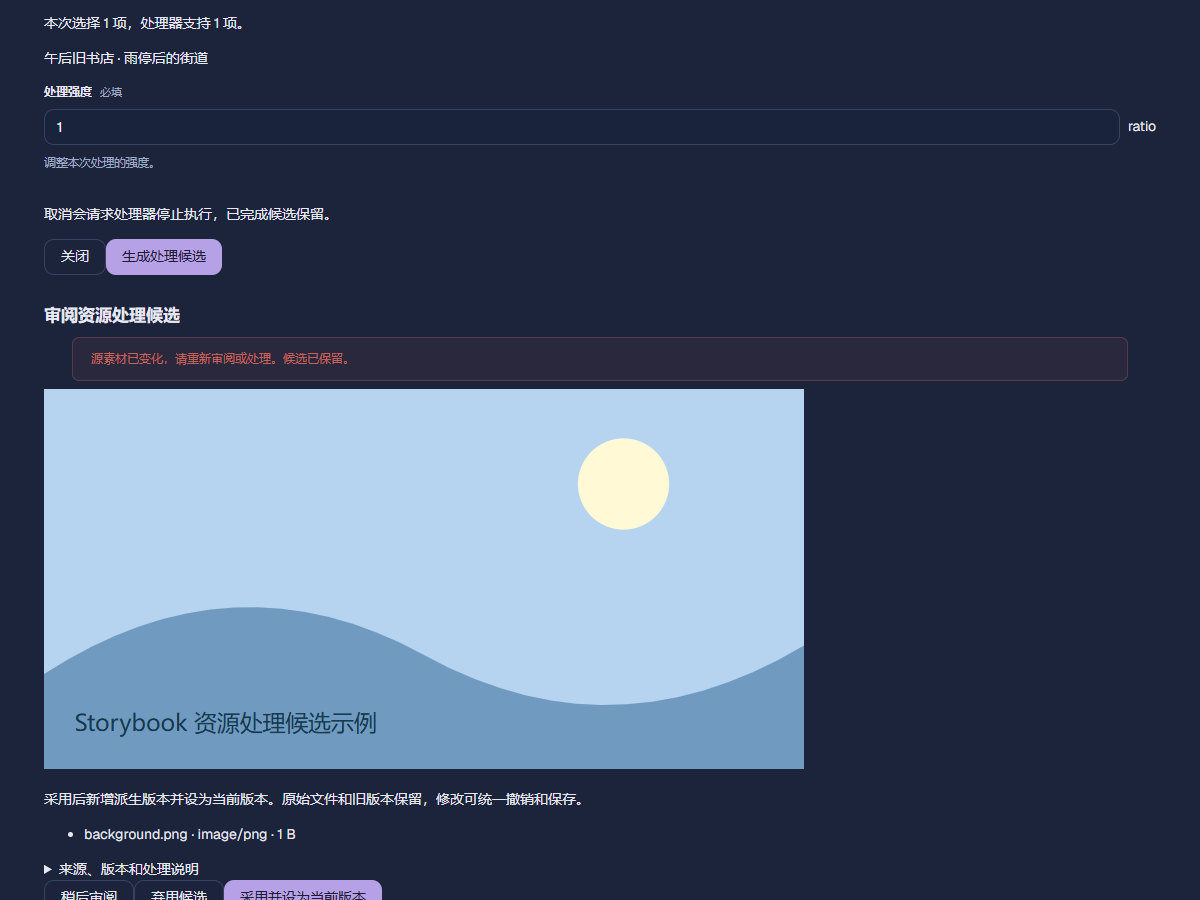
Plugin Resource Review
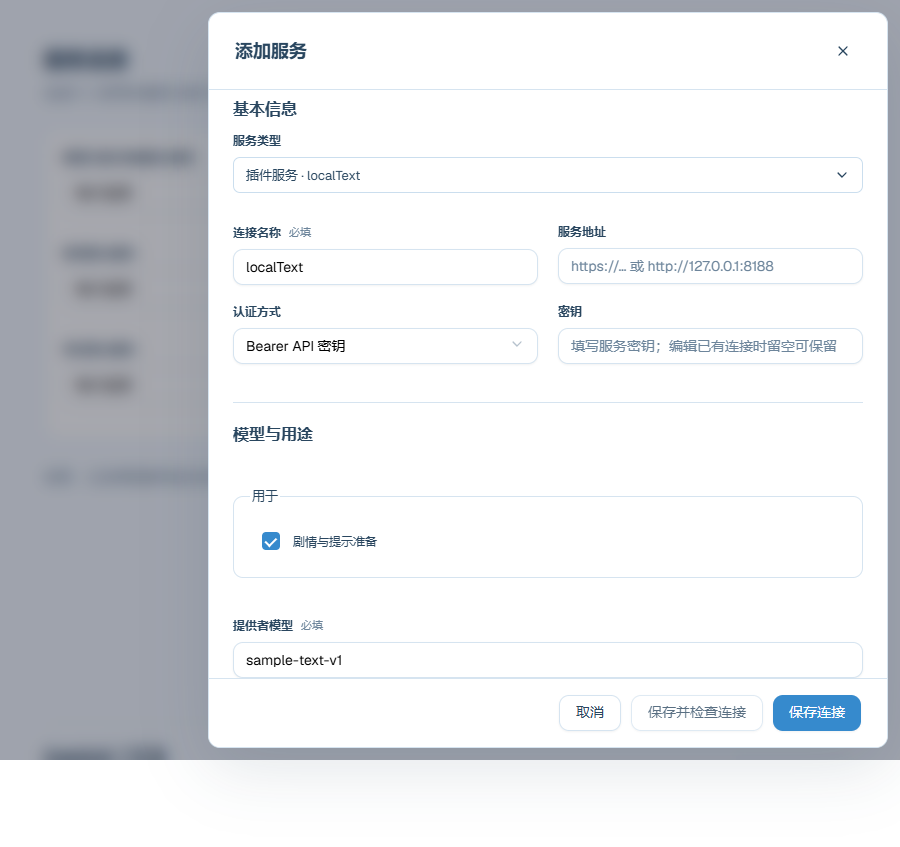
Plugin Provider Connection
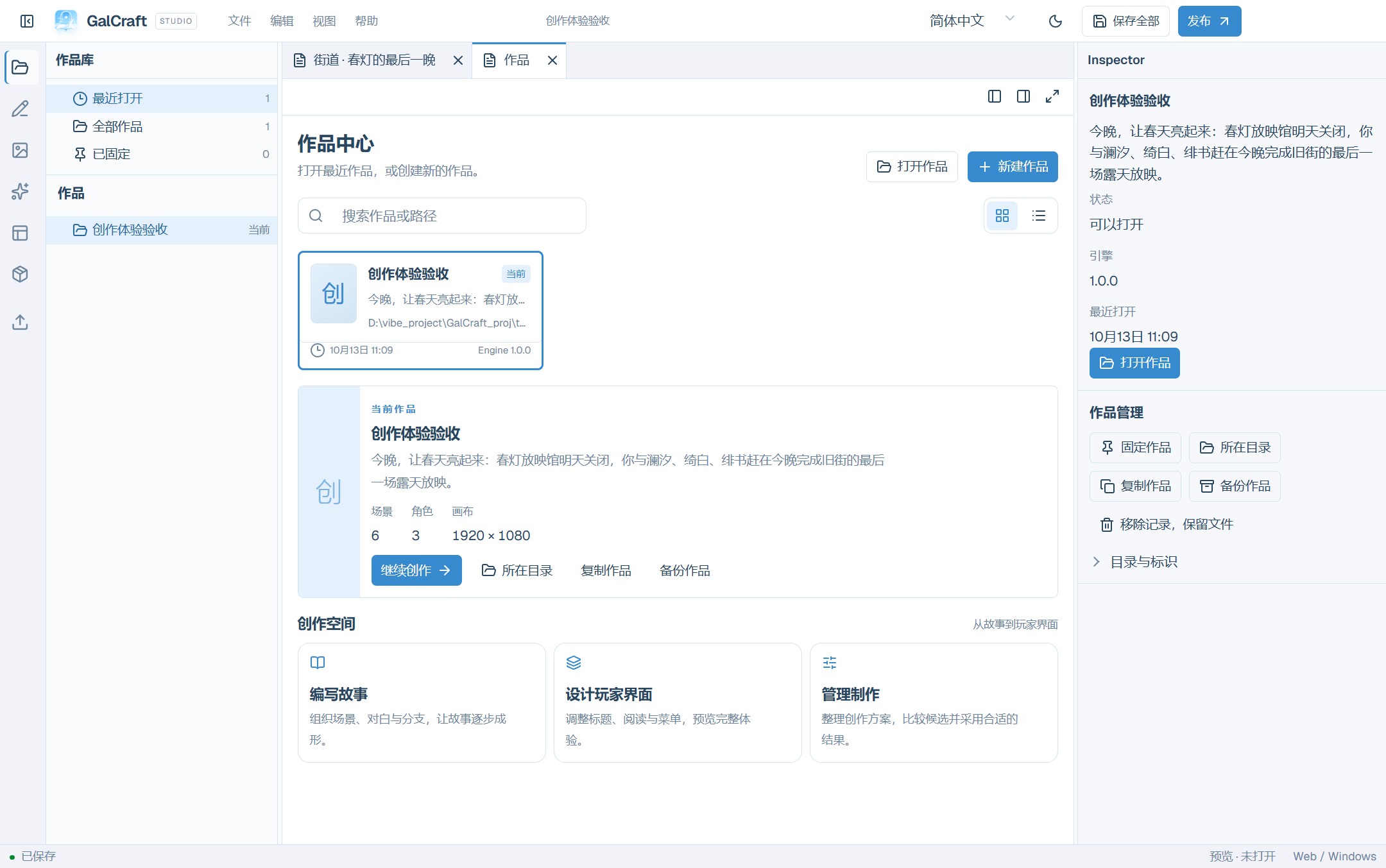
Workbench
Workbench Projects
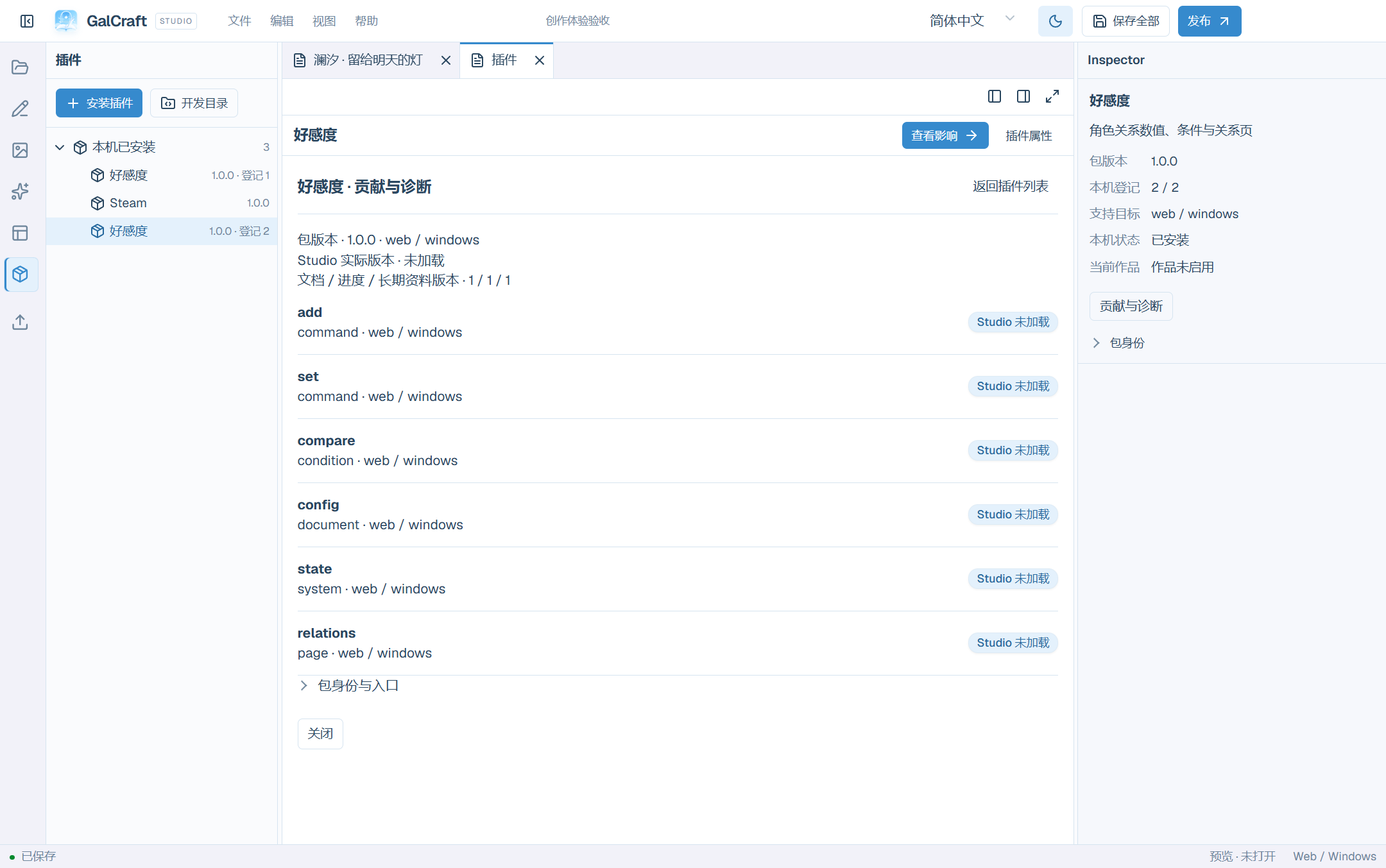
Workbench Plugins
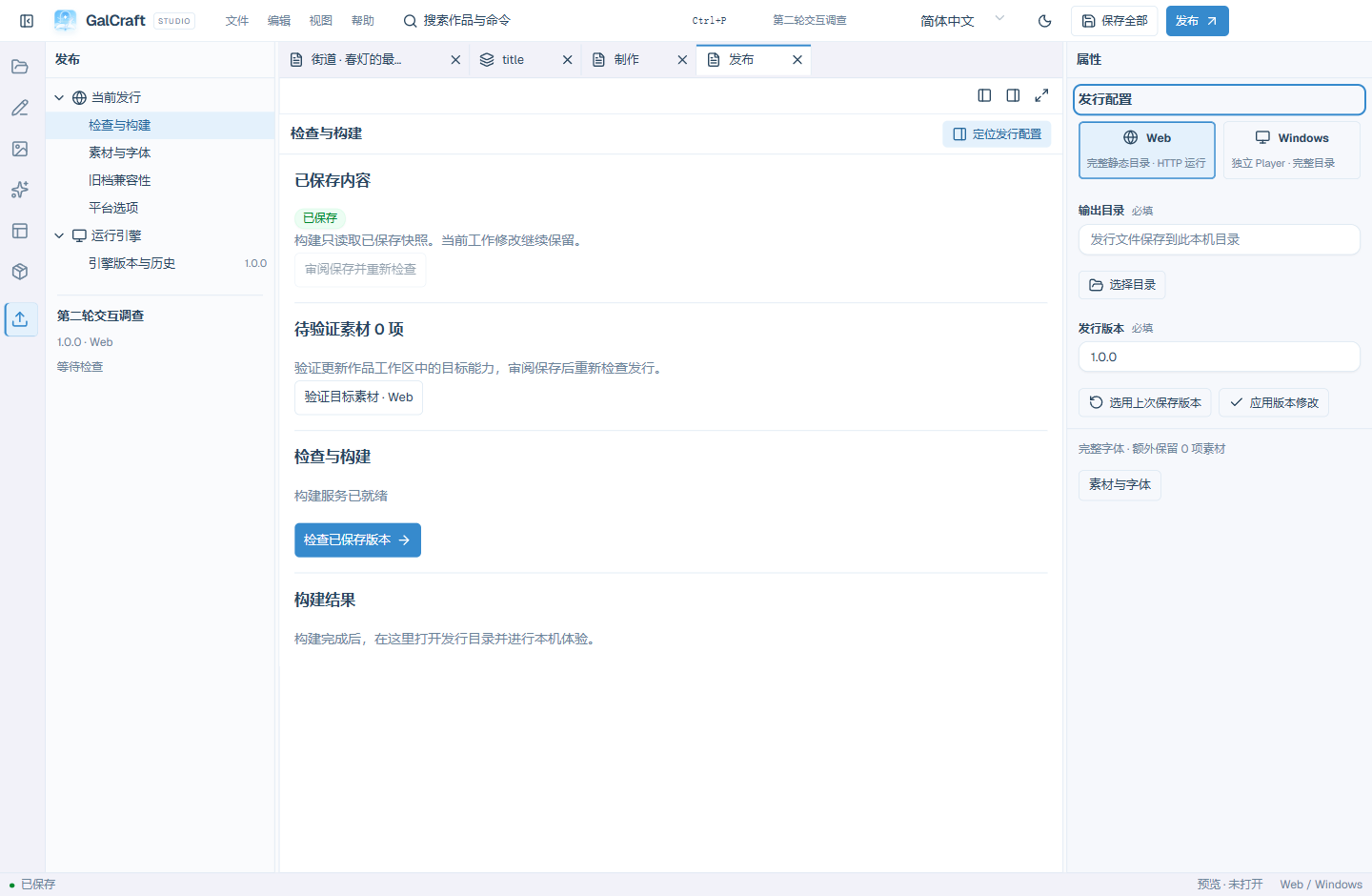
Workbench Publish
Workbench Speech
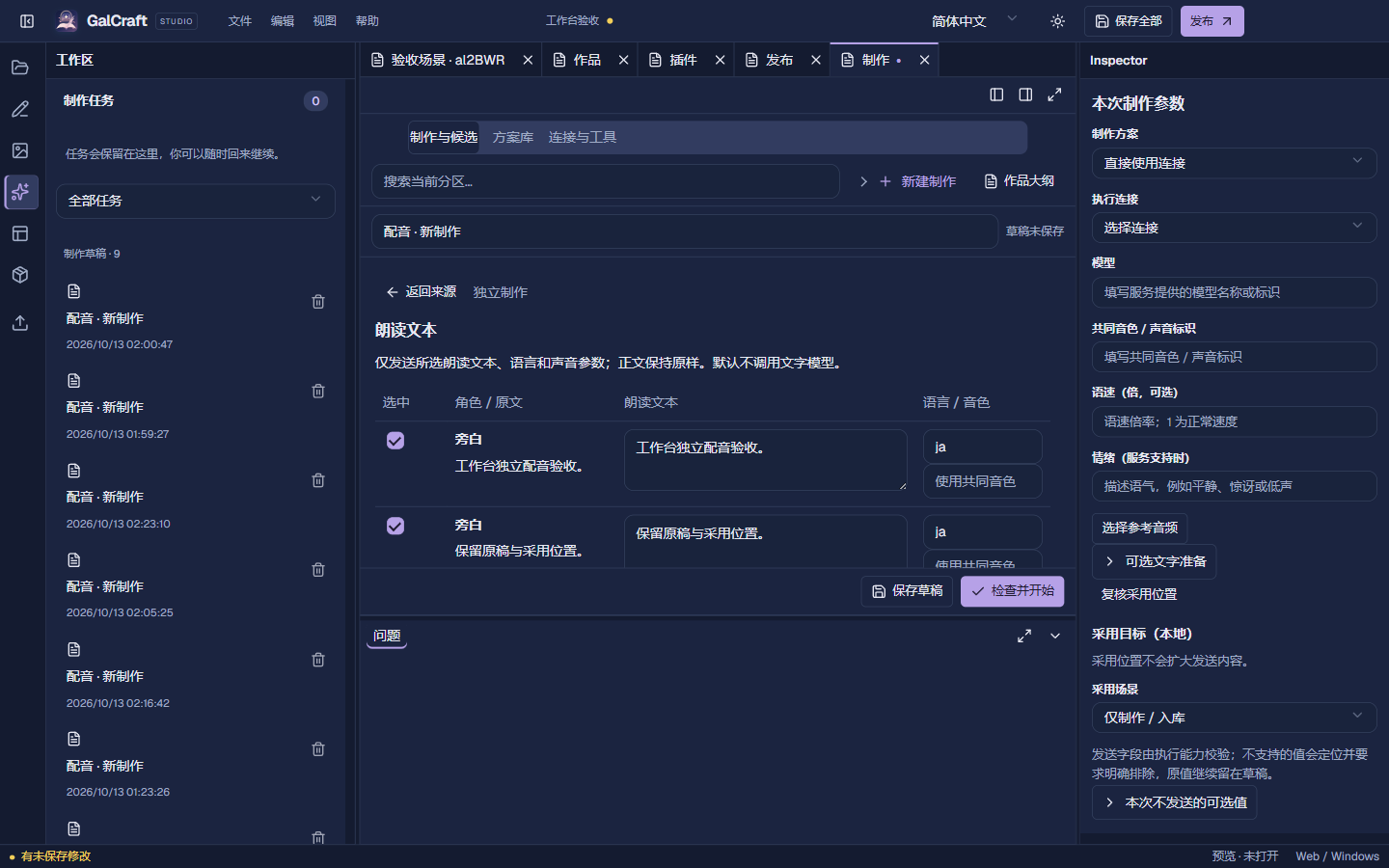
Workbench Library
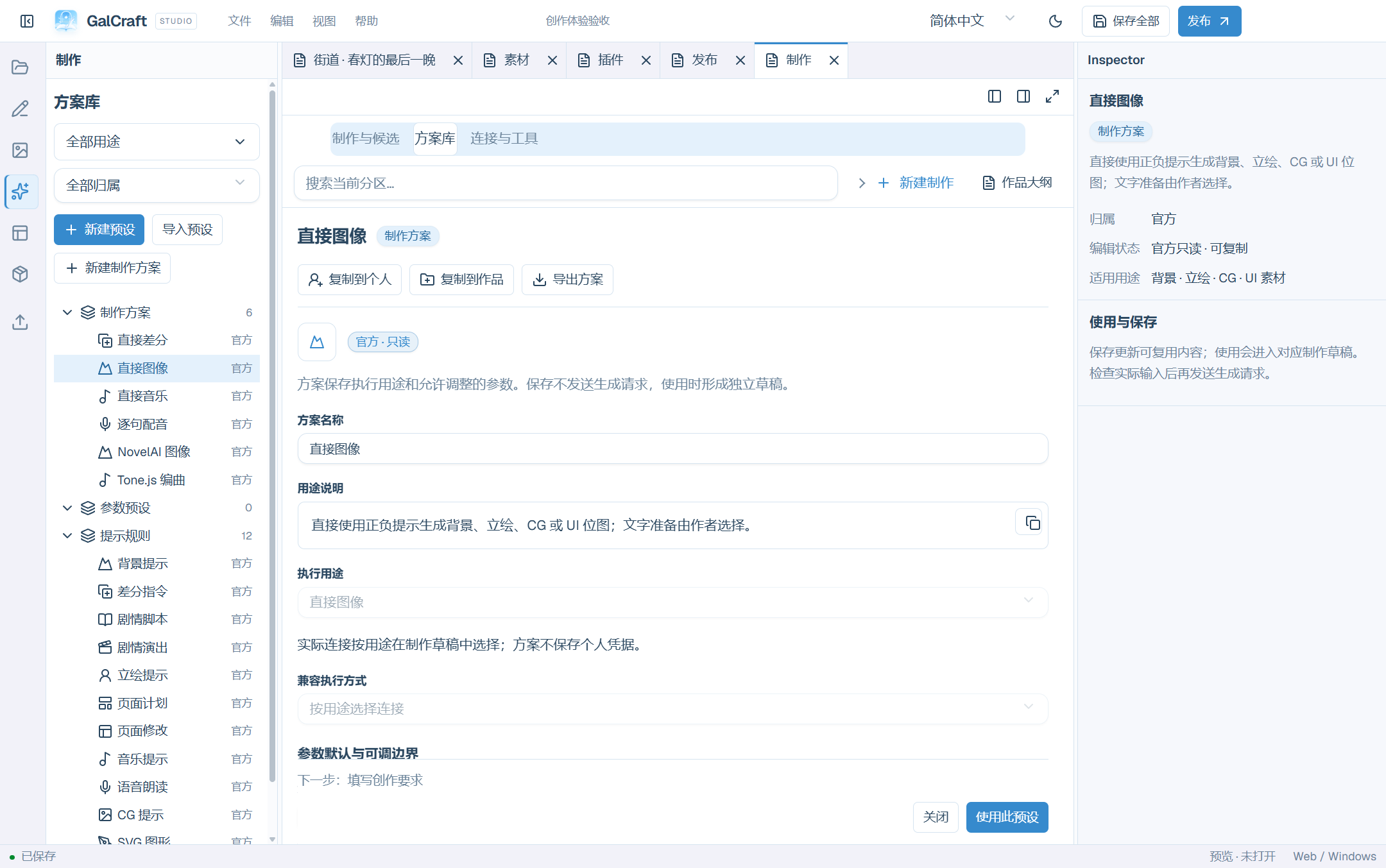
Workbench actions
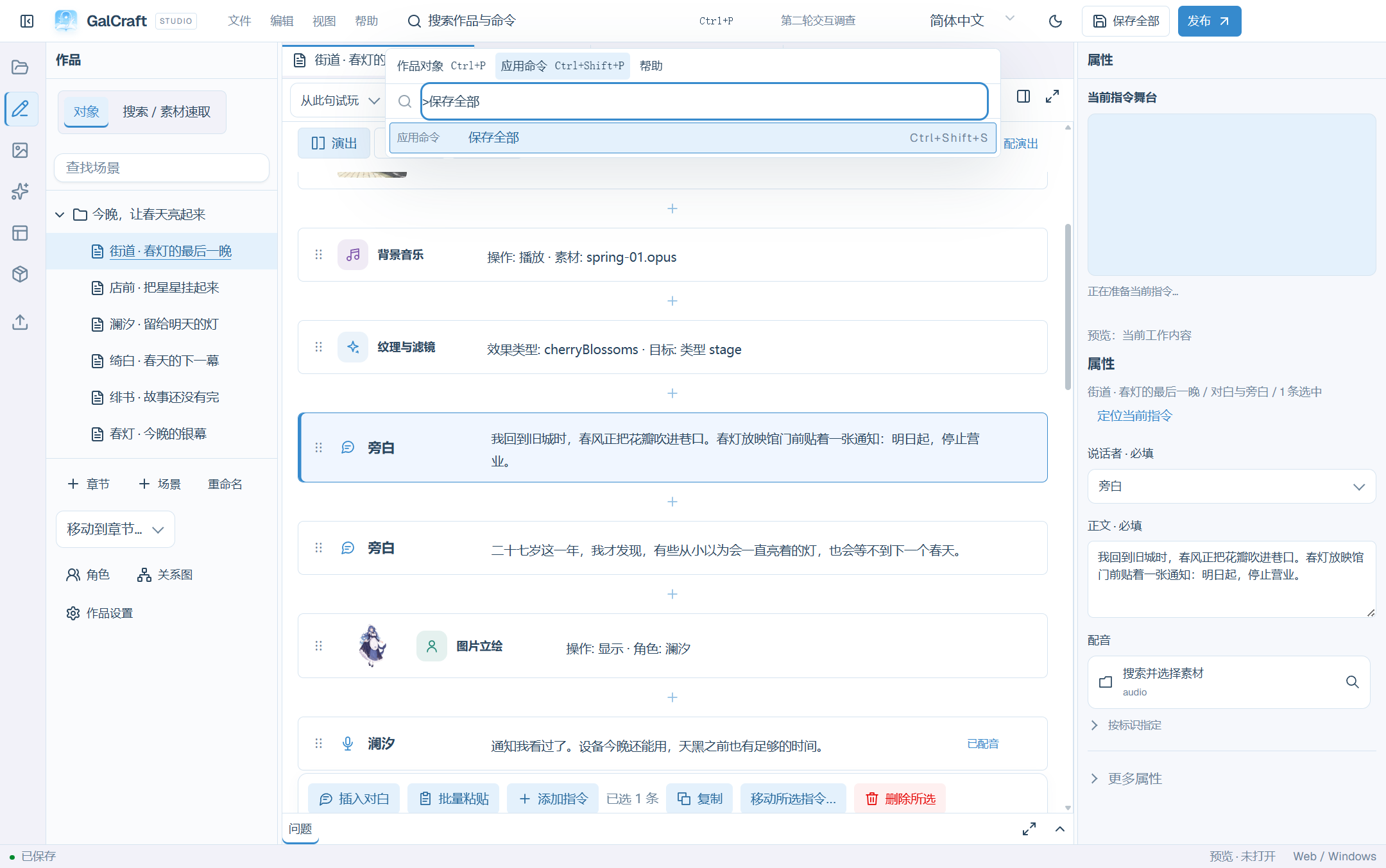
Object and command search
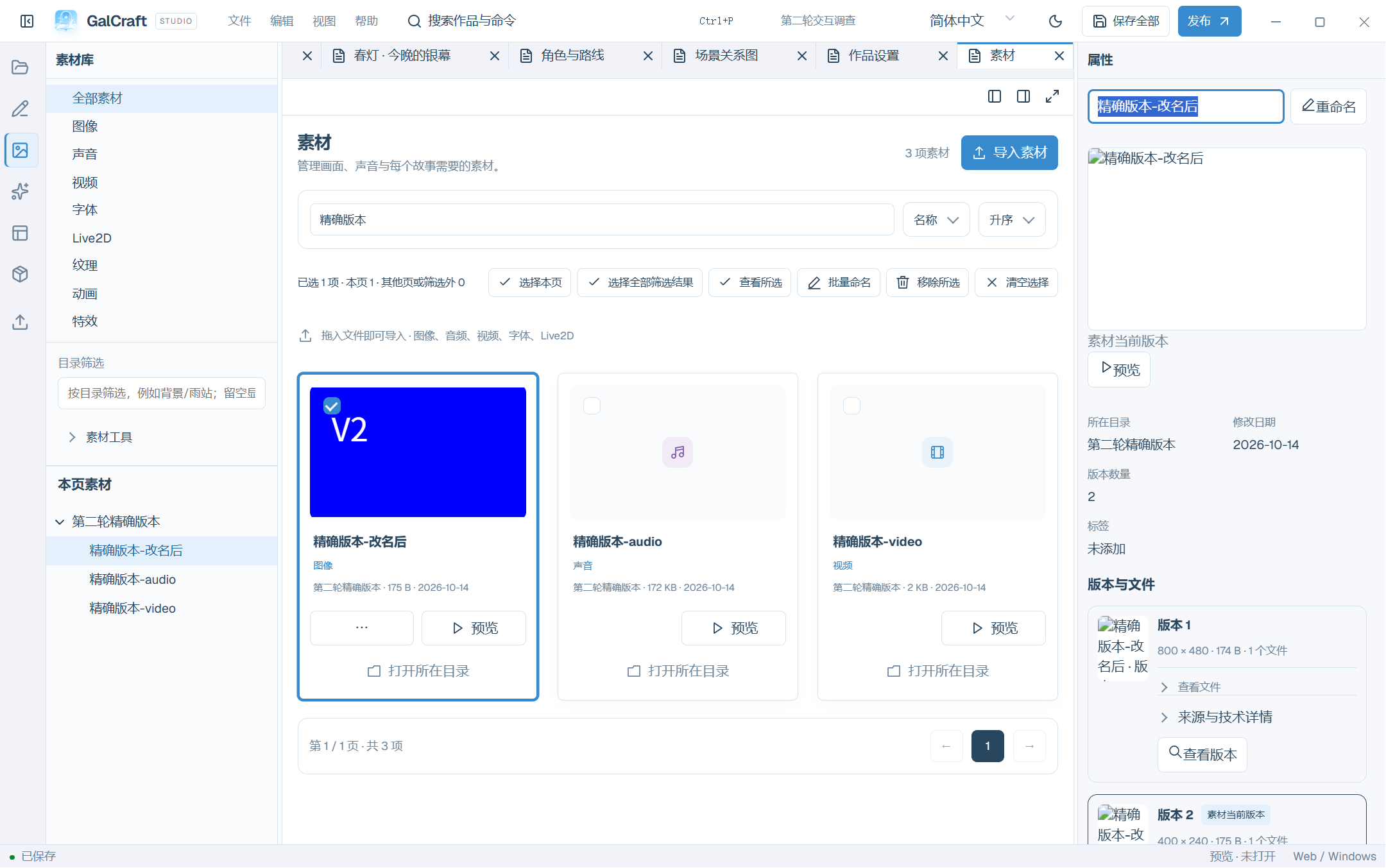
Round2 Asset Rename
Galleries and page animation
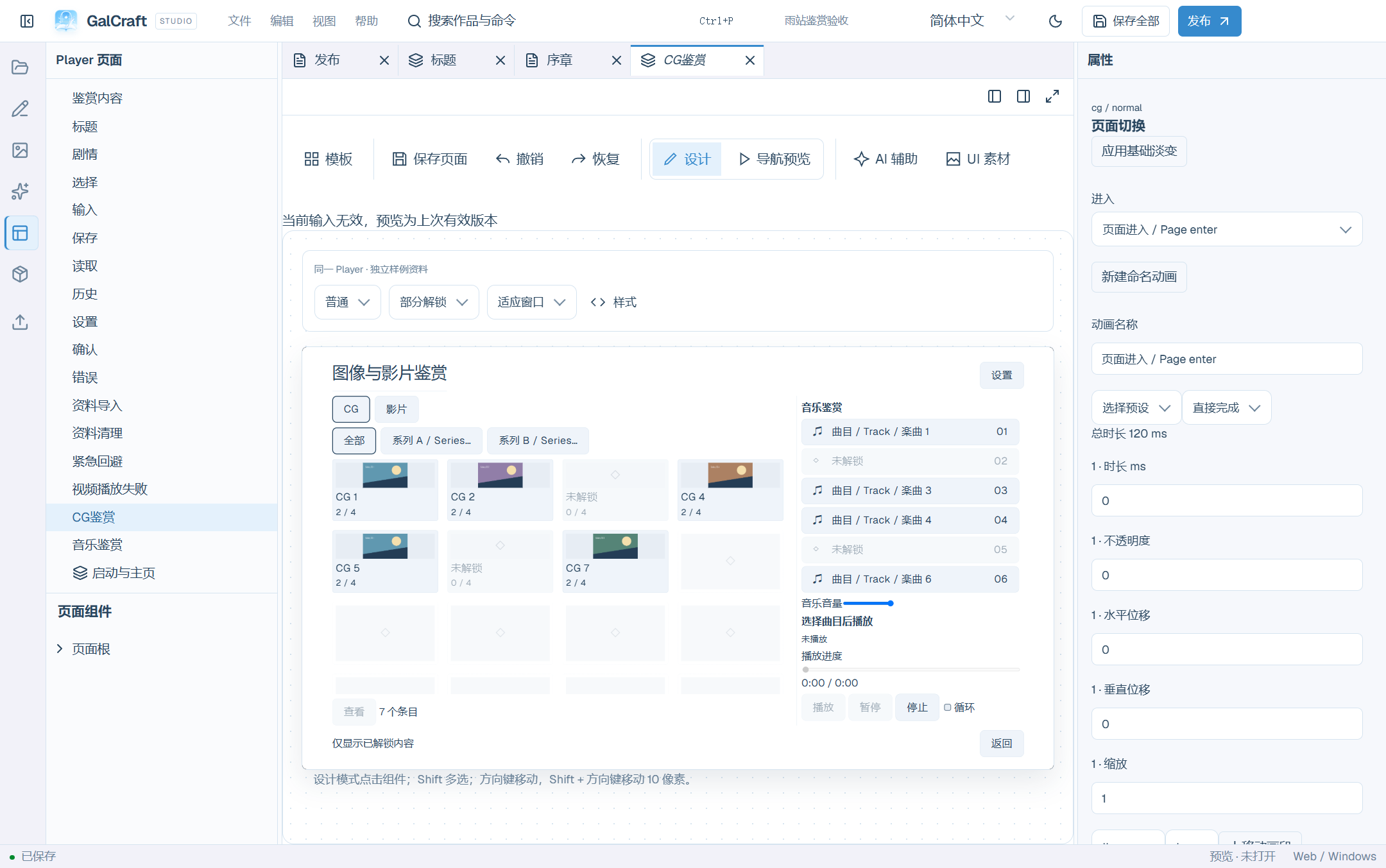
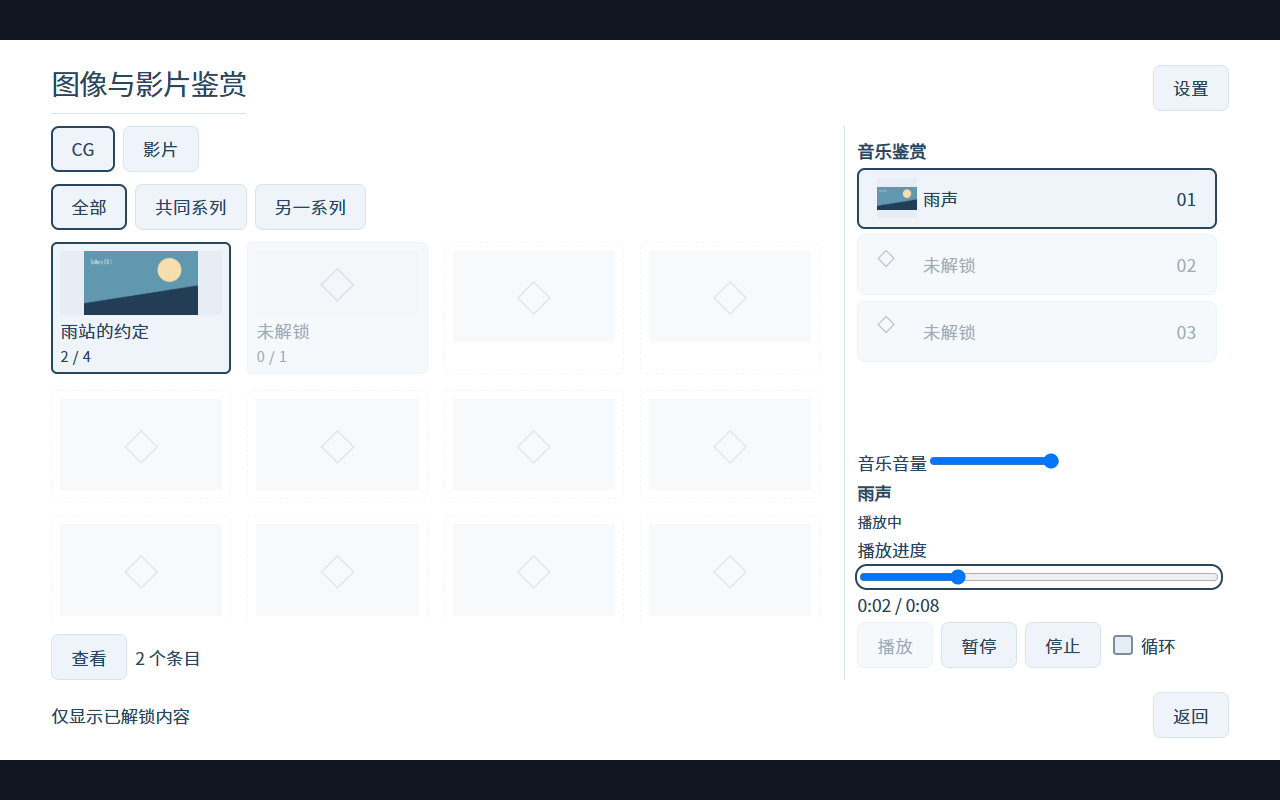
Gallery Content
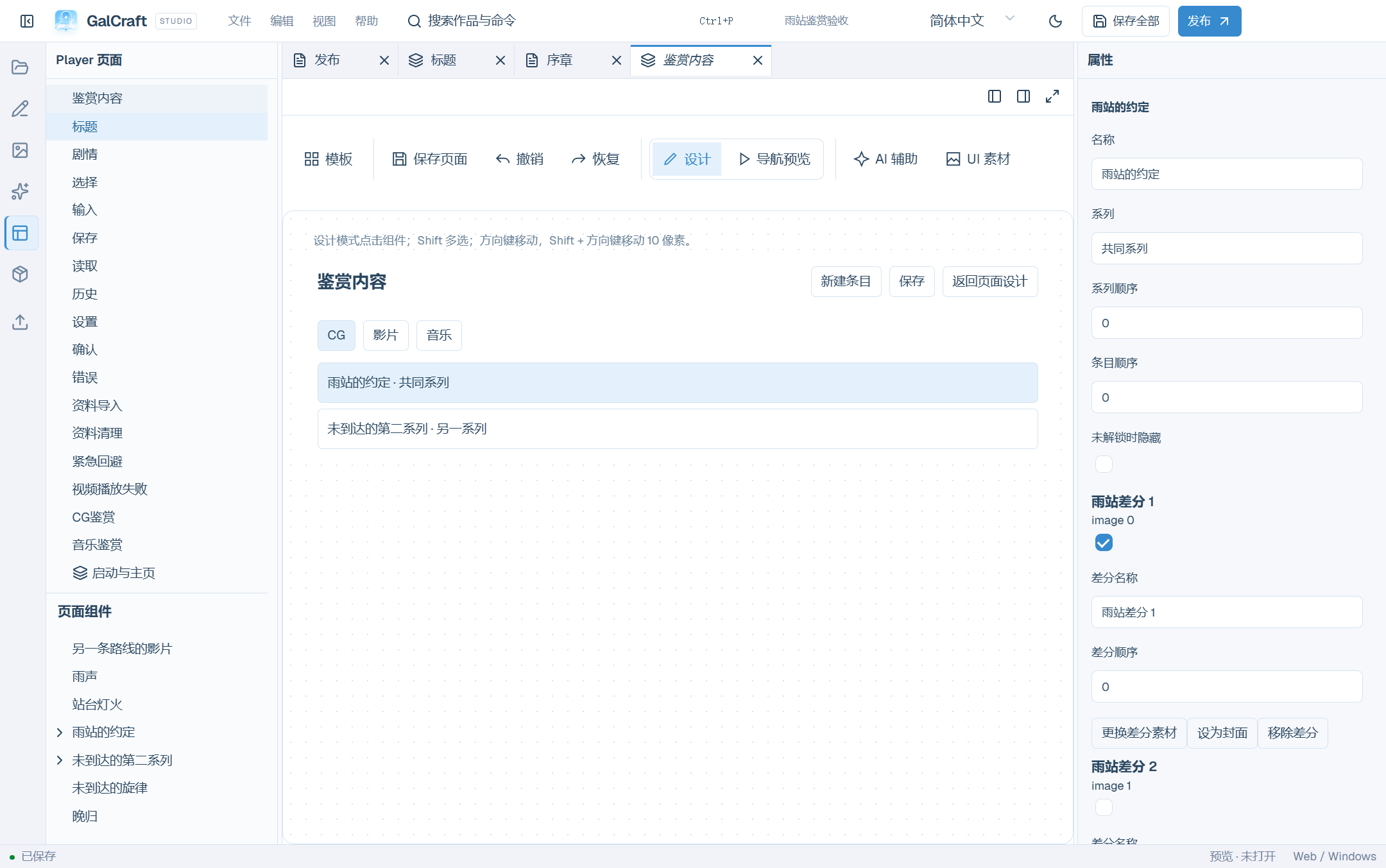
Gallery Designer
Gallery Player
Gallery Animation
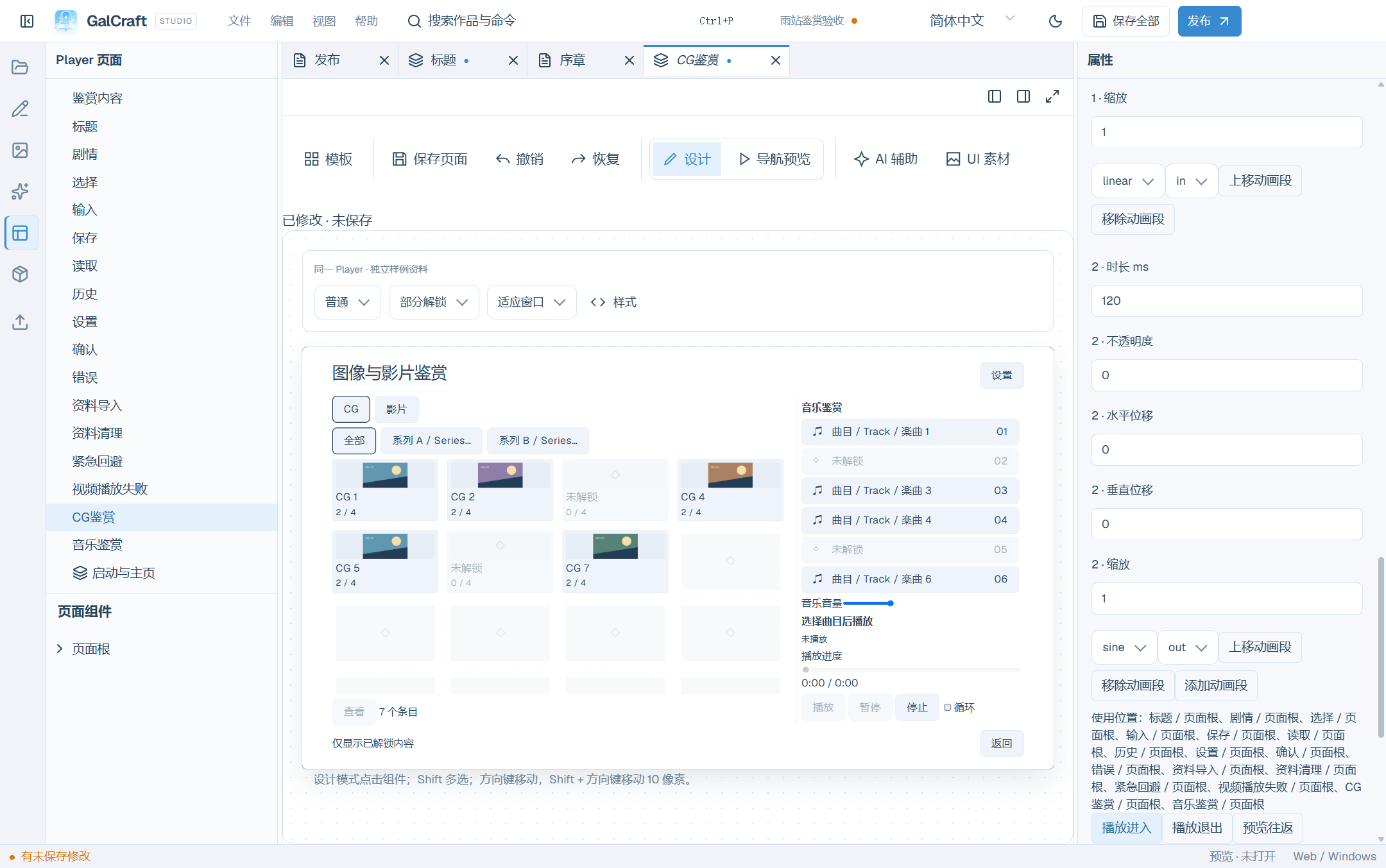
Assets and page design
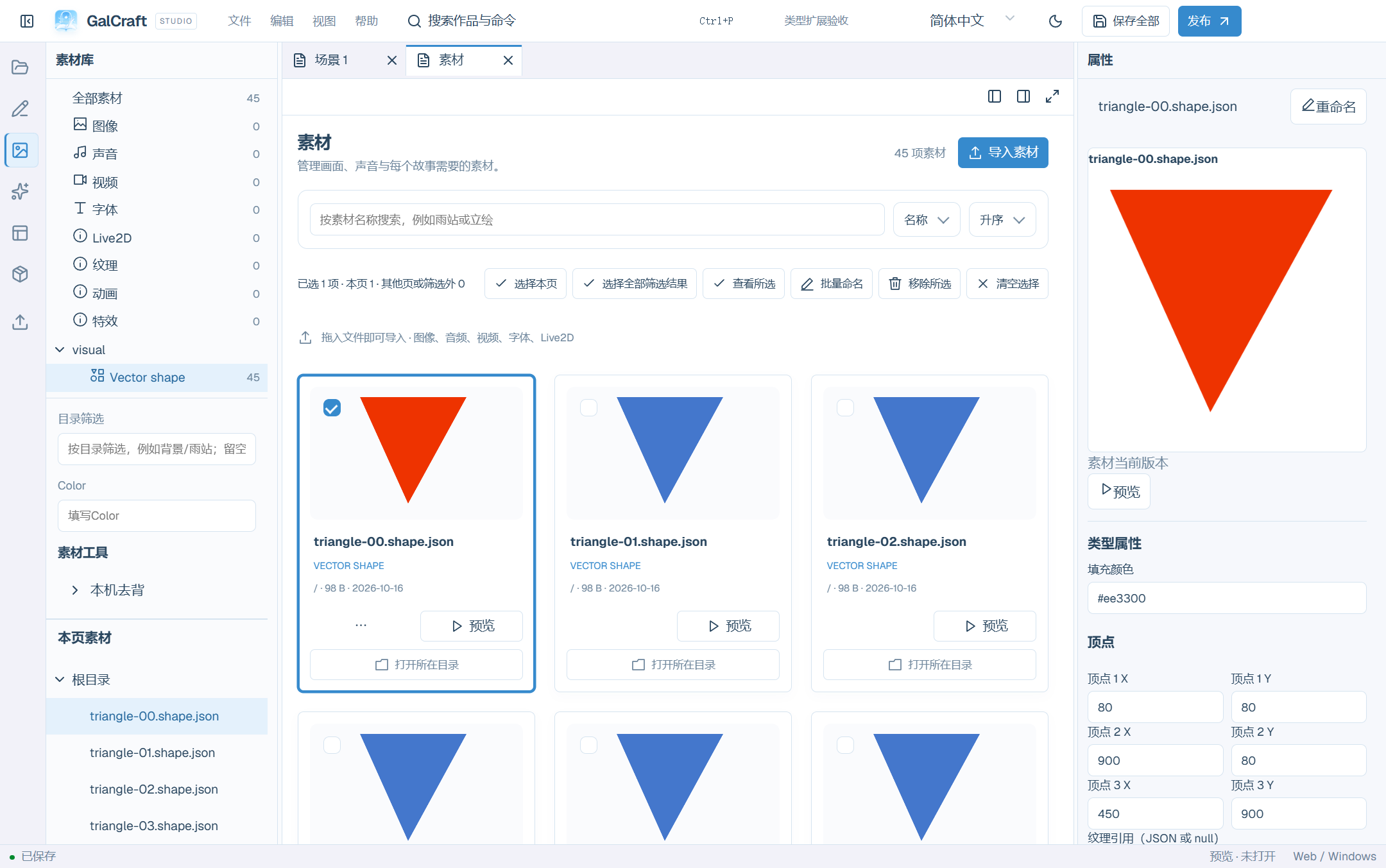
Plugin asset categories, counts and thumbnails
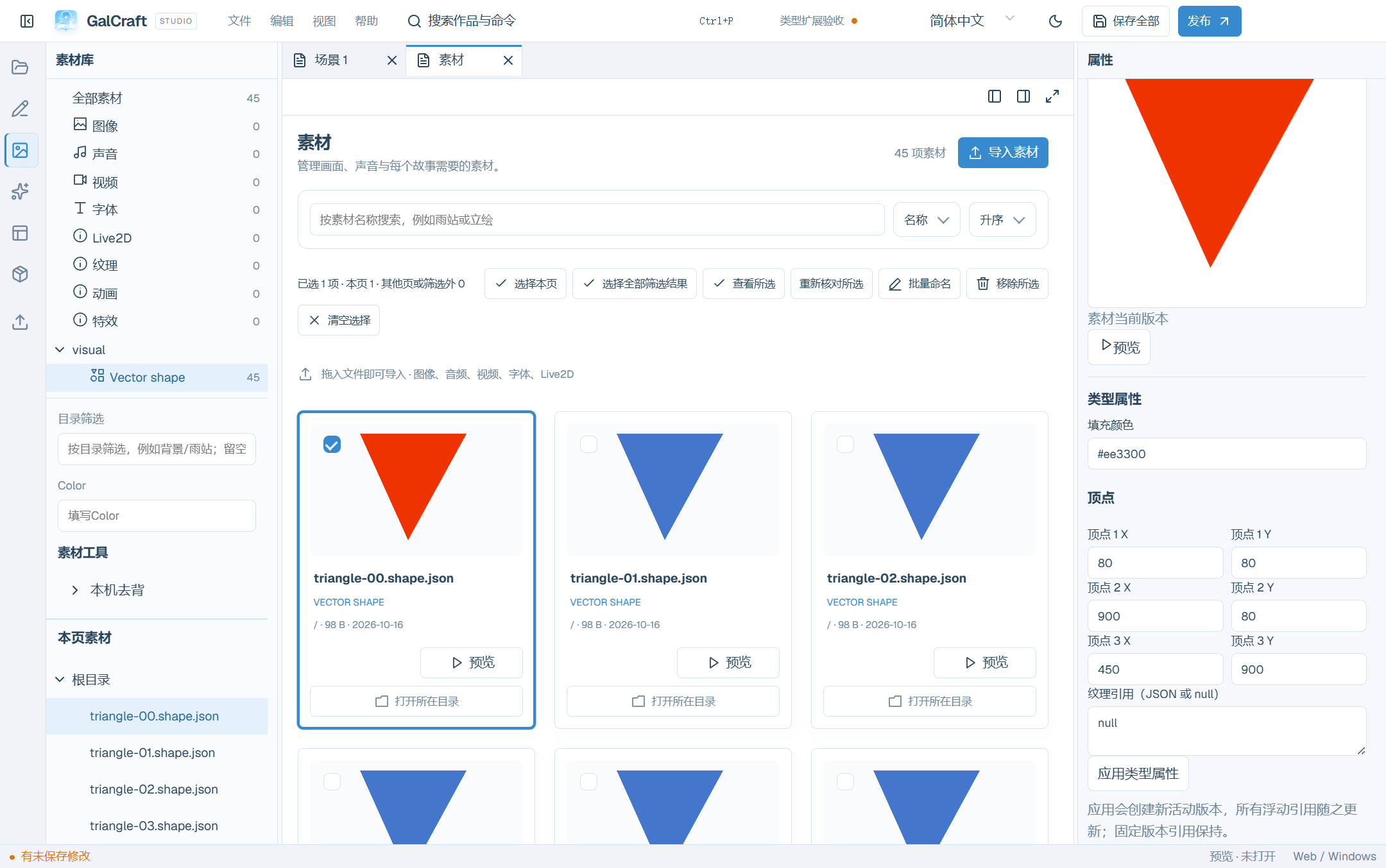
Asset Type Editor
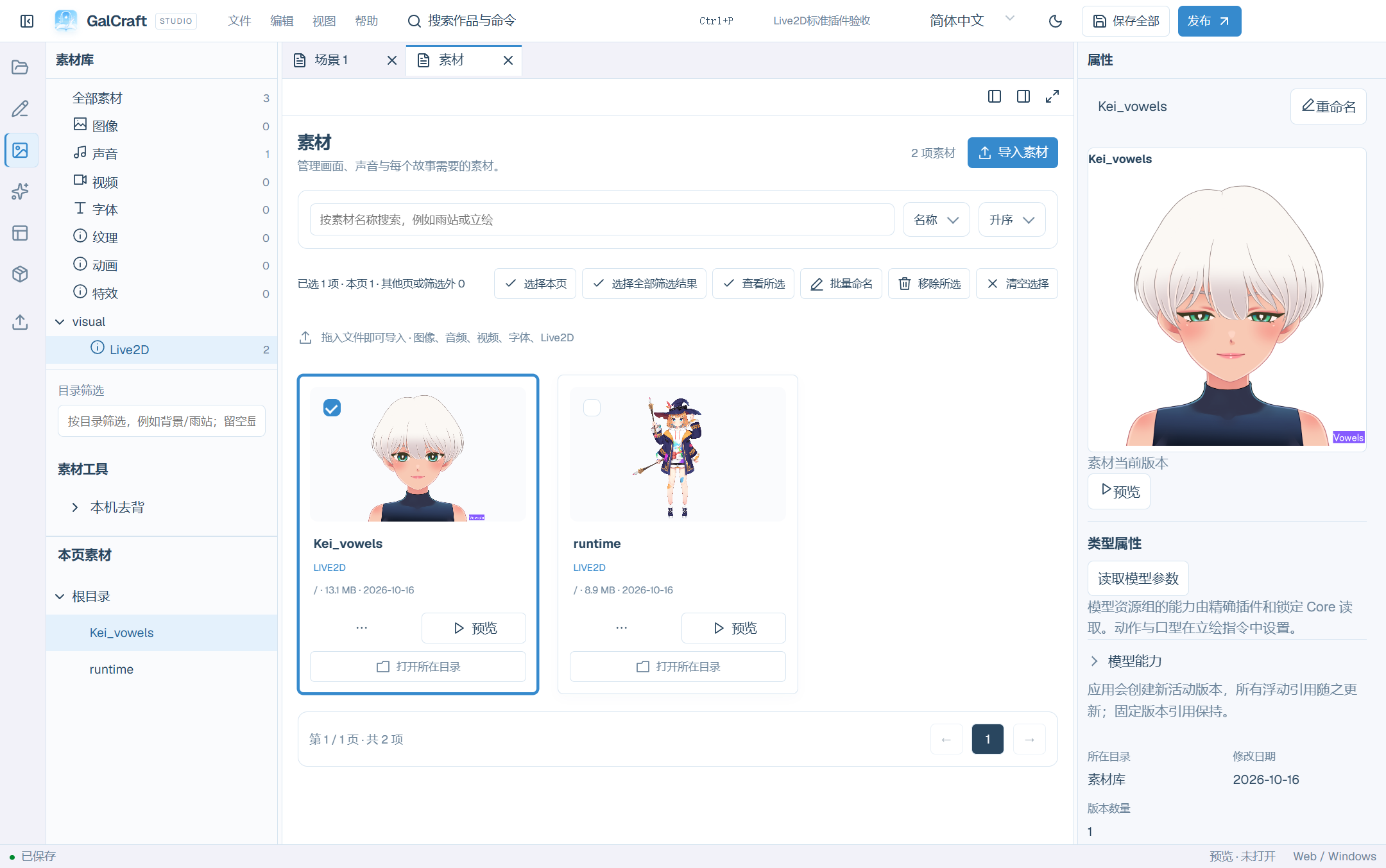
Live2D categories, thumbnails and model parameters
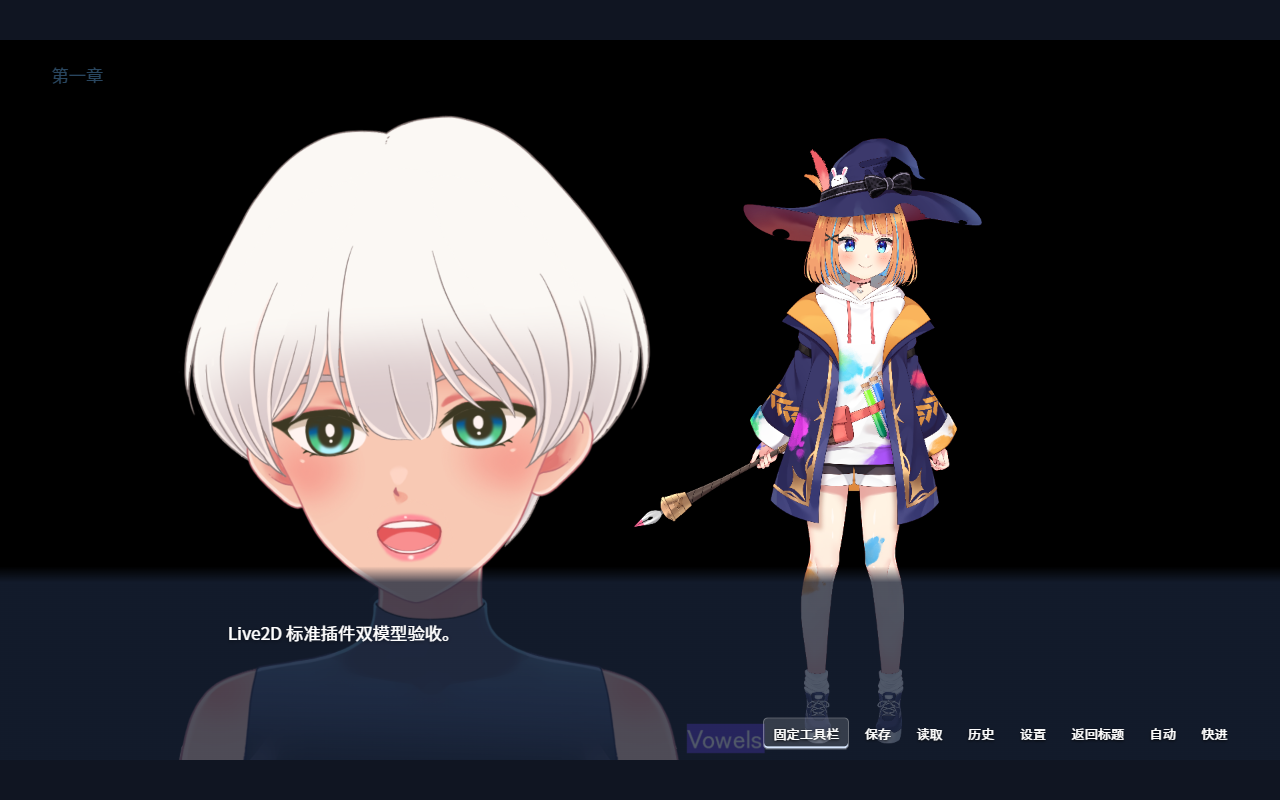
Independent Player model performance
Player pages and startup
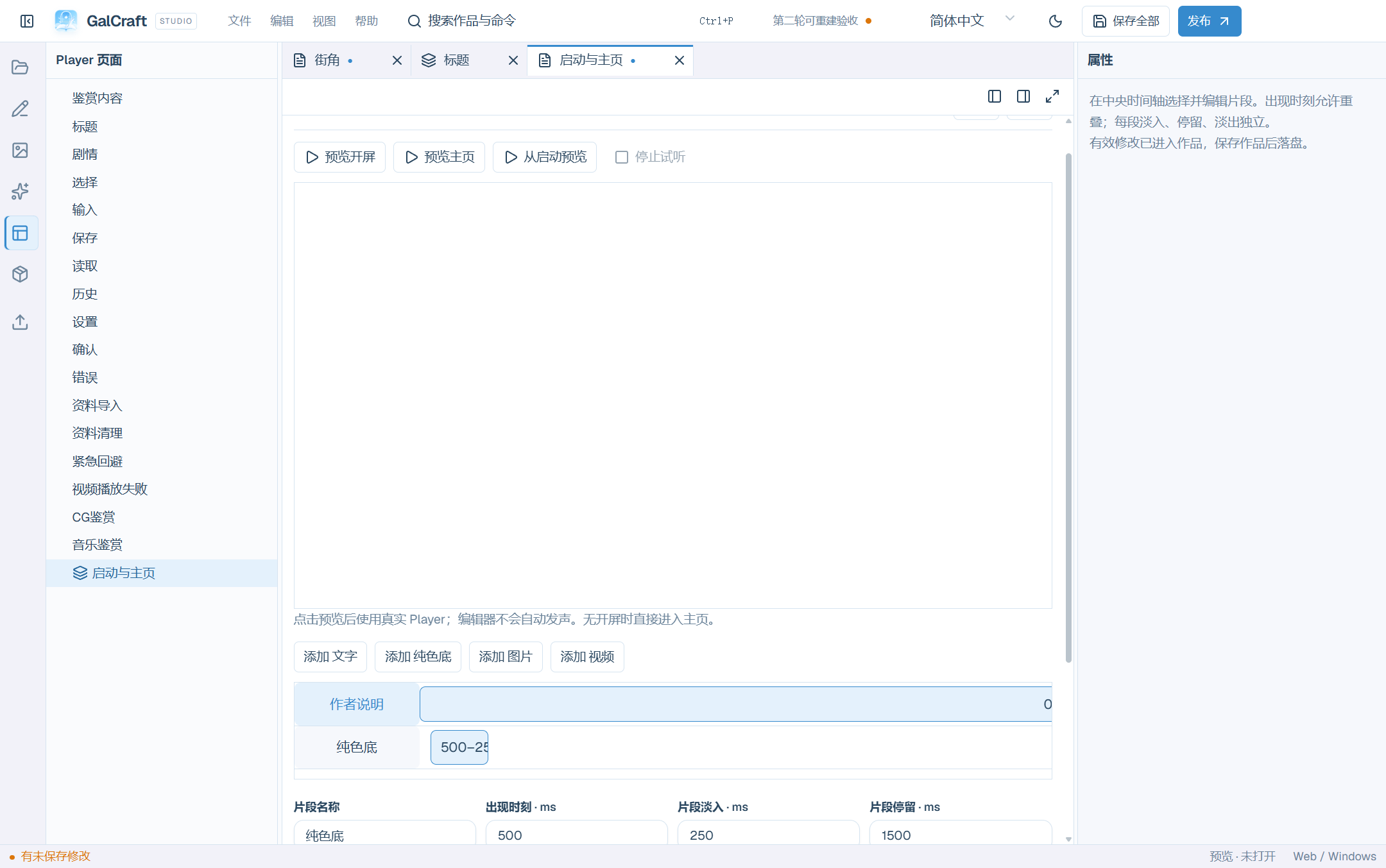
Startup clips / 开屏片段
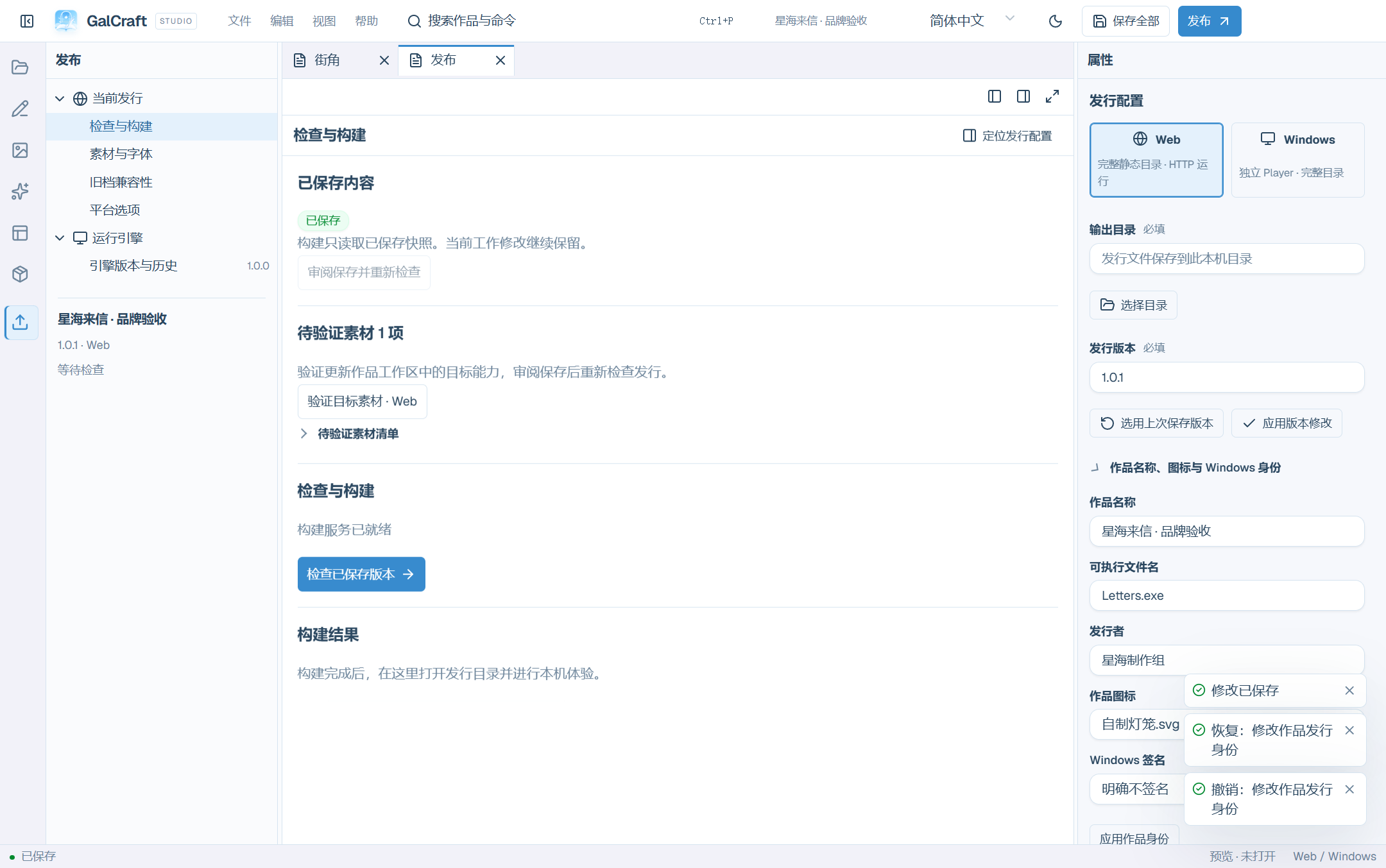
Publishing and running
after save and reopen: name, executable and publisher with explicit unsigned intent
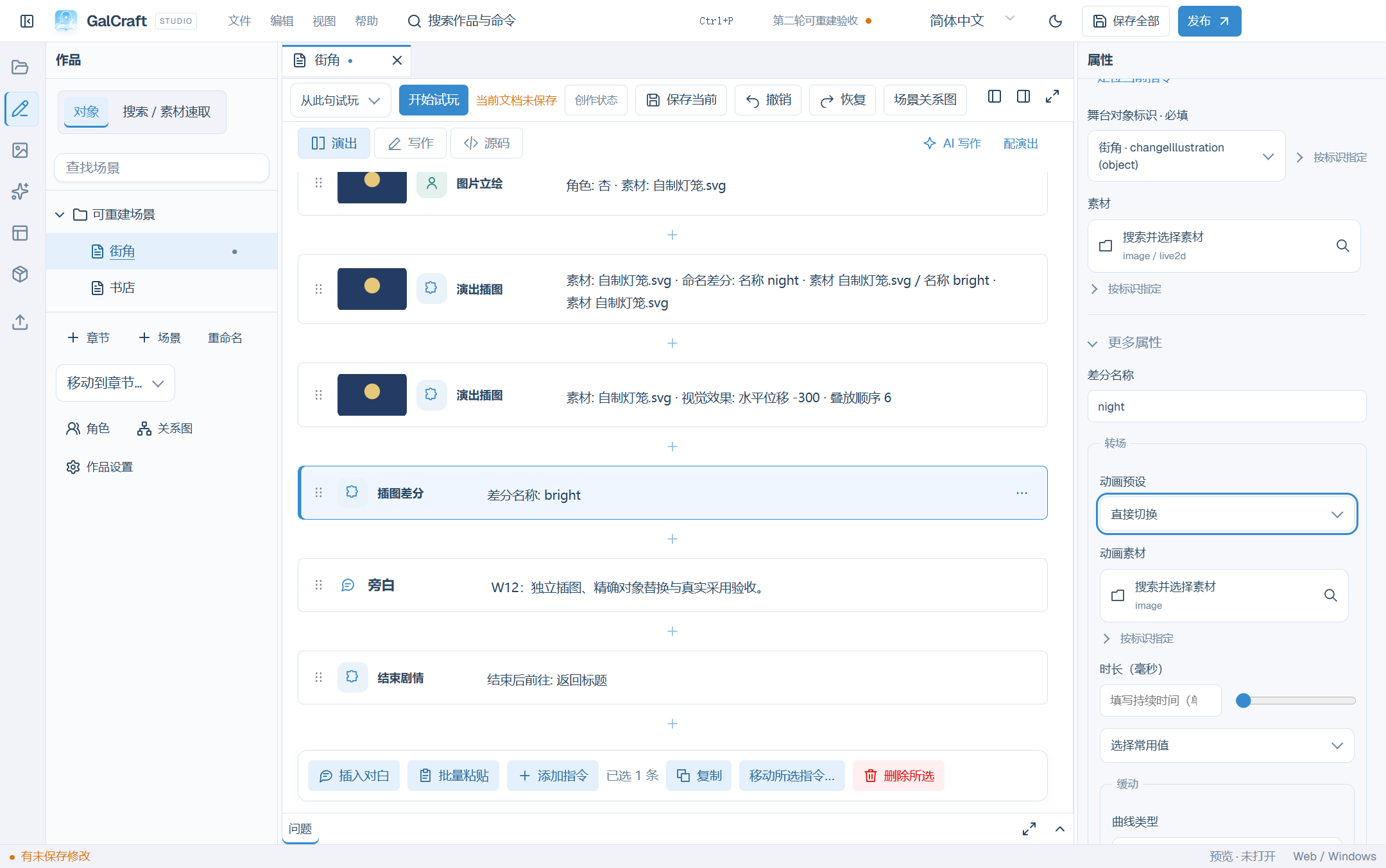
Illustrations and adoption
illustration and named-state Inspector
after adopting a controlled local candidate as a new object
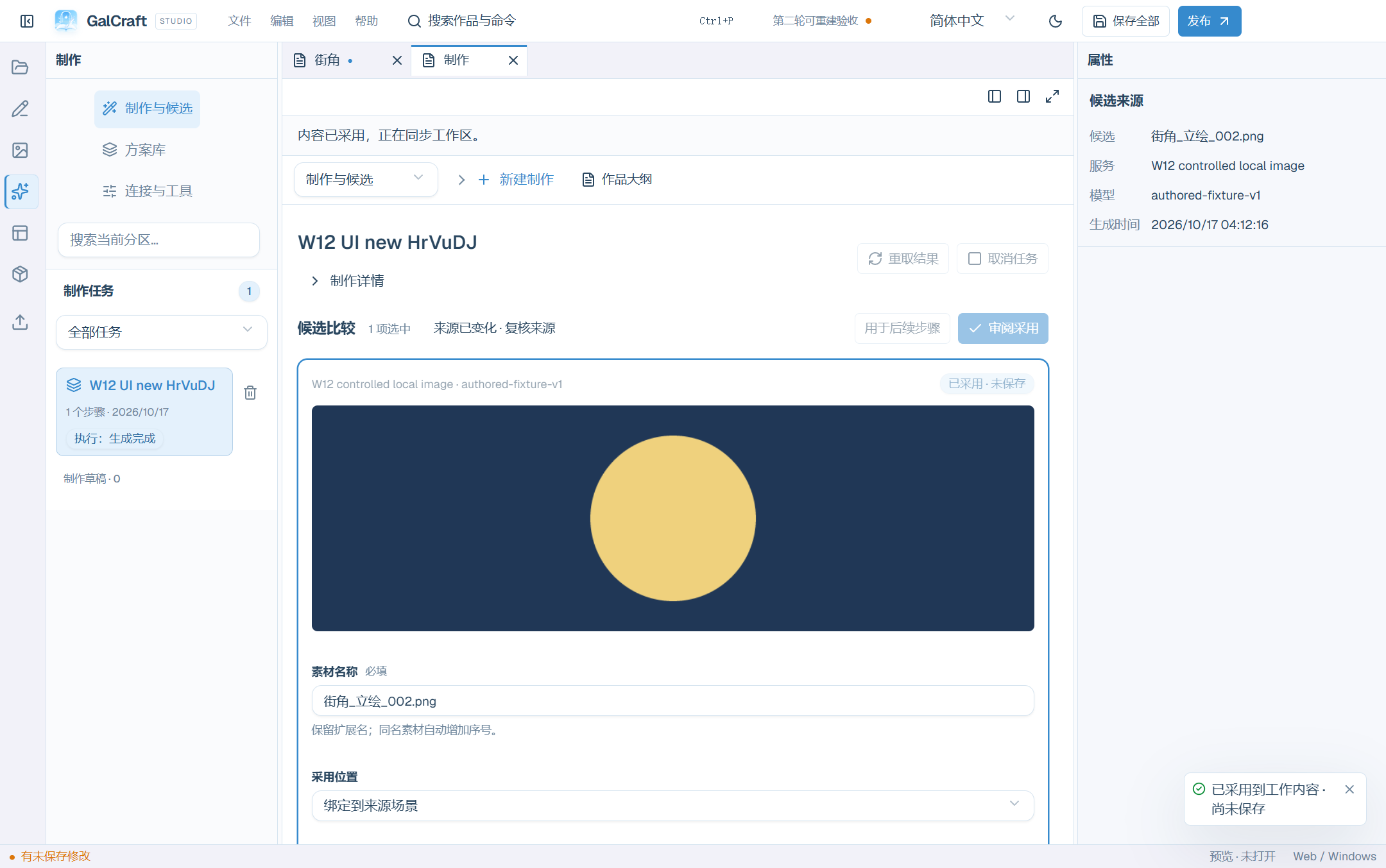
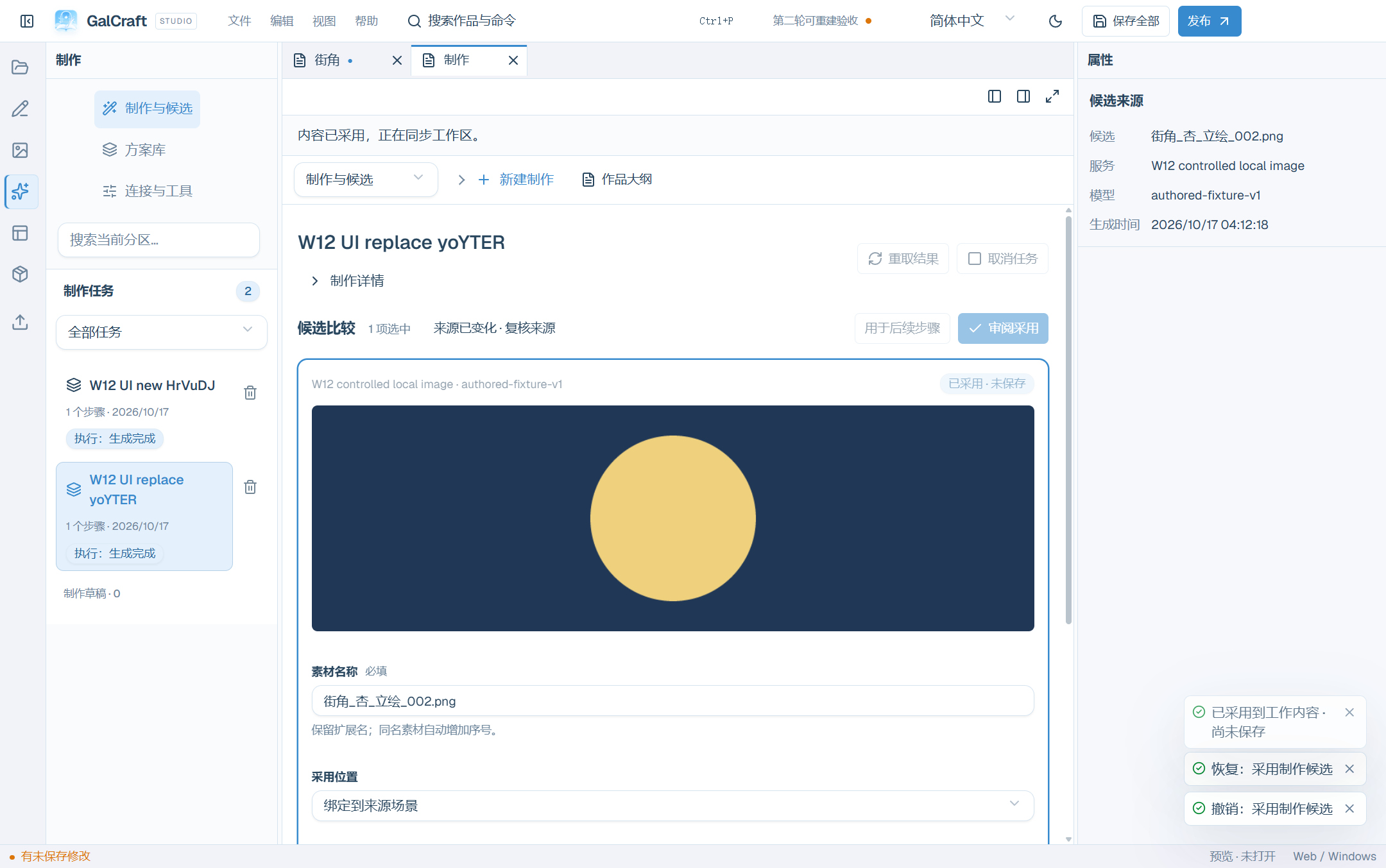
after replacing the selected object with a controlled local candidate
Portraits, rich text and NVL
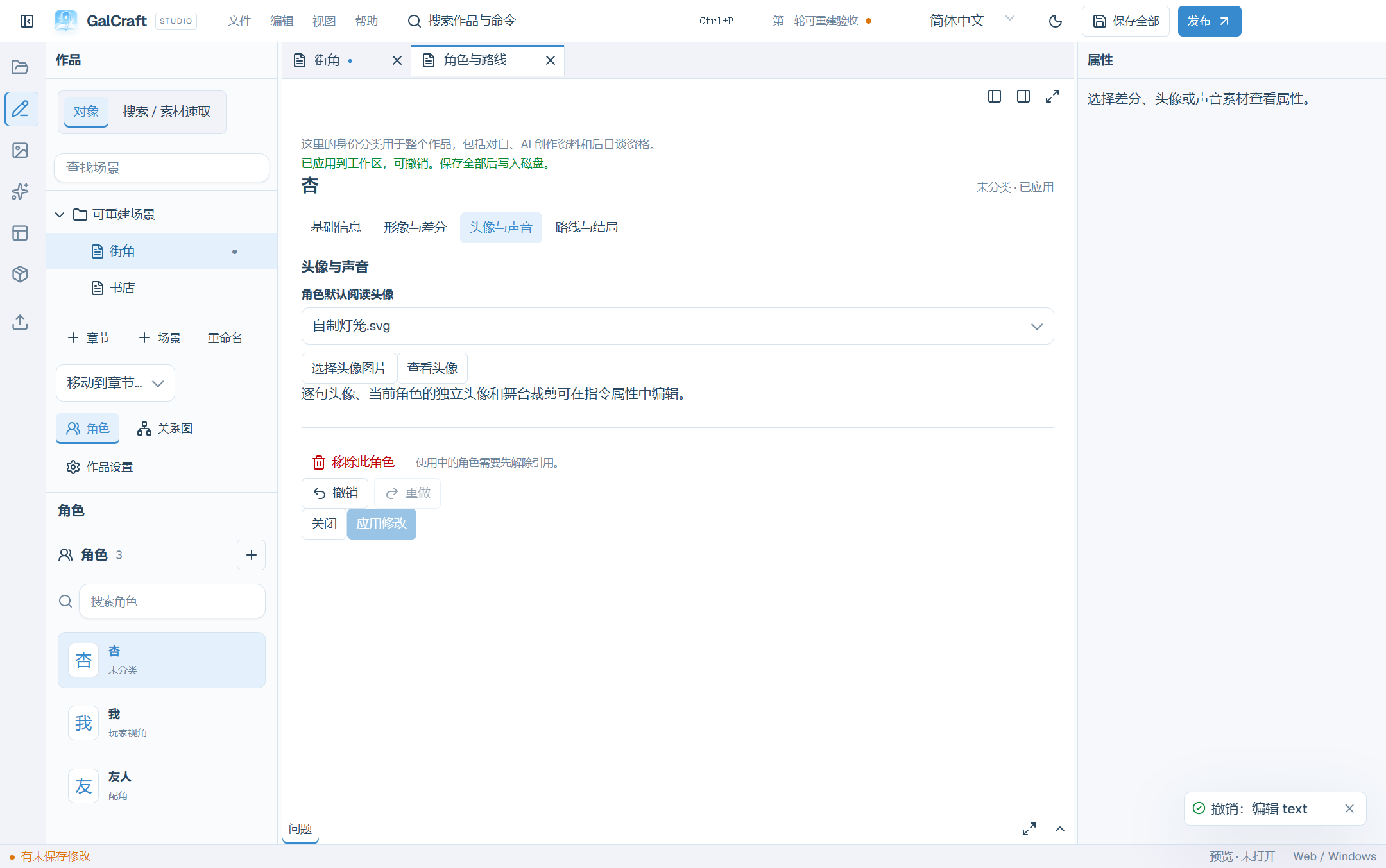
character document with a default independent reading portrait
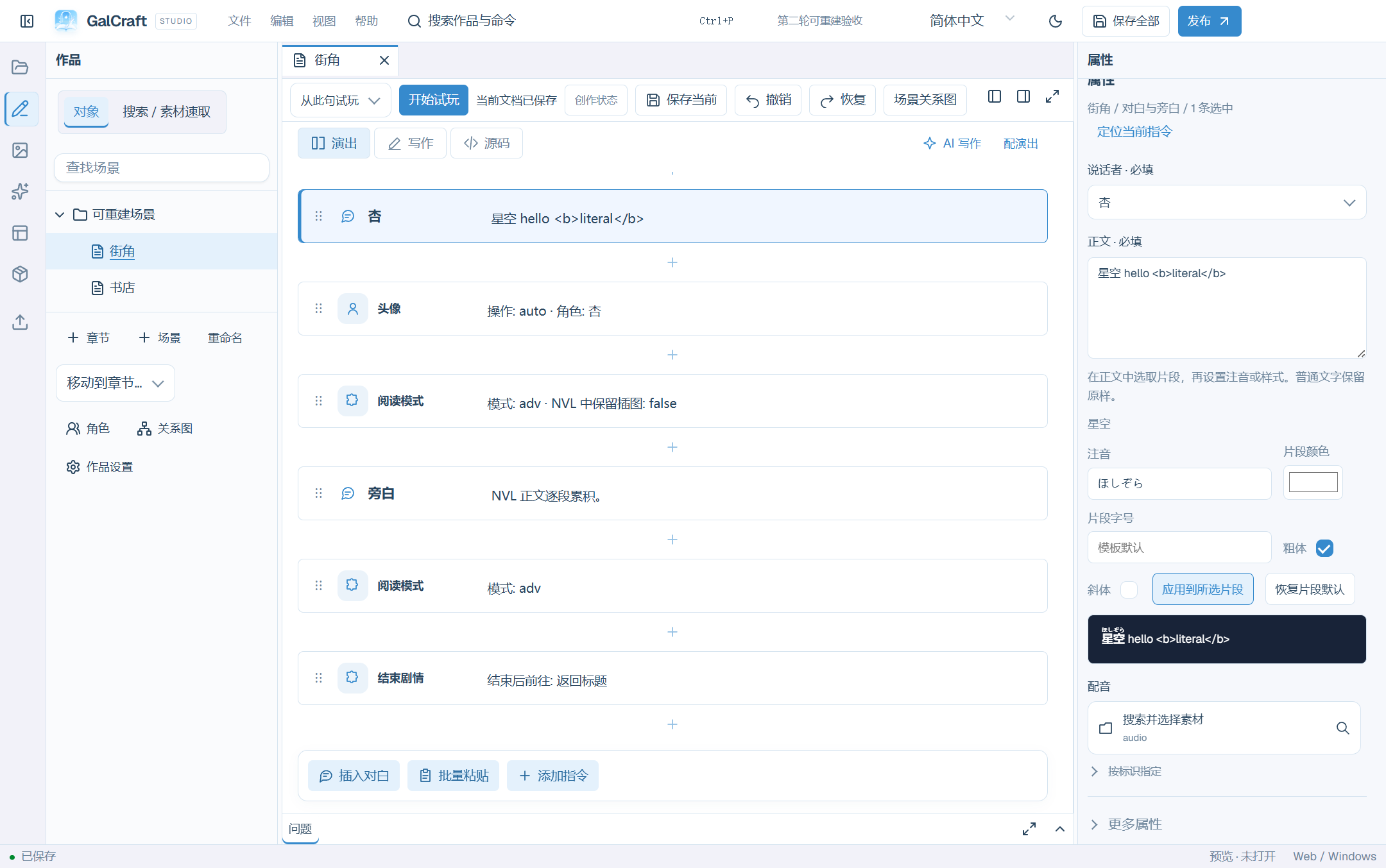
ruby and bold fragment editing
Authoring and production
Electron Studio startup timing and undo/redo
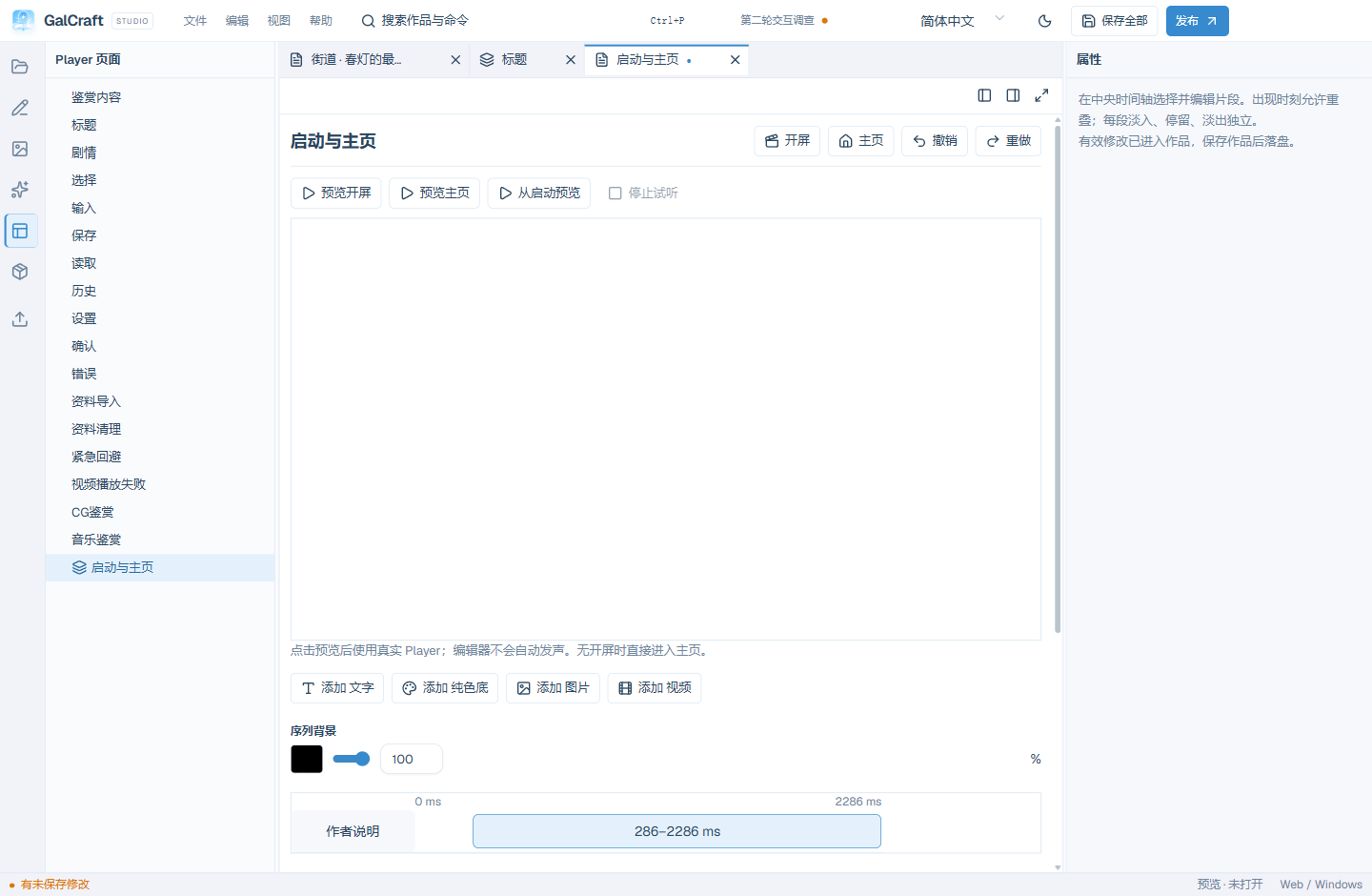
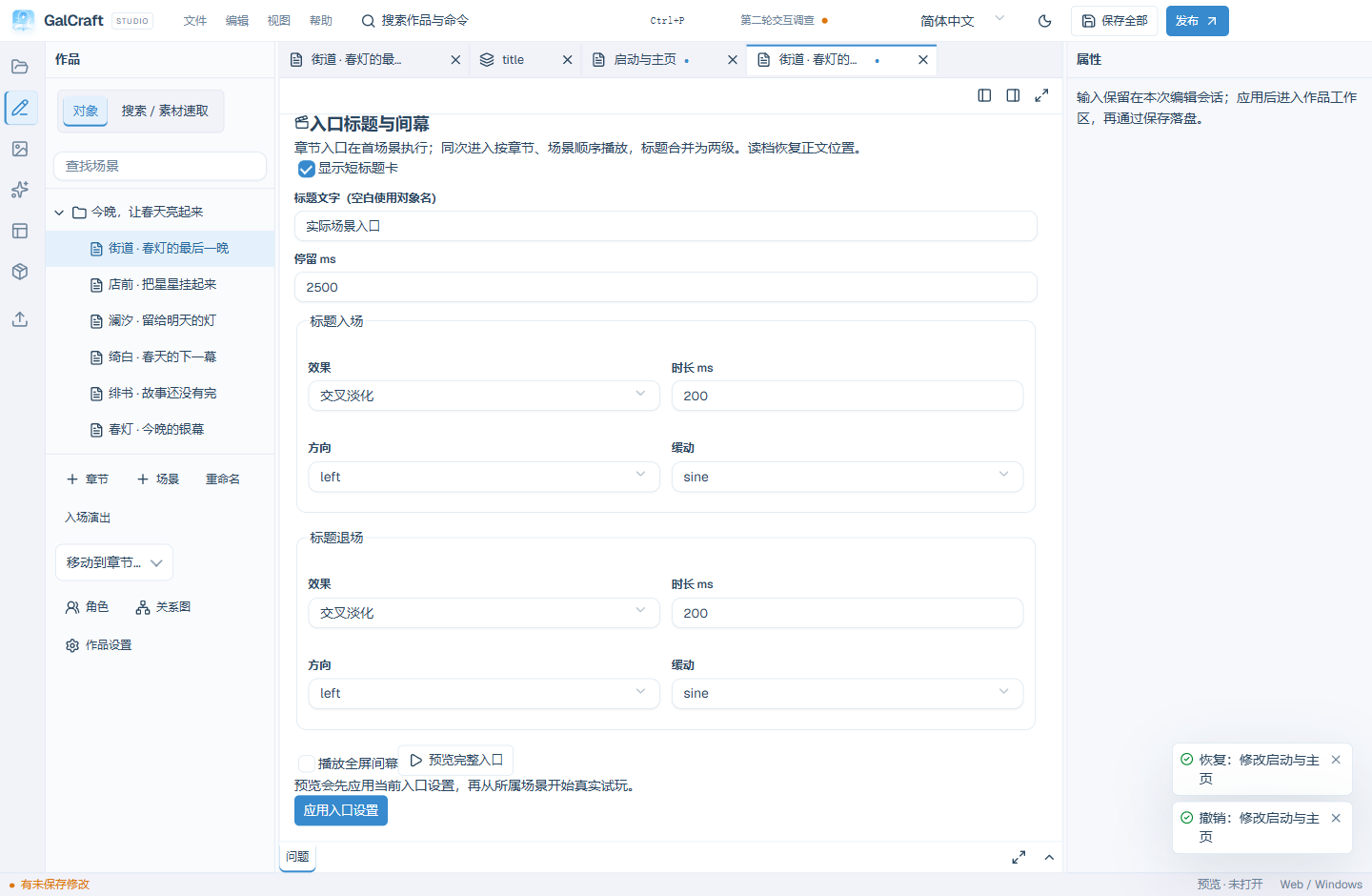
Electron Studio chapter/scene entry settings
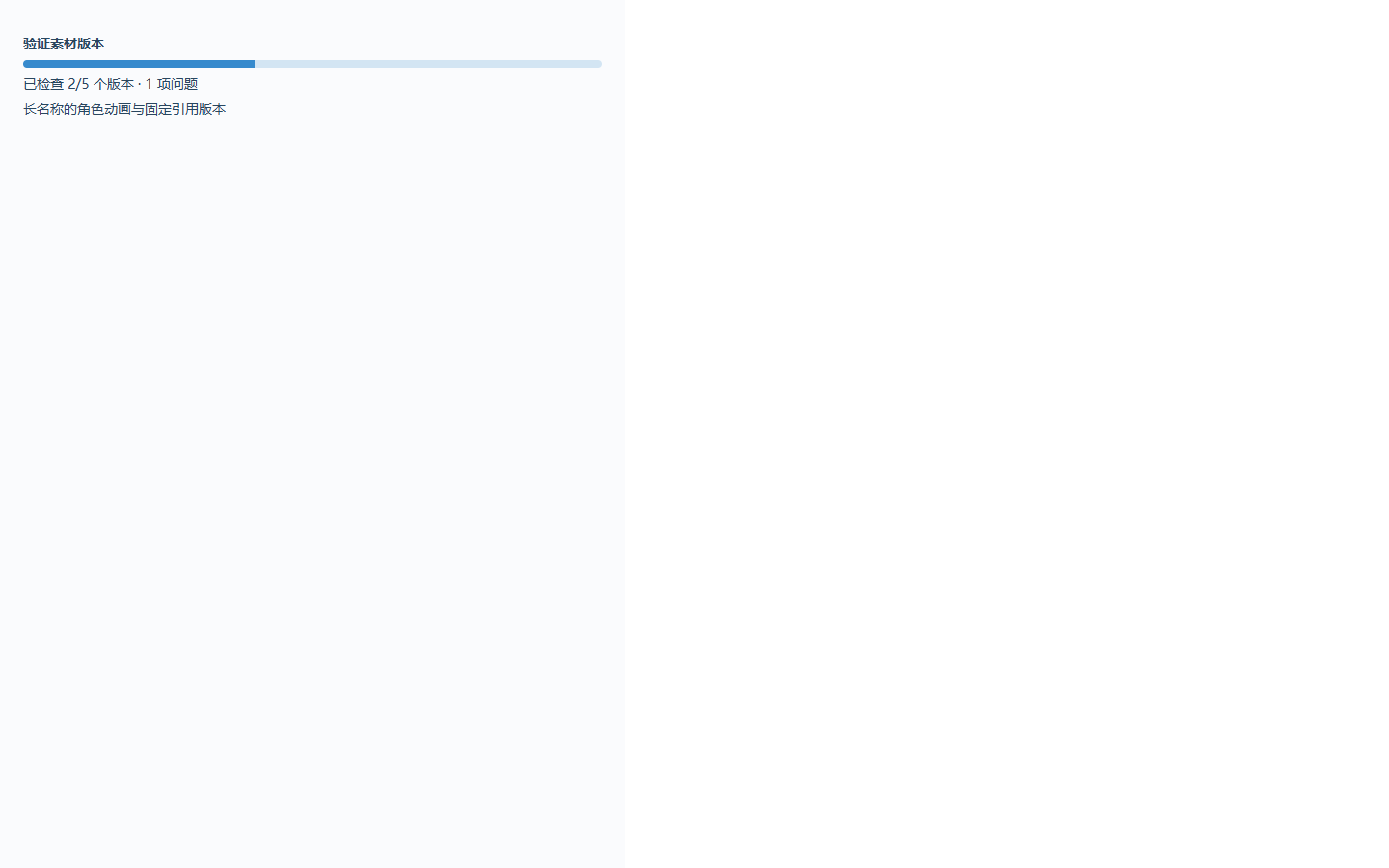
Asset-version verification progress
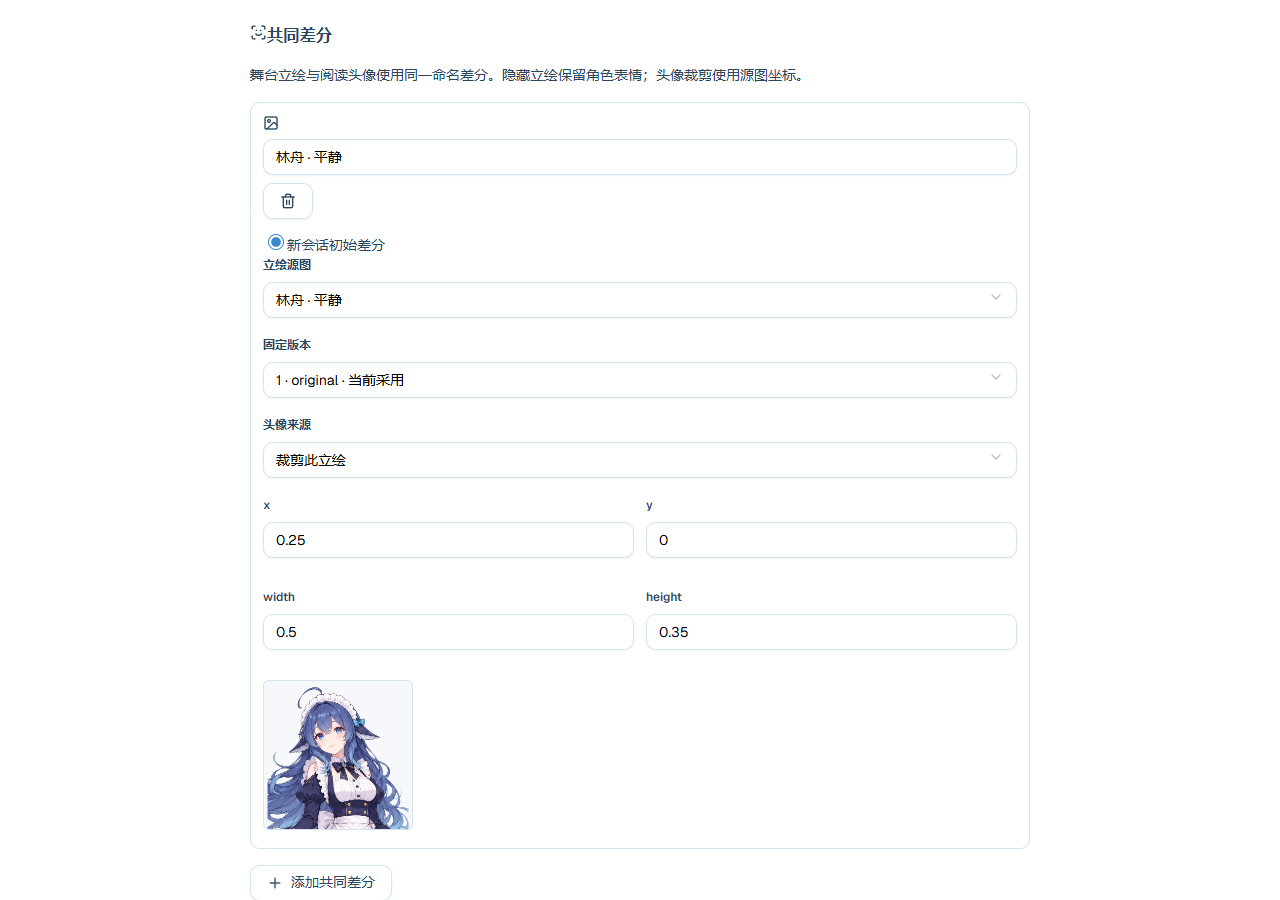
Shared differences and portrait crop
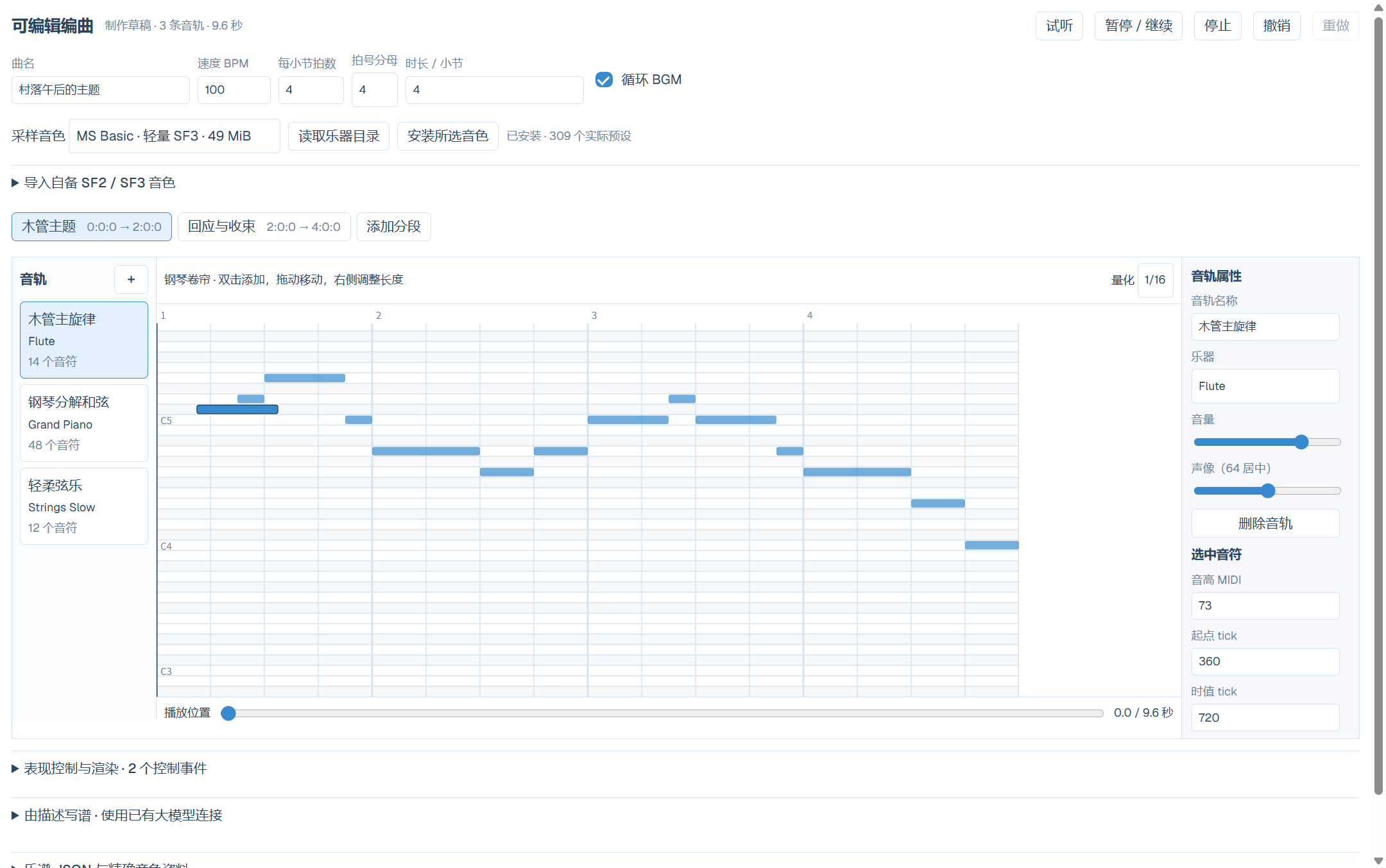
Standalone local composition editor from the ordinary exact plugin package
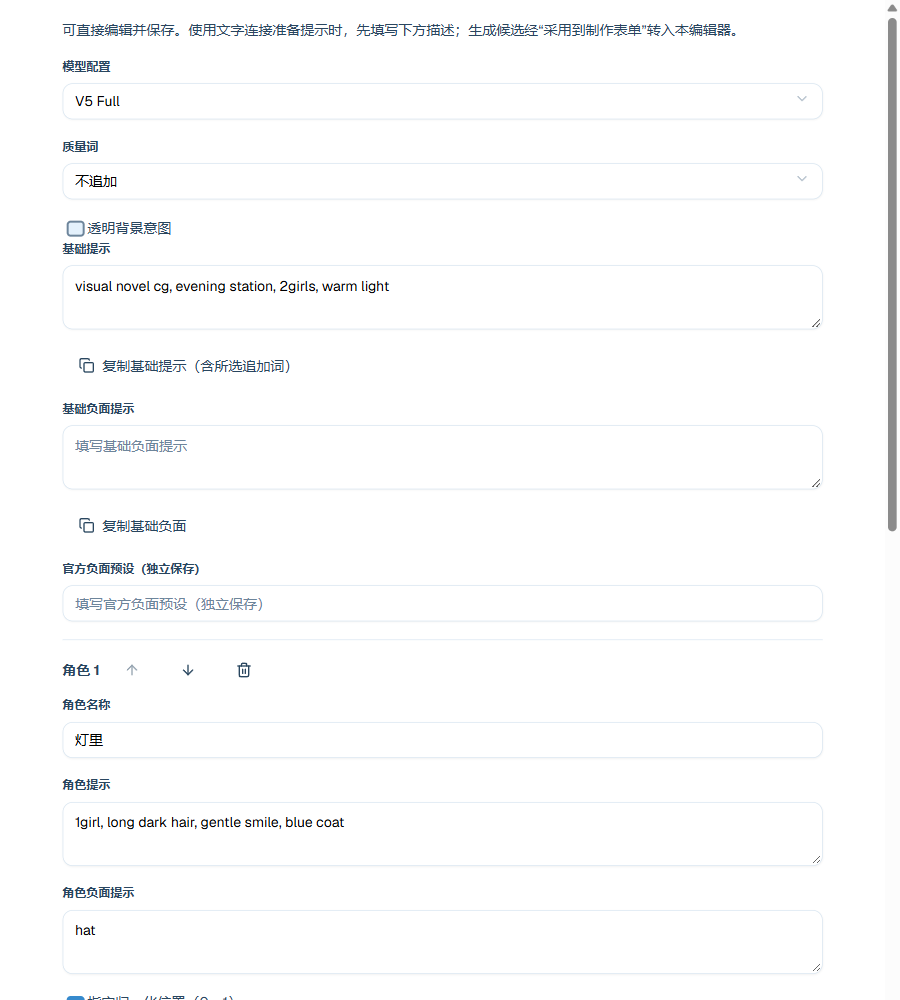
NovelAI prompt blocks
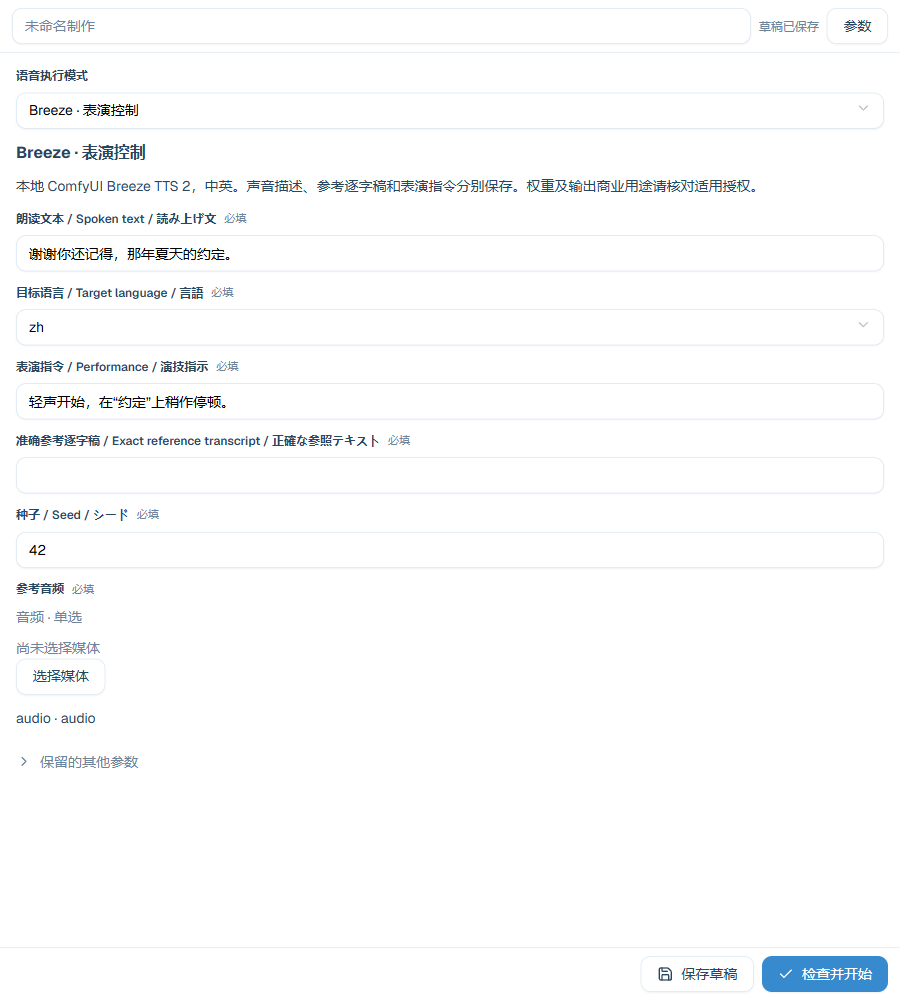
Breeze Direction input
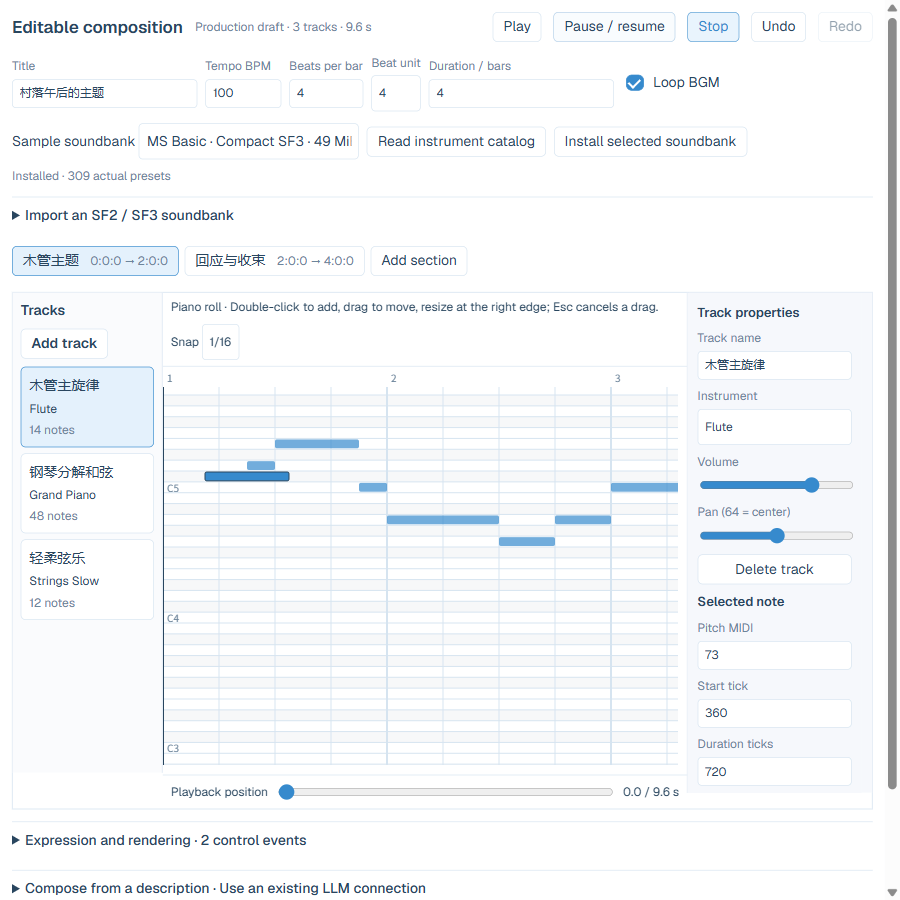
English composition editor
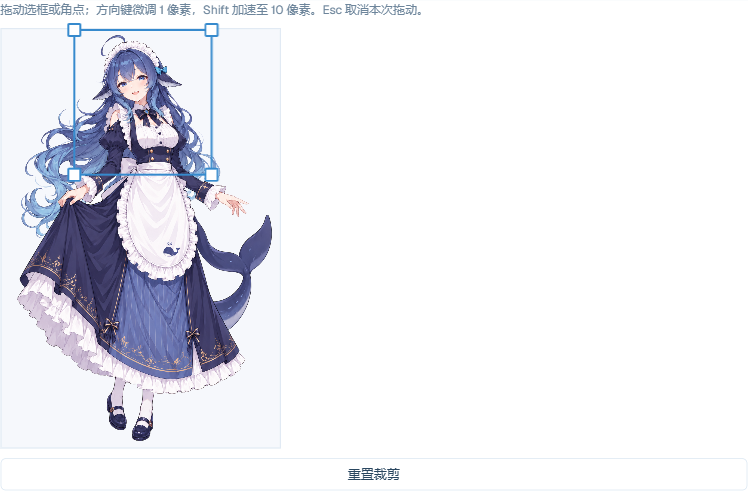
Source-image crop and corner handles
AI production and services
Plugin composition presets
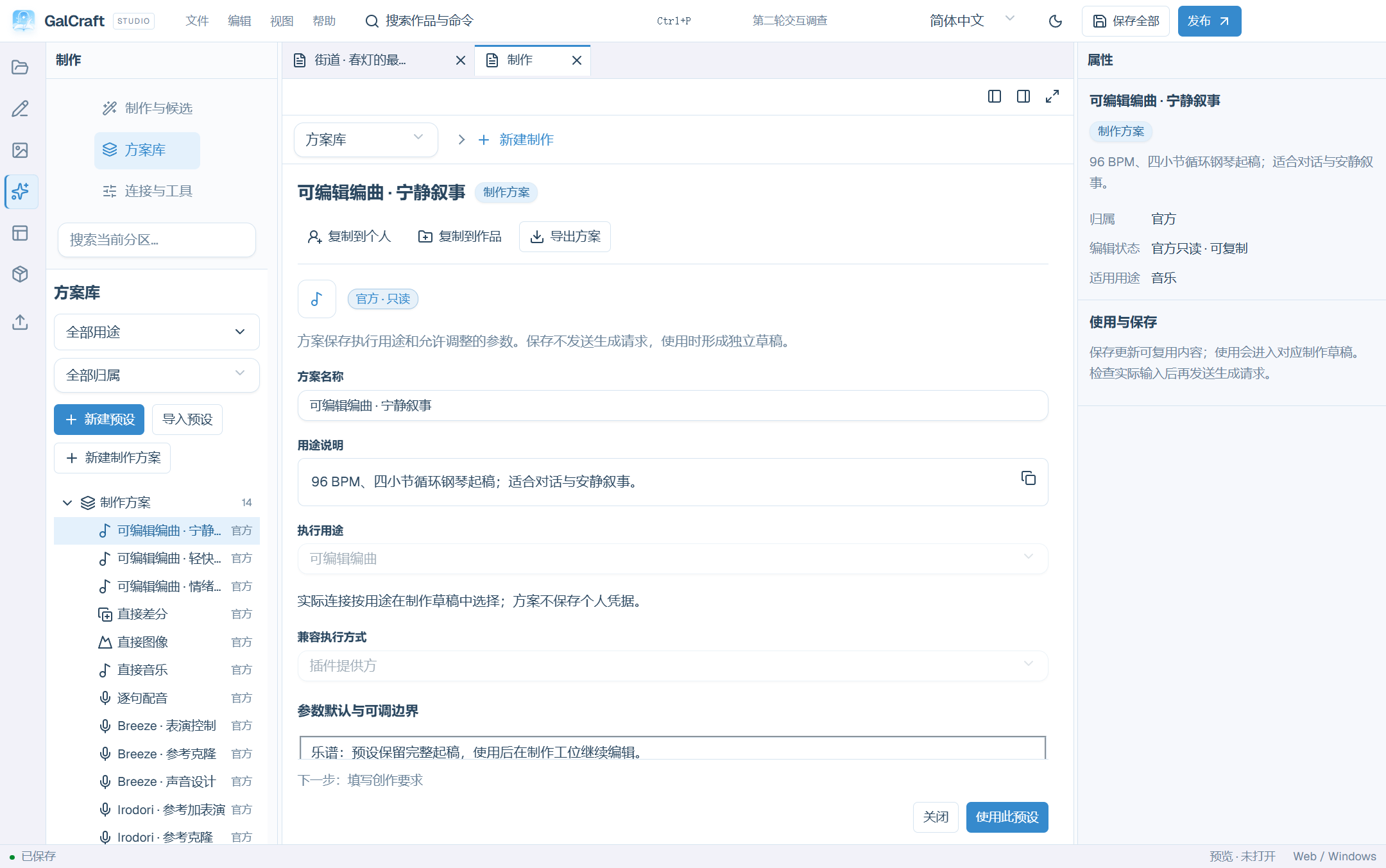
Assets and production
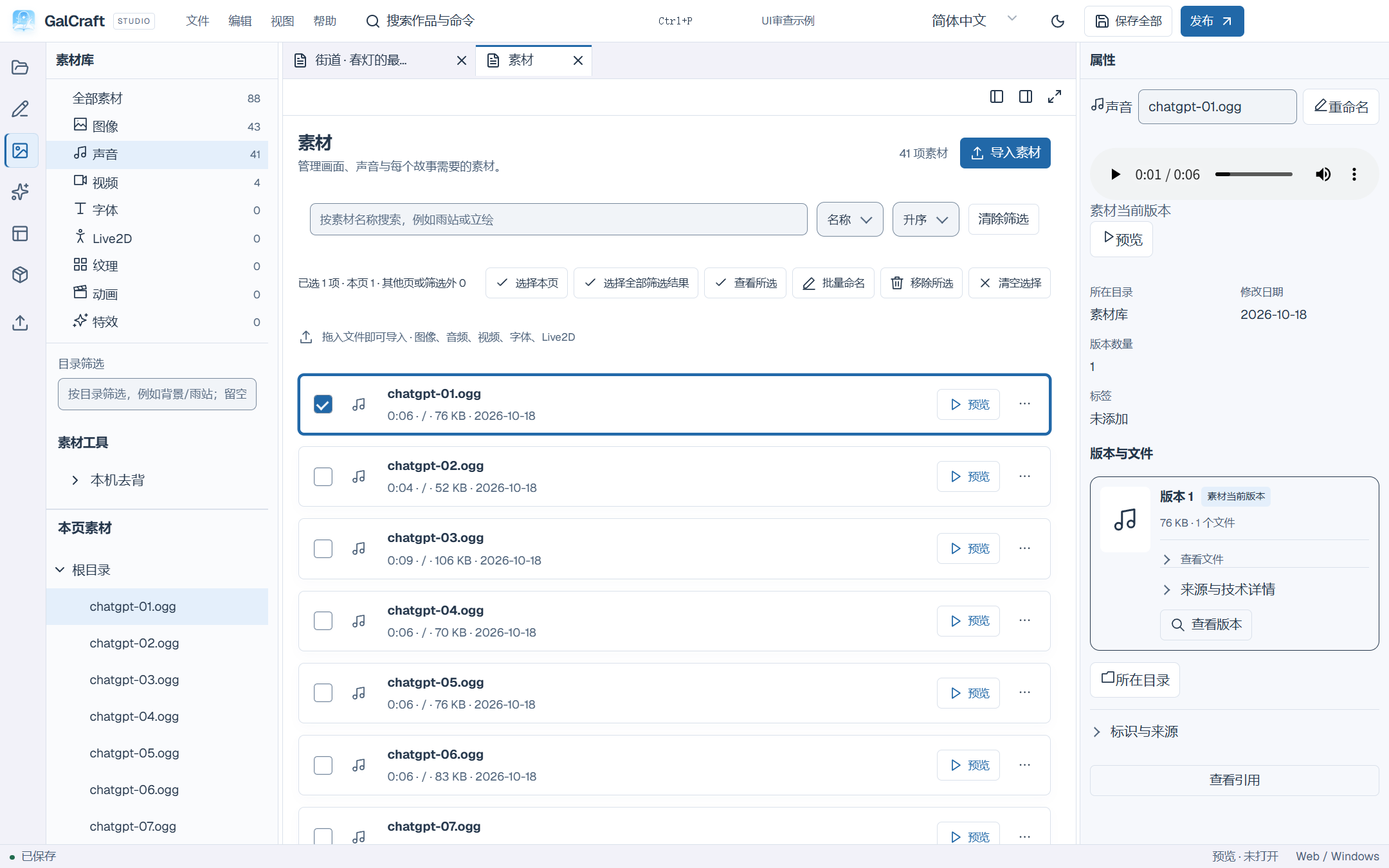
asset preview and version identity
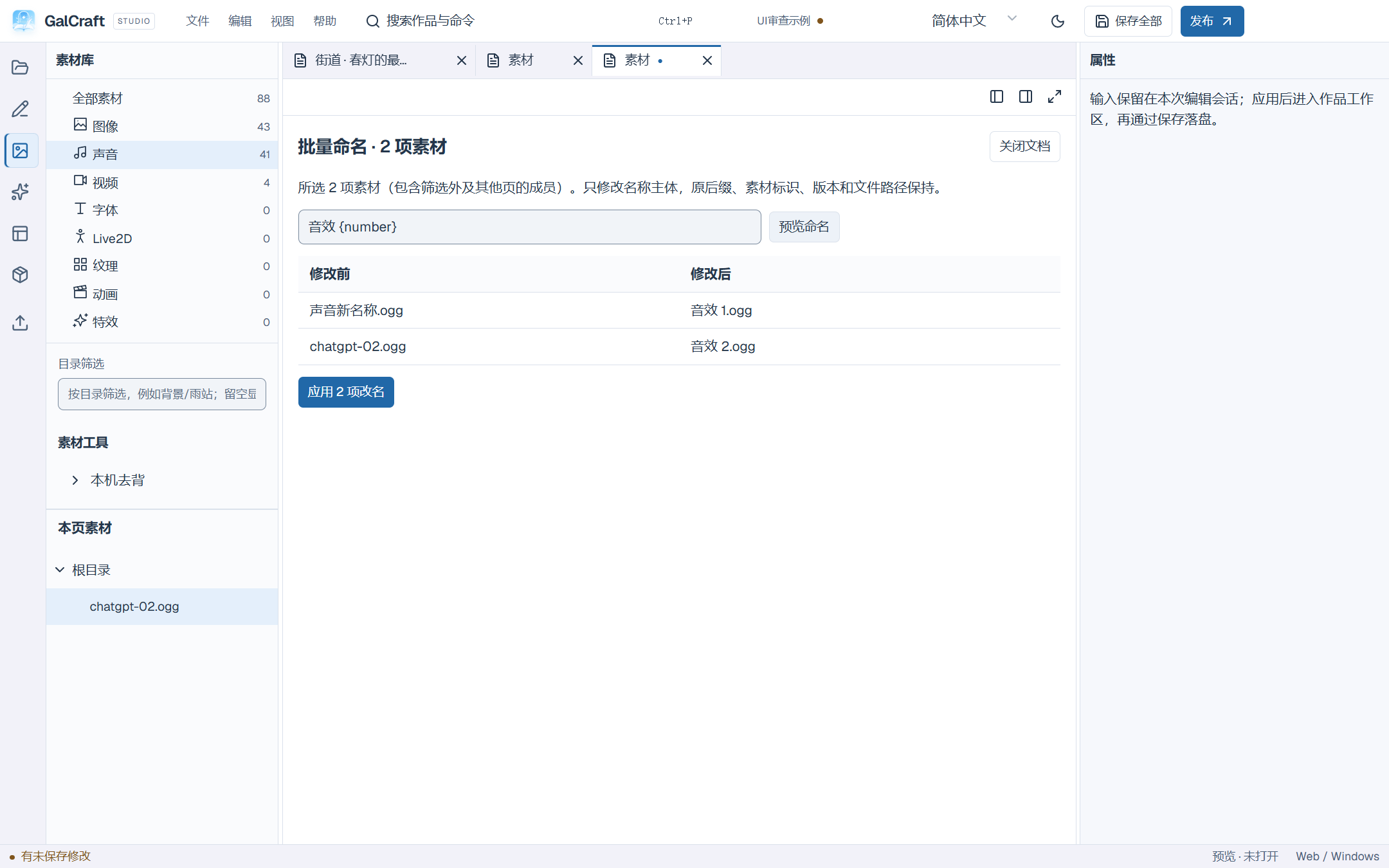
Batch rename retains each original suffix
Help and plugins
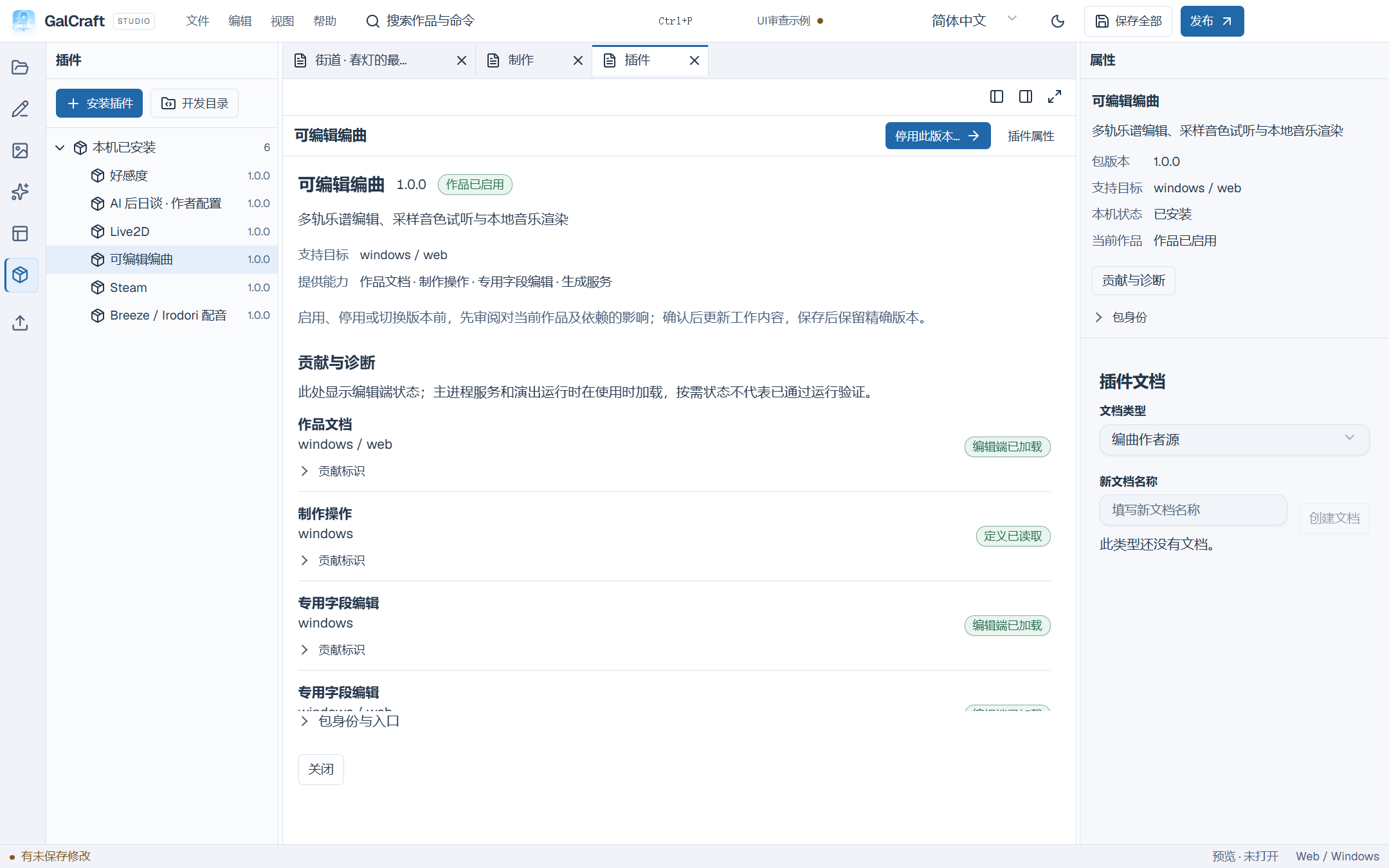
Plugin purpose, version and project status
Publishing and Player
Publishing actions clear save notifications at900px
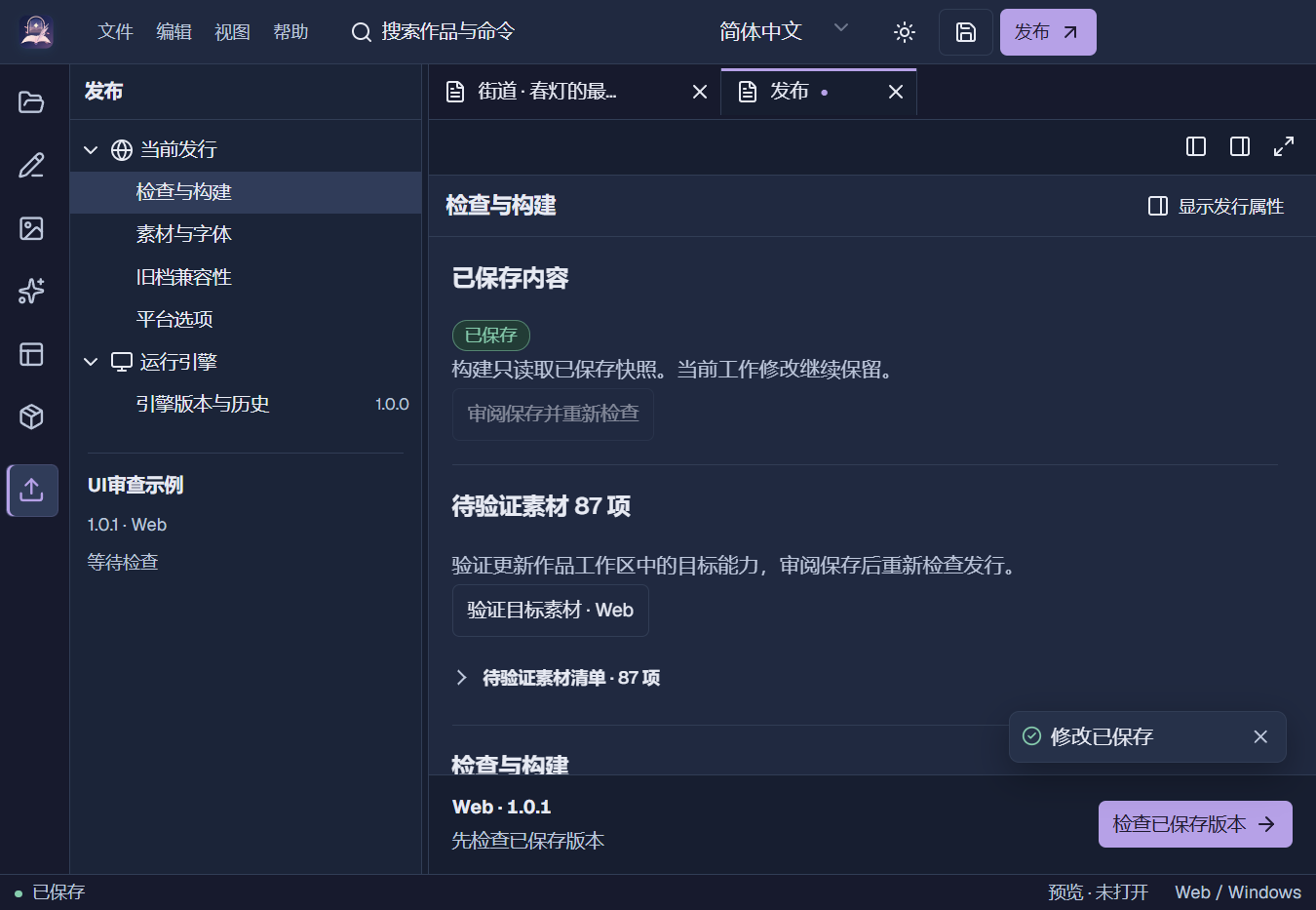
Projects and files
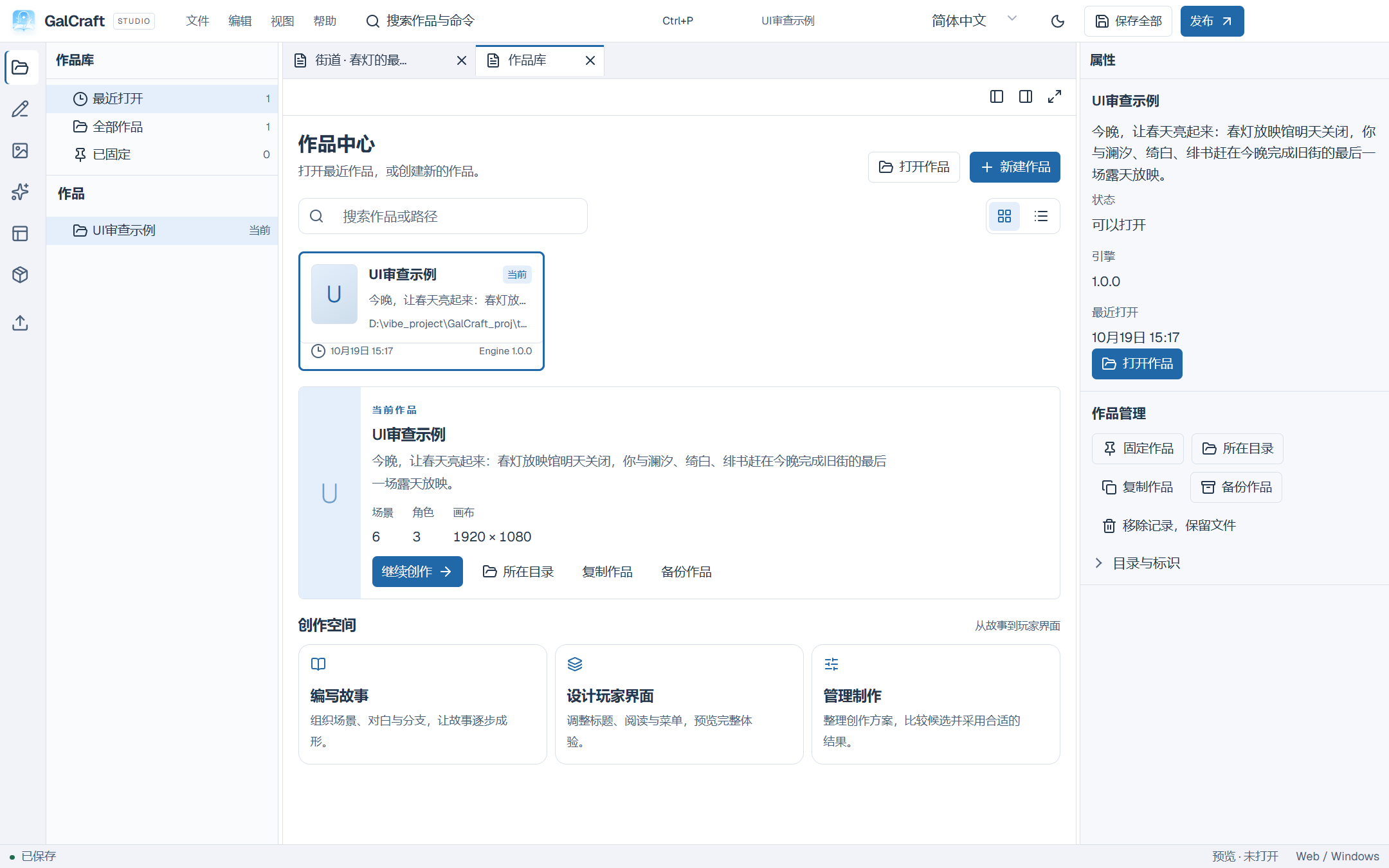
Project library and contextual navigation
Authoring and examples
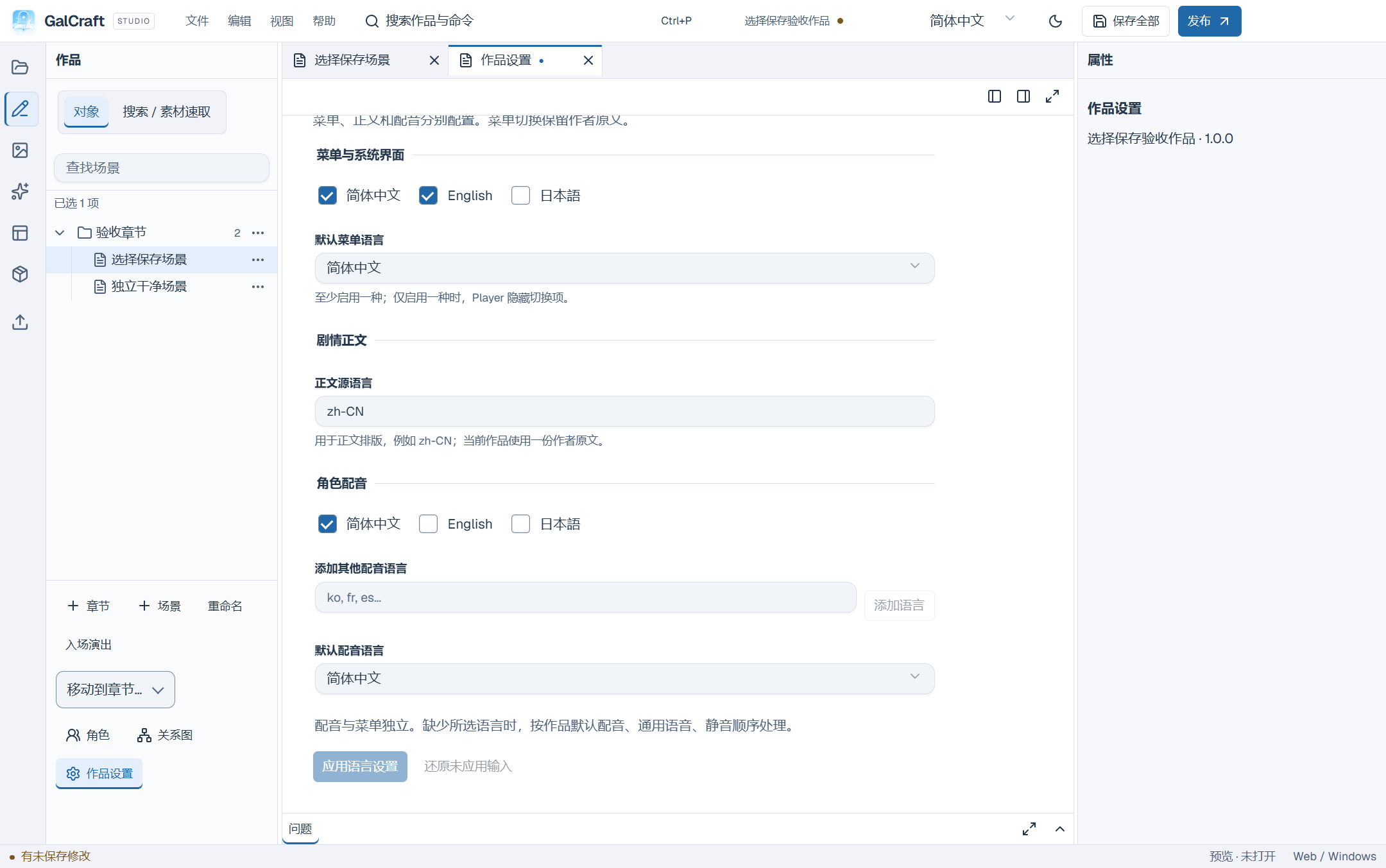
Project menu, text and voice languages
Stage weather presets and effect type
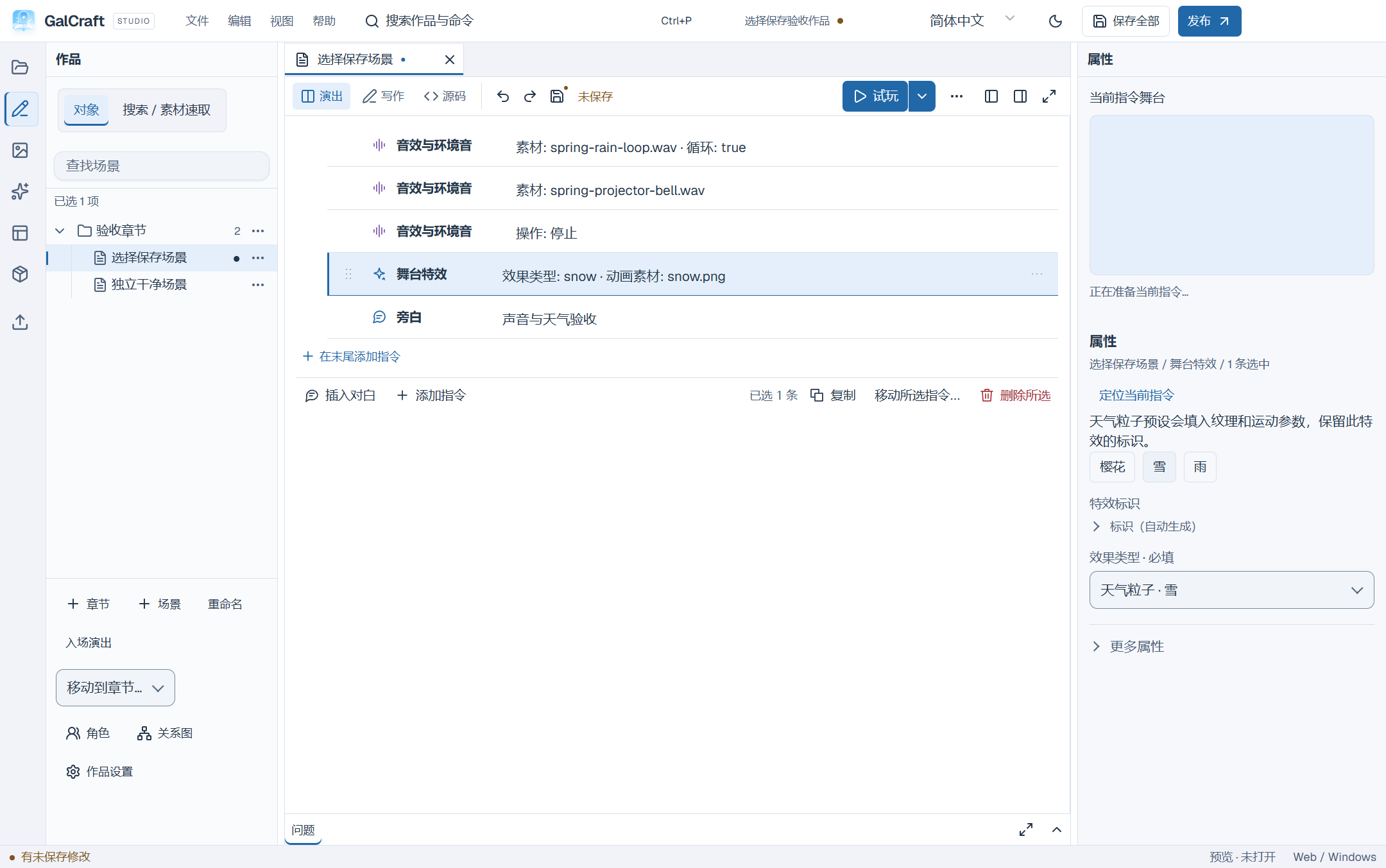
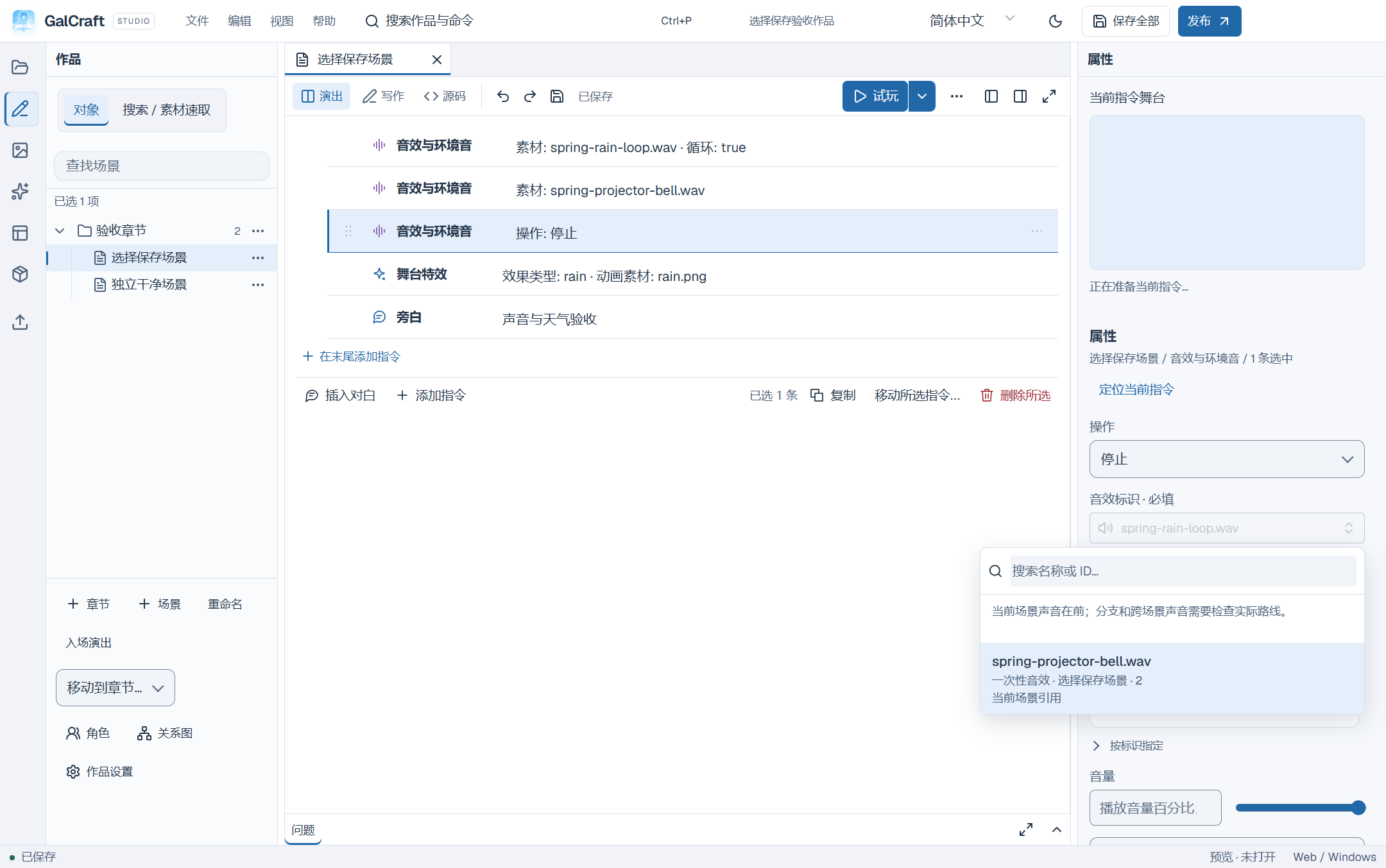
Selecting the sound object to stop
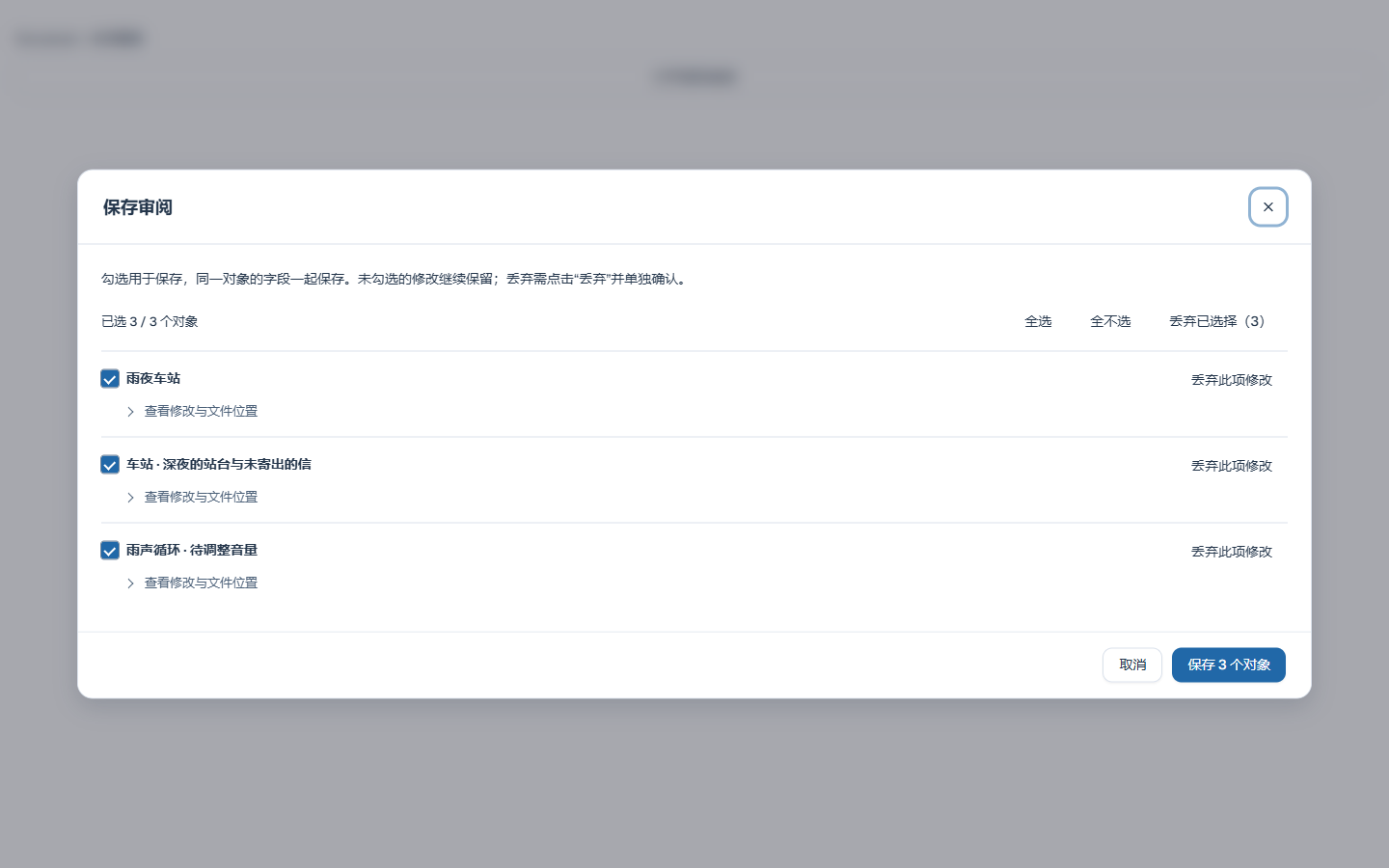
Object save selection and discard
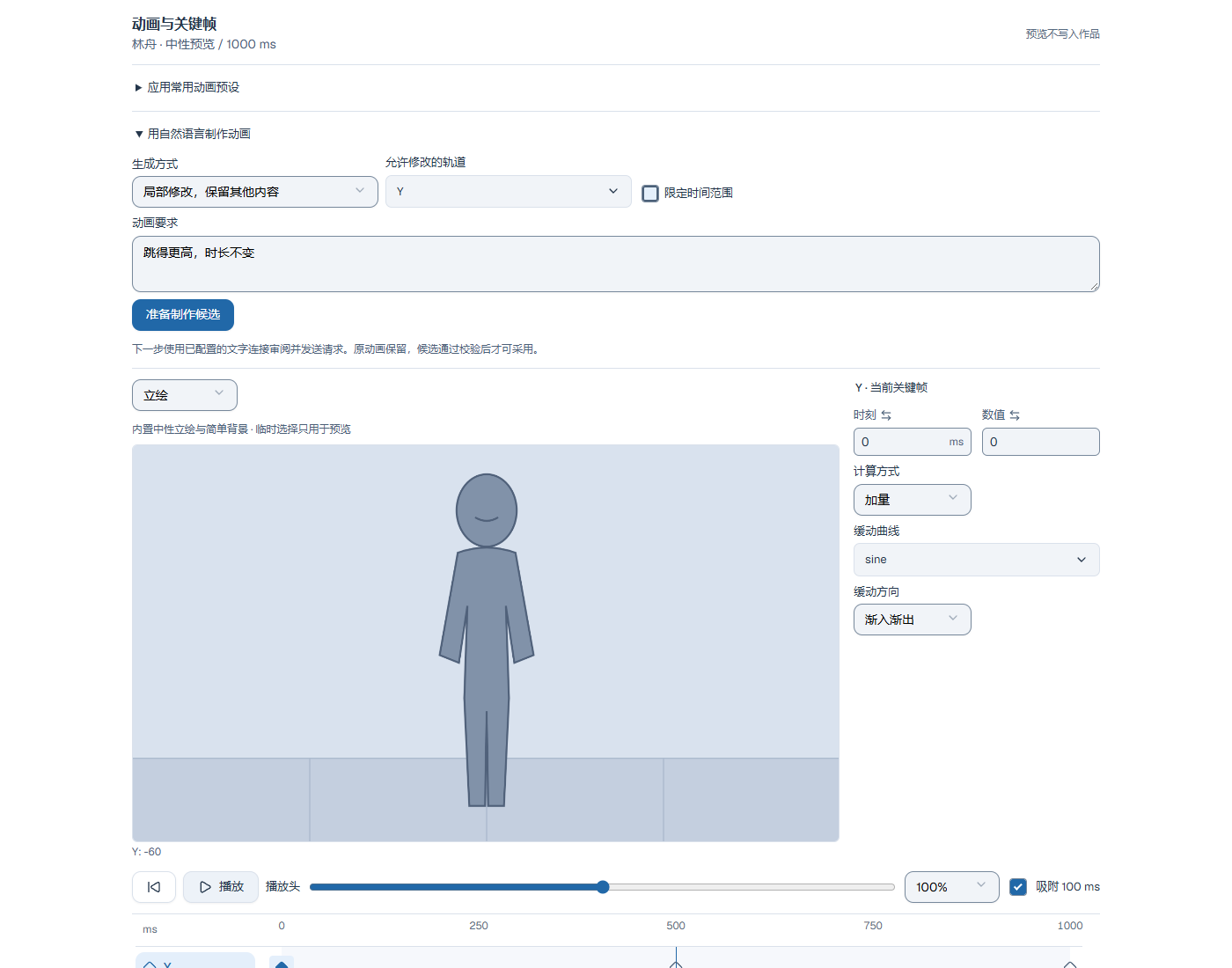
Local GCA edits and stage
Afterstories and animation
Direct composite-animation presets and readable names
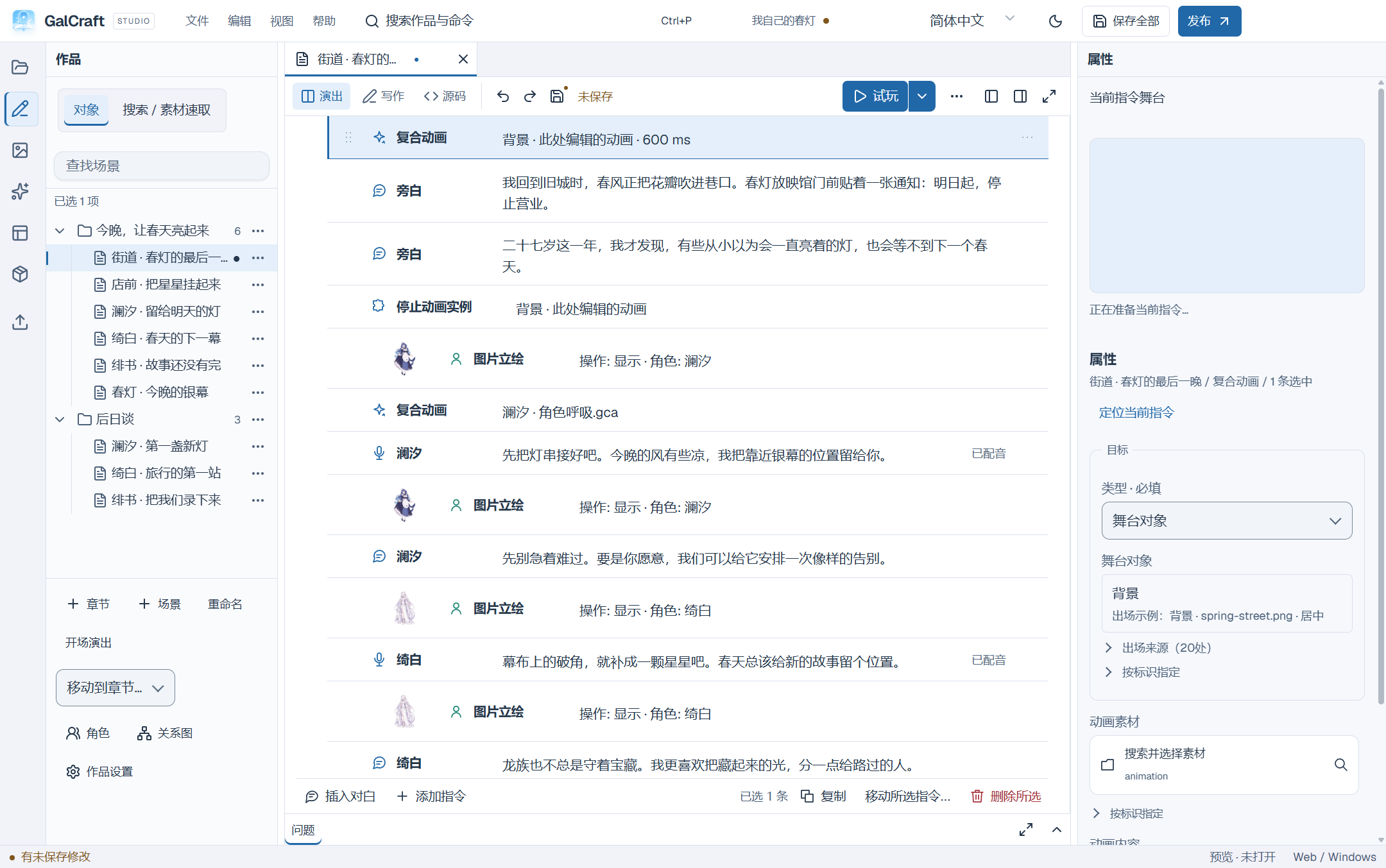
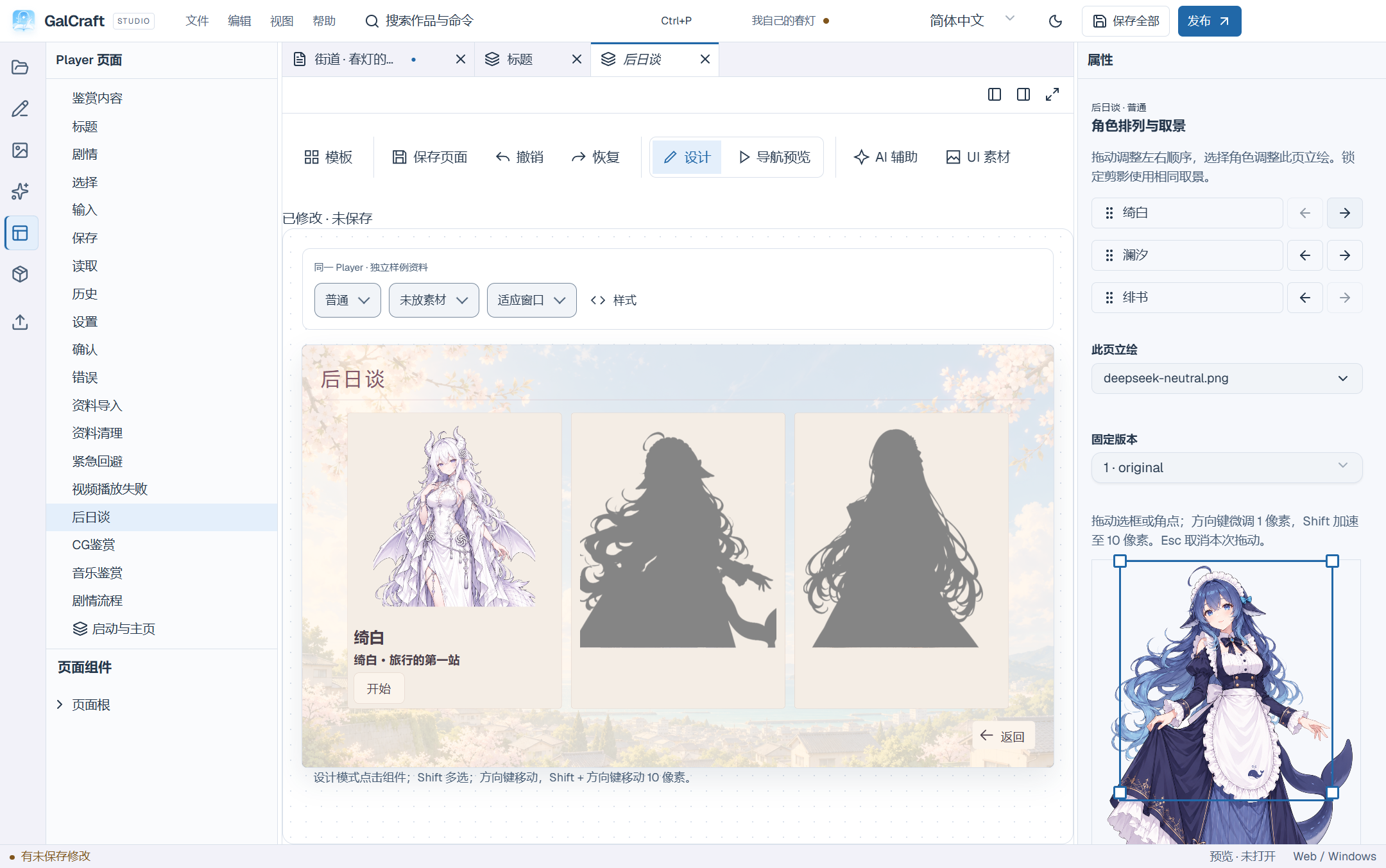
Per-character ordering and framing
Projects and publishing
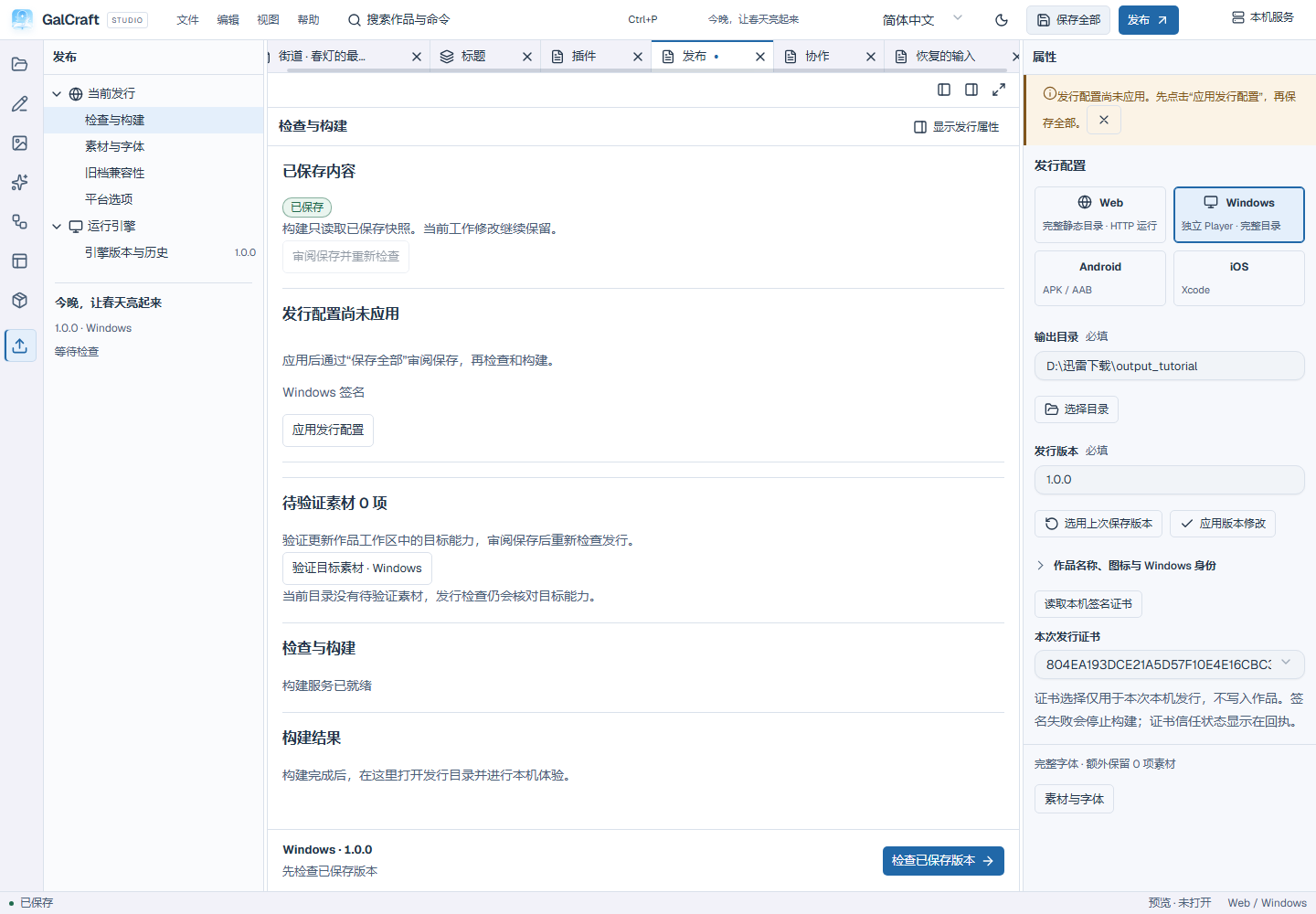
Pending publishing fields and direct actions
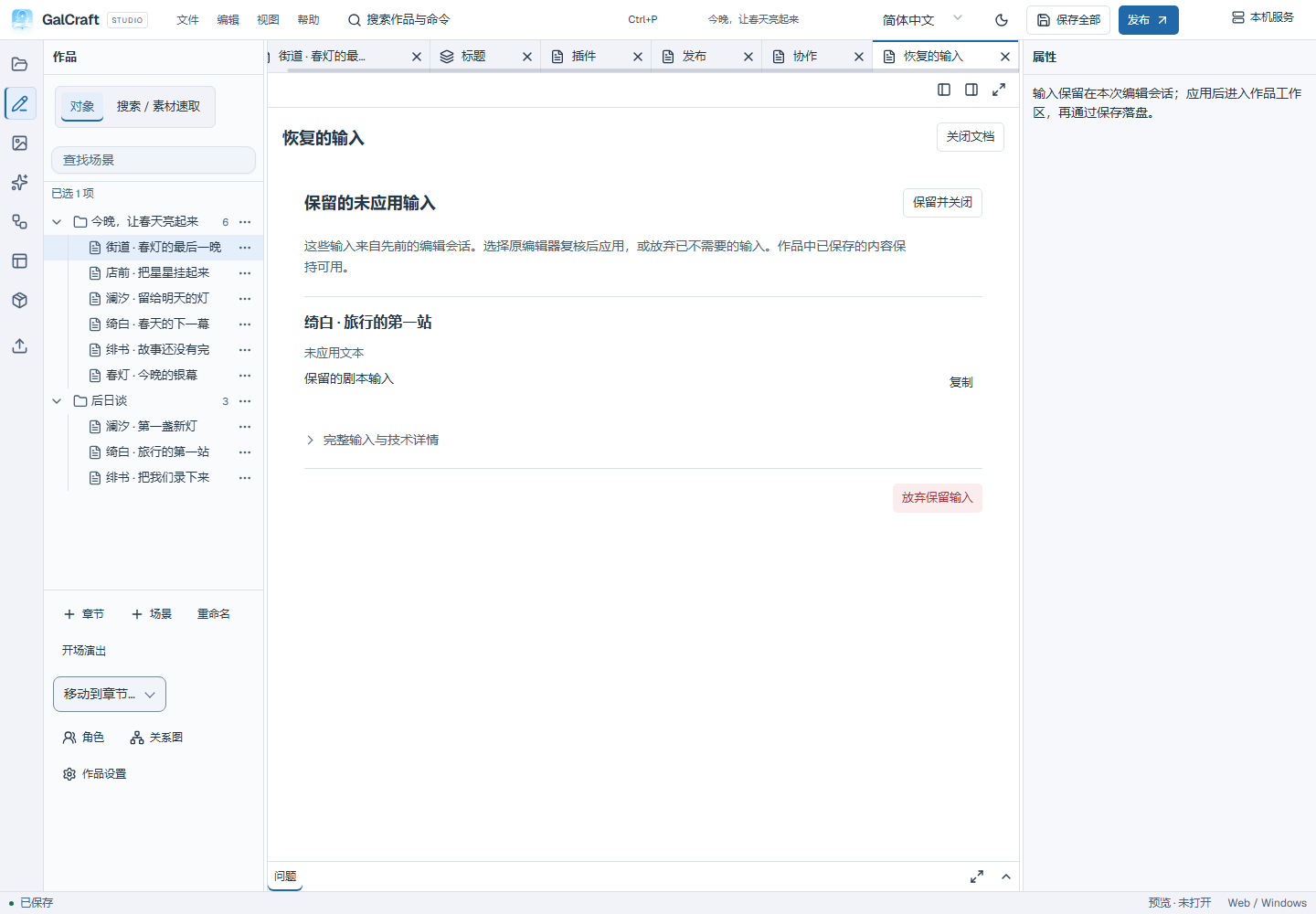
Retained input review and collapsed technical details
Player cards and navigation
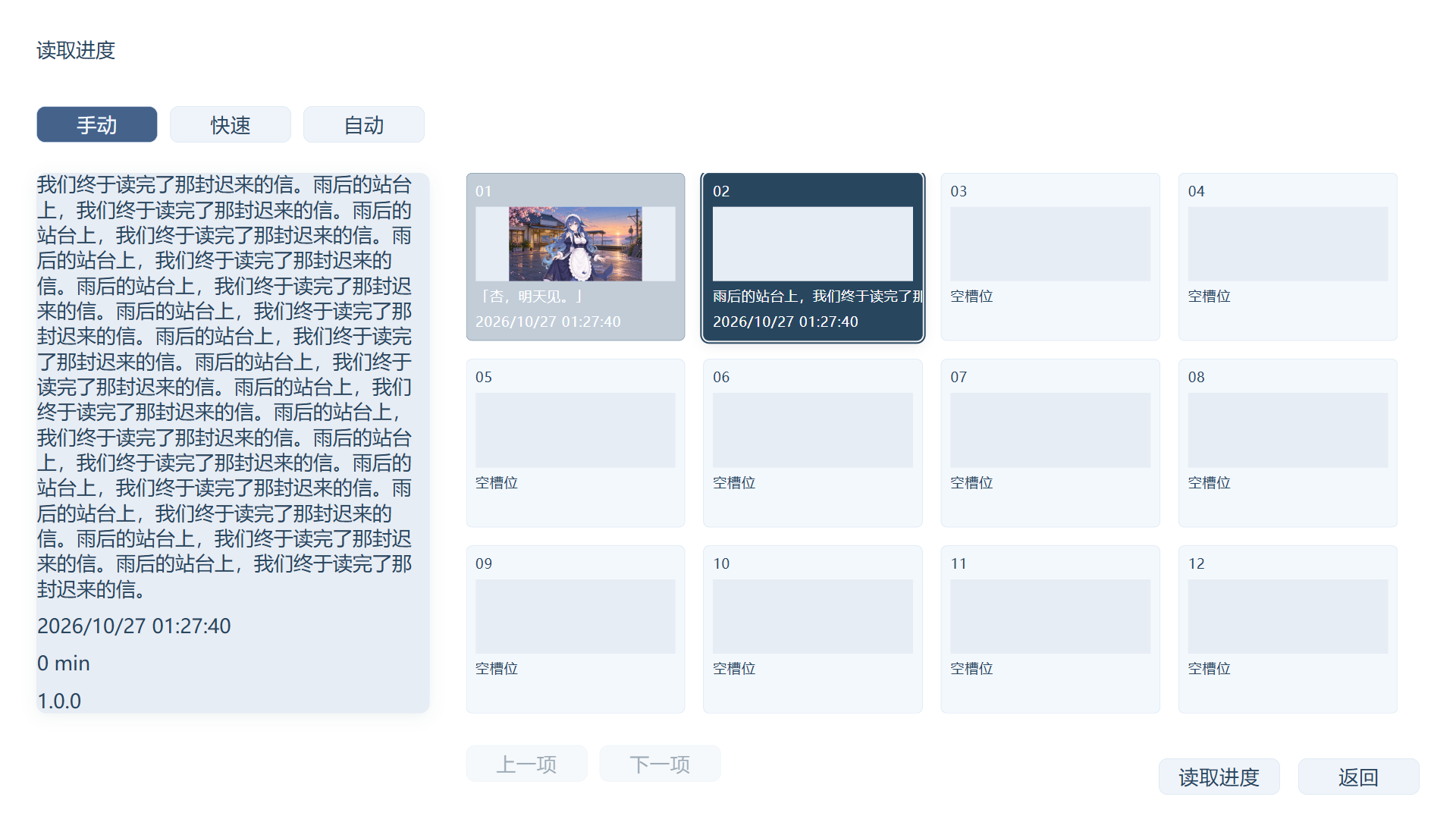
Save-card selection states and scrollable details
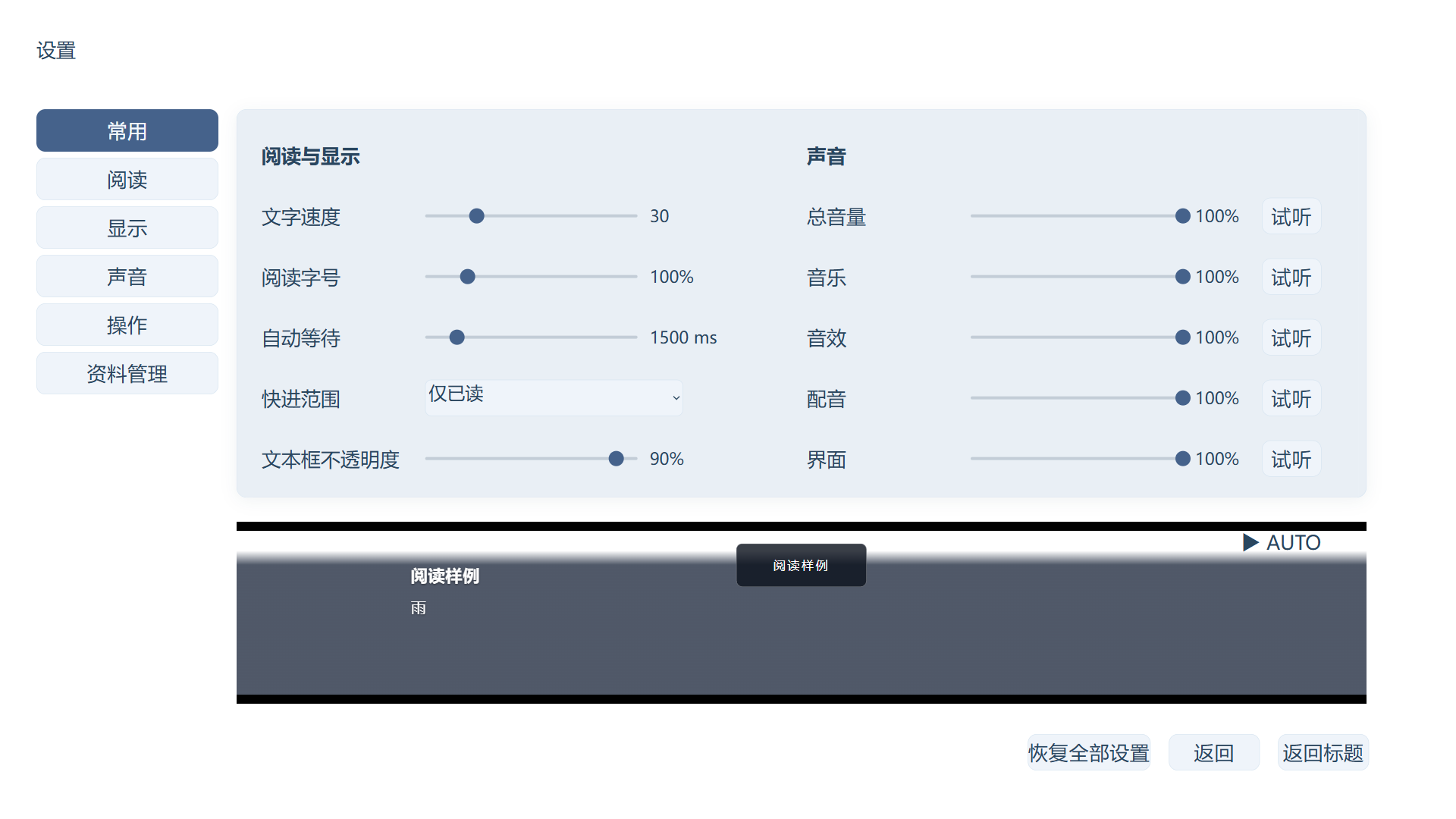
Return and Return to title in Settings
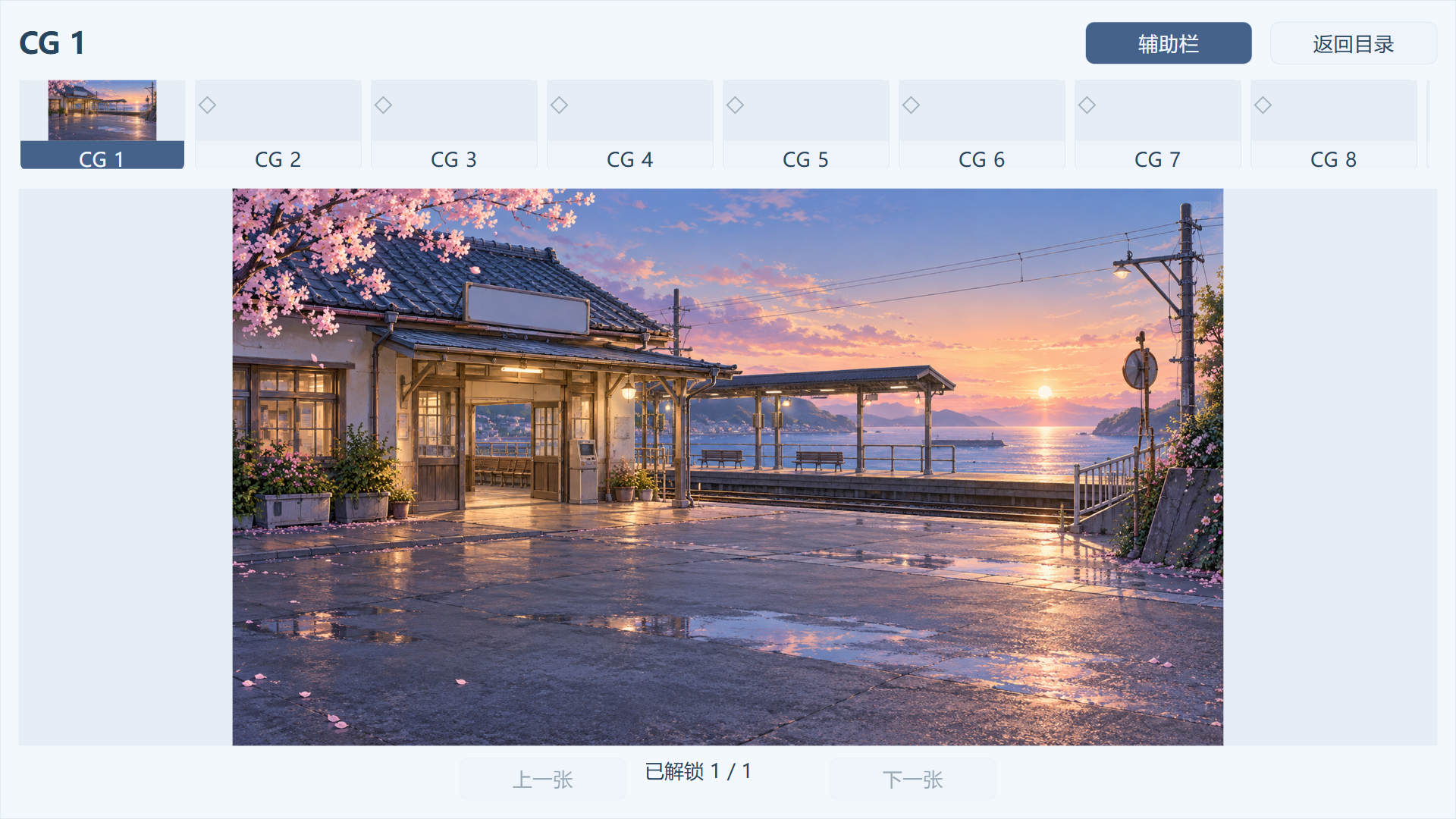
Single-difference CG viewer
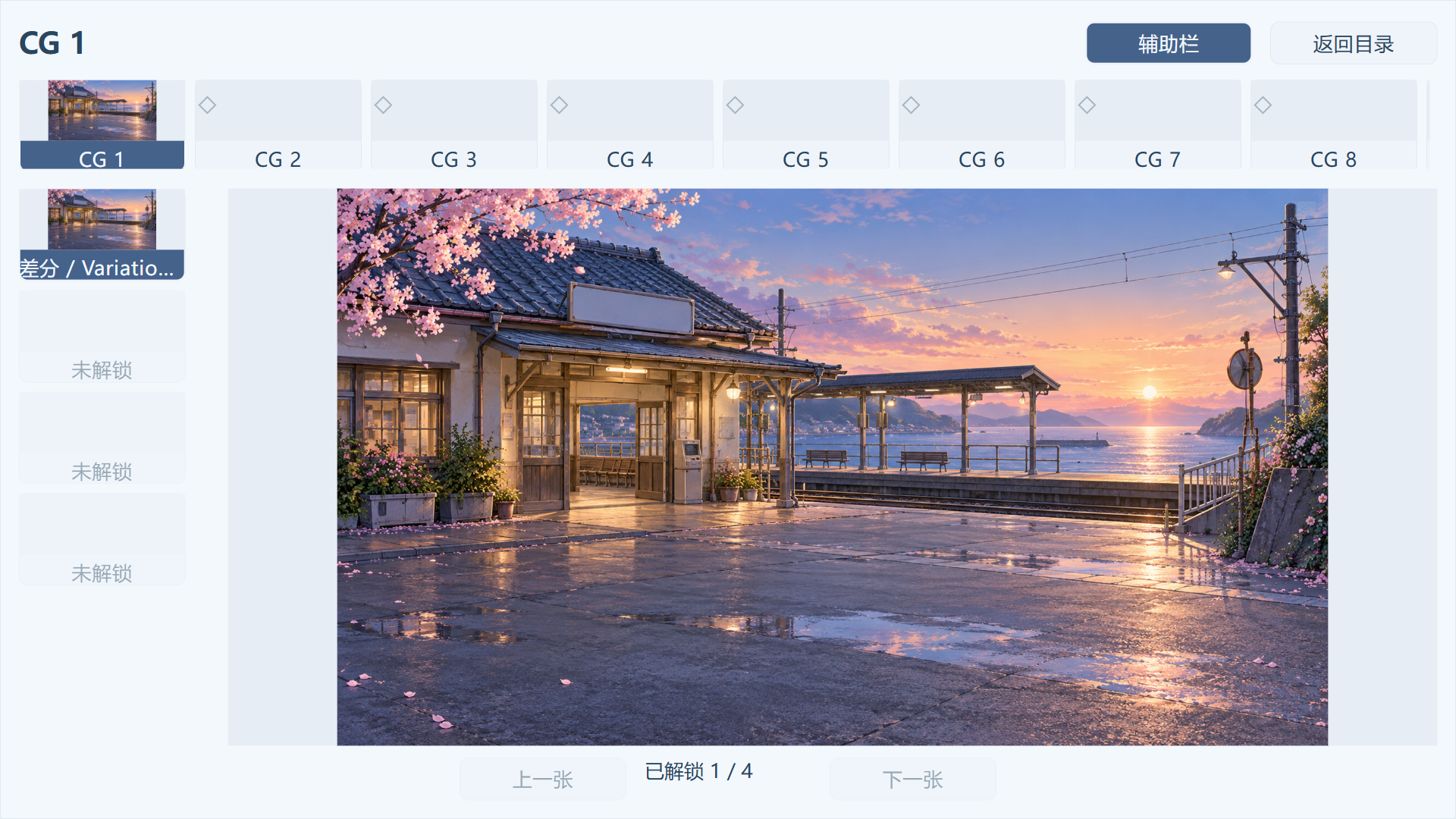
Multiple-difference CG viewer
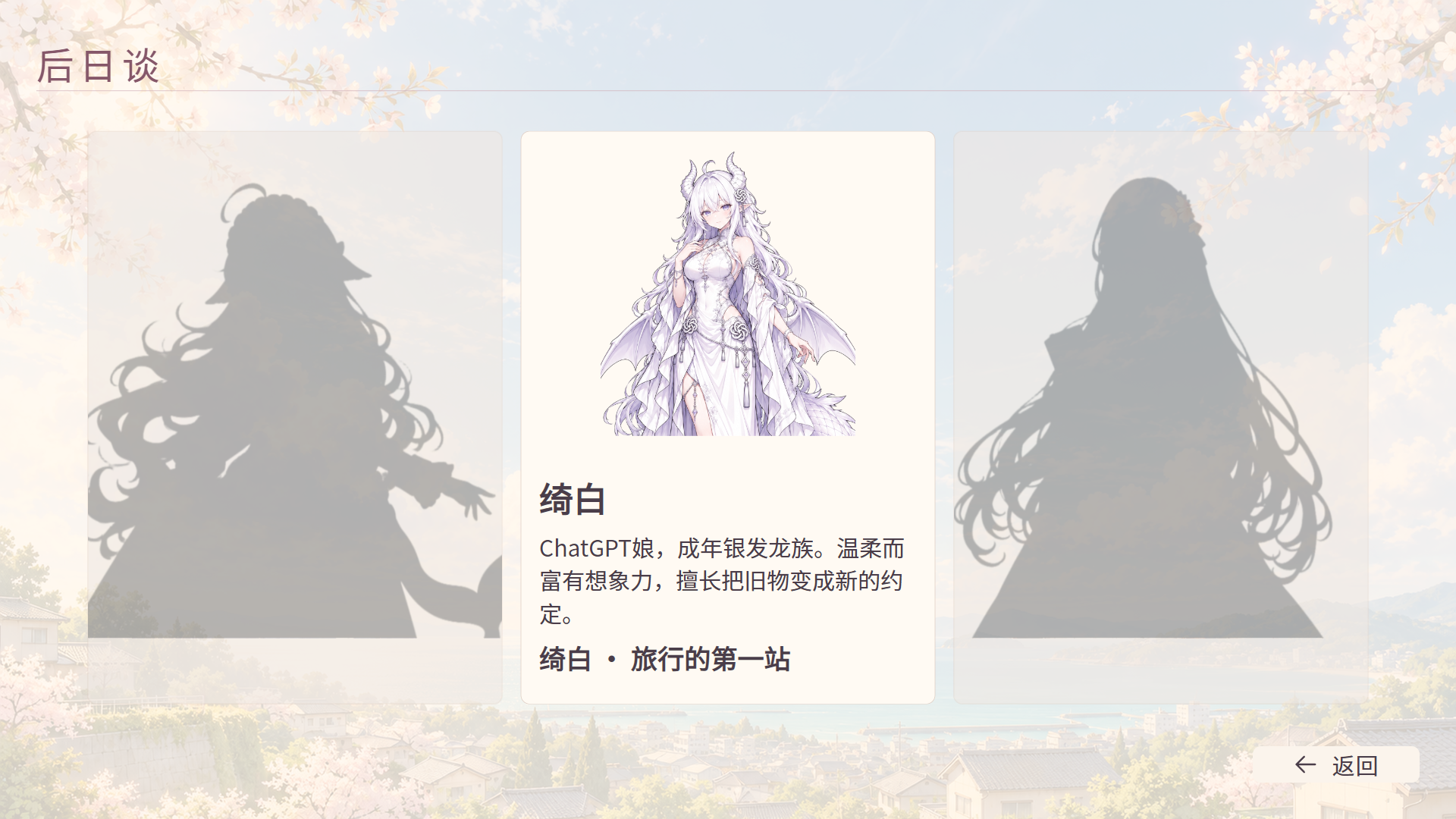
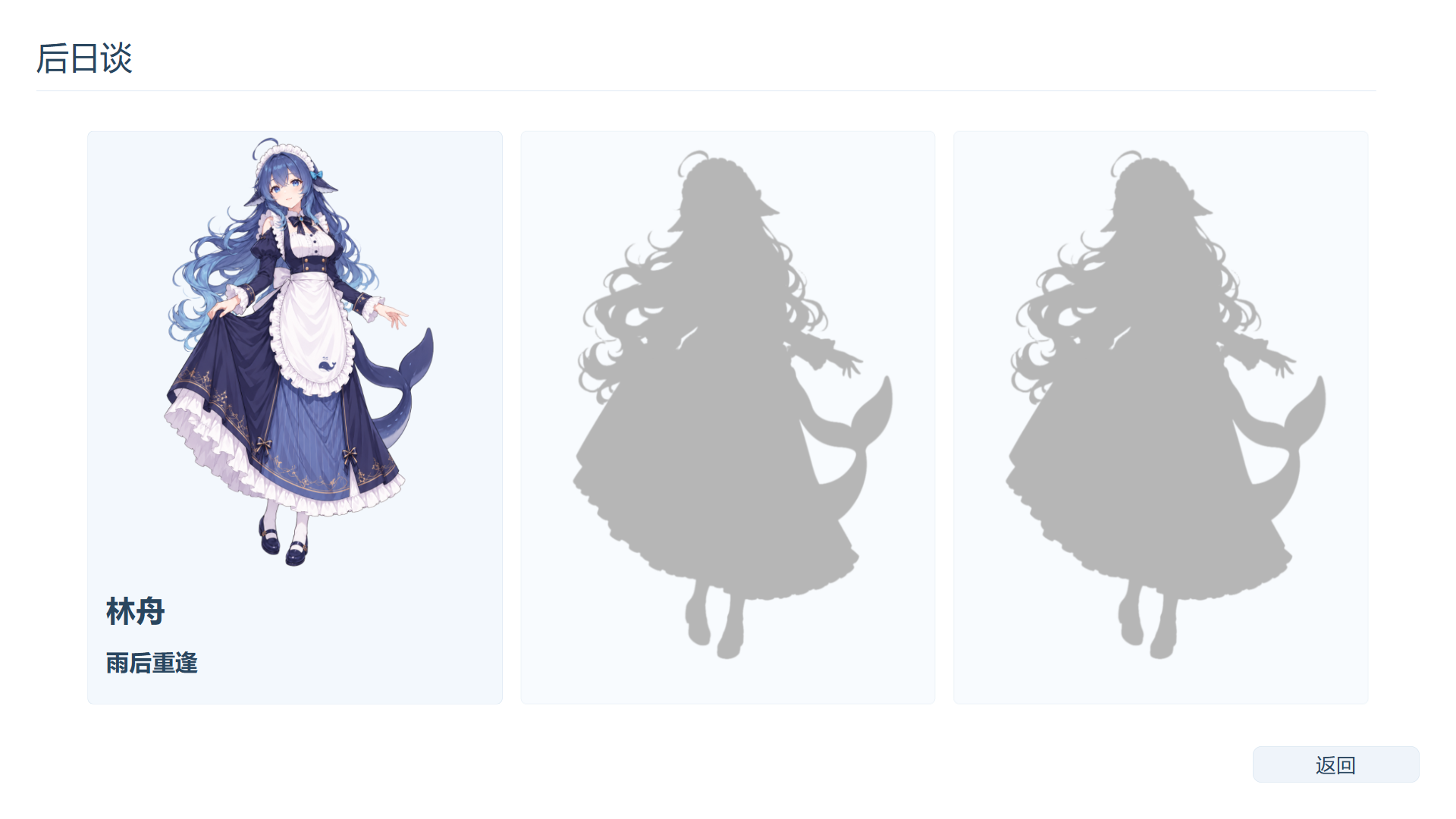
Whole afterstory cards and locked silhouettes
Pages and assets
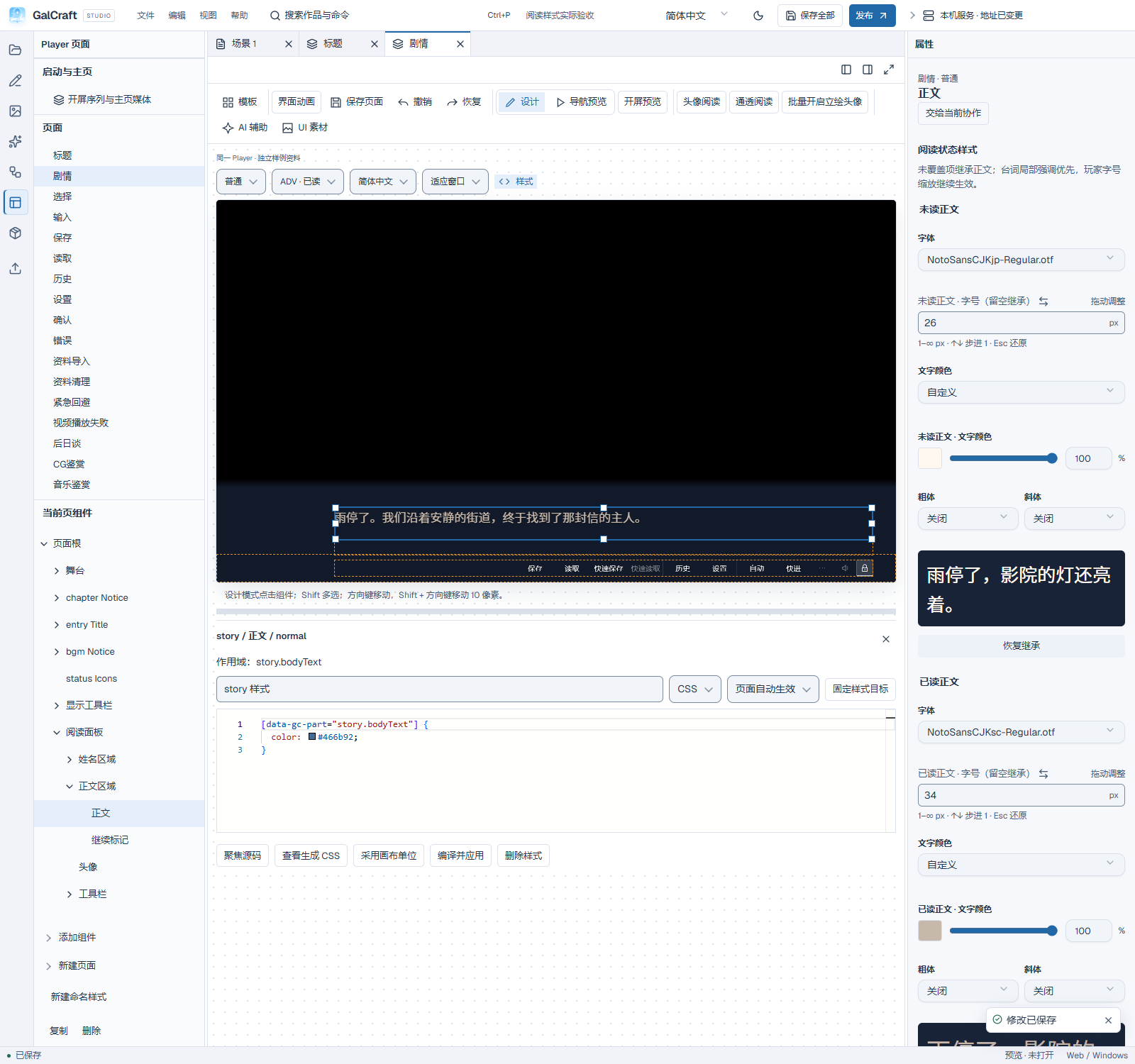
Unread/read text styles and font preview
Publishing and Player
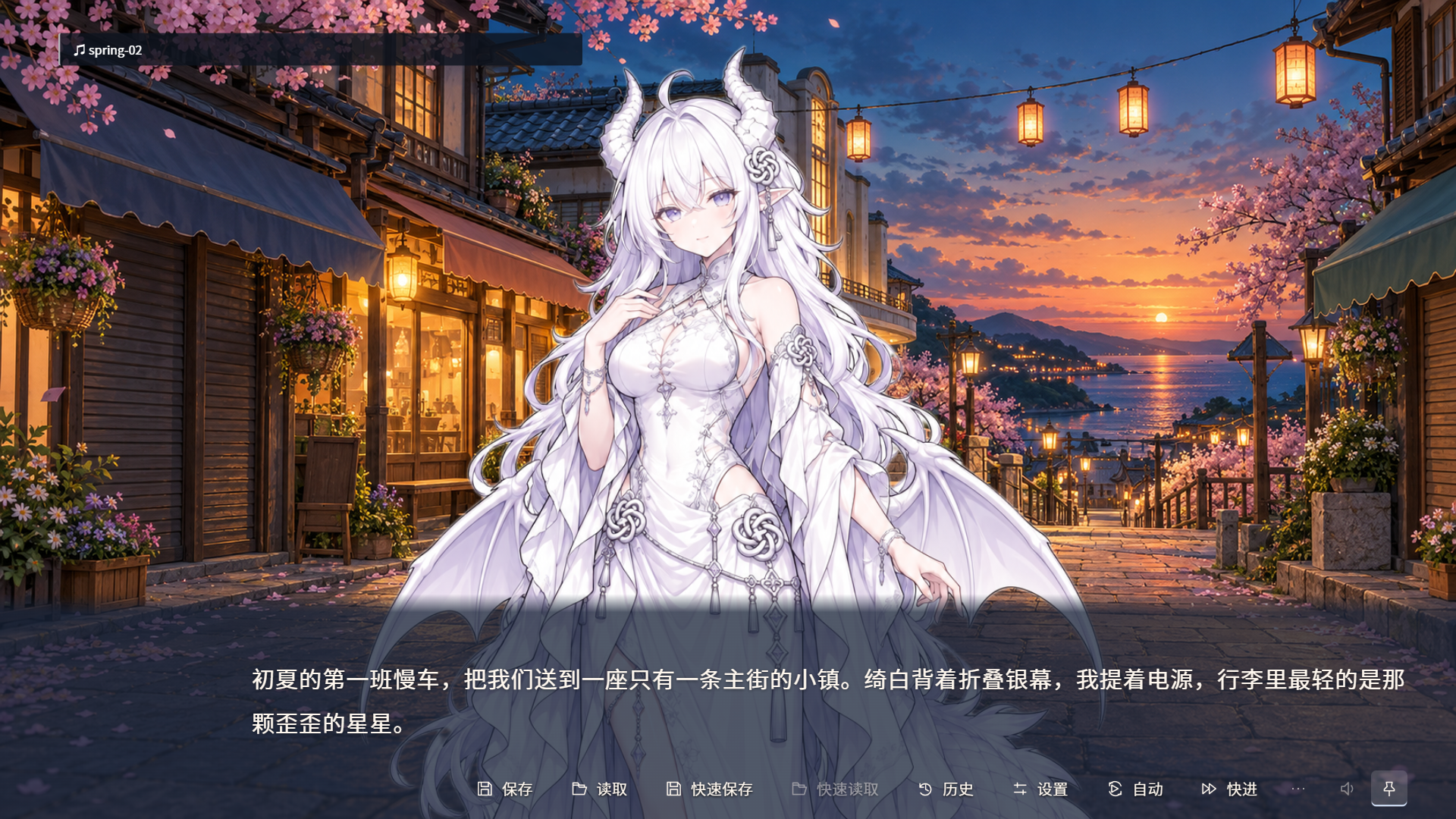
First line after entering an ordinary afterstory in Windows Player
Afterstory directory and whole-card entry